WeWeb
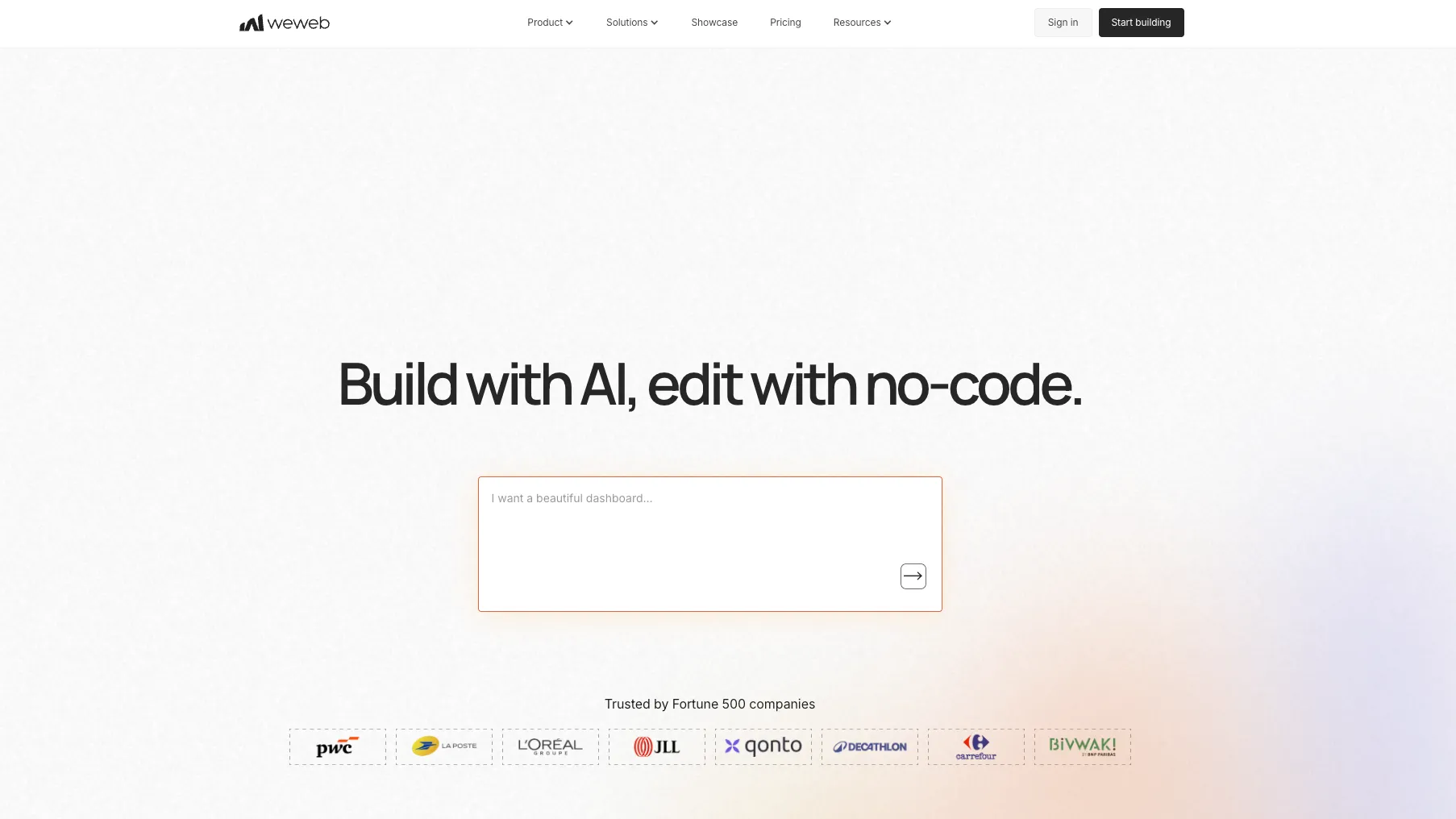
WeWeb is an AI-powered no-code web app builder for creating production-grade SaaS apps, portals, dashboards, internal tools, and business workflows. It combines prompt-based generation with a visual editor, built-in backend capabilities, external data integrations, code export, self-hosting, and MCP access for agent-driven development.
Choose WeWeb when you want AI-assisted web app creation with visual control, backend flexibility, and exportable frontend code; choose a code-first AI IDE or framework when repository ownership and custom engineering are the center of the workflow.
Pricing Plans
Free Seat
Free builder seat for prototyping with limited AI tokens and WeWeb-branded publishing.
Essential Seat
Adds code export, self-hosting, GitHub sync, daily backups, and higher AI token limits.
Pro Seat
Team collaboration, more AI tokens, hourly backups, and unlimited manual backups.
Partner Seat
Agency-oriented plan with client workspace access, transfers, staging, and partner benefits.
WeWeb Cloud Hosting
Optional hosting plans are separate from seat plans and scale by domain, bandwidth, sessions, database, and storage.
Enterprise
Custom support, security, hosting, compliance, and organization requirements.
Core Features
1AI App Generation
- Natural-language app generation
- AI-generated pages and layouts
- AI-generated workflows and formulas
- AI-assisted backend and data setup
- AI-generated custom components
2Visual Frontend Builder
- Drag-and-drop responsive editor
- 60+ native UI elements
- Design system support
- Figma import workflow
- Custom CSS, JavaScript, and Vue.js components
3Backend & Data
- WeWeb Tables on PostgreSQL
- Visual API and backend workflow builder
- Authentication and role management
- Server-side logic and middleware
- Built-in views, filters, and relational data handling
4Integrations
- Supabase integration
- Xano integration
- REST API support
- GraphQL API support
- Auth0, OpenID, Stripe, Airtable, Google Sheets, OpenAI, and other integrations
5Deployment & Ownership
- One-click WeWeb hosting
- AWS CDN-based app delivery
- Vue.js SPA code export
- Self-hosting on external infrastructure
- GitHub sync on paid plans
6Agent & Developer Workflow
- WeWeb MCP server
- Compatible with ChatGPT, Claude, Cursor, VS Code, Codex, and Claude Code clients
- Public API
- Workflow debugger
- PWA support and custom scripts
Pros
- Strong fit for real web apps rather than simple landing pages.
- AI generation remains editable in a full visual editor instead of becoming a black box.
- External backend flexibility makes it practical with Supabase, Xano, REST, and GraphQL stacks.
- Vue.js code export and self-hosting reduce platform lock-in compared with many no-code builders.
- MCP support makes WeWeb useful inside agent-assisted development workflows.
Cons
- Not a code editor or AI IDE for editing an existing repository.
- More powerful than beginner builders, but also more technical to configure well.
- Seat plans and hosting plans are separate, so total cost depends on both builder access and deployment needs.
- Self-hosting can break features that depend on WeWeb-managed microservices.
- Complex apps still require careful data modeling, security rules, API design, and performance planning.
Why Choose WeWeb?
WeWeb is strongest when the goal is to build a real web application quickly without giving up too much architectural control. It sits between simple no-code site builders and code-first AI development tools: users can generate an app with AI, refine the result visually, connect real data, add logic, and still export a Vue.js frontend when ownership matters.
The key distinction is that WeWeb is not only a prompt box. AI can start the work, but the application remains editable through a structured visual environment. That makes WeWeb more practical for iterative product work, where prompts are useful at the beginning but precise control becomes more important once the app has real users, roles, workflows, and data.
Core Workflow
A typical WeWeb project starts with an app idea, a data model, or an existing backend. The builder can prompt WeWeb AI to create screens, components, workflows, and data structures, then move into the editor to adjust layout, states, bindings, permissions, and interaction logic.
The workflow becomes more technical as the project grows. Builders need to decide whether data lives in WeWeb Tables, Supabase, Xano, Airtable, a custom REST API, or GraphQL. They also need to decide which logic runs in the browser, which logic runs server-side, and which backend should enforce permissions. This separation is powerful, but it rewards careful architecture.
MCP adds another workflow path. Instead of doing everything inside the browser editor, users can connect compatible AI clients to the WeWeb MCP server and ask an agent to inspect or modify a project. Because MCP actions can affect real projects, it is better treated as a controlled development accelerator than an unattended production automation layer.
Use Cases
WeWeb is a good fit for SaaS MVPs, customer portals, admin panels, marketplaces, directories, approval workflows, dashboards, onboarding flows, booking tools, and internal business apps. It is especially useful when the frontend needs to look custom and the app needs to work with external systems.
Agencies can use WeWeb when clients need more than a marketing site but do not justify a fully custom engineering team. Product teams can use it to validate workflows before committing to a full codebase. Technical founders can use it as a faster frontend layer while keeping data and business rules in a backend they control.
Comparison to Alternatives
Compared with Bubble, WeWeb feels more modular and frontend-oriented. Bubble is an all-in-one no-code environment with a large ecosystem, while WeWeb often appeals to teams that want cleaner separation between frontend, backend, and deployment.
Compared with Softr, WeWeb offers more interface and workflow control, but Softr can be easier for lightweight portals and database-backed business apps. The choice depends on whether speed and simplicity matter more than custom product behavior.
Compared with Webflow, WeWeb is more application-oriented. Webflow is excellent for design-driven websites and CMS-driven marketing pages, while WeWeb is better suited to user accounts, APIs, app state, workflows, dashboards, and authenticated product experiences.
Compared with Lovable, Bolt.new, or Replit Agent, WeWeb is less code-first and more editor-first. Code-generating AI tools can be stronger when developers want a normal repository and framework from the beginning. WeWeb is better when the team wants to keep building visually after the first generation step.
Best Configuration
For a serious production app, start by choosing the backend strategy before polishing the UI. If the app handles sensitive or relational data, permissions should be enforced at the backend or server-side layer, not merely hidden in the interface. WeWeb can display and orchestrate complex flows, but security still depends on how data is exposed.
For founders and small teams, a common setup is WeWeb for the frontend plus Supabase or Xano for backend logic and auth. For teams that want a more unified builder, WeWeb's native backend features can reduce the number of tools involved. For teams planning to self-host, it is important to avoid depending on features that only work through WeWeb-managed microservices.
Migration Notes
Migrating from Bubble to WeWeb is usually not a direct export-and-import exercise. The important step is to separate the product into frontend screens, data structures, workflows, authentication, and backend rules. Rebuilding with a clearer frontend/backend split can improve maintainability, but it requires planning.
Migrating from Webflow is different: marketing pages may need to be rebuilt as application screens, and CMS-style content may need to move into a database or API. WeWeb can handle app-like interactions better than a website builder, but it is not a drop-in replacement for every Webflow CMS pattern.
If the long-term plan is code ownership, test code export early. Exported Vue.js frontend code can reduce lock-in, but exported projects still need external infrastructure, monitoring, backend services, and replacement patterns for WeWeb-dependent integrations.
Best For
- Founders building SaaS MVPs
- Teams creating customer portals
- Agencies building client web apps
- Internal tool builders who need custom UI control
- Builders who want Supabase, Xano, REST, or GraphQL backend flexibility
- Teams that want no-code speed with a path to code export and self-hosting
- AI-agent users who want MCP access to a visual app builder
Not Ideal For
- Developers looking for a local AI code editor like Cursor or Windsurf
- Mobile-first teams that need native iOS and Android apps without wrappers
- Beginners who only need a simple static website or landing page
- Projects that require full backend source-code ownership from day one
- Apps that cannot tolerate any hosted SaaS dependency during the build process
- Teams unwilling to think through API security, roles, and backend data exposure
Privacy Notes
WeWeb can be used as a hosted SaaS builder or with exported/self-hosted apps, but app builders remain responsible for authentication, authorization, data privacy, and backend configuration. WeWeb documentation warns that UI-only hiding does not secure data, and self-hosted projects may lose features that depend on WeWeb microservices. MCP is currently documented as beta, and tool calls can create, edit, or delete real project resources, so production projects should use narrow permissions and careful review.
Alternatives
Sources
Update History
- Jun 30, 2026: Created directory entry and checked official WeWeb website, docs, AI, frontend, backend, MCP, code export, pricing, and privacy pages.
Related Tools
More listings in a similar part of the directory.






WeWeb Articles
Guides, comparisons, and launch notes connected to this listing.