

ServiceNow App Engine
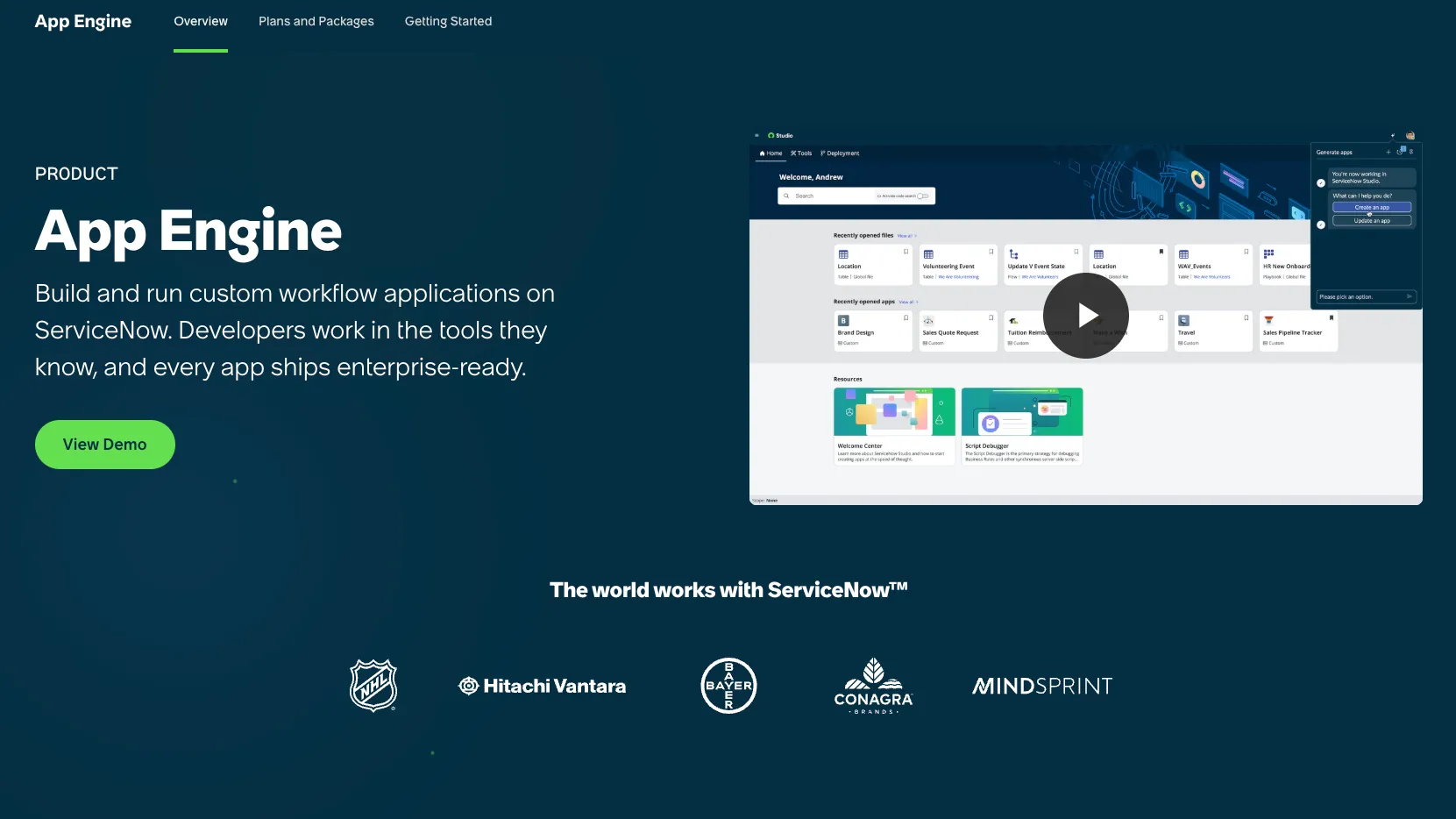
ServiceNow App Engine is an enterprise low-code and AI app development platform for building governed workflow apps and agents on top of ServiceNow data, processes, and lifecycle controls.
Information checked: Jul 2, 2026 ·View sources
Tool details
- Type
- App builders
- Platforms
- ServiceNow AI Platform, ServiceNow Studio, App Engine Studio, ServiceNow IDE, ServiceNow SDK, Visual Studio Code Desktop via SDK workflows, Web apps, Mobile workflows, ServiceNow instances
- Free plan
- No
- Open source
- No
- Bring your own key
- Yes
- Local models
- No
Overview
Best for
- ServiceNow-native custom workflow apps
- Enterprise low-code application development
- Citizen developer governance
- Internal business process automation
- Request and fulfillment workflows
- Apps tied to ServiceNow records, approvals, and audit trails
- AI-assisted app generation inside governed enterprise workflows
- Organizations that want apps and AI agents governed on the same platform
Strengths
- Strong fit for organizations already standardized on ServiceNow workflows and data.
- Build Agent brings prompt-driven app and agent creation into a governed enterprise platform.
- App Engine Management Center helps reduce low-code sprawl across teams and environments.
- Supports both low-code builders and pro-code developers through Studio, IDE, SDK, and external tool integrations.
- Good option for workflow apps that need approvals, records, audit trails, roles, and operational ownership.
- AI capabilities are tied to platform governance instead of living in a disconnected app builder.
Limitations & trade-offs
- Solo developers looking for a low-cost AI coding assistant
- Teams that want plain React, Next.js, or full-code ownership as the main workflow
- Standalone SaaS products outside the ServiceNow ecosystem
- Simple landing pages, content sites, or marketing pages
- Open-source or local-first development workflows
- Teams that do not already use or plan to adopt ServiceNow
- Pricing is sales-led and can be too heavy for small teams, solo builders, or indie SaaS projects.
- Best value depends on existing or planned ServiceNow platform adoption.
- Not a lightweight replacement for Lovable, Bolt.new, v0, or Replit Agent.
- Platform concepts, licensing, governance, and environment management require ServiceNow expertise.
- Custom apps are closely tied to the ServiceNow platform and data model.
- AI-generated workflows and agents still require security, data, and process review before production use.
Get started
Pricing & usage limits
Official pricingContact sales
Learning and experimentation through ServiceNow developer resources and personal developer instances; not a production App Engine subscription.
Sales-led pricing for building, deploying, and governing custom workflow applications on the ServiceNow platform.
Enterprise packaging may include advanced governance, AI, agentic development, lifecycle, support, and scale requirements depending on the customer agreement.
Generative and agentic AI capabilities for custom App Engine applications; availability depends on licensing and platform entitlements.
Pricing checked: Jul 2, 2026 · Subscription, usage limits, and model costs may be billed separately.
Features & details
AI App Development
- Build Agent for natural-language app creation and updates
- AI-generated workflows, UI, and agents inside custom applications
- Now Assist for App Engine skills such as summarization, guidance, and AI search
- ServiceNow Studio and IDE paths for low-code and pro-code builders
Low-Code Workflow Apps
- App Engine Studio for guided low-code development
- Creator Studio for request-and-fulfillment apps
- Table Builder, UI Builder, Workflow Studio, and Workspace Builder
- Custom apps built on ServiceNow records, processes, approvals, and workflows
Governance and Lifecycle
- App Engine Management Center for intake, pipelines, deployment, and insights
- Built-in security, access controls, audit trails, and change management
- Centralized governance for citizen developers and professional developers
- Deployment flow across development, test, and production environments
Developer Extensibility
- ServiceNow IDE based on Visual Studio Code for the Web
- ServiceNow SDK for local source-code development
- ServiceNow Fluent for defining application metadata in code
- Build Agent SDK and MCP support for external tools such as Cursor, Claude Code, GitHub, Figma, and Miro
Enterprise Platform Fit
- Runs on the ServiceNow AI Platform
- Connects apps with ServiceNow workflows, data, roles, and approvals
- Supports business technologists, admins, citizen developers, and platform developers
- Designed for governed enterprise workflow applications rather than standalone prototypes
Why Choose ServiceNow App Engine?
ServiceNow App Engine is strongest when the application is not just a standalone app, but part of an enterprise workflow. Its advantage comes from building inside the same platform where tickets, approvals, records, roles, automations, and business processes already live.
That makes it different from lightweight AI app builders. A tool like Lovable or Bolt.new is optimized for quickly generating a web app. ServiceNow App Engine is optimized for governed enterprise work: request flows, approvals, auditability, operational data, lifecycle controls, and service ownership.
The 2026 positioning is also more AI-native than older low-code platforms. Build Agent brings natural-language app creation into ServiceNow, while Now Assist for App Engine adds AI capabilities to applications that are already running on the platform. The result is less about building a pretty prototype and more about turning enterprise workflow ideas into governed apps and agents.
Core Workflow
A typical ServiceNow App Engine workflow starts with a business process or operational problem. A team may begin in Creator Studio for a simple request-and-fulfillment app, App Engine Studio for broader low-code development, ServiceNow Studio for a unified platform-builder workflow, or ServiceNow IDE and SDK for source-code-oriented development.
Build Agent changes the workflow by allowing teams to describe the application, workflow, or update in plain language. The platform then generates or updates the relevant app components while staying connected to ServiceNow context, governance, and standards.
For enterprise teams, the practical flow usually looks like this:
- Capture the app idea or workflow request.
- Decide whether it belongs in Creator Studio, App Engine Studio, ServiceNow Studio, or the pro-code path.
- Use Build Agent or low-code tools to create the first implementation.
- Review the generated records, UI, roles, flows, data model, and agent behavior.
- Move work through governed intake, review, pipeline, and deployment steps.
- Add Now Assist or agentic capabilities only where they improve the operational workflow.
- Monitor the app after launch through portfolio and lifecycle controls.
This is more structured than vibe coding, but that structure is the point. ServiceNow App Engine is built for organizations that cannot let every AI-generated app bypass platform governance.
Use Cases
ServiceNow App Engine is a strong fit for internal business applications that need to live close to service operations. Examples include employee request apps, case workflows, IT and facilities requests, onboarding flows, exception handling, service portals, compliance trackers, asset-related workflows, and department-specific operational tools.
It is also useful when an organization wants to extend ServiceNow beyond standard ITSM, HR, customer service, or operations modules. Instead of building a separate app and integrating it later, teams can create a custom workflow app that already understands ServiceNow records, users, approvals, and platform policies.
The newer agentic direction matters for use cases where apps should not only display data but act on it. For example, an app could summarize records, guide users through resolution steps, route work, recommend actions, or trigger governed workflows based on enterprise context.
Comparison to Alternatives
OutSystems and Mendix are the closest enterprise low-code comparisons. They are better choices when the organization wants a general-purpose enterprise app platform that is not centered on ServiceNow. ServiceNow App Engine is stronger when the application portfolio is already tied to ServiceNow workflows, records, service processes, and operational data.
Microsoft Power Apps is the obvious comparison for Microsoft-centric organizations. Power Apps often wins when the app is close to Microsoft 365, Dataverse, Teams, SharePoint, or Power Automate. ServiceNow App Engine makes more sense when the app is close to ServiceNow service workflows, approvals, incidents, cases, assets, and enterprise operations.
Appian and Pega are more process-heavy comparisons. They may be better when the core buying decision is case management, rules, orchestration, or business process automation across multiple enterprise systems. ServiceNow App Engine becomes more compelling when those processes are already anchored in the ServiceNow platform.
Compared with Lovable, Bolt.new, Replit Agent, or v0, ServiceNow App Engine is not competing on lightweight prototype speed. It competes on enterprise governance, integration with operational systems, and the ability to manage many custom apps without losing control.
Best Configuration
ServiceNow App Engine works best when the organization treats it as a governed platform, not a collection of random low-code experiments. The key setup decision is ownership: platform teams should define what citizen developers can build, which data they can access, what requires review, and how applications move to production.
A strong configuration usually includes clear intake rules, environment pipelines, role-based permissions, app portfolio visibility, reusable templates, integration standards, and review requirements for high-risk workflows.
For AI-assisted development, teams should also define when Build Agent can create or update apps, which external tools may connect through the Build Agent SDK, what MCP context is allowed, and when human approval is required. AI agents should have clear boundaries for data access, tool use, and autonomous action.
The best deployments make the path easy for builders but hard to bypass governance.
Migration Notes
Migrating apps into ServiceNow App Engine should begin with the workflow, not the screen layout. Many legacy internal tools are really collections of approvals, handoffs, spreadsheets, emails, and database updates. Rebuilding those as ServiceNow apps requires mapping records, roles, states, service ownership, and reporting needs.
Teams moving from spreadsheets or small no-code tools should clean up the process before rebuilding it. If the old workflow has duplicate fields, unclear ownership, or inconsistent approval rules, App Engine will not automatically fix that. It will only make the workflow more official.
Teams moving from custom code should decide what belongs inside ServiceNow and what should remain external. App Engine is a strong place for workflow logic, records, approvals, and operational interfaces. It may not be the right place for every custom frontend, high-scale consumer product, or heavily specialized backend service.
For organizations already using ServiceNow, the safest migration strategy is incremental: start with workflows that benefit from ServiceNow data and governance, then expand once platform teams have patterns for permissions, integrations, lifecycle, and AI usage.
Practical Evaluation Checklist
Before adopting ServiceNow App Engine, teams should validate the following:
- Does the app need ServiceNow records, workflows, approvals, or user roles?
- Will the app benefit from being governed inside the ServiceNow platform?
- Are citizen developers, admins, and pro developers clear on which tool path to use?
- Does the organization have intake and review rules for custom apps?
- Are development, test, and production deployment paths defined?
- Will AI-generated changes be reviewed before production?
- Are Now Assist and external model connector policies clear?
- Is ServiceNow already strategic enough to justify building more apps inside it?
If the answers are yes, ServiceNow App Engine can be a durable enterprise app platform. If the goal is simply to build a quick standalone SaaS MVP, a lighter AI app builder or conventional web stack will usually be a better fit.
Model support & data privacy
Privacy & data handling
ServiceNow App Engine is designed for enterprise governance with platform-level access controls, auditability, change management, and controlled deployment. Privacy and data exposure depend on the ServiceNow instance configuration, AI feature licensing, Now Assist setup, external model connectors, BYOK/BYOLLM choices, integration permissions, logging, and customer data-processing agreements.
Guides, reviews & fixes
View allNo published guides yet. Start with the official documentation above.
Product updates
No verified product updates listed yet. Follow this tool to see new relevant content in Saved.
See the content timelineAlternatives
Sources & verification
Verification dates record when this directory checked the information. Product release dates appear separately above.
Directory revision history
Updated positioning around Build Agent, Now Assist for App Engine, ServiceNow Studio, IDE, SDK, and MCP-enabled external tool workflows.
Verified that App Engine pricing is quote-based and that Now Assist for App Engine is a paid generative/agentic AI application included in eligible App Engine packaging.