
 FramerFramer is a design-first AI website builder for teams that want to create, publish, localize, and optimize high-quality marketing websites without a traditional developer handoff.
Webflow
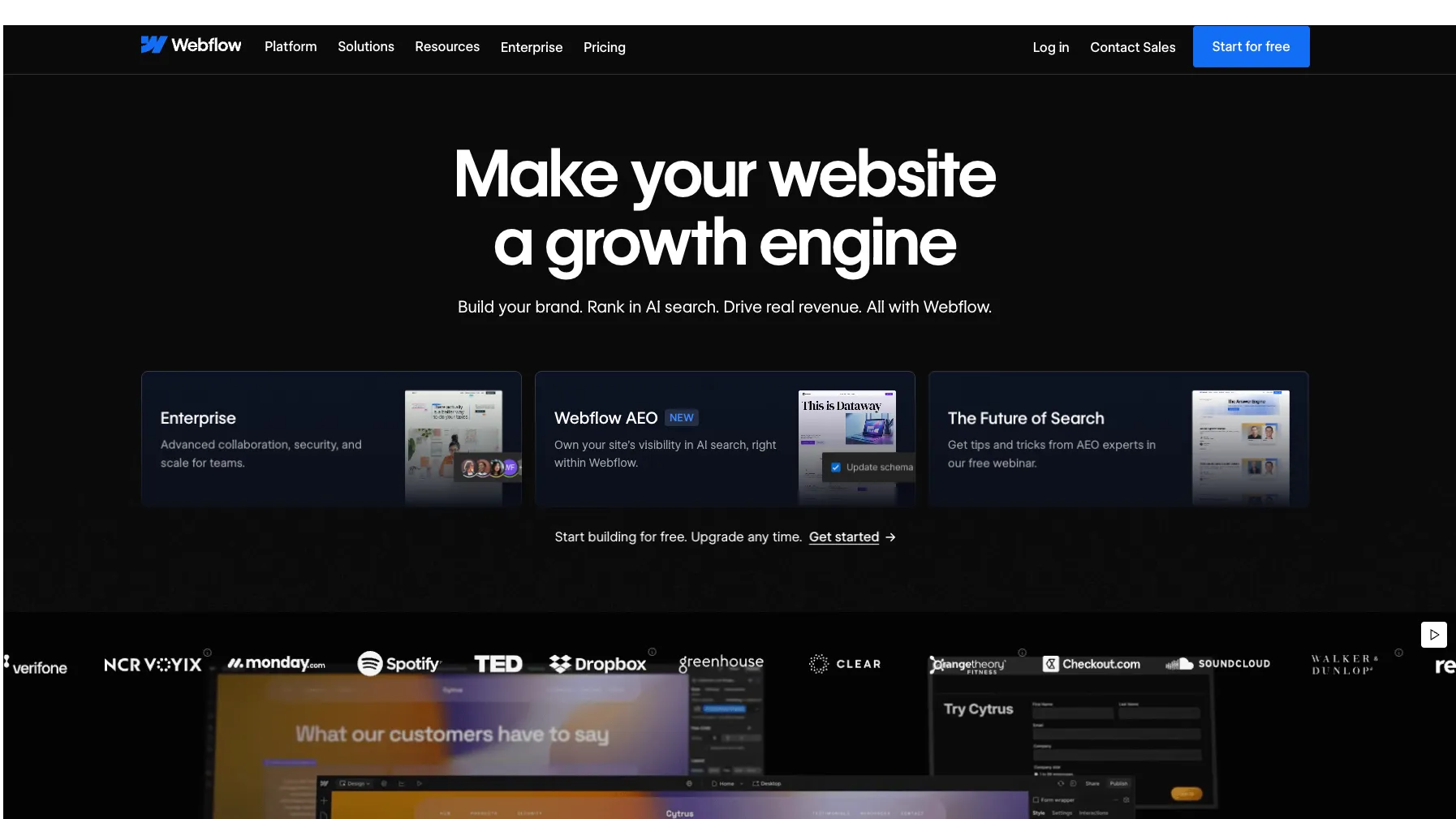
Webflow is a visual web experience and AI-assisted website platform for teams building marketing sites, CMS experiences, and interactive front-end components without relying entirely on traditional development workflows.
Information checked: Jun 23, 2026 ·View sources
Tool details
- Type
- App builders
- Platforms
- Web, Browser, API, MCP-compatible AI tools, React component workflows
- Free plan
- Yes
- Open source
- No
- Bring your own key
- No
- Local models
- No
Overview
Best for
- Marketing teams building high-quality websites
- Agencies delivering client sites with visual development workflows
- Designers who want more control than template-first website builders
- Teams combining CMS, SEO, localization, analytics, and conversion optimization
- Developers who want to expose React components to non-developer site teams
- AI-assisted site updates through MCP-compatible agents
Strengths
- Strong visual development workflow for designers, marketers, and agencies.
- AI features are integrated into the site-building, content, SEO, and AEO workflow.
- Code components make it easier to bring React functionality into Webflow sites.
- MCP server gives AI agents controlled access to Webflow projects and CMS data.
- Enterprise platform includes governance, roles, security, collaboration, and support options.
Limitations & trade-offs
- Backend-heavy SaaS products that need full codebase ownership
- Developers looking for a local-first AI IDE
- Teams that want complete export of every dynamic CMS-backed behavior
- Projects that require fully custom deployment infrastructure from day one
- Users expecting Webflow App Gen to be a long-term prompt-to-full-stack-app product
- Not a full general-purpose IDE for arbitrary software projects.
- Complex sites can still require Webflow-specific design, CMS, and platform expertise.
- CMS export and deep code ownership are more limited than a fully custom codebase.
- App Gen full-stack app generation has been paused and is being deprecated.
- Costs can grow with paid sites, workspaces, add-ons, bandwidth, Localization, Optimize, Analyze, and enterprise needs.
Get started
Pricing & usage limits
Official pricingFree tier · From $15
StarterFree
Free Webflow.io staging site with limited pages, CMS items, form submissions, Webflow AI access, MCP server access, and basic Webflow Cloud app hosting.
Basic$15 / per month, billed yearly
For simple sites without CMS; includes custom domain, 300 static pages, 10 GB bandwidth, unlimited form submissions, password protection, Webflow AI, MCP server, and Webflow Cloud app hosting.
Premium$25 / per month, billed yearly
For content-rich sites; adds Webflow CMS, bandwidth options, code components, site search, form file upload, and well-known files.
Workspace Core$19 / per month, billed yearly
Team workspace plan for more staging sites, custom code, code export, Shared Libraries, and additional AI credits.
Team Platform$2,500 / per month, annual contract required
For growing organizations; includes Site and Workspace capabilities, Localization, AEO agents, publishing workflows, governance, security, and priority support.
EnterpriseCustom
For larger organizations needing custom scale, granular permissions, advanced governance, secure integrations, dedicated support, SLAs, and custom configurations.
Pricing checked: Jun 23, 2026 · Subscription, usage limits, and model costs may be billed separately.
Features & details
Visual Website Building
- Browser-based visual canvas
- Responsive design controls
- Production hosting with custom domains
- CMS-driven pages and collections
AI Workflow
- AI site builder
- AI Assistant for contextual help
- AI-generated copy and CMS items
- AI-powered SEO and AEO suggestions
Developer Extensibility
- React-based code components
- DevLink for syncing components
- REST APIs, SDKs, webhooks, and OAuth
- MCP server for AI agents
Marketing Platform
- Localization add-ons
- Analyze and Optimize add-ons
- AEO analytics and recommendations
- Publishing workflows and collaboration tools
Why Choose Webflow?
Webflow sits between a design tool, a CMS, a hosted website platform, and a developer extension layer. Its strongest use case is not replacing a full engineering stack, but reducing the amount of engineering needed to build and operate polished marketing websites, landing pages, CMS hubs, and interactive front-end experiences.
For teams that constantly ship website updates, the main value is workflow compression. Designers can work visually, marketers can manage content, developers can add controlled custom functionality, and stakeholders can review without turning every edit into a code deployment. That makes Webflow especially attractive when the website is a revenue channel rather than a static brochure.
The AI angle is practical rather than purely experimental. Webflow AI is most useful when it helps generate site structure, copy variants, CMS seed content, SEO/AEO recommendations, and reusable interactive components inside an existing site workflow. It is less convincing as a replacement for a full-stack app engineering team, especially now that App Gen has been paused and is being deprecated.
Core Workflow
A typical Webflow workflow starts with visual structure: pages, components, variables, layout rules, responsive behavior, and CMS collections. Once the design system is stable, non-developer teammates can create pages and content within approved constraints instead of requesting every update from engineering.
For developer teams, the more interesting layer is how Webflow now connects to code and agents. Code components let developers bring React-based functionality into the visual canvas, while the MCP server gives AI tools a structured way to interact with Webflow projects, CMS data, and design surfaces through authorized access.
This makes Webflow useful for hybrid teams. Designers and marketers do not need to live in Git for everyday website changes, while developers can still define reusable technical building blocks where the site needs logic beyond standard no-code interactions.
Use Cases
Webflow is well suited to SaaS marketing websites, agency client sites, startup landing pages, content hubs, campaign microsites, product launches, multilingual marketing sites, and conversion-focused pages that need fast iteration.
It is also useful when a company wants to separate the marketing site from the product engineering stack. The application can remain in Next.js, Rails, Laravel, Django, or another codebase, while the brand site, CMS, SEO pages, and campaign pages live in Webflow where the marketing team can move faster.
For AI-assisted workflows, the best use cases are bounded: generate a first draft of a site, produce SEO metadata, create CMS sample content, suggest AEO improvements, or generate a contained interactive component such as a calculator, gallery, form stepper, or comparison widget. Those are safer and more aligned with Webflow's strengths than trying to build an entire complex SaaS app inside the platform.
Comparison to Alternatives
Compared with Framer, Webflow is generally more CMS- and operations-oriented. Framer can feel faster for visually polished landing pages and portfolio-style sites, while Webflow is often stronger when the project requires structured content, roles, publishing workflows, localization, and long-term site governance.
Compared with Wix Studio or Squarespace, Webflow usually asks for more learning effort but gives more control over layout, interactions, CMS structure, and professional site systems. This tradeoff is important: Webflow is not the easiest website builder for beginners, but it can scale better for teams that care about design systems and repeatable production workflows.
Compared with WordPress, Webflow reduces plugin maintenance, hosting configuration, and security patching work. The tradeoff is less ownership over the underlying runtime and less freedom to customize everything at the server and database level. WordPress remains stronger for open-source ownership and plugin breadth; Webflow is stronger for managed visual development and team-friendly site operations.
Compared with Lovable, Bolt.new, or v0, Webflow is less of a general prompt-to-app coding environment. Those tools are better when the goal is to generate editable application code. Webflow is better when the desired output is a maintainable, hosted, brand-controlled web experience that non-developers can continue operating.
Best Configuration
For a serious team site, treat Webflow as a system rather than a page builder. Define components, variables, naming conventions, CMS collection rules, publishing permissions, and handoff boundaries before the site becomes large. This avoids the common failure mode where a visually impressive Webflow site becomes hard to maintain because every page was built as a one-off.
For developer-supported sites, reserve custom code and code components for areas where they create clear leverage. A pricing calculator, product selector, interactive comparison, or API-powered widget can justify developer involvement. Basic layout, copy, and CMS content should stay inside Webflow's native workflow where the non-technical team can maintain it.
For AI features, keep human review in the loop. AI-generated sections, copy, code components, and SEO/AEO suggestions are useful accelerators, but they should still be checked for brand tone, accessibility, factual accuracy, performance, and maintainability before publishing.
Migration Notes
Migrating from WordPress, Squarespace, Wix, or a custom static site works best when the content model is mapped before rebuilding pages. Identify which pages should become CMS templates, which content types need collections, which redirects are required, and which integrations must be replaced or rebuilt.
For SEO-sensitive migrations, the risky parts are URL structure, metadata, schema, redirects, image handling, sitemap behavior, and page speed. Webflow can support strong SEO outcomes, but a migration can still lose traffic if the information architecture is changed carelessly.
For engineering teams migrating from a custom codebase, the key decision is what should not move into Webflow. Authentication-heavy product flows, complex dashboards, backend workflows, and data-heavy applications usually belong in a traditional app stack. Webflow is strongest as the web experience layer around the product, not necessarily as the core application platform.
Model support & data privacy
Privacy & data handling
Webflow operates as a hosted SaaS platform for website building, CMS, forms, analytics, AI features, and hosting. Its Trust Center states that Webflow is independently audited for SOC 2 Type II and ISO 27001 compliance. Teams using Webflow AI, forms, integrations, analytics, or MCP access should review workspace permissions, data handling, connected apps, and customer data policies before using it for sensitive workflows.
Guides, reviews & fixes
No published guides yet. Start with the official documentation above.
Product updates
No verified product updates listed yet. Follow this tool to see new relevant content in Saved.
See the content timelineAlternatives
FramerFramer is a design-first AI website builder for teams that want to create, publish, localize, and optimize high-quality marketing websites without a traditional developer handoff. SquarespaceSquarespace is a design-first AI website builder and managed web platform for creators, entrepreneurs, service businesses, and small commerce brands that want polished sites without maintaining infrastructure.
 WordPress AIWordPress.com AI is an AI-assisted website creation and editing workflow built into WordPress.com, combining AI generation with WordPress hosting, themes, plugins, CMS publishing, and ecommerce extensibility.
 Shopify AIShopify AI is Shopify’s native AI commerce layer, combining merchant assistance, AI content generation, AI storefront tools, generated admin apps, and agentic commerce infrastructure for ecommerce businesses.
 DudaDuda is a professional website-building platform positioned between no-code site builders, agency production systems, and API-driven white-label website infrastructure.
 BubbleBubble is a mature no-code and AI-assisted full-stack app builder for creating web and mobile applications with visual logic, database, hosting, and marketplace extensibility.
 WebstudioWebstudio is an open-source visual development platform for building fast, CMS-connected websites with more portability and self-hosting flexibility than closed website builders.
 Builder.ioBuilder.io is a collaborative AI visual development platform for teams that want to generate, edit, review, and publish production web experiences against their real codebase and design system.
 PlasmicPlasmic is an open-source visual builder and headless content platform for teams that want non-developers to build web experiences while developers retain control of the codebase.
 LovableLovable is a full-stack AI web app builder positioned between no-code prototyping tools and developer-first AI coding environments.
 Bolt.newBolt.new is a browser-native AI web app builder for quickly turning product ideas into editable, runnable, and deployable JavaScript applications.
 v0v0 is Vercel’s AI app builder for creating, refining, integrating, and deploying modern web applications from prompts, design inputs, and repository context.
Sources & verification
Verification dates record when this directory checked the information. Product release dates appear separately above.
Official websitePricingUpdated pricing and simplified plans for May 2026Webflow AIWebflow AI overviewWebflow Developer PlatformWebflow MCP serverCode componentsBuild full-stack web apps with Webflow AIWebflow Trust Center
Directory revision history
Created directory entry and verified current pricing, AI features, MCP server, code components, App Gen deprecation status, developer platform, and security positioning from official Webflow sources.