

Bolt.new
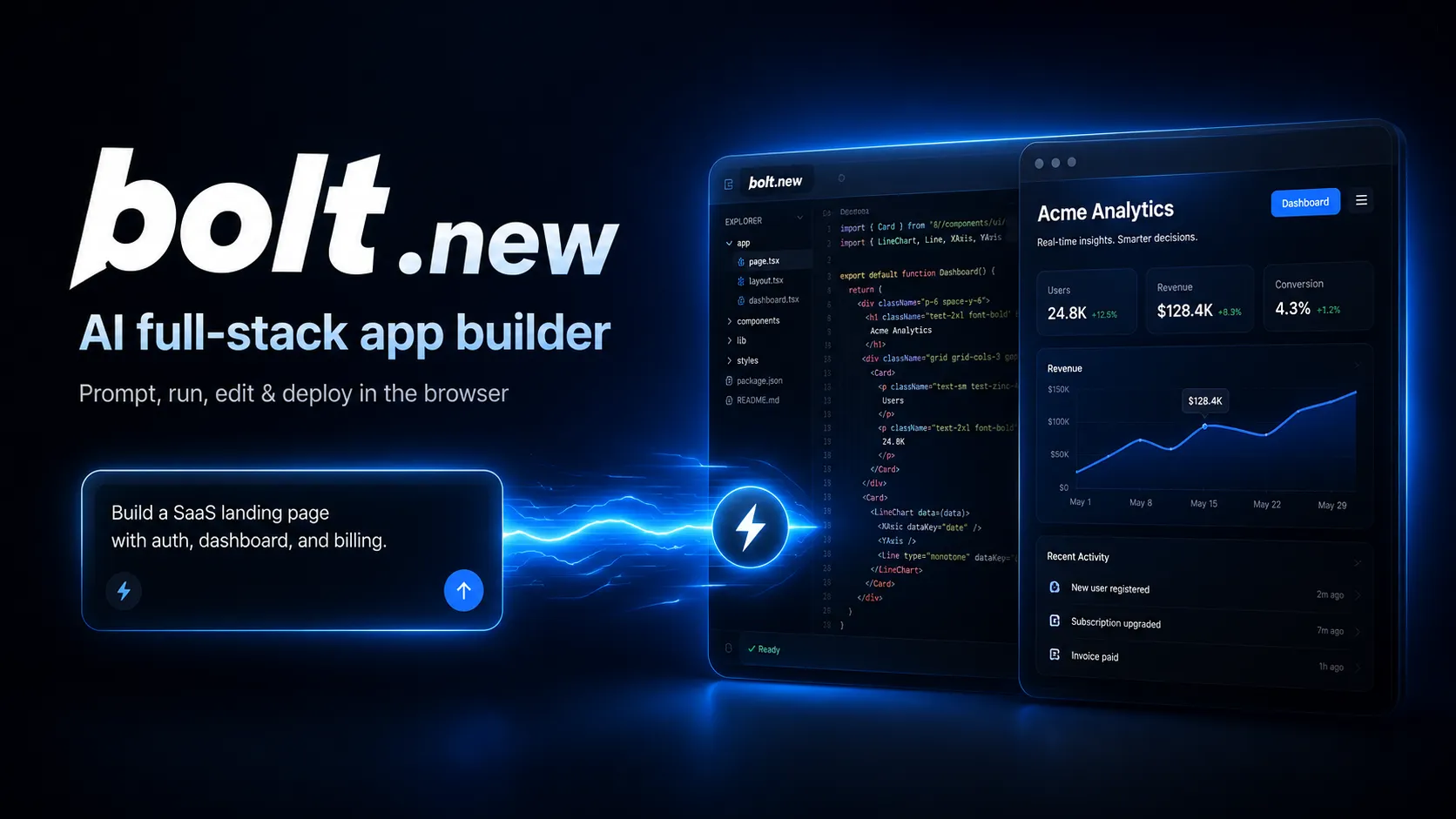
Bolt.new is a browser-native AI web app builder for quickly turning product ideas into editable, runnable, and deployable JavaScript applications.
Information checked: Jun 13, 2026 ·View sources
Tool details
- Type
- App builders
- Platforms
- Web browser, Chrome and Chromium-based desktop browsers, Mobile browser with limited editing/settings support
- Free plan
- Yes
- Open source
- Yes
- Bring your own key
- No
- Local models
- No
Overview
Best for
- MVP prototypes
- Landing pages
- Internal tools
- JavaScript full-stack apps
- Design-to-code experiments
- Founder and product team demos
- Learning-by-building workflows
Strengths
- Fast idea-to-working-app flow in a browser.
- Full-stack JavaScript generation with live runtime and direct code access.
- Built-in hosting, database, auth, domains, and analytics reduce setup friction.
- GitHub integration gives a practical path out of the platform.
- Useful for both non-developers and developers prototyping product ideas.
Limitations & trade-offs
- Large regulated production systems without engineering review
- Teams requiring Python, PHP, Ruby, Go, or custom non-JavaScript backends
- Mature monorepos with strict CI/CD and infrastructure rules
- Users who need local model execution or hosted-product BYOK
- Token usage can grow quickly on large or vague projects.
- Hosted Bolt is mainly aligned with JavaScript and Node.js backends.
- Complex production apps still need code review, tests, security hardening, and observability.
- Free plan has branding and tighter token/file limits.
- Some mobile-browser functionality is limited compared with desktop Chromium.
Get started
Pricing & usage limits
Official pricingFree tier · From $25
Free$0 / month
Public and private projects, daily/monthly token limits, Bolt branding, 10MB uploads, hosting, and Bolt Database.
Pro$25 / month
More tokens, no daily token limit, no Bolt branding, 100MB uploads, custom domains, SEO boosting, expanded database capacity, and AI image editing.
Teams$30 / member/month
Everything in Pro plus centralized billing, team access management, organization sharing, private npm registries, and design-system knowledge.
EnterpriseCustom
Advanced security, compliance support, priority support, custom workflows, SLAs, governance, onboarding, and flexible procurement.
Pricing checked: Jun 13, 2026 · Subscription, usage limits, and model costs may be billed separately.
Features & details
Prompt-to-app workflow
- Generate websites, web apps, and JavaScript-based full-stack apps from natural-language prompts.
- Use Plan Mode to reason through changes before code is modified.
- Switch between chat, code view, live preview, and project settings in one workspace.
Browser development environment
- Runs development work in the browser with StackBlitz WebContainers.
- Supports npm packages, frontend frameworks, Node.js backends, terminal workflows, and live previews.
- Provides direct code access instead of hiding the generated project behind a no-code layer.
Built-in launch stack
- Publish to a live Bolt-hosted URL and use Bolt Cloud for hosting, databases, auth, storage, functions, analytics, and domains.
- Use Bolt Database by default or connect Supabase for more advanced database control.
- Add Stripe payments, custom domains, and SEO-oriented publishing options where supported by plan.
Integrations and context
- Import or create GitHub repositories for version control and handoff.
- Import Figma frames and use design-system knowledge on supported team workflows.
- Connect external tools through built-in or custom MCP connectors.
Team and admin controls
- Team workspaces with centralized billing and access management.
- Organization sharing, user provisioning, and granular admin controls on higher tiers.
- Enterprise options for SSO, audit logs, compliance support, retention policies, SLAs, and onboarding.
Why Choose Bolt.new?
Bolt.new is strongest when the goal is to move from idea to running web product without first assembling a local dev environment, a hosting pipeline, a database, and an AI coding setup. Its main distinction is not only that it writes code from prompts; it can run the project, install packages, expose a live preview, edit files, and publish from the same browser workspace.
That makes it especially useful for early product discovery. A founder can describe a SaaS dashboard, a marketer can ship a campaign microsite, and a developer can prototype a React or Node.js idea before deciding whether to move the work into a conventional repository and CI/CD setup. The tradeoff is that convenience is tied to Bolt’s token-based workflow: broad, vague prompts and large project context can consume more usage than a disciplined step-by-step build.
Core Workflow
A practical Bolt workflow usually starts with a narrow product brief rather than a one-line idea. Define the app type, target users, pages, data model, integrations, styling direction, and what should be mocked versus production-ready. For larger builds, Plan Mode is worth using before Build Mode because it lets the agent reason about the implementation before changing files.
After Bolt scaffolds the app, the best rhythm is iterative: review the preview, inspect the generated code, ask for focused changes, and connect GitHub once the direction is stable. Experienced developers should treat Bolt as a fast implementation partner rather than a replacement for architecture review. Non-developers should budget time for QA, accessibility checks, security review, and data-handling decisions before using the output in production.
Use Cases
Bolt.new fits rapid MVPs, landing pages, internal tools, client prototypes, class projects, and JavaScript-based full-stack experiments. It is also a good fit for design-to-code workflows when a team already has Figma frames or a design system and wants to create a working implementation quickly.
It is less ideal when the backend must be Python, PHP, Ruby, Go, or another non-JavaScript runtime. It can generate useful frontend code for many products, but teams with complex infrastructure, regulated data, custom deployment rules, or mature monorepos should plan a handoff into their existing engineering workflow.
Comparison to Alternatives
Compared with v0, Bolt.new is broader: v0 is often used for interface and React component generation, while Bolt focuses on the full app loop of code, runtime, preview, backend, and publish. Compared with Lovable, Bolt gives users more visible control over the development environment and code, while Lovable may feel more product-builder-oriented for users who want less manual code interaction. Compared with Replit Agent, Bolt is more centered on browser-based JavaScript/WebContainers-style web development, while Replit is closer to a general cloud IDE and hosted compute environment.
Compared with Cursor or Windsurf, Bolt is not primarily an editor for an existing local codebase. It is better viewed as a browser-native app generator and prototyping workspace. Once a project becomes large, a developer may still prefer a dedicated IDE, full test suite, repository rules, and production deployment pipeline.
Best Configuration
For better output, start with a clear architecture constraint: framework, styling system, database choice, authentication needs, and deployment target. If the app needs Supabase, Stripe, Expo, Figma, GitHub, or MCP context, name that early instead of bolting it on after the project has already grown. Keep prompts small and outcome-based: ask for one page, one schema change, or one workflow at a time.
For teams, the higher-leverage configuration is to connect GitHub early, add repeatable project instructions, and use design-system knowledge or templates where available. This reduces visual drift and makes Bolt more useful as a repeatable production assistant rather than a one-off demo generator.
Migration Notes
The cleanest exit path is GitHub. Once the generated app has the right shape, connect the repository, review dependencies, add environment variable handling, introduce tests, and document deployment assumptions. If Bolt Cloud is used for hosting, database, auth, or storage, record those service dependencies before moving the code elsewhere.
For production migration, pay special attention to secrets, database ownership, authentication flows, rate limits, logging, analytics, and rollback strategy. Bolt can reduce the distance from idea to working app, but production ownership still belongs to the team shipping the product.
Model support & data privacy
Privacy & data handling
StackBlitz states that Bolt may process prompts, code, configuration files, and uploaded files to operate AI features, and that relevant attached file portions may be sent to third-party AI providers for response generation. Users should avoid submitting secrets, credentials, or sensitive personal data in prompts, code, or published projects.
Guides, reviews & fixes
Product updates
No verified product updates listed yet. Follow this tool to see new relevant content in Saved.
See the content timelineAlternatives
 LovableLovable is a full-stack AI web app builder positioned between no-code prototyping tools and developer-first AI coding environments.Bolt.new vs Lovable
 v0v0 is Vercel’s AI app builder for creating, refining, integrating, and deploying modern web applications from prompts, design inputs, and repository context.Bolt.new vs v0
 Replit AIReplit AI is an all-in-one browser-based AI software creation platform that combines prompt-to-app generation, a cloud IDE, built-in infrastructure, publishing, and collaboration.
 TempoTempo is a code-first AI app builder and visual React IDE positioned between prompt-to-app tools, Figma-to-code workflows, and developer-centric AI editors.
 CreateCreate is an AI-first prompt-to-app builder, now also branded as Anything, for turning natural-language ideas into working web apps, mobile apps, internal tools, dashboards, and AI-powered workflows.
 CursorCursor is an AI coding and cloud development platform that combines a VS Code-based editor, local and cloud agents, CLI workflows, Origin code hosting, repository collaboration, and prompt-to-app creation.
 WindsurfWindsurf, now transitioning under the Devin Desktop brand, is an AI-native IDE for developers who want coding agents, codebase context, and editor workflows in one desktop environment.
 bolt.diyA self-hostable, model-flexible prompt-to-app builder derived from Bolt.new.
Sources & verification
Verification dates record when this directory checked the information. Product release dates appear separately above.
Official websiteBolt.new official websiteBolt.new pricingBolt Help CenterIntroduction to BoltSupported technologiesBolt.new GitHub repositoryStackBlitz Privacy Policy
Directory revision history
Verified official pricing, platform positioning, Bolt Cloud capabilities, supported technologies, GitHub/Figma/Supabase/MCP integrations, and privacy notes.