

UI Bakery
UI Bakery is an AI-assisted low-code internal tool builder for teams that need to turn databases, APIs, and business workflows into secure apps, dashboards, and admin panels.
Information checked: Jul 2, 2026 ·View sources
Tool details
- Type
- App builders
- Platforms
- UI Bakery Cloud, Self-hosted, Docker, Dedicated VM, Web apps, Mobile responsive apps, PostgreSQL, MySQL, REST APIs, GraphQL APIs
- Free plan
- Yes
- Open source
- No
- Bring your own key
- Yes
- Local models
- No
Overview
Best for
- Internal tools
- Admin panels
- CRUD applications
- Operational dashboards
- Approval workflows
- Database-backed business apps
- Data management interfaces
- AI-assisted internal app scaffolding
- Teams connecting real databases and APIs to business workflows
- Organizations that want self-hosted low-code internal tools
Strengths
- Strong fit for internal tools, admin panels, CRUD apps, and operational dashboards.
- AI App Agent starts from prompts but still connects to real databases and APIs.
- More structured and security-conscious than many generic vibe-coding tools.
- Self-hosted option gives teams more control over infrastructure and data access.
- Supports visual building, custom code, server actions, workflows, and Git/versioning features.
- Useful bridge between no-code operators and technical teams building data-heavy internal apps.
Limitations & trade-offs
- Developers looking for an AI code editor
- Teams that need a terminal coding agent
- Public SEO websites
- Pixel-perfect marketing pages
- Consumer-facing SaaS products that need full frontend code ownership
- Open-source-only software stacks
- Highly customized applications that should be built directly in React, Vue, or Next.js
- Not an AI IDE or general-purpose coding agent for maintaining arbitrary codebases.
- Less suitable for public SaaS products, SEO sites, or highly custom frontend experiences.
- Advanced governance and enterprise features require higher plans or custom quotes.
- Pricing is developer-seat based, so costs can rise with larger builder teams.
- Self-hosted deployments require infrastructure, upgrades, backups, and security ownership.
- Apps remain tied to the UI Bakery runtime and platform model.
Get started
Pricing & usage limits
Official pricingFree tier · From $20
Free cloud plan with unlimited apps and data source connections, public/private apps, AI trial credits, release history, hosted database, and community support.
Includes $25 of AI usage credits, app and data source environments, app export, built-in roles, and up to 50 workspace viewer seats.
Adds $40 of AI usage credits, role-based access control, audit logs, and premium support.
Enterprise plan for more than 50 workspace viewers, dedicated VM, custom SSO, custom services, support, and advanced deployment requirements.
Install UI Bakery on your own infrastructure with unlimited apps, data source connections, public apps, app export, environments, built-in roles, and unlimited seats.
Self-hosted team plan with $40 of AI usage credits, role-based access control, audit logs, and premium support.
Adds bring-your-own AI model provider key, more than 50 workspace viewer seats, dedicated VM, custom SSO, and enterprise services.
Pricing checked: Jul 2, 2026 · Subscription, usage limits, and model costs may be billed separately.
Features & details
AI App Building
- Prompt-to-app generation for internal tools and dashboards
- AI App Agent for generating data-driven applications
- AI Assistant for platform questions, debugging, SQL, JavaScript, and Python generation
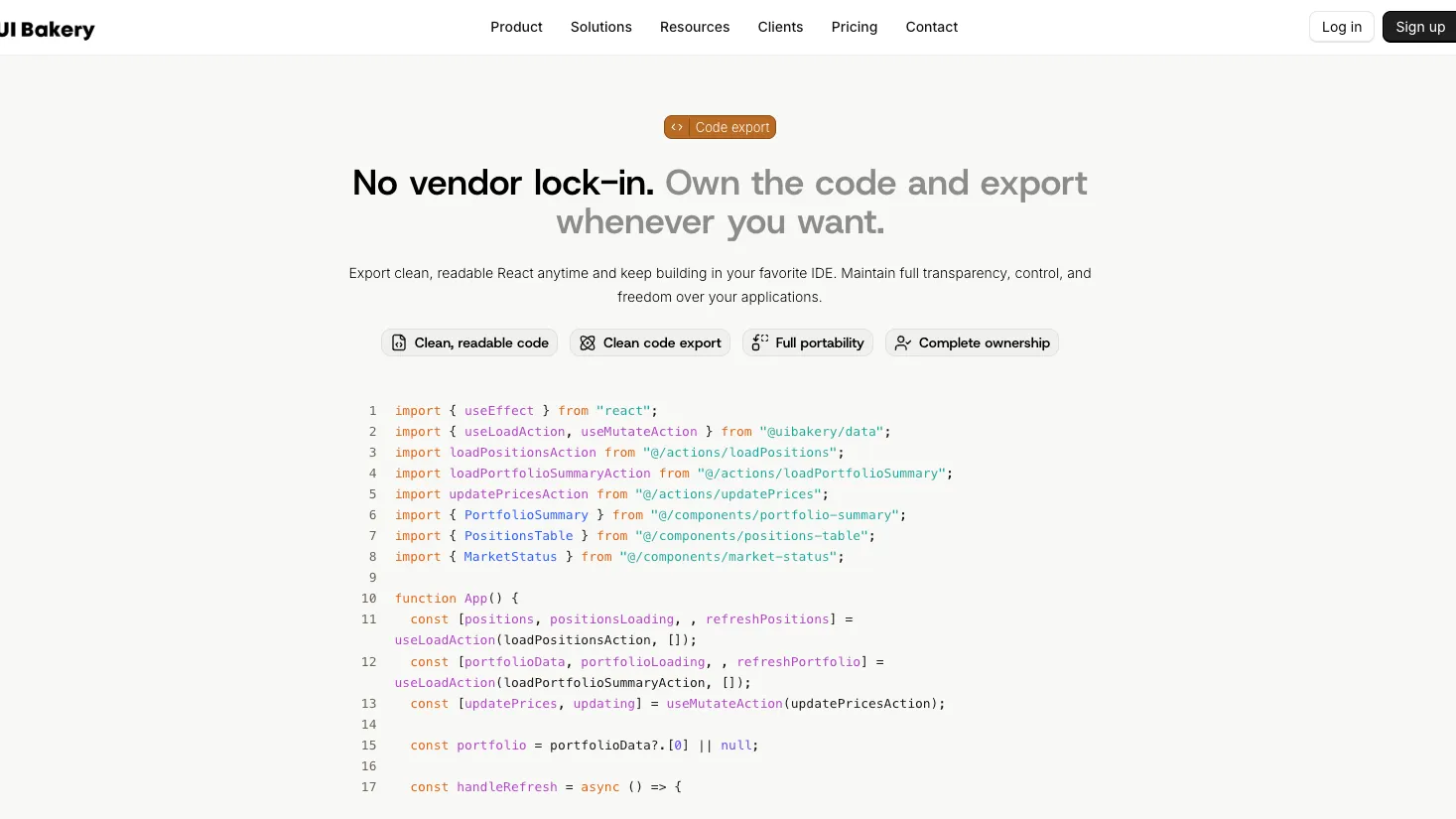
- Editable app source code for apps built in AI mode
Internal Tool Builder
- Drag-and-drop visual UI builder
- Tables, forms, charts, modals, layouts, and workflow screens
- CRUD apps connected to real databases and APIs
- Mobile responsive app layouts
Data and Integrations
- Database and API data sources including MySQL and PostgreSQL
- REST, GraphQL, internal APIs, and third-party services
- UI Bakery-hosted PostgreSQL database
- Reusable data sources across applications
Automation and Backend Logic
- Client actions and server actions
- Scheduled jobs and webhook-triggered workflows
- AI actions for generation, summarization, classification, and extraction
- Custom JavaScript, SQL, and Python logic
Governance and Deployment
- Release history and app environments
- Role-based access control and custom roles
- Audit logs and SSO on eligible plans
- Cloud, self-hosted, dedicated VM, and enterprise deployment paths
Why Choose UI Bakery?
UI Bakery is strongest when the application is an internal business tool rather than a public product. Its core value is helping teams turn existing databases, APIs, and operational workflows into usable apps without assigning every request to a frontend engineering sprint.
That makes it different from broad prompt-to-app builders. Tools like Lovable or Bolt.new are optimized for generating a new web app from an idea. UI Bakery is more focused on operational software: admin panels, database interfaces, approval flows, dashboards, and tools that sit on top of systems a business already uses.
The AI layer is useful because it reduces the blank-page problem. A team can describe an app, generate a first version, connect real data, and then refine it visually. The better use case is not replacing developers entirely; it is shortening the path from data model to working internal workflow.
Core Workflow
A practical UI Bakery workflow starts with the data source. Teams connect a database, API, third-party service, or hosted UI Bakery database, then create an application that reads and writes against that source.
The AI App Agent can help generate the first structure from a prompt, but the important production work happens after generation. Builders still need to review fields, actions, permissions, error states, data mutations, server actions, and release behavior.
A typical flow looks like this:
- Define the internal process or operational problem.
- Connect the relevant database, API, or hosted database.
- Generate or assemble the first app structure.
- Refine tables, forms, filters, charts, and layouts.
- Add actions, server actions, scripts, schedules, or webhooks.
- Configure roles and data-source permissions.
- Test with real data in the correct environment.
- Publish a release and share it with the right users.
This workflow is more controlled than pure vibe coding, but faster than building every internal screen from scratch.
Use Cases
UI Bakery fits common internal software patterns: customer support panels, order management tools, CRM-like workflows, inventory dashboards, financial operations screens, approval queues, admin consoles, data correction tools, partner portals, and workflow dashboards.
It is especially useful when the team already knows the data structure but lacks time to build a polished internal interface. For example, a PostgreSQL table, REST API, or GraphQL endpoint may already contain the business data, but the operations team still needs filters, forms, bulk actions, role controls, and a safe way to make updates.
UI Bakery can also support AI-assisted business tools. Teams can build interfaces around LLM APIs, OpenAPI endpoints, MCP-connected workflows, text generation, summarization, extraction, classification, or chat-style components. In that role, UI Bakery becomes the internal app layer around AI systems rather than the model or agent framework itself.
Comparison to Alternatives
Retool is the main comparison. Retool has a large ecosystem and strong developer adoption for internal tools. UI Bakery is often attractive when teams want a more focused visual builder, AI-assisted app generation, straightforward self-hosting paths, and internal-tool development without overcomplicating the builder experience.
Appsmith and ToolJet are closer for teams that care about self-hosting and open internal-tool workflows. They may appeal more to teams that want open-source-oriented ecosystems, while UI Bakery is more commercially packaged around cloud, self-hosted, AI generation, visual building, and enterprise support.
Superblocks is a strong comparison for larger companies that care about governance, enterprise workflows, and centralized internal-tool development. UI Bakery can be simpler to adopt for smaller technical teams, while Superblocks may be considered by organizations with heavier platform engineering requirements.
Budibase is relevant when teams need internal apps, forms, workflows, and an integrated database-like experience. UI Bakery is usually a better fit when the application is strongly connected to external databases and APIs and when the team wants prompt-assisted app scaffolding plus visual editing.
Best Configuration
UI Bakery works best when the team treats it as an internal application platform, not just a quick dashboard tool. The first setup decision should be data ownership: which systems can UI Bakery read, which systems can it write to, and which actions require server-side validation.
For smaller teams, Cloud Builder or Team can be enough if the apps are low-risk and the data sources are accessible through secure connections. For companies with stricter data boundaries, self-hosting is the more natural path because the UI Bakery instance can live closer to internal systems.
For production apps, teams should use environments, release history, role permissions, and audit logs instead of editing directly against live workflows. If an app writes to important databases, server actions should enforce validation rather than relying only on UI component state.
For AI usage, the safest setup is to separate app generation from production decision-making. AI can scaffold screens, actions, and code snippets, but humans should still review queries, mutations, permissions, and any generated JavaScript, SQL, or Python.
Migration Notes
Moving from spreadsheets to UI Bakery should begin with data modeling. Spreadsheets often contain duplicated columns, inconsistent statuses, weak validation, and hidden business logic. Recreating them directly as app screens can make the same problems harder to fix later.
Moving from a custom admin panel requires a different checklist. Teams should identify which logic is safe to move into UI Bakery, which logic must remain in the backend, and which workflows need auditability or role-based restrictions. UI Bakery can reduce internal-tool maintenance, but it should not bypass business rules that were previously enforced in code.
Moving from Retool, Appsmith, or ToolJet should be handled app by app. Start with data sources, permissions, and action behavior before recreating UI layouts. The visual parts are usually easier to rebuild than the hidden logic around queries, transformations, environment variables, and deployment behavior.
Practical Evaluation Checklist
Before adopting UI Bakery, teams should validate the following:
- Does the app mostly serve internal users rather than public customers?
- Are the main data sources databases, APIs, or business systems that UI Bakery can connect to cleanly?
- Can permissions be modeled safely for viewers, editors, admins, and public app users?
- Are server actions needed for sensitive validation or backend-only logic?
- Does the selected plan include the required AI credits, environments, audit logs, SSO, or self-hosting capabilities?
- Can the team operate self-hosted infrastructure if using the on-premise path?
- Are AI-generated queries, scripts, and app actions reviewed before production use?
- Does the team accept that apps will run inside the UI Bakery platform model?
When these answers are clear, UI Bakery can be a practical internal-tool platform. When the project needs full frontend ownership, complex consumer-facing product logic, or arbitrary codebase maintenance, an AI IDE or custom development stack will usually be a better choice.
Model support & data privacy
Supported models
- OpenAI
- GPT-4
Privacy & data handling
UI Bakery Cloud stores platform metadata and can proxy external data source requests, while self-hosted deployments keep the UI Bakery instance under the customer’s infrastructure. Teams should review data source permissions, anonymous public app access, AI chat history, audit logs, SSO settings, BYOK/BYOM configuration, and deployment model before using sensitive production data.
Guides, reviews & fixes
View allNo published guides yet. Start with the official documentation above.
Product updates
No verified product updates listed yet. Follow this tool to see new relevant content in Saved.
See the content timelineAlternatives
Sources & verification
Verification dates record when this directory checked the information. Product release dates appear separately above.
Directory revision history
Positioned UI Bakery as an AI-assisted internal tool builder rather than an AI IDE or terminal coding agent.
Verified current cloud and self-hosted pricing structure, AI App Agent credits, self-hosted Enterprise BYOK note, and security documentation.