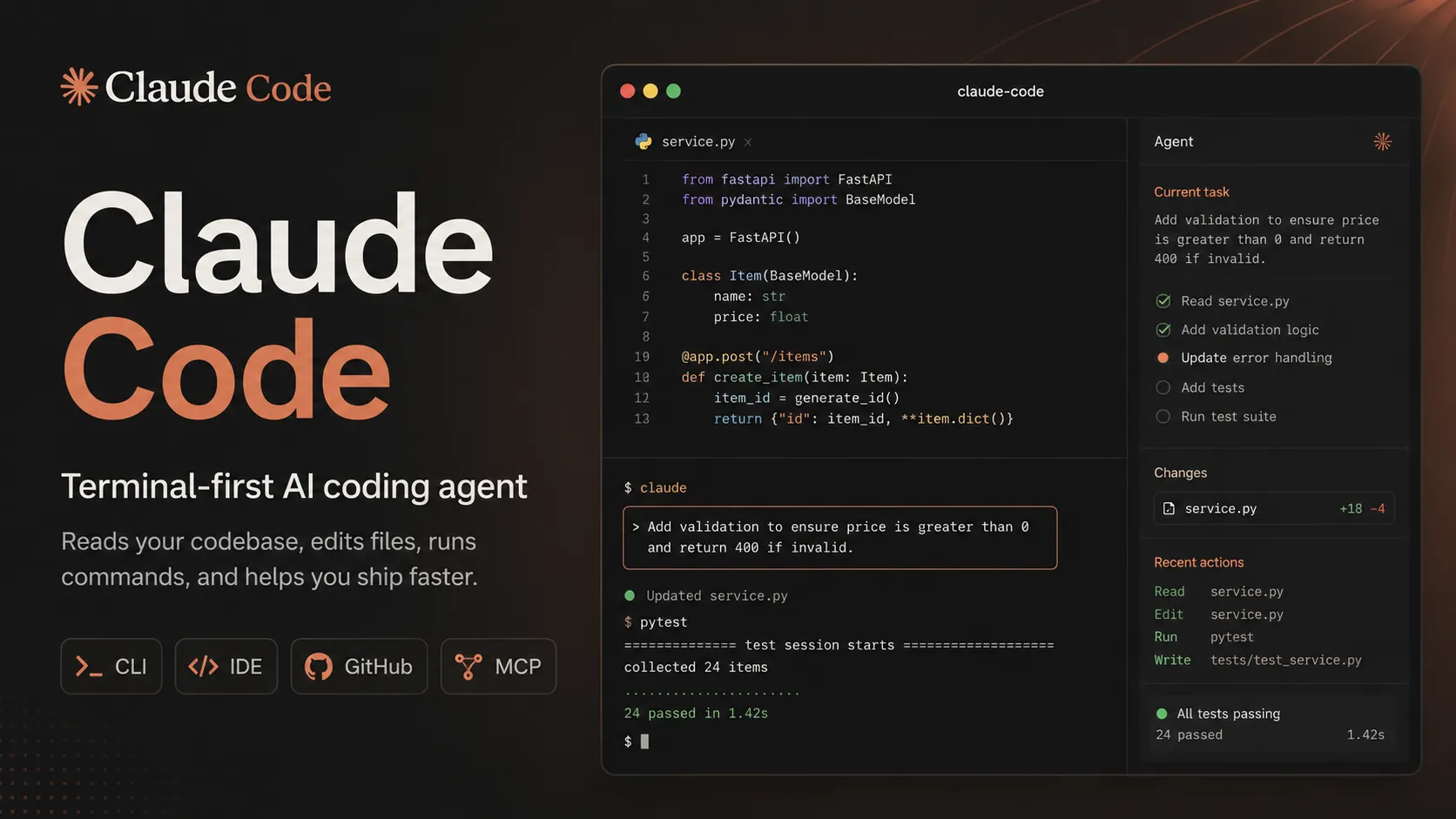
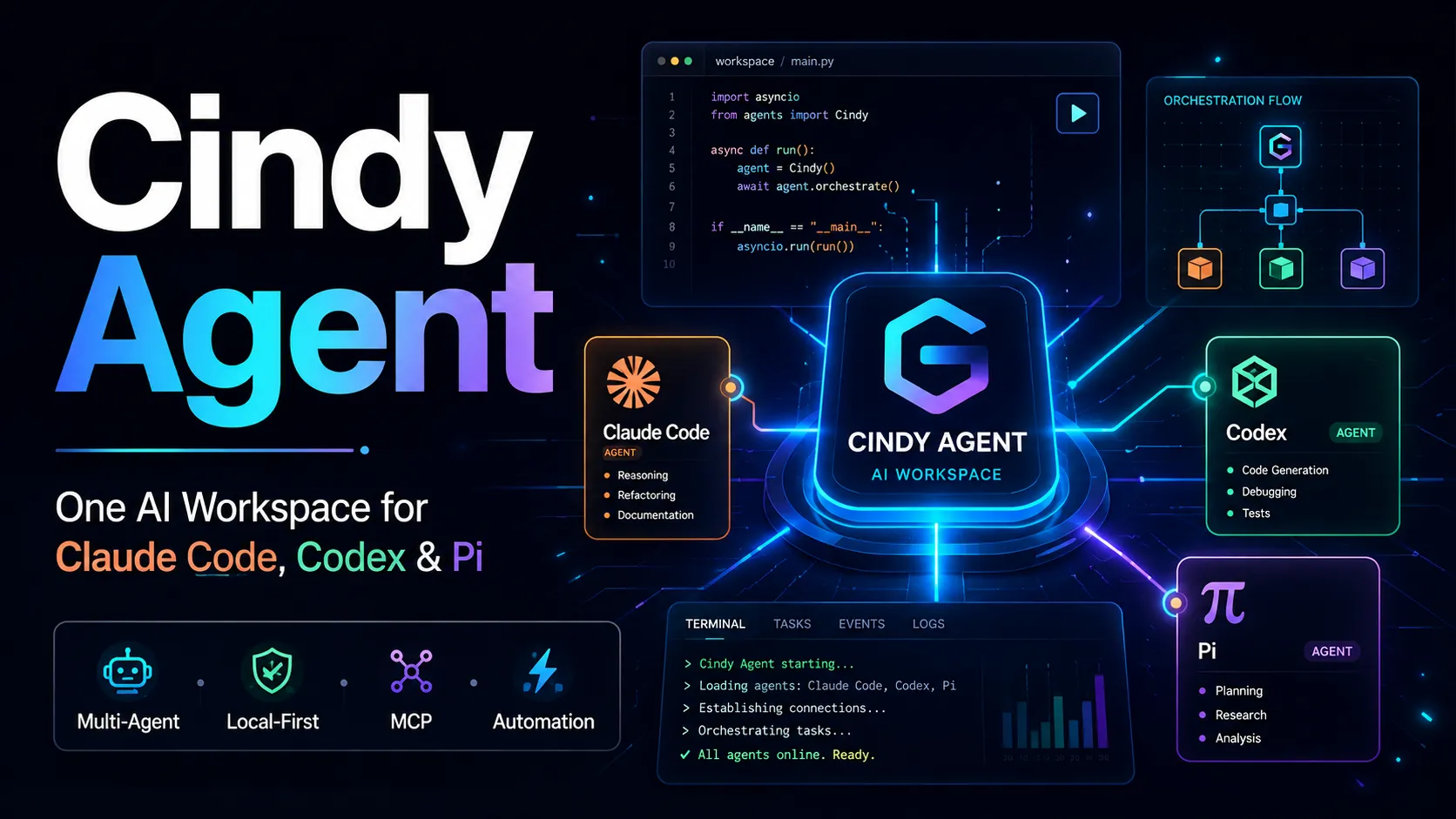
Claude Code is Anthropic's terminal coding agent for repository work, subagents, hooks, MCP, and automation, with growing operational tooling for API cost analysis and feedback.
Reads files, edits code, executes commands, and helps debug build or test failures.
Supports interactive coding sessions and non-interactive automation through claude -p.
IDE and editor workflows
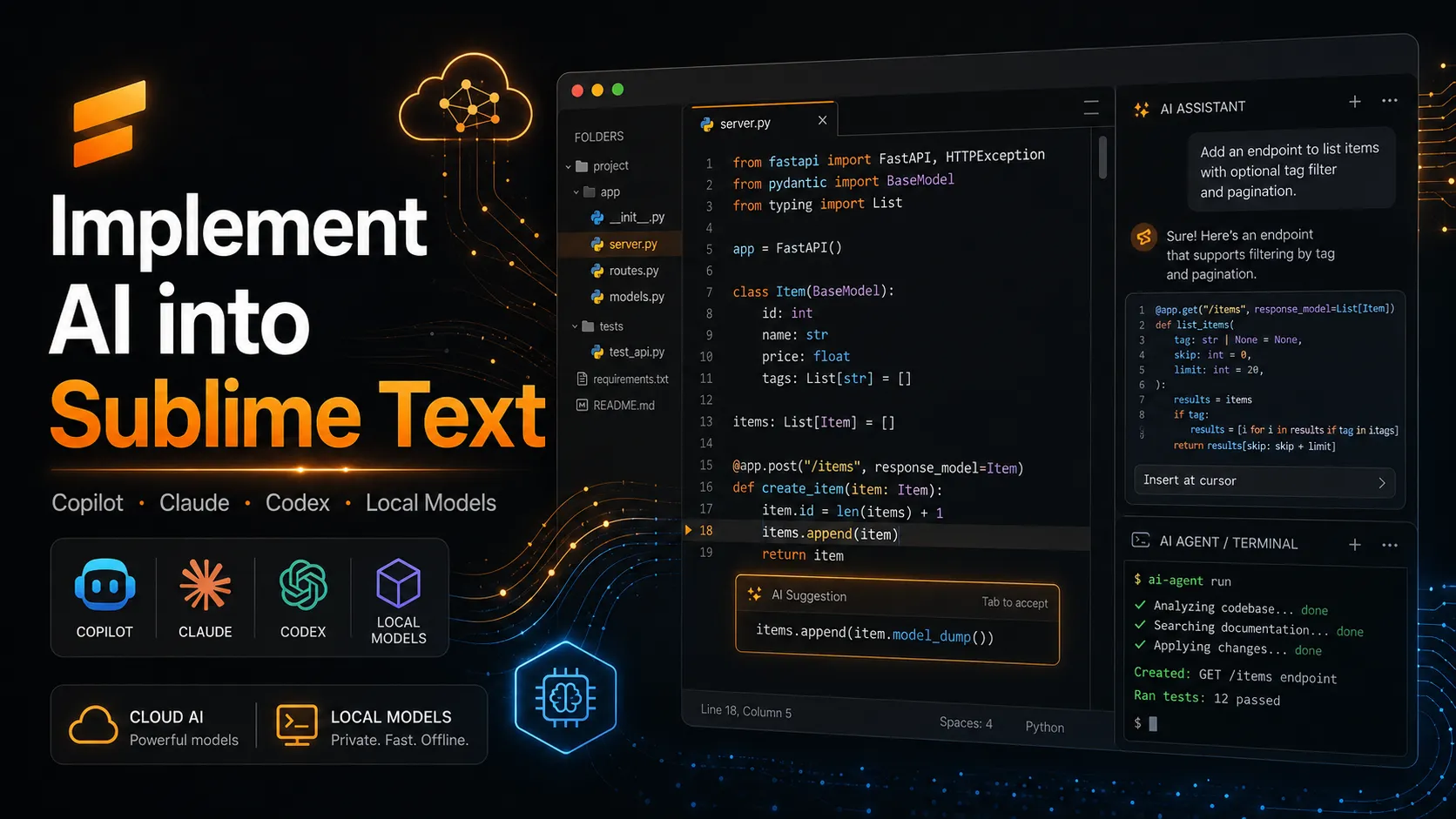
Works with VS Code, Cursor and other VS Code forks, and JetBrains IDEs.
Uses the same Claude account or API authentication as terminal sessions.
Lets developers keep their existing editor while delegating implementation tasks to Claude.
Automation and GitHub
Claude Code GitHub Actions can respond to issues, pull requests, comments, and explicit automation prompts.
Supports authentication through Anthropic API keys, Claude subscription OAuth tokens, Amazon Bedrock, Google Vertex AI, and Microsoft Foundry.
Agent SDK exposes Claude Code-style agent behavior through Python and TypeScript.
Extensibility
Supports MCP for connecting external tools and data sources.
Supports project instructions and workflow customization through Claude Code configuration.
Can be used for codebase exploration, implementation planning, refactoring, test generation, and documentation updates.
Safety and governance
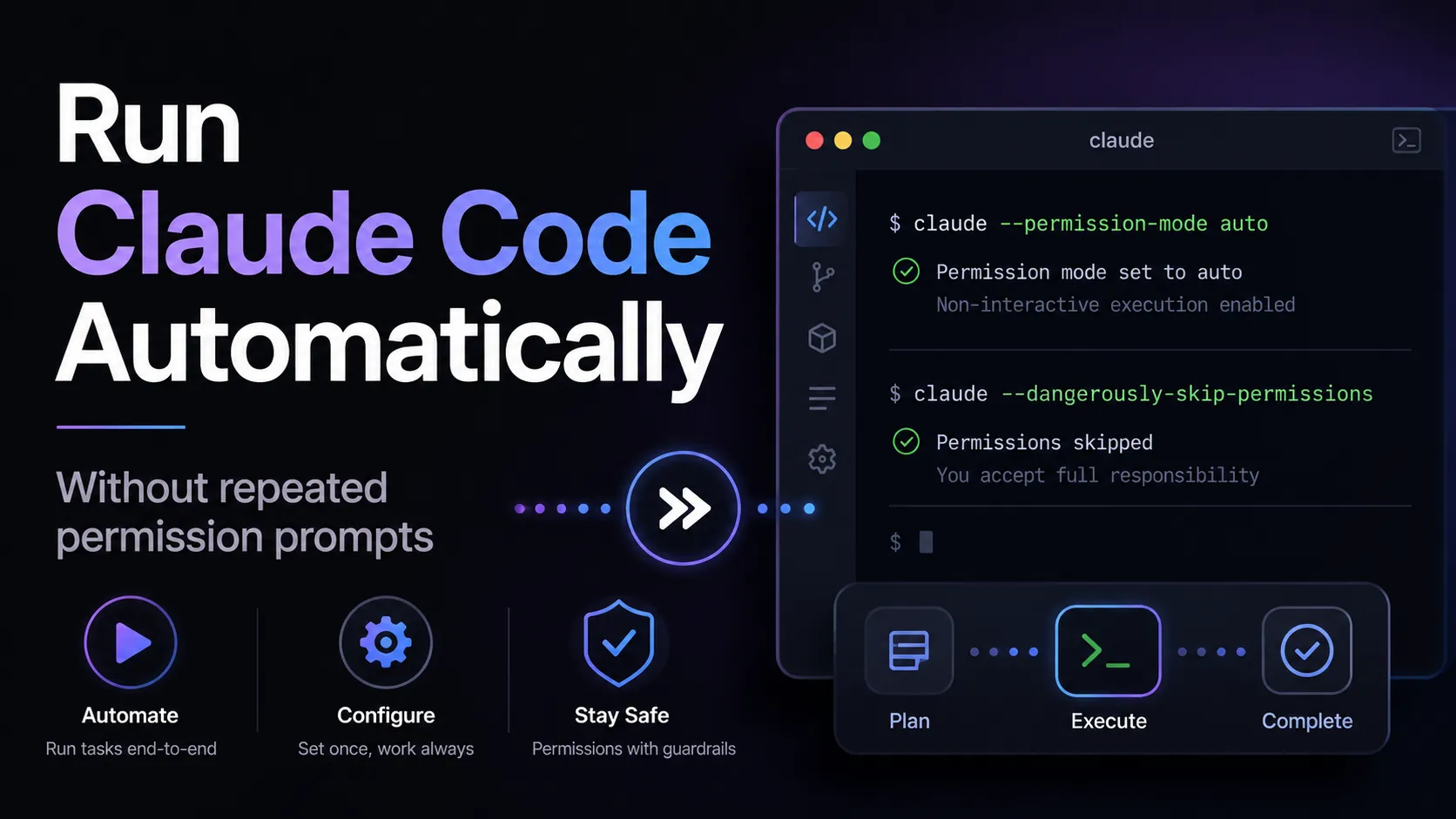
Permission controls help users approve sensitive tool actions.
Team and Enterprise plans provide organization-level administration and usage visibility.
Enterprise customers can evaluate security, compliance, and managed deployment options through Anthropic.
Cost and Feedback Workflows
Profile Claude API spend with /claude-api cost-optimize
Evaluate caching, tokens, batch, effort, and model choice
Draft reviewable session feedback with SendFeedback
Disable feedback drafts through managed settings
Why Choose Claude Code?
Claude Code is strongest when the developer wants to delegate real engineering tasks without leaving the repository. It is not primarily a chat window, autocomplete plugin, or visual app generator. Its value comes from letting Claude inspect the project, reason through the change, edit files, run commands, and iterate on failures in the same environment where the code already lives.
The strongest fit is a developer who is comfortable reviewing diffs, reading test output, and deciding which agent actions are safe. Claude Code can move quickly, but the user remains responsible for approving risky actions, protecting secrets, and validating the final result. Treat it as a high-leverage engineering collaborator rather than a replacement for code review.
Core Workflow
A practical workflow starts with a specific task and a clean Git state. Ask Claude Code to inspect the relevant files, explain the implementation plan, then make a scoped change. After the edit, run tests, review the diff, and ask for targeted fixes if the output is incomplete. This keeps the agent focused and makes it easier to separate useful changes from speculative ones.
For larger tasks, the best pattern is staged delegation. First ask for architecture discovery, then request a plan, then allow implementation one subsystem at a time. This reduces token waste, avoids giant diffs, and gives the developer more decision points before shell commands, migrations, or broad refactors are attempted.
Use Cases
Claude Code is useful for debugging failing tests, tracing behavior across unfamiliar repositories, generating tests, updating APIs, migrating code, refactoring modules, writing documentation, and automating issue or pull request workflows. It is especially useful when the task needs both code understanding and tool execution.
It is less ideal for users who want a drag-and-drop builder or a model-agnostic open-source agent. A non-technical founder may be better served by Lovable, Bolt.new, or Replit AI. A developer who wants local models or many provider choices may prefer Aider or OpenCode. A developer who wants a complete AI editor may prefer Cursor or Windsurf.
Comparison to Alternatives
Compared with Aider, Claude Code is more tightly integrated with Anthropic’s model and product ecosystem, while Aider is more open and provider-flexible. Compared with OpenCode, Claude Code has the advantage of first-party Claude integration, while OpenCode appeals to users who want open-source control, local models, and broad provider routing.
Compared with Cursor or Windsurf, Claude Code is less about replacing the editor and more about giving the terminal a powerful coding agent. Cursor and Windsurf feel smoother for inline editing, autocomplete, and visual IDE workflows. Claude Code is compelling when the user wants explicit task delegation, shell execution, and repository-level work from the command line.
Compared with Codex CLI or Gemini CLI, the decision often comes down to model preference, price structure, and ecosystem. Claude Code is a natural choice for users who already rely on Claude for reasoning-heavy code work, long debugging loops, and multi-file refactors.
Best Configuration
The best setup starts with project instructions. Document the stack, test commands, style rules, package manager, architecture notes, and files or directories Claude should avoid. Keep secrets out of the repository and use environment variables or secret managers. When possible, run Claude Code in a branch or worktree so agent changes are easy to isolate.
For teams, standardize permission settings, approved usage patterns, and review requirements. Decide when developers may use interactive sessions, when GitHub Actions automation is allowed, and which repositories are safe for agentic changes. For enterprise use, evaluate logging, identity, access control, cloud deployment channels, and data handling before broad rollout.
Migration Notes
Developers moving from manual terminal work can adopt Claude Code gradually. Start with read-only exploration, test generation, and small bug fixes before delegating larger refactors. The goal is to learn how the agent behaves in the codebase before trusting it with high-risk workflows.
Teams migrating from Aider, OpenCode, or Codex CLI should compare more than raw answer quality. Evaluate permission controls, model behavior on long tasks, IDE support, GitHub workflow fit, cost predictability, and how well the agent follows repository instructions. The safest migration path is to run the same representative tasks across tools: one failing test, one refactor, one issue-to-PR workflow, and one documentation update.
Claude Code 2.1.247: Cost Optimization and Feedback
Claude Code 2.1.247, released August 26, 2026, added two practical workflow tools:
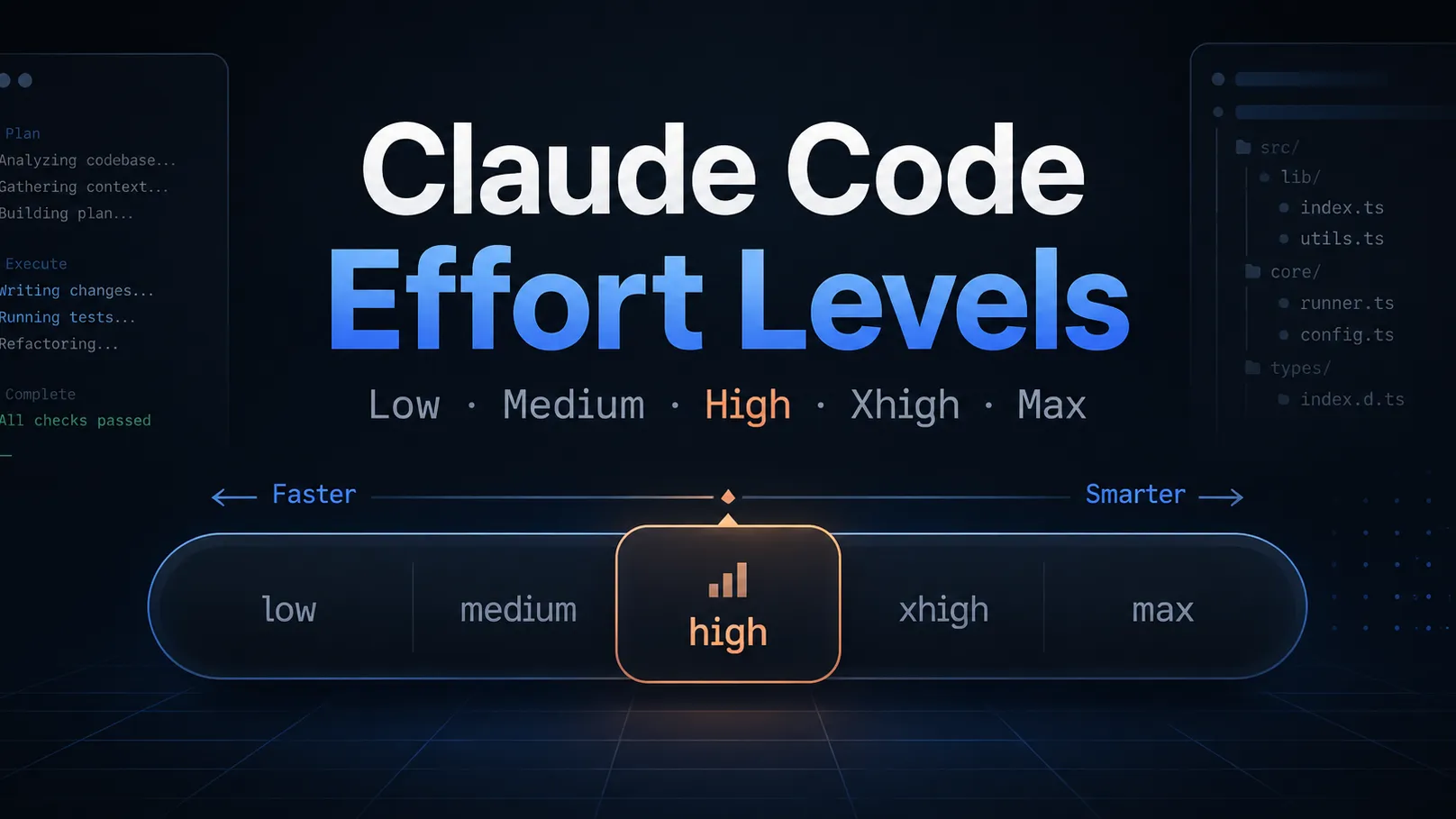
/claude-api cost-optimize: profiles an existing project's Claude API spend and works through measured improvements involving prompt caching, token hygiene, batch processing, effort settings, and model choice.
SendFeedback: when a session goes wrong, Claude can draft a feedback report for the user to review and send through /feedback. Organizations can disable feedback drafts with the feedbackDrafts setting.
The cost workflow is aimed at applications built with the Claude API, not only at the cost of the current Claude Code session. It is most useful when a team has usage data and can validate one change at a time instead of applying generic optimization advice blindly.
Claude Code may process prompts, codebase context, command output, files, tool calls, and repository metadata to provide coding assistance. Privacy and retention depend on whether the user authenticates through a Claude subscription, Anthropic API, or cloud provider deployment such as Bedrock, Vertex AI, or Foundry. Users should keep secrets out of prompts and source files, use environment variables or secret stores, and review permissions before allowing agentic actions.
Added Claude Code 2.1.247 SendFeedback and /claude-api cost-optimize coverage from official documentation.
Created entry with current Claude Code positioning, Pro/Max/Team pricing, API pay-as-you-go option, IDE support, GitHub Actions, Agent SDK, model list, privacy notes, and migration guidance.