

Grok Build
A terminal-first coding agent positioned as an extensible, multi-agent alternative to Claude Code, Codex CLI, Gemini CLI, and other repository-aware CLI assistants.
Information checked: Jul 10, 2026 ·View sources
Tool details
- Type
- CLI agents
- Platforms
- macOS, Linux, Windows, WSL
- Free plan
- Yes
- Open source
- No
- Bring your own key
- Yes
- Local models
- Yes
Overview
Best for
- Developers who prefer terminal-based agent workflows
- Large repository exploration and cross-file refactoring
- Teams migrating existing Claude Code configurations
- Parallel investigation using subagents and Git worktrees
- CI pipelines and scripted code-generation workflows
- Developers embedding a coding agent through ACP
Strengths
- Works with existing Claude Code skills, plugins, hooks, MCP servers, and instruction files.
- Supports interactive, headless, and ACP-based deployment patterns.
- Parallel subagents can operate in isolated Git worktrees.
- Custom endpoints make it possible to use alternative or self-hosted compatible models.
- Plan review and permission controls provide oversight before consequential edits.
- Frequent releases are rapidly expanding terminal and automation capabilities.
Limitations & trade-offs
- Users who require a fully graphical AI-native IDE
- Teams that only approve open-source coding-agent clients
- Workflows requiring stable long-term CLI behavior during the beta
- Organizations that cannot send code to a remote inference service and lack an approved custom endpoint
- Developers seeking deterministic edits without agent autonomy
- The product remains in beta and commands or behavior may change frequently.
- Free and subscription usage limits are not presented as fixed long-term quotas.
- The Grok Build client is not published as an open-source project.
- The terminal-first interface may not suit developers wanting an integrated graphical editor.
- Cloud inference can require sending prompts and selected code to the configured model provider.
- Subscription access and API-key usage follow different billing and quota systems.
Get started
Pricing & usage limits
Official pricingFree tier available
Free$0
Limited Grok Build access with a shared weekly Grok usage allowance. Limits may change during the beta.
SuperGrokVaries by region / month or year
Raises usage limits across Grok products, including Grok Build.
X Premium+From $40 / month
Web pricing starts at $40 per month or $395 per year; regional taxes and app-store pricing vary.
API / BYOKUsage-based
xAI API usage is billed by model. Published rates include grok-build-0.1 at $1 input and $2 output per 1M tokens, and Grok 4.5 at $2 input and $6 output per 1M tokens.
Pricing checked: Jul 10, 2026 · Subscription, usage limits, and model costs may be billed separately.
Features & details
Agent Workflow
- Plan-first execution with step approval
- Interactive questions for ambiguous requirements
- Reviewable diffs before accepting changes
- Multi-file editing and repository-wide refactoring
Parallel Development
- Specialized subagents with separate context
- Concurrent research, implementation, and review
- Git worktree isolation for parallel tasks
- Agent dashboard for active sessions and tasks
Extensibility
- Reusable skills, plugins, agents, and hooks
- Local and remote MCP server support
- AGENTS.md and Claude Code instruction compatibility
- Custom OpenAI-compatible model endpoints
Automation and Integration
- Headless prompts for scripts and CI pipelines
- Streaming JSON and schema-constrained output
- Agent Client Protocol integration
- Background and recurring terminal tasks
Developer Controls
- Sandboxed command execution
- Configurable file and command permissions
- Local session history and project configuration
- Enterprise policy enforcement and Zero Data Retention
Why Choose Grok Build?
Grok Build is designed for developers who want the coding agent to live inside the terminal rather than inside a dedicated editor. Its main differentiator is not simply access to a Grok model; it is the combination of an interactive agent interface, automation surfaces, parallel execution, and compatibility with configuration assets developers may already use elsewhere.
The product is particularly relevant to Claude Code users because it can discover Claude instruction files, skills, plugins, hooks, agents, marketplaces, and MCP configurations alongside Grok-native files. This lowers the cost of evaluating a second coding agent without immediately rebuilding an established agent environment.
Grok Build can also act as more than an interactive assistant. The same agent can run headlessly in scripts, produce streaming or schema-constrained output, and expose an ACP interface to editor clients or custom orchestration software. That makes it suitable for developers who want one agent configuration to cover manual terminal sessions and repeatable automation.
Core Workflow
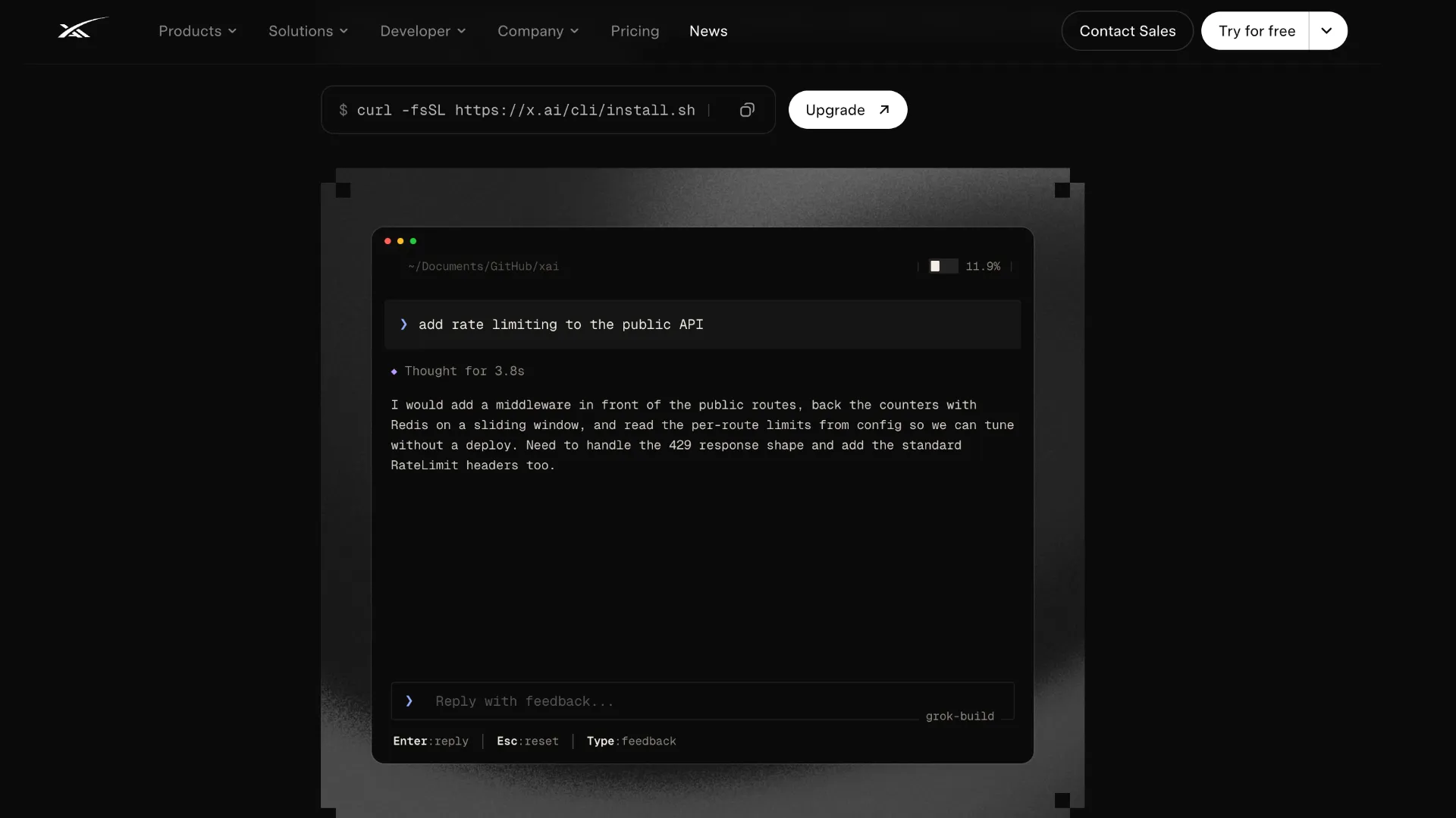
A practical Grok Build session usually begins at the repository root, where the agent discovers project instructions, extensions, model settings, and connected tools. Running grok inspect before a consequential task helps confirm which configuration sources and capabilities are active.
For a complex change, the safer workflow is to begin in plan mode. The agent can examine the repository, describe the intended implementation, ask questions about unresolved design choices, and wait for approval before modifying application files. Developers can revise individual steps rather than accepting or rejecting an entire generated approach.
After approval, the agent edits files, runs relevant commands, and presents changes for review. Repository tests, type checks, linters, or build commands should remain part of the task definition so that completion is tied to observable validation rather than the production of code alone.
Larger investigations can be separated into independent subagent tasks. For example, one agent can inspect database access, another can trace authentication behavior, and another can review tests. Git worktrees are useful when those agents must make changes concurrently without competing for the same working directory.
Where Does Grok Build Fit Best?
Grok Build is well suited to repository-wide work where the problem must be understood before code is written. Examples include tracing regressions across services, planning framework migrations, updating an authentication system, finding repeated implementation patterns, or coordinating changes across application code, tests, infrastructure, and documentation.
Its headless mode also creates opportunities beyond interactive coding. Teams can use it to generate structured repository reports, perform scheduled maintenance checks, draft migration plans, classify failures, or connect an agent to an internal bot. Schema-constrained output is especially useful when downstream software must parse the result reliably.
The agent is less compelling for tasks where a lightweight inline completion is sufficient. Developers primarily seeking autocomplete, a sidebar chat window, or minimal single-file edits may find an IDE extension more direct than launching a repository-aware terminal agent.
How Does Grok Build Compare to Alternatives?
Compared with Claude Code, Grok Build follows a familiar extensible-agent model and deliberately reads many Claude Code configuration formats. The practical distinction is the Grok model and product ecosystem, along with Grok Build's own TUI, dashboard, ACP implementation, permission behavior, and release cadence. Compatibility is broad, but the two tools should not be assumed to enforce every policy identically.
Compared with OpenAI Codex CLI and Gemini CLI, Grok Build places substantial emphasis on reusable extensions, parallel subagents, worktree-based delegation, and migration from Claude-oriented environments. Model quality, quotas, enterprise contracts, and preferred provider relationships are likely to matter more than basic editing capability when choosing among them.
Compared with Aider, Grok Build provides a more agent-oriented environment with dashboards, background tasks, plugins, and orchestration interfaces. Aider may remain preferable for developers who value an open-source client, explicit Git-centered interactions, and broad model-provider flexibility in a comparatively focused tool.
The strongest evaluation method is to run the same bounded repository task across competing agents. Compare the quality of the initial plan, unnecessary file access, number of corrective prompts, test success, diff size, token or credit consumption, and how easily the final change can be reviewed.
Best Configuration
Create a concise root-level AGENTS.md that documents repository structure, approved commands, formatting expectations, test requirements, and areas that must not be modified. Add narrower instruction files closer to specialized packages when a monorepo contains different languages or conventions.
Use plan mode by default for migrations, security-sensitive code, infrastructure changes, and broad refactors. Direct execution is more appropriate for small, reversible tasks with clear acceptance criteria. Approval settings should reflect the risk of the repository rather than being enabled globally for convenience.
Configure sandbox deny rules for credentials, production configuration, signing assets, private keys, and unrelated directories. MCP servers and hooks should also be treated as executable dependencies: review their source, scope their credentials, and only expose tools needed for the current project.
When using custom models, define each endpoint and API key through the user configuration rather than embedding credentials in repository files. Confirm the active model before long tasks, especially when switching between subscription authentication, xAI API keys, and third-party endpoints.
Subagents should receive narrow, non-overlapping objectives. Assigning every subagent a broad instruction such as 'fix the repository' creates duplicated exploration and conflicting edits. Worktrees are most valuable when each agent owns a clearly defined package, service, investigation, or validation step.
Migration Notes for Claude Code Users
Grok Build can automatically read common Claude Code instruction files and extension directories, which makes initial migration unusually straightforward. Existing CLAUDE.md files, project rules, skills, plugins, MCP definitions, hooks, and marketplace sources can often be evaluated without copying them into Grok-specific locations.
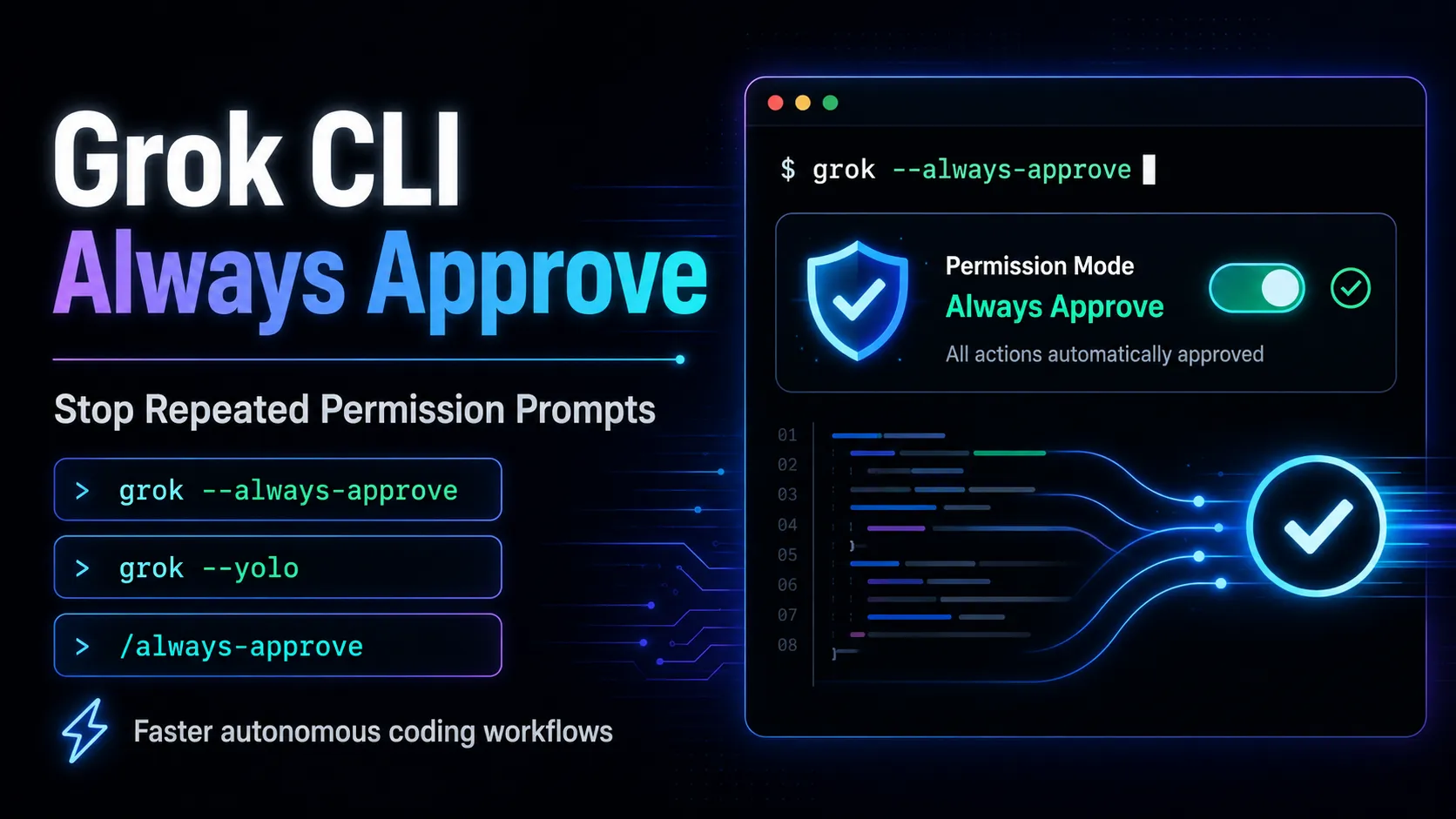
Compatibility does not mean identical security semantics. Enterprise administrators should explicitly review Grok's own requirements.toml and permission controls. In particular, a Claude Code setting that disables bypass-permission mode is not automatically sufficient to disable Grok Build's always-approve behavior; Grok's corresponding policy must be configured separately in a protected system-level file.
Session data and native configuration also use Grok-specific locations such as ~/.grok/. Teams should decide whether Claude-compatible files will remain the shared source of truth or whether new Grok-native configuration will be introduced. Maintaining duplicate rule sets without clear ownership can cause behavioral drift.
What Should Teams Consider During the Beta?
Grok Build is shipping updates at a rapid pace, so interface details, commands, authentication behavior, free limits, and model availability can change between evaluations. Teams adopting it for repeatable workflows should record the tested client version and review the changelog before rolling out an update broadly.
The free tier is useful for initial assessment but should not be treated as a guaranteed production quota. Subscription usage is tied to Grok's broader allowance system, while API-key workflows follow separate metered pricing. Cost comparisons should therefore distinguish interactive subscription use from automated API consumption.
For sensitive repositories, verify which authentication path and inference endpoint are active. Tool execution may occur locally, but prompts and relevant code still travel to the selected model endpoint. Enterprise Zero Data Retention, a separately approved custom endpoint, or a compatible local deployment may be necessary when organizational policy restricts external retention or processing.
Model support & data privacy
Supported models
- Grok 4.5
Privacy & data handling
Prompts and selected file content are assembled locally and sent over TLS to the configured inference endpoint, while tool execution occurs in the local sandbox. Team and enterprise deployments can enable Zero Data Retention, although local session history is still stored under ~/.grok/ unless separately managed.
Guides, reviews & fixes
Product updates
Official changelogNo verified product updates listed yet. Follow this tool to see new relevant content in Saved.
See the content timelineAlternatives
 Claude CodeClaude Code is Anthropic's terminal coding agent for repository work, subagents, hooks, MCP, and automation, with growing operational tooling for API cost analysis and feedback.
 Codex CLIOpenAI Codex CLI is a terminal coding agent that combines repository editing and command execution with task-to-task coordination, parallel workflows, hooks, and the broader Codex platform.
 Gemini CLIGemini CLI is Google’s open-source terminal coding agent for Gemini-powered development workflows, now positioned as a legacy tool transitioning toward Antigravity CLI for future agent-first development.
 AiderAider is a terminal-native, open-source AI coding agent for developers who want direct Git-based code editing with flexible model choice.
 Qwen CodeQwen Code is an open-source terminal coding agent optimized for Qwen Coder models and designed for developers who want agentic code understanding, editing, automation, and tool use from the command line.
Sources & verification
Verification dates record when this directory checked the information. Product release dates appear separately above.
Official websiteGrok Build DocumentationGrok Build AnnouncementSkills, Plugins and Marketplace DocumentationEnterprise Deployment DocumentationGrok Build ChangelogxAI API PricingGrok Plans and UsageX Premium Pricing FAQ
Directory revision history
Directory information, pricing references, platform support, and beta status were reviewed against official sources.
Grok Build 0.2.94 added the /goal command, improved ACP compatibility, and refined plugin and session behavior.
Grok 4.5 became the primary model promoted for Grok Build.
Grok documentation confirmed free entry-level access and shared weekly usage allowances across Grok products.
Grok Build launched in early beta for SuperGrok and X Premium+ subscribers.