


Windsurf
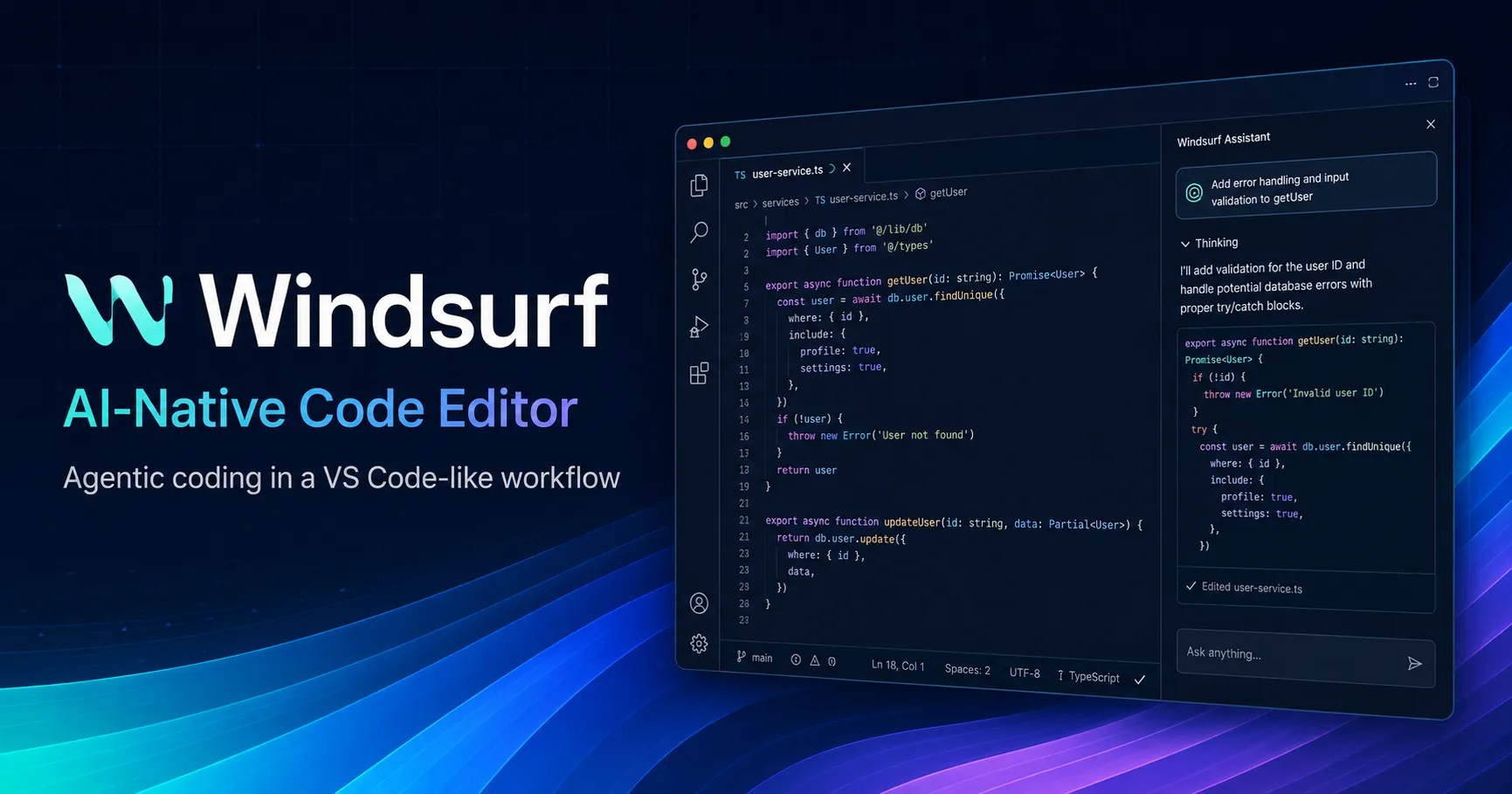
Windsurf, now transitioning under the Devin Desktop brand, is an AI-native IDE for developers who want coding agents, codebase context, and editor workflows in one desktop environment.
Information checked: Jun 13, 2026 ·View sources
Tool details
- Type
- AI editors
- Platforms
- macOS, Windows, Linux, JetBrains plugin, VS Code plugin, Visual Studio plugin, Vim, Neovim, Jupyter, Chrome
- Free plan
- Yes
- Open source
- No
- Bring your own key
- Yes
- Local models
- No
Overview
Best for
- Developers who want a VS Code-like AI IDE
- Teams experimenting with local and cloud coding agents
- Multi-file refactoring and codebase navigation
- Full-stack app iteration with previews and terminal workflows
- Engineers who want to move from chat-based coding into agent-managed tasks
Strengths
- Strong fit for developers who want agentic coding inside a familiar IDE.
- Smooth migration path for VS Code and Cursor users.
- Deeper workflow integration than simple autocomplete extensions.
- Useful for multi-file refactors, app scaffolding, and iterative debugging.
- Enterprise options cover admin, access, and deployment controls.
Limitations & trade-offs
- Users who only need lightweight autocomplete
- Teams that require a fully open-source editor stack
- Strictly offline development environments
- Developers who do not want an AI-first workflow inside their editor
- Organizations that cannot send code context to external AI services without a reviewed enterprise agreement
- Product naming has shifted from Windsurf to Devin Desktop, which may confuse new users.
- Heavy agent usage can become expensive compared with simpler code-completion tools.
- Advanced agent behavior still requires careful review before merging changes.
- Some workflows depend on cloud-hosted models and vendor-managed infrastructure.
- Extension compatibility may differ from Microsoft VS Code Marketplace expectations.
Get started
Pricing & usage limits
Official pricingFree tier · From $20
Free$0 / month
Free individual plan with access to the editor and included usage.
Pro$20 / month
Individual paid plan with higher usage allowance and premium model access.
Max$200 / month
High-usage individual plan for heavier agent workflows.
Team$80 + $40/full user / month
Team plan with shared billing and full-seat access to Devin Desktop usage.
EnterpriseContact sales
Enterprise plan with advanced security, admin, support, and deployment options.
Pricing checked: Jun 13, 2026 · Subscription, usage limits, and model costs may be billed separately.
Trae AI IDE Pricing 2026: The $3–$100 Plans, Hidden Usage Math, and Who Should PayFeatures & details
Agentic Coding
- Local coding agent inside the IDE
- Multi-file code edits with reviewable diffs
- Agent Command Center for managing sessions
- Support for local and cloud agent workflows
Editor Experience
- VS Code-like interface and keybindings
- Imports VS Code and Cursor settings
- Open VSX extension ecosystem
- Mac, Windows, and Linux desktop apps
Context and Automation
- Codebase-aware chat and editing
- Rules, memories, and skills for project behavior
- MCP server integration
- Browser previews and terminal assistance
Team and Enterprise Controls
- Centralized billing
- Admin dashboard
- SSO and access controls
- RBAC and enterprise deployment options
Why Choose Windsurf?
Windsurf is most compelling when the developer wants AI to operate inside the same workspace where code is read, edited, tested, and reviewed. Instead of treating the assistant as a separate chat box, the product pushes toward an agent-managed workflow: describe an outcome, let the agent inspect the repository, then review concrete edits in the editor.
That makes it more useful for medium-sized implementation tasks than for isolated code snippets. It can help connect UI changes, backend routes, config files, test updates, and terminal feedback into one loop. The tradeoff is that the developer must become a reviewer and task designer, not just a prompt writer.
The biggest strategic change is the move from Windsurf branding to Devin Desktop. For directory users, that means Windsurf should be listed as a historically important and still searchable product name, while the current product surface is increasingly part of Cognition's Devin ecosystem.
Core Workflow
A practical Windsurf workflow usually starts with a narrow task, not a vague request. The best prompts name the files, expected behavior, constraints, and validation command. From there, the agent can inspect context, make edits, and use the terminal or preview loop to refine the result.
For production repositories, the safest pattern is: ask for a plan first, approve the scope, let the agent edit, review the diff, run tests, then ask for a short explanation of risky changes. This keeps the agent useful without turning it into an unchecked committer.
Windsurf is especially effective when paired with project rules. Teams can encode conventions such as framework choices, file naming, API patterns, testing style, and security restrictions. That reduces repeated prompting and makes agent output more consistent across sessions.
Use Cases
The strongest use cases are multi-file coding tasks where context matters. Examples include adding a feature to an existing Next.js app, refactoring duplicated components, wiring a frontend form to an API route, creating tests around a bug, or explaining a legacy module before editing it.
It is also useful for exploratory development. A developer can generate a small prototype, inspect the result, and progressively tighten the implementation. This is different from a pure web app generator because the workflow remains inside a local IDE where the developer can keep manual control.
For larger teams, Windsurf fits best as an acceleration layer for existing engineering practices. It should complement code review, CI, linting, security scanning, and human ownership rather than replace them.
Comparison to Alternatives
Compared with Cursor, Windsurf has historically leaned harder into the agentic flow and codebase-aware Cascade experience, while Cursor is often evaluated for its editor polish, Composer workflow, and broad adoption among AI-first developers. The better choice depends on whether a team values Windsurf's agent direction or Cursor's familiar AI editor ergonomics.
Compared with GitHub Copilot, Windsurf is a bigger workflow change. Copilot is easier to add to an existing editor setup, while Windsurf asks the developer to spend more time inside a dedicated AI-native environment. That extra commitment can pay off for agentic tasks, but it may be unnecessary for developers who only want completions and inline help.
Compared with CLI agents such as Claude Code, Codex CLI, Aider, or Gemini CLI, Windsurf is more visual and review-oriented. Terminal-first agents may be better for developers who live in shells and scripts, while Windsurf is friendlier for teams that want diffs, previews, editor navigation, and project context in one interface.
Best Configuration
For individual developers, the best starting setup is to import existing VS Code or Cursor settings, keep familiar keybindings, and then add only the extensions that are needed for the active stack. Avoid recreating a bloated VS Code profile immediately; the AI workflow is easier to evaluate when the editor remains clean.
For teams, define workspace rules early. Add instructions for test commands, package manager, branch policy, formatting, API conventions, and files the agent should avoid. For sensitive repositories, review privacy settings, telemetry, enterprise controls, and model access before rolling it out broadly.
For web development, pair Windsurf with a repeatable validation loop: run typecheck, lint, unit tests, and local preview after each agent task. The more deterministic the validation command, the more reliable the agent workflow becomes.
Migration Notes
Existing Windsurf users should treat the Devin Desktop transition as a branding and workflow expansion rather than a complete product replacement. The editor, settings, extensions, and workflows are intended to carry over, but teams should still document the migration for internal users because product names, docs URLs, and admin surfaces may change.
For content and SEO pages, it is worth targeting both terms. Users will continue searching for “Windsurf AI IDE,” while newer official materials may increasingly use “Devin Desktop.” A good directory entry should therefore preserve the Windsurf slug while explaining the current naming clearly.
Teams comparing tools should test with a real repository rather than a toy prompt. The important questions are not only whether the first answer looks impressive, but whether the agent respects project conventions, produces reviewable diffs, handles failed tests, avoids unnecessary rewrites, and remains predictable across repeated tasks.
Model support & data privacy
Supported models
- SWE-1.6
- SWE-1.6 Fast
- SWE-1.5
- SWE-1
- SWE-1-mini
- Claude 4 Sonnet
- Claude 4 Sonnet Thinking
- Claude 4 Opus
- Claude 4 Opus Thinking
- Claude
- GPT
- Gemini
Privacy & data handling
Windsurf/Devin Desktop is covered by Cognition's privacy and security documentation. Teams should review data retention, telemetry, BYOK, model routing, and enterprise controls before using it with proprietary code, regulated data, secrets, or customer information.
Guides, reviews & fixes
View all 7
AI IDE & Coding Agent Comparison 2026: Cursor vs Claude Code vs Codex vs TraeCode and More

What Is a Volume Shader Test? WebGL GPU Benchmarks and the AI-Built Tool Boom
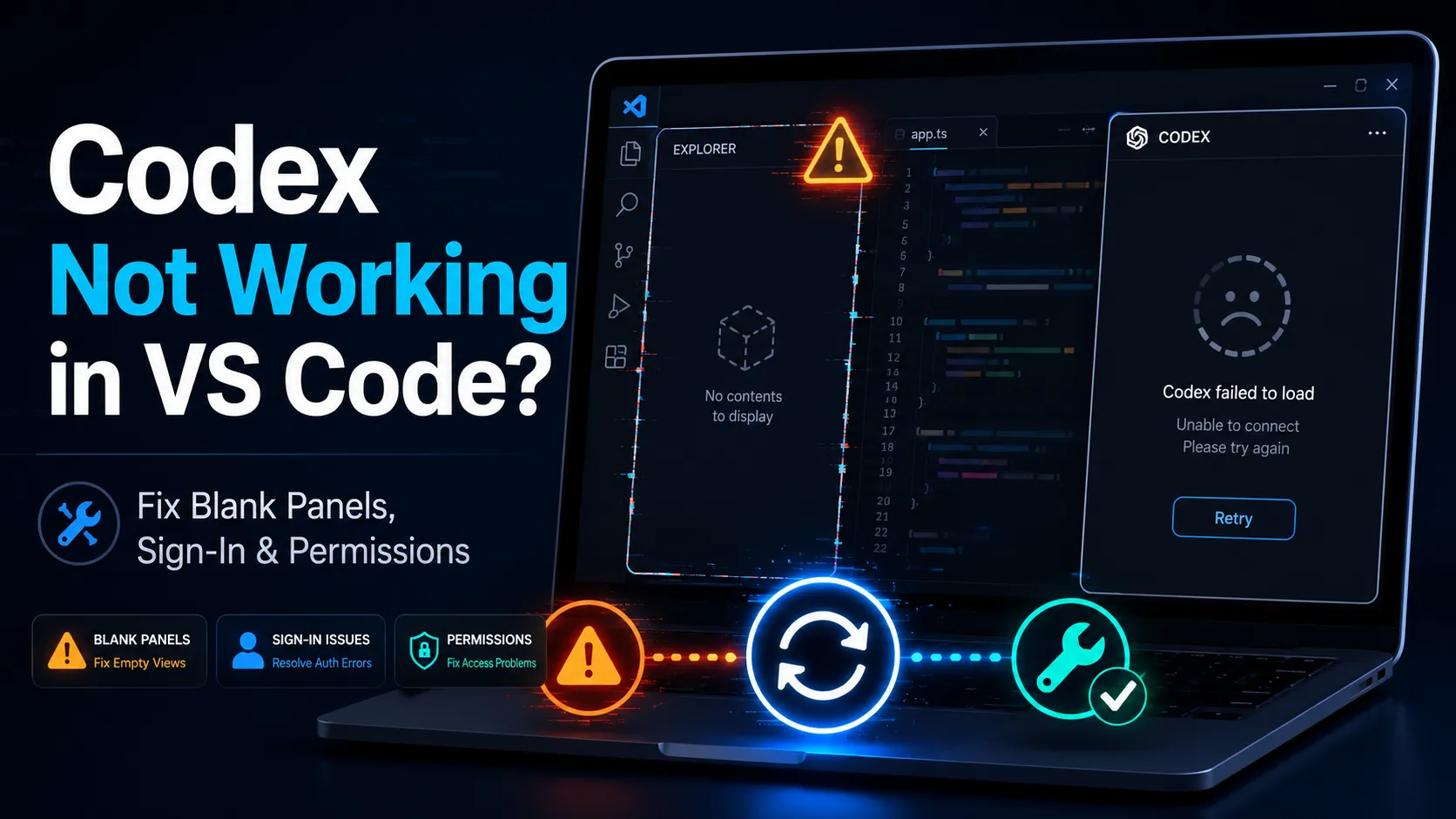
Codex Not Working in VS Code: 2026 Fix Guide for Blank Panels, Sign-In, WSL, and Permissions
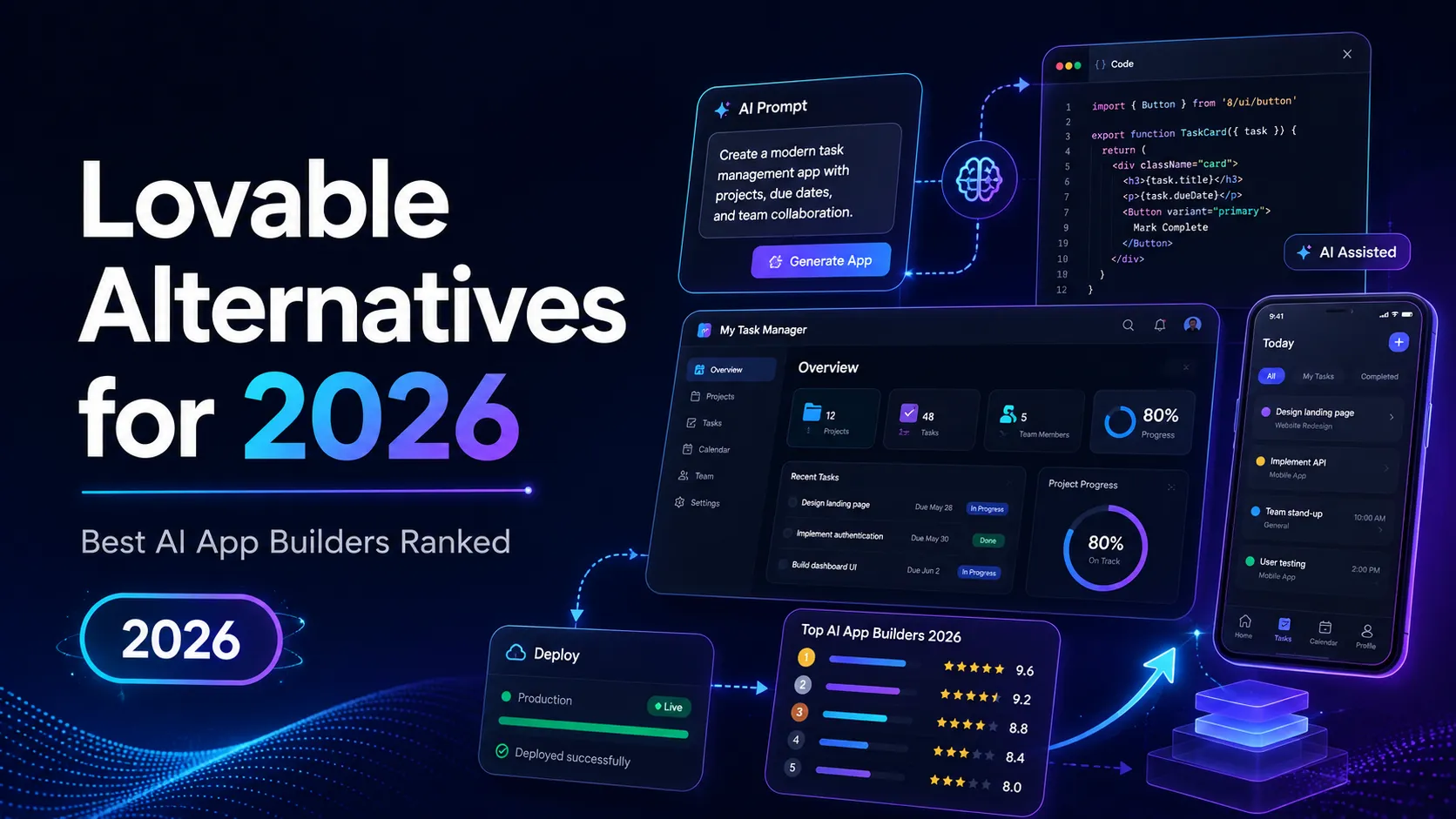
Lovable Alternatives for 2026: 15 AI App Builders Ranked by Real Use Case
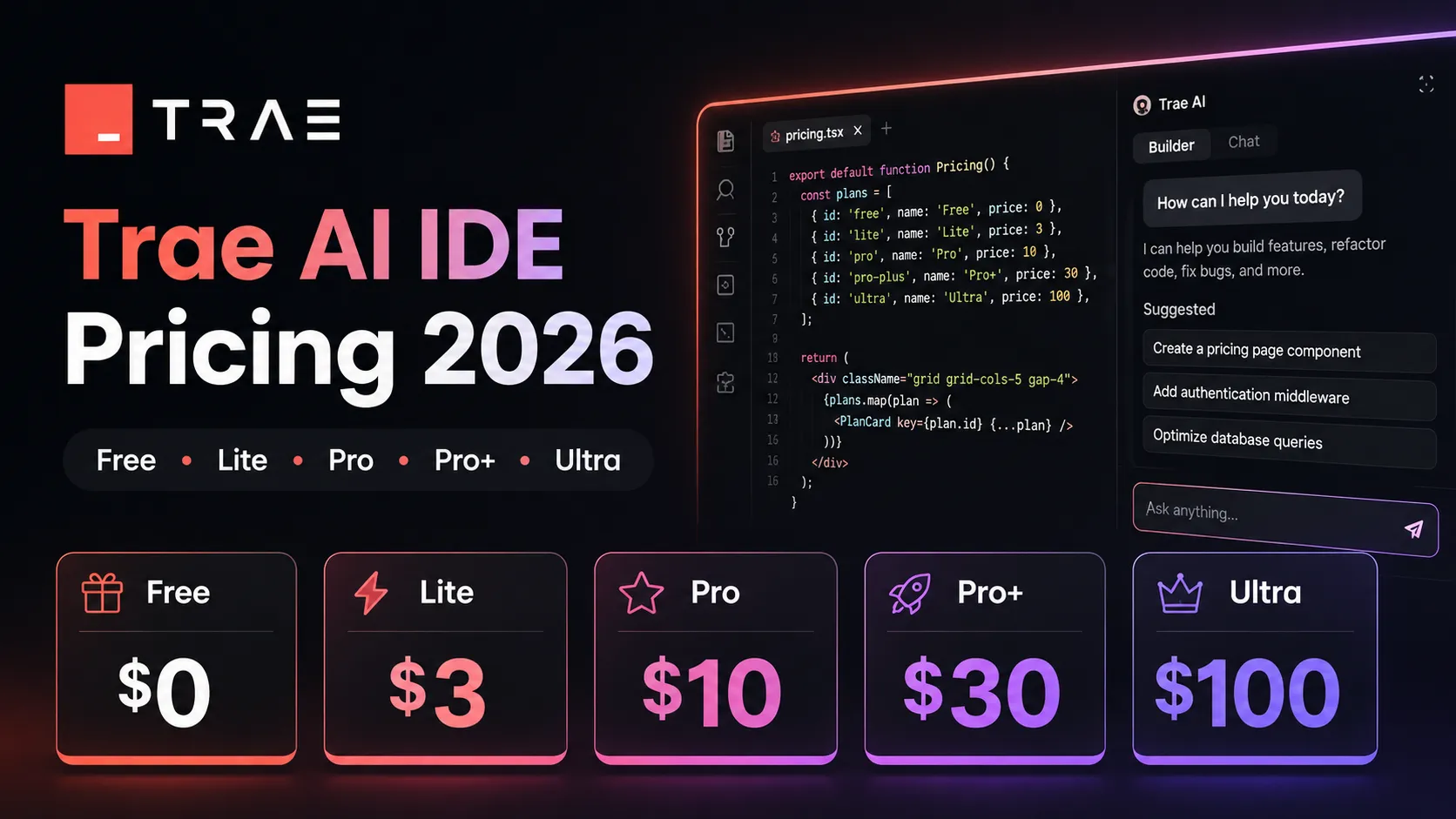
Trae AI IDE Pricing 2026: The $3–$100 Plans, Hidden Usage Math, and Who Should Pay
Product updates
No verified product updates listed yet. Follow this tool to see new relevant content in Saved.
See the content timelineAlternatives
 CursorCursor is an AI coding and cloud development platform that combines a VS Code-based editor, local and cloud agents, CLI workflows, Origin code hosting, repository collaboration, and prompt-to-app creation.Windsurf vs Cursor
 GitHub CopilotGitHub Copilot is a mainstream AI code assistant and developer workflow layer for teams that want AI support inside existing editors, GitHub repositories, pull requests, and terminal workflows.Windsurf vs GitHub Copilot
 TRAE / TraeCodeTRAE combines TraeCode, an AI coding environment for working with source files, and TraeWork, a task-oriented AI work assistant. This page focuses on choosing and setting up the coding workflow, reviewing changes and understanding subscription usage.
 VoidVoid is an open-source AI IDE and Cursor-style VS Code fork for developers who want model choice, local/BYOK workflows, and more control over AI coding data paths.
 Zed AIZed AI is an open-source standalone AI code editor positioned around speed, agent review, flexible model access, and collaboration rather than VS Code compatibility.
 Replit AIReplit AI is an all-in-one browser-based AI software creation platform that combines prompt-to-app generation, a cloud IDE, built-in infrastructure, publishing, and collaboration.
 Claude CodeClaude Code is Anthropic's terminal coding agent for repository work, subagents, hooks, MCP, and automation, with growing operational tooling for API cost analysis and feedback.
 Codex CLIOpenAI Codex CLI is a terminal coding agent that combines repository editing and command execution with task-to-task coordination, parallel workflows, hooks, and the broader Codex platform.
 AiderAider is a terminal-native, open-source AI coding agent for developers who want direct Git-based code editing with flexible model choice.
 ContinueContinue is an open-source AI coding agent and IDE extension ecosystem focused on configurable model access, repository-defined AI checks, and team-controlled coding workflows.
Sources & verification
Verification dates record when this directory checked the information. Product release dates appear separately above.
Official websiteWindsurf / Devin Desktop websiteDevin Desktop pagePricingDevin Desktop documentationAI models documentationWindsurf is now Devin Desktop announcementCognition privacy policy
Directory revision history
Updated entry to reflect Windsurf's transition to Devin Desktop and current public pricing.
Cognition announced that Windsurf is becoming Devin Desktop, with the IDE experience retained under the new brand.