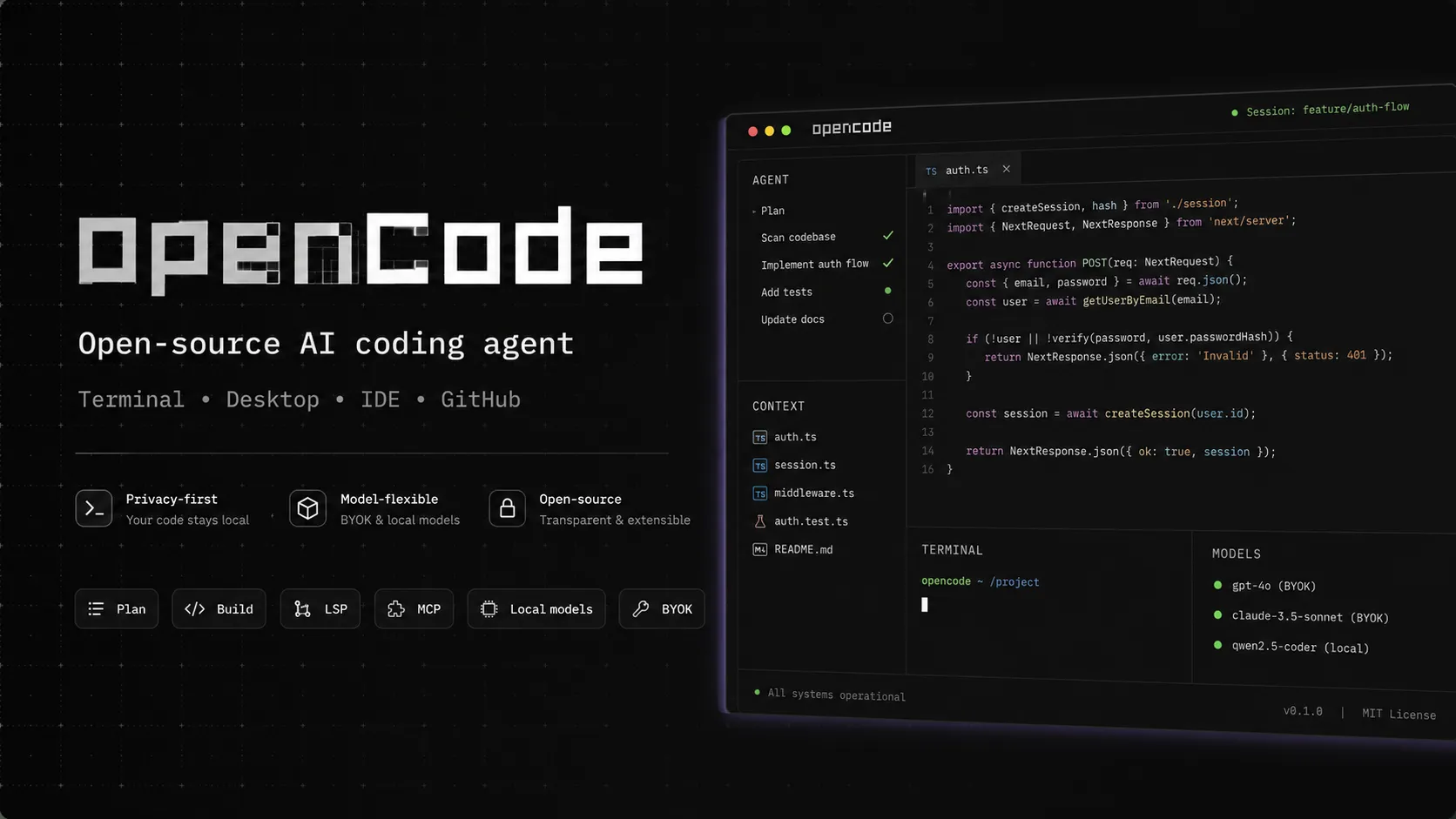
OpenCode is an open-source coding-agent harness for terminal, desktop, and IDE workflows with broad provider support, BYOK, and an optional OpenCode Go subscription for curated open models.
MIT-licensed open-source coding agent. Users can install and run OpenCode locally with their own model credentials.
Bring Your Own ModelUsage-based
Use external LLM providers through API keys, GitHub Copilot login, ChatGPT Plus/Pro login, local models, or OpenAI-compatible endpoints.
OpenCode ZenPay-as-you-go
Optional curated model gateway with per-token pricing and usage limits for teams or individuals.
OpenCode Go$10 / month
Optional provider with stable access to a curated set of open coding models; BYOK remains available.
EnterpriseCustom
Per-seat enterprise plan with centralized config, SSO integration, internal AI gateway routing, and implementation support.
Pricing checked: Aug 29, 2026 · Subscription, usage limits, and model costs may be billed separately.
Features & details
Terminal-first agent
Interactive TUI for asking questions, planning work, editing files, and running project tasks.
Build and Plan agents separate implementation from read-only exploration.
Supports multiple sessions and parallel agent workflows.
Model flexibility
Supports 75+ LLM providers through AI SDK and Models.dev.
Can use local models and OpenAI-compatible endpoints.
Supports GitHub Copilot and ChatGPT Plus/Pro login paths where configured.
Editor and desktop options
Available as terminal interface, desktop app, and IDE extension.
VS Code, Cursor, Windsurf, VSCodium, and terminal-based IDE workflows are supported.
ACP support enables integration with compatible editors.
Code intelligence
LSP integration gives the agent diagnostics and project-aware feedback.
File references and current editor context can be shared from supported IDE workflows.
Plugins, commands, skills, and agents can customize behavior.
GitHub automation
Use /opencode or /oc comments in GitHub issues and pull requests.
Runs inside GitHub Actions runners.
Can triage issues, implement changes, create branches, and submit pull requests.
OpenCode Go
Optional $10 monthly provider
Curated open coding models
Stable managed access inside OpenCode
BYOK remains available
No harness lock-in
Why Choose OpenCode?
OpenCode is most compelling for developers who like the Claude Code style of terminal-native agentic coding but do not want their workflow tied to one model vendor. Its core advantage is optionality: hosted providers, OpenCode Zen, OpenCode Go, GitHub Copilot, ChatGPT subscriptions, local models, and OpenAI-compatible endpoints can all fit into the same agent workflow.
That makes it a strong choice for developers who actively compare models, care about cost control, or need a path toward internal AI gateways. It also means the product is more configurable than fully hosted commercial tools. The upside is control; the tradeoff is that the user must think about model quality, credentials, privacy boundaries, and usage limits.
Core Workflow
A practical OpenCode workflow starts inside a real project directory. The developer launches the TUI, asks the agent to inspect the codebase, switches between planning and building modes, and reviews the resulting changes before committing or running tests. For unfamiliar codebases, the read-only Plan agent is especially useful because it can explore before touching files.
The workflow becomes stronger when paired with project instructions, commands, plugins, LSP diagnostics, and explicit file references. OpenCode should not be treated as a one-shot code generator. It works better as an iterative collaborator: inspect, plan, modify, run checks, review diffs, and repeat.
Use Cases
OpenCode fits day-to-day coding tasks such as feature implementation, bug fixing, test generation, refactoring, dependency upgrades, and codebase exploration. It is also useful for teams that want agentic coding inside GitHub issues and pull requests, because the GitHub integration can run inside GitHub Actions runners and operate from /opencode or /oc comments.
It is less suited to non-technical prompt-to-app building. A founder looking for a browser-based app generator may prefer Lovable, Bolt.new, or Replit AI. A developer who wants inline completions may prefer GitHub Copilot, Cursor, Windsurf, or Supermaven-style tools. OpenCode is best understood as an agentic coding environment, not a no-code product builder or autocomplete plugin.
Comparison to Alternatives
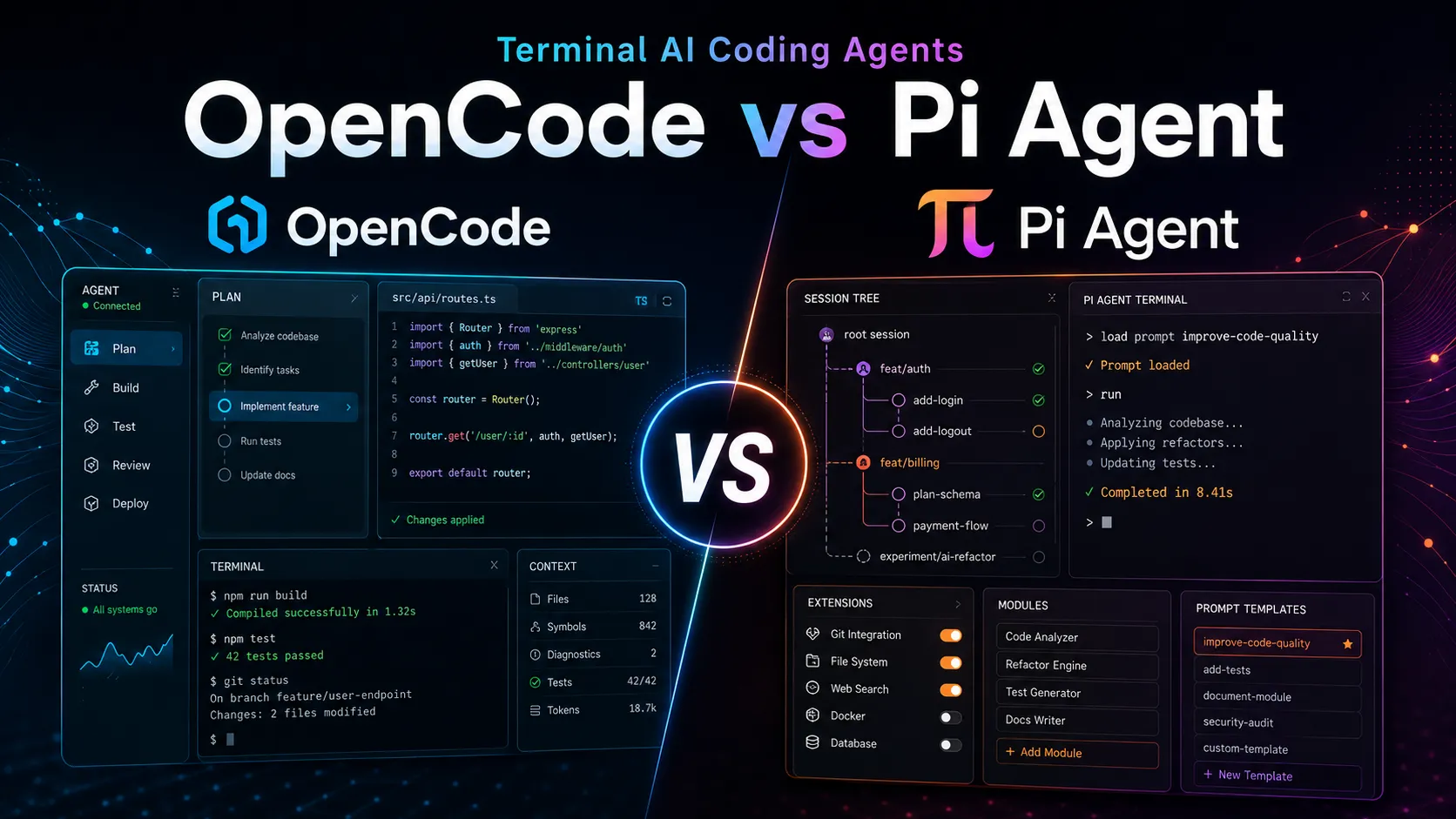
Compared with Claude Code, OpenCode's main differentiator is openness and provider choice. Claude Code offers a polished Anthropic-centered experience; OpenCode offers a more flexible agent shell that can route to many models and providers.
Compared with Aider, OpenCode feels more like a modern terminal agent platform: it emphasizes a TUI, multi-session workflows, Plan and Build agents, LSP support, GitHub automation, ACP integration, and optional desktop/IDE surfaces. Aider remains a strong Git-native pair-programming CLI, especially for developers who like direct file editing and commit-oriented workflows.
Compared with Cursor or Windsurf, OpenCode is less of a complete editor replacement. It is more portable, more open, and easier to combine with existing terminal habits, but it will not feel as integrated as a full AI IDE for users who expect autocomplete, code navigation, chat panels, and inline UI controls in one editor.
Best Configuration
The best setup starts with choosing the right model path. Use high-quality frontier models for difficult architecture and refactoring tasks, cheaper open models for routine changes, and local models when privacy or offline constraints matter more than maximum coding ability. Configure monthly limits when using Zen or other usage-based providers.
For teams, the best configuration is policy-driven. Decide which providers are approved, whether /share is allowed, how API keys are managed, whether OpenCode should route through an internal AI gateway, and which repositories can be used with external models. Enterprise teams should centralize config and disable unapproved providers instead of relying on every developer to configure the tool correctly.
Migration Notes
Developers moving from Claude Code should review project instructions, custom commands, MCP configuration, and shell workflows. The migration is conceptually straightforward because OpenCode also uses agent instructions, terminal sessions, and tool access, but provider configuration and permission behavior should be tested carefully before using it on important repositories.
Teams moving from IDE-first tools should run a pilot rather than switching immediately. Compare OpenCode on one debugging task, one refactor, one test-writing task, and one GitHub issue workflow. The right metric is not only whether the model produces correct code; it is whether OpenCode fits the team's review, security, cost, and developer-habit constraints.
OpenCode Go: $10 Monthly Model Access
OpenCode introduced OpenCode Go on August 28, 2026. It is an optional provider inside OpenCode rather than a replacement for BYOK:
The plan costs $10 per month.
It provides stable access to a curated set of open coding models.
OpenCode describes the target value as roughly six times the subscription price in included model usage.
Users can continue using their own providers and API keys; Go does not lock the OpenCode harness to one service.
Go gives developers a lower-friction option between fully managing several API keys and paying for a closed agent subscription. Model selection and limits can change, so confirm the current provider list and usage policy before purchase.
OpenCode states that it does not store code or context data by default, with processing happening locally or through direct API calls to the selected AI provider. The main exception is the optional /share feature, which uploads conversation data to OpenCode-hosted share pages and creates public links. Privacy depends on provider choice, local model usage, enterprise gateway routing, share settings, and whether sensitive files, secrets, or production data are included in context.
Added OpenCode Go pricing and positioning as an optional $10 monthly provider alongside BYOK.
Created entry with current OpenCode positioning, open-source status, Zen and Go pricing options, model/provider support, IDE and ACP support, GitHub workflow automation, enterprise controls, and privacy caveats.