On This Page8 sections
Key Takeaways
- Crayon is an AI game builder for creating playable 2D and 3D browser games from natural-language descriptions. Its official workflow covers game planning, asset editing, and publishing.
- Evaluate the complete development cycle: the first build, gameplay corrections, mobile testing, and deployment all affect practical value.
- Publishing, exporting, and embedding are separate capabilities. A public play link alone does not establish iframe compatibility or access to a complete development project.
- Start with one repeatable mechanic. A small game with reliable controls and a working restart loop is a useful first evaluation project.

What Is Crayon AI?
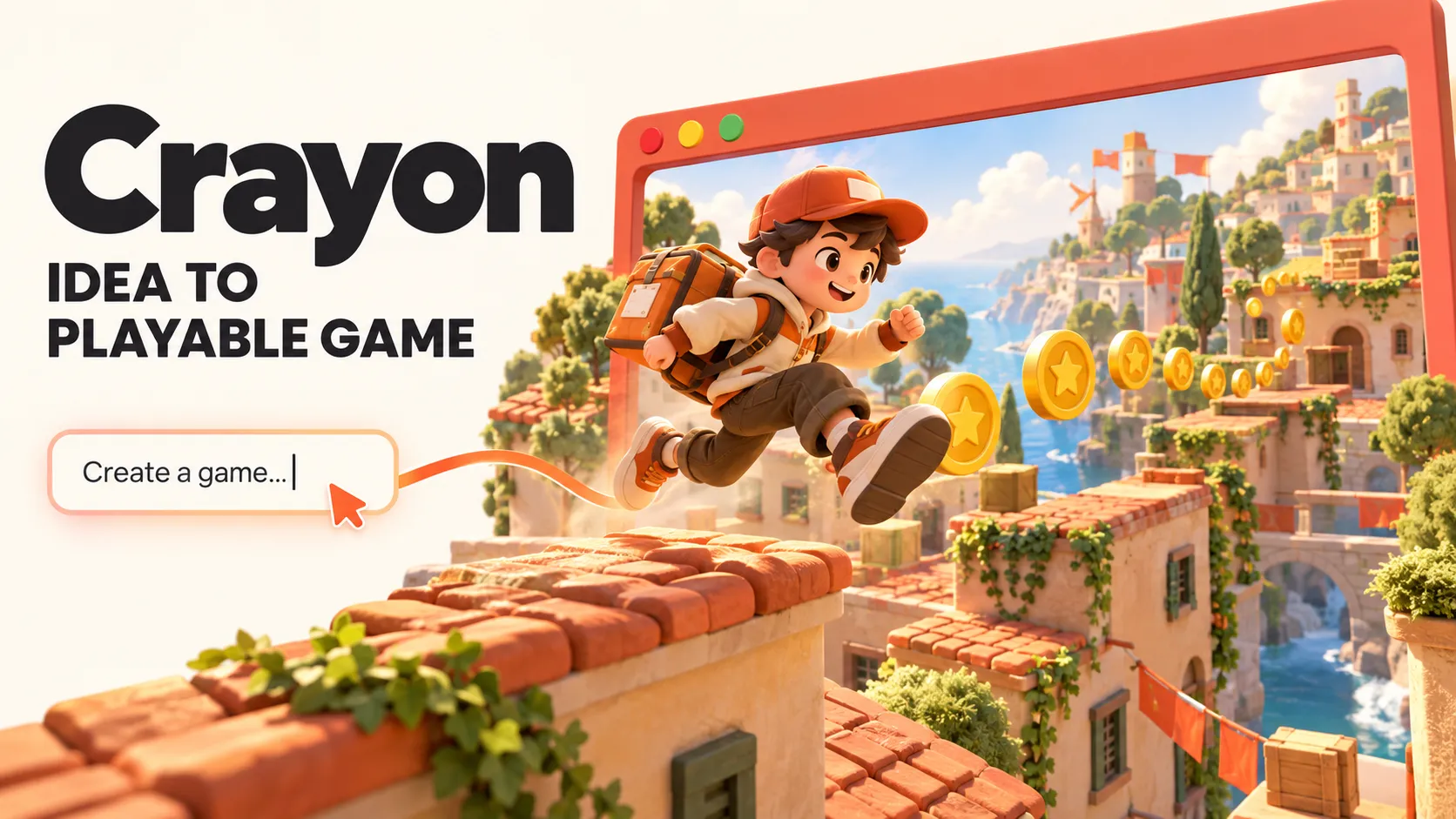
Crayon is a browser-based AI game creation platform. Users describe an idea, refine its rules, shape its visual assets, and publish a playable result through the Crayon application.
The official product presentation includes 2D and 3D creation, AI-assisted planning, natural-language asset changes, and distribution through Crayon Arcade or game exports.
Its practical appeal is bringing several parts of game production into one workflow. A developer can evaluate the relationship between movement, obstacles, rewards, and visual presentation before committing to a larger project.
However, generating a running game and producing a polished game are different milestones. Controls, difficulty, collision behavior, loading, and replayability still need deliberate evaluation.
How Crayon Turns an Idea Into a Game
In a July 2026 founder interview, co-founder Aniket Jatav described a system that coordinates multiple existing AI models through approximately 15 internal steps. He also described specialized agents for tasks such as mechanics and asset production, including materials and textures.
According to that account, broad requests trigger clarification and planning before generation. These are the founder’s architectural descriptions, rather than independently measured performance results.
This suggests a useful way to approach the product: treat the prompt as a compact game design document. Specify what the player does, how success works, and what happens after failure.
A request for a beautiful adventure game leaves fundamental decisions unresolved. A request for a 90-second collection game with three lives, visible obstacles, and an immediate restart gives the system a much clearer target.
Crayon’s terms describe Standard and Pro modes, chat, asset and level editors, a code view, and version history. Pro adds design documents and reference pictures.
Crayon Pricing and Free Credits
The official terms list these options, checked October 23, 2026:
| Option | Price | Credits |
|---|---|---|
| New account | Free | 100 once |
| Starter | US $15/month | 1,500 per billing cycle |
| Creator | US $49/month | 5,000 per billing cycle |
| Professional | US $100/month | 12,000 per billing cycle |
| Credit pack | US $5 | 400 per pack |
Free credits last 90 days. Subscription credits expire each billing cycle; pack credits last 60 days. Paid subscriptions include export and priority support. Check current pricing before purchase; taxes are additional.
The useful cost metric is the cost of a game that passes testing. A credit allowance alone does not reveal how many finished games a developer can produce.
For an initial evaluation, track the entire process:
Credits used for an accepted prototype =
initial generation
+ gameplay corrections
+ asset revisions
+ compatibility fixes
+ final polish
Also record the time spent explaining problems and checking fixes. A workflow that produces an attractive first scene but requires extensive repair may offer less value than its initial generation suggests.
Choose a plan after completing one representative project. Avoid estimating production capacity from the subscription credit total alone.
What Games Should Developers Try First?
The following are recommended evaluation projects, rather than claims that each genre has been benchmarked successfully in Crayon.
| Project | Why it makes a useful first test | What to inspect |
|---|---|---|
| Obstacle-dodging runner | A short, repeatable gameplay loop | Input response, obstacle spacing, restart behavior |
| Collection challenge | Clear scoring and completion rules | Pickup detection, timer behavior, score accuracy |
| Small driving course | Movement and camera quality are immediately visible | Steering, collision recovery, camera clipping |
| Compact puzzle | Rules can be checked against expected outcomes | Valid moves, solvability, completion detection |
| Single-arena action game | Limited space keeps interactions observable | Enemy behavior, damage feedback, performance |
For a first project, postpone persistent multiplayer, trading systems, sprawling worlds, and complicated economies. These introduce more interacting systems before the basic game has been validated.
The founder interview also identifies experienced web-game developers and studios as a particularly relevant audience. That positioning helps explain why understanding game mechanics and scene structure can improve the usefulness of the tool.
A Practical Crayon Prompt for a First Game
A strong brief defines controls, rules, visual direction, and completion criteria. This example is an original starting prompt, not a verified generated result:
Create an original 3D browser game called Rooftop Parcel Run.

Core loop:
The player runs automatically along three rooftop lanes.
Collect parcels and avoid clearly visible obstacles.
Each run lasts 90 seconds unless the player loses all three lives.

Controls:
Use left and right arrow keys to change lanes.
Use Space to jump.
Add large touch buttons for mobile players.

Rules:
Each parcel awards 10 points.
An obstacle hit removes one life.
After a hit, provide one second of invulnerability.
Keep at least one safe route through each obstacle sequence.

Presentation:
Use an original low-poly character and warm daylight colors.
Keep the camera stable and the route easy to read.
Show score, remaining lives, and time clearly.

Required screens:
Start screen with controls.
Gameplay screen with pause and mute.
Results screen with score and a restart button.

Scope:
Build one environment and one complete gameplay loop first.
Do not add accounts, purchases, or online multiplayer.
Explain the plan before building.
The most valuable details here are observable behaviors: whether a collision removes one life, whether a safe route exists, and whether restart clears the previous run.
After generation, request narrow changes with a reproducible test:
Fix only the obstacle-hit behavior.

Observed problem:
One collision sometimes removes multiple lives.

Expected behavior:
A collision removes exactly one life and starts a one-second
invulnerability period with visible feedback.

Preserve the current movement, camera, scoring, and artwork.

Verification:
Touch one obstacle and remain beside it briefly.
Only one life should be lost during the invulnerability period.
This makes it easier to determine whether an edit solved the actual problem.
Crayon’s Free 3D Asset Library
Crayon provides a public 3D asset library of GLB models advertised as optimized for Three.js and web games, with dedicated collision geometry.
Examples listed on the page include:
| Asset | Listed triangle count | Listed file size | Listed colliders |
|---|---|---|---|
| Sunbeam Cottage | 740 | 197 KB | 30 |
| Alpine Pine | 524 | 109 KB | 14 |
| Gold Coin | 216 | 30 KB | 1 |
These are catalog specifications, not independent measurements.
The separate collision information is worth inspecting. A model’s visible surface and the shapes used for gameplay collisions serve different purposes. Before using an asset, check that the collision representation matches how players should interact with it.
Asset compatibility does not establish the complete technology stack of every generated game. A Three.js-oriented library is insufficient evidence to label all Crayon projects as a particular React, JavaScript, or physics-engine architecture.
For developers integrating assets separately, the Three.js GLTFLoader documentation explains its glTF loading interface and the additional decoders required for certain compressed assets.
A sensible first asset test is to load one model, check its scale and materials, inspect its collision shapes, and then test a representative scene on the intended device.
Publishing, Exporting, and Self-Hosting
Crayon’s homepage advertises Arcade publishing, exports for Poki and CrazyGames, and self-hosting.
Export availability varies by game type, and exported games may retain third-party dependencies. Bundled Crayon runtime components may be used only within those games.
For a developer planning to maintain a game independently, inspect the actual deliverable:
| Check | Why it matters |
|---|---|
| Editable source files | Establishes whether meaningful changes can be made outside the builder |
| Build instructions and dependencies | Shows whether the project can be rebuilt reproducibly |
| Included models, textures, and audio | Reveals which resources are local and which remain externally hosted |
| Runtime network requests | Identifies authentication, APIs, analytics, or hosted services the game still uses |
| Save behavior | Determines where progress is stored and how it behaves after deployment |
| Asset and runtime licenses | Establishes the applicable reuse and distribution conditions |
A code view is not sufficient evidence of a complete, independently rebuildable source export. Verify the downloaded package against the intended maintenance workflow.
For self-hosting, test the exported game on a separate origin in a signed-out browser session. Check asset loading, direct navigation, restarting, and any persistence features. Record external requests before deciding how independent the deployment actually is.
Does Exporting Guarantee Acceptance on Game Portals?
No. A build intended for a portal still needs to meet that portal’s current requirements.
For example, CrazyGames’ publishing documentation distinguishes Basic Launch from Full Launch. Its Basic Launch can operate without the SDK and does not provide monetization; Full Launch requires the relevant integrations, including the SDK. The documentation also specifies technical, gameplay, advertising, and submission requirements.
The implication is practical: choose the intended distribution channel early, then evaluate the exported build against that channel’s requirements.
A successful export demonstrates that files were produced. Acceptance, monetization eligibility, and player retention remain separate outcomes.
Can Crayon Games Be Embedded With an iframe?
Iframe compatibility has not been verified for the public game pages discussed here. A playable URL should not be presented as a confirmed embed endpoint.
Browser framing permissions can depend on response headers. In particular, Content-Security-Policy: frame-ancestors specifies which parent pages may embed a resource, as explained in MDN’s documentation.
Before adding a game to another website:
- Confirm the creator’s permission and any applicable embedding conditions.
- Obtain the supported embed URL or integration instructions.
- Test it from the actual destination domain.
- Check keyboard focus, touch controls, resizing, audio, and fullscreen behavior.
- Provide a direct-play link if the embedded experience fails.
Crayon hosts public pages for Air Smash and Last Train to the Sea. These are examples to inspect, not verified iframe resources or performance benchmarks.
Commercial Rights, Privacy, and Remixing
The terms allow commercial use, sales, and distribution, subject to third-party rights, without Crayon royalties or revenue sharing. They do not guarantee unique or copyright-protectable output.
For production work, retain a record of uploaded references and asset licenses. Use original characters, branding, and artwork appropriate to the project’s intended distribution.
The privacy policy says prompts, attachments, and project details may be sent to AI providers, including Anthropic and Google, to deliver requested features. It also describes limited, logged staff access for operational purposes.
Publishing and remixing require separate attention. When remixing is enabled, other users can copy the game’s code and assets into their workspaces. Disabling remixing later stops new remixes but does not withdraw existing copies.
For a client project, review these settings before uploading confidential material or publishing an early version.
How to Evaluate Whether Crayon Fits a Real Project
Use one small game to test the entire workflow. The following are suggested acceptance checks, not measured Crayon results:
| Area | Practical check |
|---|---|
| First-time understanding | A new player can identify the objective and controls without developer assistance |
| Rule correctness | Scoring, damage, victory, and failure match the written brief |
| Replay reliability | Ten consecutive restarts do not duplicate objects, timers, or audio |
| Mobile interaction | Touch controls remain usable without accidental scrolling or obstructed gameplay |
| Interruption handling | Switching tabs, resizing, and returning to the game produce predictable behavior |
| Deployment | The game works from its intended destination in a signed-out session |
| Maintenance | A small gameplay change can be made and verified without unrelated regressions |
| Economics | Total credits and developer time remain acceptable for the finished result |
The most informative test is a change after the initial build. Adjust one rule, preserve everything else, and check whether the game remains coherent. That reveals more about a development workflow than an attractive screenshot.
For comparison with another tool, use the same brief, target device, acceptance criteria, and time budget. Compare completed results and repair effort rather than headline promises.
Conclusion
Crayon deserves consideration for developers exploring AI-assisted browser-game production. Its practical value should be judged through a complete project: defining a mechanic, correcting the gameplay, testing on real devices, and verifying the intended deployment.
Continue Reading
More articles connected to the same themes, protocols, and tools.



Referenced Tools
Browse entries that are adjacent to the topics covered in this article.