

Floot MCP
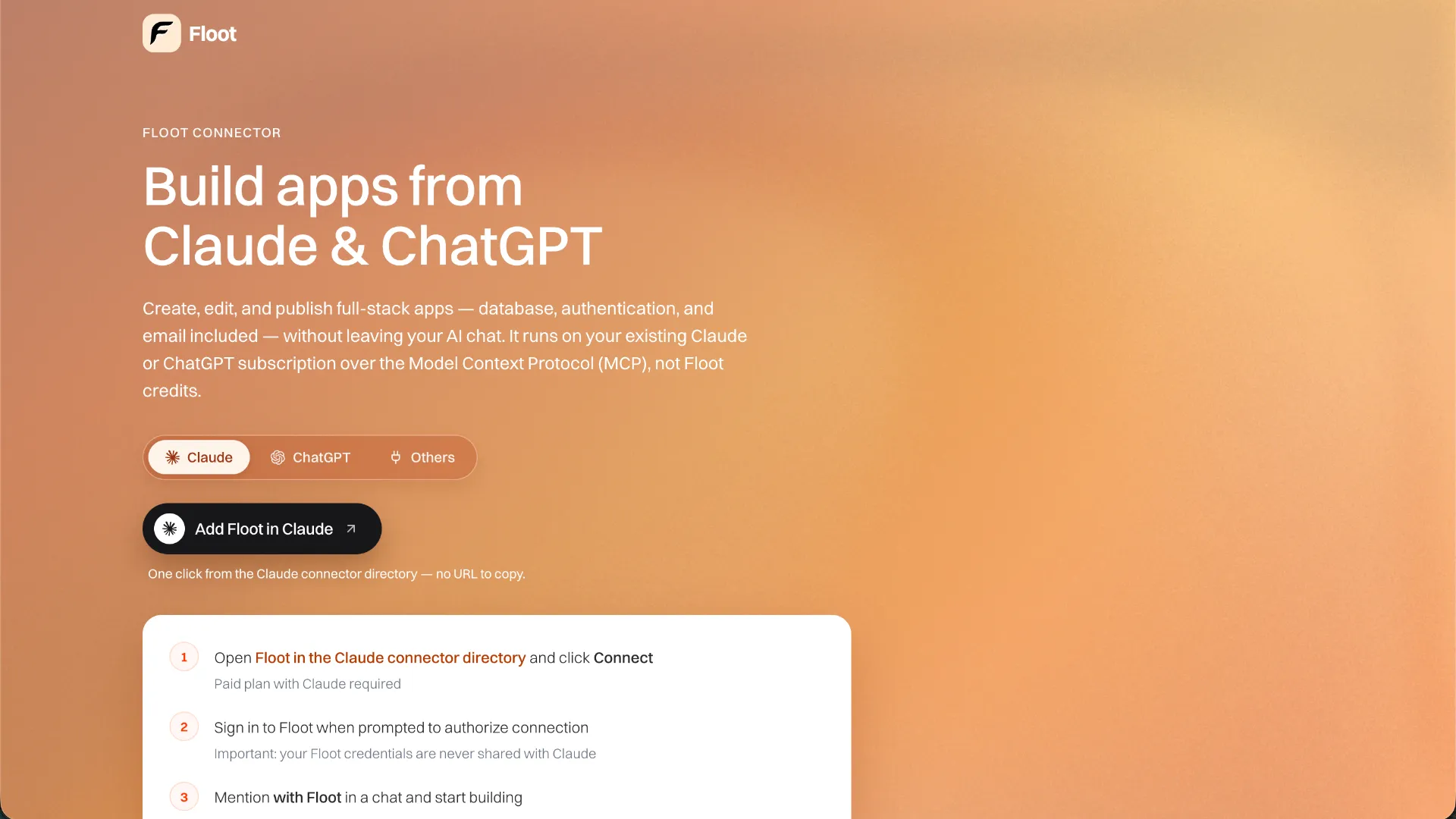
A remote MCP-based full-stack app builder that lets external AI assistants create, debug, and publish applications on Floot's managed platform.
Information checked: Sep 27, 2026 ·View sources
Tool details
- Type
- App builders
- Platforms
- Web, macOS, Windows, Linux, iOS, Android
- Free plan
- Yes
- Open source
- No
- Bring your own key
- No
- Local models
- Yes
Overview
Best for
- Developers who want to build and publish full-stack apps from an existing AI chat or coding client
- Teams that want MCP-driven access to hosted database, auth, storage, email, and deployment primitives
- Rapid prototypes and production-oriented web apps that benefit from a managed backend
- Users who prefer to choose their own AI client rather than adopt another bundled coding-agent interface
Strengths
- Uses the AI assistant subscription you already have for model reasoning.
- Covers the full loop from app creation through debugging and publishing.
- Works across multiple MCP-capable AI clients instead of requiring one proprietary agent UI.
- Provides managed backend services without separate infrastructure setup.
- Supports code and database ownership with an explicit self-hosting path.
- Keeps integration secret values outside the connected AI model's tool payloads.
Limitations & trade-offs
- Developers who require a local-first repository and CLI workflow as the primary development environment
- Projects that need the Floot platform itself to run on-premises or air-gapped
- Teams that require seamless bidirectional Git repository synchronization as the core workflow
- Users who want to self-host without replacing Floot-specific managed services
- The MCP connector is still described as beta and tool behavior may change.
- A connected client can read and modify every Floot project you own.
- Connector usage is metered by Floot build actions in addition to your AI provider's own usage limits.
- Full code export is a paid-plan and browser-only action.
- Self-hosting requires replacing Floot-managed services such as @floot/* integrations before the export will build independently.
- There is no local Floot CLI, local server, or repository clone workflow for the hosted build environment.
Get started
Pricing & usage limits
Official pricingFree tier · From $25
100 build actions per UTC day plus a 400-action rolling 7-day limit; 3,000 signup AI credits and five projects.
1,000 build actions per day, 5,000 AI credits per month, $10 monthly hosting allowance, custom domains, and code export.
5,000 build actions per day, 15,000 AI credits per month, and $25 monthly hosting allowance for higher-volume use.
Pricing checked: Sep 27, 2026 · Subscription, usage limits, and model costs may be billed separately.
Features & details
MCP Connectivity
- Remote MCP server over Streamable HTTP
- OAuth-based authorization
- Works with Claude, ChatGPT, Codex, Cursor, VS Code, Windsurf, and other compatible MCP clients
Build and Debug
- Create, read, edit, search, rename, and patch project files
- Manage supported npm dependencies
- Run type checks, Jasmine tests, Node snippets, browser code, and runtime log inspection
- Live preview, screenshots, navigation, checkpoints, and publishing tools
Managed Full Stack
- Managed PostgreSQL database and SQL tools
- Authentication and login-provider provisioning
- File storage, email, realtime features, scheduled jobs, and hosting
- AI-generated image assets and in-app AI integrations
Ownership and Portability
- User ownership of generated code, app data, and IP
- Database export available as a pg_dump
- Code ZIP export on paid plans
- Self-hosting path for exported Node.js, TypeScript, and React projects
Security Boundaries
- Secrets are entered on Floot rather than exposed to the AI client
- HTTPS/TLS in transit and provider-level disk encryption at rest
- Purchases and plan changes are not exposed as agent-callable tools
Why Choose Floot MCP?
Floot MCP is architecturally different from app builders that bundle their own chat agent, model access, editor, and runtime into one product. Floot exposes the application platform as a remote MCP server, while the assistant you already use supplies the reasoning layer. That means the same Floot project can be driven from Claude, ChatGPT, Codex, Cursor, or another compatible client without making Floot itself the model provider.
This separation is useful when the AI client is already part of a developer's workflow. Instead of moving requirements into another proprietary builder chat, the assistant can call Floot tools to create files, inspect the codebase, provision managed resources, check logs, test changes, preview the running application, and publish it. Floot is therefore closer to an execution and hosting layer for AI agents than to a traditional standalone IDE.
The practical tradeoff is that the connected assistant has broad project authority. Floot's documentation states that a connected client can reach every project owned by the account, so the connector should be treated as a high-trust integration rather than a narrowly scoped single-project plugin.
Core Workflow
A typical build starts in the AI client rather than on a blank editor canvas. The user describes the application, the assistant creates a Floot project, and subsequent changes are translated into MCP tool calls against the hosted environment. The preview updates as those writes land, giving the assistant a feedback loop that includes source files, runtime logs, tests, browser execution, screenshots, and database queries.
This changes how prompting quality affects cost and reliability. Floot counts most successful connector tool calls as build actions, while the language-model tokens are charged by the user's AI provider. A stronger model can therefore be operationally valuable even when it is more expensive on the assistant side, because fewer confused edits, repeated reads, and failed plans can reduce the number of Floot actions needed to finish a feature.
Some handoff points intentionally remain human-controlled. Floot does not expose purchases or plan changes as agent tools. Code ZIP downloads happen in the browser, and custom-domain setup still requires the user to complete the DNS flow. This keeps financial actions and certain account-level operations outside the autonomous agent loop.
How It Differs From Other Prompt-to-App Builders
Products such as Bolt.new, Lovable, Replit Agent, v0, and Base44 generally present their own integrated AI-building experience. Floot's main distinction is that it can sit behind multiple AI clients. The product decision is therefore partly about whether the developer wants a bundled agent experience or wants an existing assistant to become the control surface for a hosted app platform.
Floot also leans heavily into managed application primitives. The assistant can work with backend state, authentication, files, logs, tests, and deployment without the user first assembling separate cloud services. This can shorten the distance between a prototype conversation and a deployed full-stack application.
The inverse tradeoff is that Floot is not a local-first repository environment. Its current documentation says the build runs on Floot servers, with no Floot CLI, local server, or repository to clone as the primary hosted workflow. Developers who expect Git to be the canonical source of truth and want continuous two-way repository synchronization should evaluate that difference carefully.
Best Configuration
Use a capable model for long multi-tool builds. Floot's documentation specifically warns that lighter models can lose track of longer workflows. In practice, a good pattern is to work in explicit milestones: establish the data model and navigation first, implement one vertical feature at a time, then ask the assistant to run type checks, tests, inspect logs, and verify the preview before moving on.
For complicated changes, ask the assistant to read Floot's built-in guides before editing. The connector includes guidance for Floot-specific conventions, so letting the model refresh those rules can be more reliable than trying to encode every platform constraint in the prompt.
Approval settings also matter. A full build can involve many tool calls, so clients that request confirmation for every action can make the workflow feel fragmented. Relaxing approvals can make long runs smoother, but it also grants the agent more autonomy over project files, database operations, and publishing. Teams should choose approval settings based on the sensitivity of the project rather than only on speed.
For non-directory clients, the canonical remote endpoint is https://mcp.floot.com/mcp and authentication is handled through OAuth. Client support for remote MCP and OAuth can evolve, so current Floot client-specific documentation should be treated as the source of truth rather than old configuration snippets.
Migration Notes
Floot's export story is stronger than a simple screenshot-or-code-snippet handoff, but it is not a zero-work migration. Paid users can download the project source, and the database can be exported separately as a PostgreSQL dump. The exported application is a Node.js, TypeScript, and React codebase rather than a proprietary visual document.
However, Floot-managed services do not automatically move with the source archive. The self-hosting guide warns that remaining @floot/* imports are hard build breaks outside Floot. Authentication, storage, AI, realtime, email, scheduled jobs, push notifications, and provider integrations may need to be replaced with independently hosted services before the exported app can run elsewhere. Hosted assets and secret values also need to be migrated or reconfigured.
Bringing an existing codebase into Floot has a different limitation. Current documentation says there is no connector import tool that executes an existing repository as-is. If the AI client can read a local repository, the recommended approach is to rebuild the application in Floot incrementally, using the existing source as reference rather than assuming a direct repository import or bidirectional sync.
When Floot MCP Fits
Floot MCP is a strong conceptual match for developers who already prefer Claude, ChatGPT, Codex, Cursor, or another MCP-capable assistant and want that tool to control a hosted full-stack environment. It is especially relevant when the goal is to move quickly from requirements to a working database-backed application without separately wiring authentication, storage, email, preview infrastructure, and deployment.
It is less aligned with workflows where the local repository must remain the center of development, where every infrastructure primitive must be independently owned from day one, or where an organization requires the Floot platform itself to run on-premises. In those cases, a more conventional local coding agent plus separately managed infrastructure may map more naturally to the operating model.
Model support & data privacy
Supported models
- Claude Opus
- GPT-5.5 Sol
Privacy & data handling
The connected AI client can read project files, queried database rows, logs, and previews, so those tool results can enter the AI provider's context. Floot states that integration secret values are collected through Floot pages and are not returned to the AI; project activity is retained with the project, while a raw per-tool-call audit row is retained for three days.
Guides, reviews & fixes
View allNo published guides yet. Start with the official documentation above.
Product updates
Official changelogNo verified product updates listed yet. Follow this tool to see new relevant content in Saved.
See the content timelineAlternatives
Sources & verification
Verification dates record when this directory checked the information. Product release dates appear separately above.
Directory revision history
Floot announced website-to-native iOS and Android app builds from the existing Floot project workflow.
The Floot Connector officially launched for building and shipping apps from Claude, ChatGPT, Cursor, and other MCP clients.
Floot added push notifications for browser, iOS, and Android apps.