

Oh My Pi
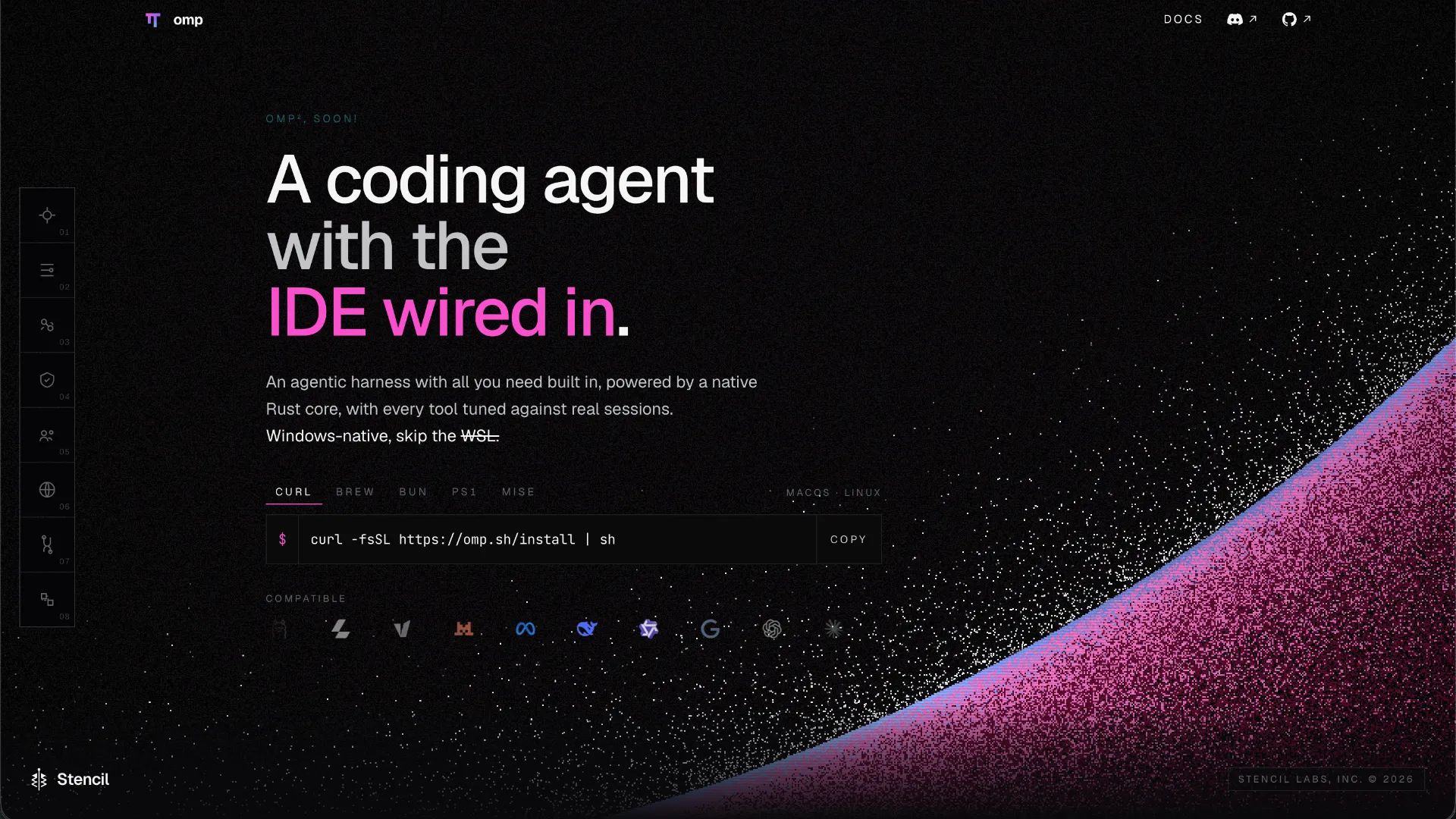
A terminal-first, open-source coding-agent harness that combines multi-provider model routing with IDE-style code intelligence, debugging, subagents, automation, and deep extensibility.
Information checked: Sep 30, 2026 ·View sources
Tool details
- Type
- CLI agents
- Platforms
- macOS, Linux, Windows
- Free plan
- Yes
- Open source
- Yes
- Bring your own key
- Yes
- Local models
- Yes
Overview
Best for
- Developers who prefer a terminal-first coding workflow but still want LSP and debugger integration
- Power users who want to route different coding tasks to different models or providers
- Teams and solo developers using subagents for parallel implementation, review, investigation, and refactoring
- Developers who want BYOK or local-model flexibility instead of a single bundled model subscription
- Users migrating from Pi, Claude Code, Codex CLI, Gemini CLI, Cursor rules, or other agent configuration ecosystems
Strengths
- Combines terminal-agent speed with IDE-grade LSP and debugger capabilities.
- Supports many cloud providers, subscription-backed coding plans, and local models.
- Open-source and highly extensible through TypeScript extensions, skills, MCP, SDK, RPC, and ACP.
- Strong multi-agent workflow with isolated worktrees and explicit model-role routing.
- Can reuse configuration and context from several existing coding-agent ecosystems.
Limitations & trade-offs
- Users who primarily want a graphical AI-native editor rather than a terminal agent
- Developers who prefer a minimal agent with only a few tools and almost no configuration
- Teams requiring a documented commercial enterprise plan with centralized admin, procurement, and vendor-managed compliance
- Users unwilling to manage model-provider credentials, local runtime dependencies, or rapidly changing releases
- Large feature surface creates more configuration complexity than minimalist CLI agents.
- Provider behavior, authentication, and costs vary substantially across the many supported backends.
- Rapid release cadence can introduce breaking changes or short-lived regressions.
- Some advanced tools are setting-gated or depend on external services, credentials, browsers, language servers, or debuggers.
- Terminal-first workflow may not suit developers who want an editor-native visual experience.
Get started
curl -fsSL https://omp.sh/install | shPricing & usage limits
Free tier available
MIT-licensed client. Model API, coding-plan, gateway, or hosted-provider charges are separate.
Pricing checked: Sep 30, 2026 · Subscription, usage limits, and model costs may be billed separately.
Features & details
Coding Intelligence
- LSP-backed diagnostics, navigation, symbols, renames, and code actions
- DAP debugger control for breakpoints, stepping, stacks, threads, and variables
- Hash-anchored edits plus structural AST editing
Agent Workflow
- Parallel subagents with isolated worktrees and typed results
- Model roles for default, smol, slow, plan, task, advisor, vision, and commit workflows
- Persistent sessions, compaction, steering, and reusable skills
Tooling
- Built-in file, shell, search, browser, web search, GitHub, and evaluation tools
- Persistent Python and JavaScript execution with tool re-entry
- ACP, RPC, SDK, slash commands, extensions, MCP, and custom tools
Model & Provider Support
- 60+ provider integrations and a large bundled model catalog
- BYOK, OAuth, coding-plan subscriptions, gateways, and custom OpenAI-compatible endpoints
- Local backends including Ollama, LM Studio, llama.cpp, and vLLM
Why Choose Oh My Pi?
Oh My Pi is designed for developers who like the terminal-agent workflow but do not want to give up the code intelligence normally associated with an IDE.
That distinction is more important than the length of its tool list. Many CLI coding agents can read files, execute shell commands, and apply patches. OMP pushes further by treating language servers, debuggers, browser automation, agent orchestration, persistent execution kernels, model routing, and repository operations as parts of one agent surface.
The result feels less like a chat wrapper around a shell and more like an attempt to expose an engineering workstation directly to an agent.
Its lineage also explains the product philosophy. OMP started from Pi, whose appeal is a small and extensible agent core, but Oh My Pi moves toward the opposite end of the spectrum: it keeps the open extension model while shipping far more functionality by default. That makes it attractive to experienced users who would otherwise spend significant time assembling plugins, hooks, scripts, and MCP servers around a minimalist harness.
The tradeoff is complexity. OMP gives users many more knobs to tune, more providers to authenticate, and more execution paths to understand. That flexibility is valuable when the workflow needs it, but it is unnecessary overhead for developers who only want a model to edit a few files and run tests.
Core Workflow
A productive OMP session typically starts with the repository rather than a blank conversation.
The agent can use project context, existing rules, language-server state, Git history, search, and runtime tools to understand the codebase before editing it. Once implementation begins, the workflow can alternate between semantic navigation, file edits, shell execution, diagnostics, and debugger-driven investigation instead of relying only on text search and compiler output.
This becomes especially useful during repository-scale changes.
Consider a refactor that renames an API across several packages. A text-only agent can search for the symbol and replace matching strings, but that approach becomes fragile around re-exports, aliases, generated files, overloads, and references that happen to share the same spelling. OMP's LSP-oriented workflow gives the agent access to the same semantic information an editor would use for navigation and renaming.
Debugging follows a similar pattern. Instead of repeatedly modifying the source to add logging, the agent can work with debugger sessions where the surrounding language ecosystem supports DAP. That changes the problem-solving loop from edit, print, rerun toward reproduce, pause, inspect, reason, patch, verify.
For larger tasks, the parent agent does not have to carry every investigation in one context. Subagents can be assigned separate research or implementation branches, with isolation helping reduce edit collisions. The practical value is not simply parallelism; it is context separation. A dependency investigation, failing-test analysis, documentation pass, and implementation task do not all need to consume the main agent's working context.
Why the Model Router Matters
OMP is unusual among CLI agents because model choice is not treated as a single global setting.
Its role-based routing makes it possible to assign different models to different kinds of work. A relatively inexpensive model can handle narrow subagent tasks, while a stronger reasoning model handles architecture or difficult debugging. A separate advisor can review the main agent's work without sharing exactly the same context.
This architecture can improve cost control, but only when the configuration matches the workload.
Using an expensive frontier model for every search, classification, implementation step, and subagent is easy to configure and easy to understand, but it can erase much of the economic advantage of orchestration. Conversely, routing important implementation work to an overly weak model can increase retries and tool churn.
A practical configuration therefore uses model roles intentionally:
defaultfor normal interactive implementation.smolfor inexpensive parallel research and narrow worker tasks.slowfor difficult reasoning or investigation.advisorfor independent review when the extra model call is justified.- Local models for predictable private or low-cost tasks when their coding quality is sufficient.
The main benefit is not access to dozens of providers by itself. It is the ability to build a workflow where model capability is matched to task difficulty.
Where OMP Differs From Claude Code
Claude Code and Oh My Pi overlap heavily in the jobs developers ask them to perform: inspect a repository, change code, run commands, debug failures, and complete multi-step engineering work.
The difference is largely in product philosophy.
Claude Code provides a tightly integrated Anthropic-centered experience. OMP is deliberately model-agnostic and exposes a much broader routing layer. A developer can move among Anthropic, OpenAI, Gemini, xAI, gateways, subscription-backed coding plans, or local inference without rebuilding the surrounding coding workflow.
OMP also puts unusually strong emphasis on LSP, DAP, custom execution surfaces, subagent orchestration, and user-extensible internals.
Claude Code may therefore be simpler for teams already standardized on Anthropic. OMP becomes more compelling when provider independence, local models, custom agent infrastructure, or heterogeneous model routing are first-class requirements.
Where OMP Differs From Codex CLI
Codex CLI and OMP both fit naturally into terminal-driven development.
Codex CLI is most straightforward when the desired workflow is centered on OpenAI's coding models and ecosystem. OMP behaves more like a general-purpose harness that can use OpenAI alongside many other providers.
That difference becomes important for users who change models frequently. With OMP, the surrounding tools, session model, rules, and orchestration strategy can remain stable while the inference backend changes.
OMP also exposes more of its internals as a programmable platform through extensions, RPC, ACP, and its SDK. That can matter for developers building their own agent interfaces or embedding a coding agent into a larger automation system.
Where OMP Differs From Aider
Aider has a long history as a focused terminal coding assistant and remains attractive when Git-oriented editing and a comparatively direct model-to-code loop are the goal.
OMP targets a broader agent surface.
The additional semantic code intelligence, debugger integration, browser control, persistent evaluation, subagent orchestration, and programmable runtime make it suitable for workflows that go beyond patch generation. The cost is a larger operational footprint and a faster-moving configuration surface.
Developers choosing between them should therefore focus less on whether both can edit code and more on the desired agent operating model.
Aider suits users who want a focused coding assistant with strong Git workflows. OMP suits users who want the terminal agent to become a programmable engineering environment.
Best Configuration
The default temptation with a highly configurable agent is to enable everything. That is rarely the most reliable setup.
A better approach is to keep the main execution path small and deliberately add capabilities when they solve a recurring problem.
Start with one trusted default model and one cheaper worker model. Add a dedicated slow-reasoning model only when complex tasks justify it. Introduce an advisor when independent review is valuable enough to pay for a second model context.
Language servers should be configured for the languages that dominate the repository. An LSP that is constantly failing to initialize adds latency without delivering semantic value.
The same principle applies to MCP servers and extensions. OMP can discover configuration from several other coding-agent ecosystems, which is convenient during migration, but automatically inheriting years of accumulated tools and rules can produce an unexpectedly noisy agent environment. Review what was discovered rather than assuming every imported integration should remain active.
For model privacy, local backends can be assigned to tasks that do not require frontier-model quality. Sensitive repositories should still be evaluated holistically because web search, external MCP servers, extensions, collaboration features, or other configured services may create network traffic even when the primary model is local.
Local Models and BYOK Strategy
Local-model support is more useful in OMP than in a tool where the agent loop assumes one cloud vendor.
A local Ollama, LM Studio, llama.cpp, or vLLM deployment can become another backend in the same workflow. This is useful for repetitive repository queries, private experimentation, offline development, or workloads where token economics matter more than maximum model quality.
However, local does not automatically mean better.
The coding harness expects the model to use tools reliably, follow schemas, preserve context, and make precise edits. Smaller local models may require more retries or produce weaker plans. A cheaper token can therefore become an expensive task if it causes repeated execution failures.
A sensible strategy is to evaluate models at the task level, not by raw benchmark score. If a smaller local model can reliably search code, summarize files, or handle narrow subagent jobs, it may be a good worker even if it is not strong enough to drive the full repository session.
Migration Notes
OMP is unusually friendly to developers who already have coding-agent configuration scattered across a workstation.
Its discovery layer can read rules, context, skills, and related configuration from multiple ecosystems rather than requiring an immediate conversion into a proprietary format. That reduces the friction of trying OMP alongside an existing agent.
Still, migration should be treated as an audit rather than a blind import.
Rules written for Cursor may assume an editor context. Claude-oriented instructions may depend on Claude-specific behavior. MCP servers may duplicate OMP's built-in tools. Old project instructions can conflict with newer AGENTS.md files.
A clean migration process is:
- Start OMP in a representative repository.
- Inspect which rules, skills, MCP servers, and context files were discovered.
- Remove duplicates and stale instructions.
- Choose model roles explicitly instead of accepting accidental provider defaults.
- Run several normal development tasks before enabling complex orchestration.
- Add subagents, advisor models, memory, browser automation, or custom extensions only when the simpler workflow exposes a real need.
This approach preserves one of OMP's main strengths—compatibility with existing agent ecosystems—without allowing legacy configuration to become invisible technical debt.
Use Cases Where OMP Makes Sense
Repository-Scale Refactoring
LSP-aware navigation and renaming can be more reliable than purely textual edits when changes cross packages, symbols, and dependency boundaries.
Difficult Debugging
DAP integration gives the agent a path to inspect runtime state directly rather than relying exclusively on logs and test output.
Multi-Model Engineering
Teams or individuals using several AI providers can maintain one coding harness while routing different tasks to different backends.
Parallel Investigation
Subagents can separate research, debugging, implementation, and review contexts while the parent agent coordinates the result.
Agent Platform Development
The SDK, RPC mode, ACP support, extensions, skills, and custom tools make OMP relevant to developers who want to build on top of an agent rather than only interact with it manually.
Tradeoffs in Practice
OMP's biggest strength and biggest weakness are the same: surface area.
The project tries to make almost every useful engineering capability available inside one terminal agent. That reduces the need to stitch together separate tools, but it also means the agent has more configuration, more moving parts, and more potential interactions between providers, plugins, language servers, tools, and permissions.
The release cadence reinforces that tradeoff. OMP evolves quickly, which means users gain new capabilities rapidly, but production-oriented teams should pin versions and review changelogs rather than assuming every update is operationally neutral.
Provider independence also requires discipline. A session can potentially involve a primary model, a cheaper worker, an advisor, web-search providers, image or speech services, and external MCP tools. That flexibility is powerful, but cost and privacy become properties of the whole configured workflow, not just the model shown in the status bar.
Decision Guide
Oh My Pi is most compelling for developers who already know why they want more than a simple coding chatbot.
Choose it when terminal-first interaction, semantic code intelligence, debugger access, model-provider independence, local inference, subagents, and programmability all have practical value in the same workflow.
A simpler CLI agent may be a better fit when the job is mostly edit these files and run the tests. An AI-native editor may be better when graphical diff review, inline completion, and visual workspace integration matter more than terminal automation.
OMP occupies the middle ground between those categories: a CLI agent that increasingly behaves like an IDE and an agent framework at the same time.
Model support & data privacy
Supported models
- Anthropic Claude
- OpenAI
- OpenAI Codex
- Google Gemini
- xAI
- DeepSeek
- Mistral
- Groq
- OpenRouter
- MiniMax
- Qwen
- Ollama
- LM Studio
- llama.cpp
- vLLM
Privacy & data handling
Oh My Pi runs as a local CLI, but prompts, code context, tool outputs, and generated content may be sent to whichever remote model, search, gateway, or service provider the user configures. Local model backends can keep model inference on infrastructure the user controls. The project states that collaboration frames are sealed client-side and that the relay does not receive model-provider keys; users should still review provider and extension behavior before using sensitive repositories.
Guides, reviews & fixes
View allNo published guides yet. Start with the official documentation above.
Product updates
Official changelogNo verified product updates listed yet. Follow this tool to see new relevant content in Saved.
See the content timelineAlternatives
Sources & verification
Verification dates record when this directory checked the information. Product release dates appear separately above.
Directory revision history
The official npm package reached v18.4.3; current package documentation also describes selectable off, local, and Hindsight memory backends.
The 18.4.x line improved interactive startup behavior and moved composer startup cache data into a SQLite-backed cache.
v18.3.5 added prompt-cache warming and expanded the default web-search fallback chain with API-key-billed OpenAI Responses search.
v18.3.0 expanded agent and extension capabilities, including richer tool documentation and agent runtime context.