
01
Better editing
In Google's editing evaluations the thinking variant scores 1106 for multi-character consistency (Nano Banana 2: 978), 1049 for mask-based editing (965) and 1066 for multi-reference editing (988).
Google · Image generation & editing
Google's high-efficiency image generation and editing model
Generate and edit 1K–4K images, combine up to 14 reference images, keep characters and products consistent, render legible text and choose a thinking level for complex visual tasks.
Last verified October 7, 2026 against Google, Google DeepMind and Arena.Sources
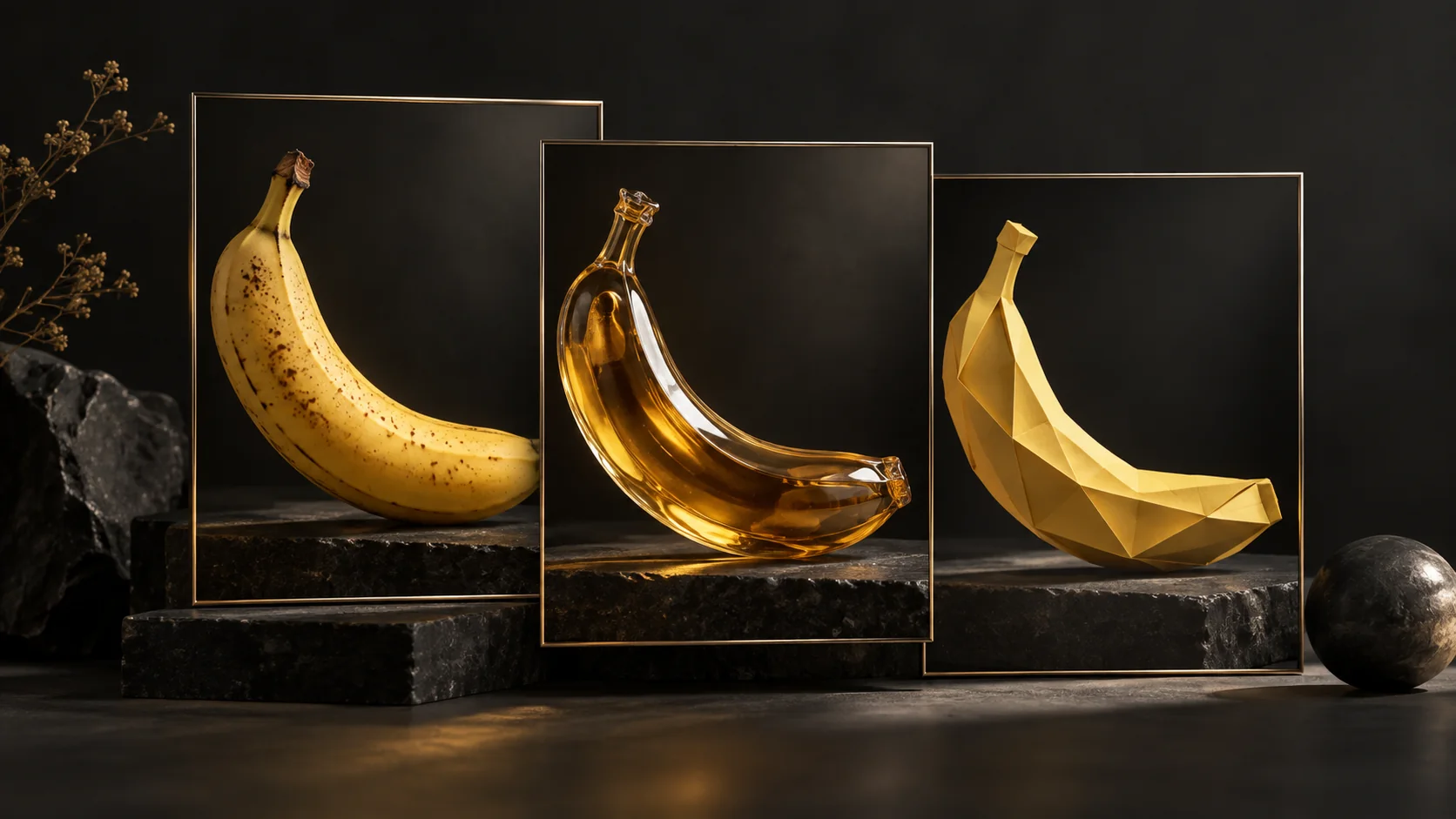
Editorial concept
One subject, three visual treatments
Photography, materials and illustration offer different ways to develop the same creative idea.
Editorial concept illustrations created with OpenAI image generation.
01
In Google's editing evaluations the thinking variant scores 1106 for multi-character consistency (Nano Banana 2: 978), 1049 for mask-based editing (965) and 1066 for multi-reference editing (988).
02
Image output drops to $0.0336 at 1K and $0.0504 at 2K, exactly half of Nano Banana 2. At 4K the cut is smaller: $0.113 versus $0.151.
03
Configurable thinking and Google Search grounding target infographics and fact-dependent visuals. Google's infographic factuality score rises from 0.179 (Nano Banana 2) to 0.521.
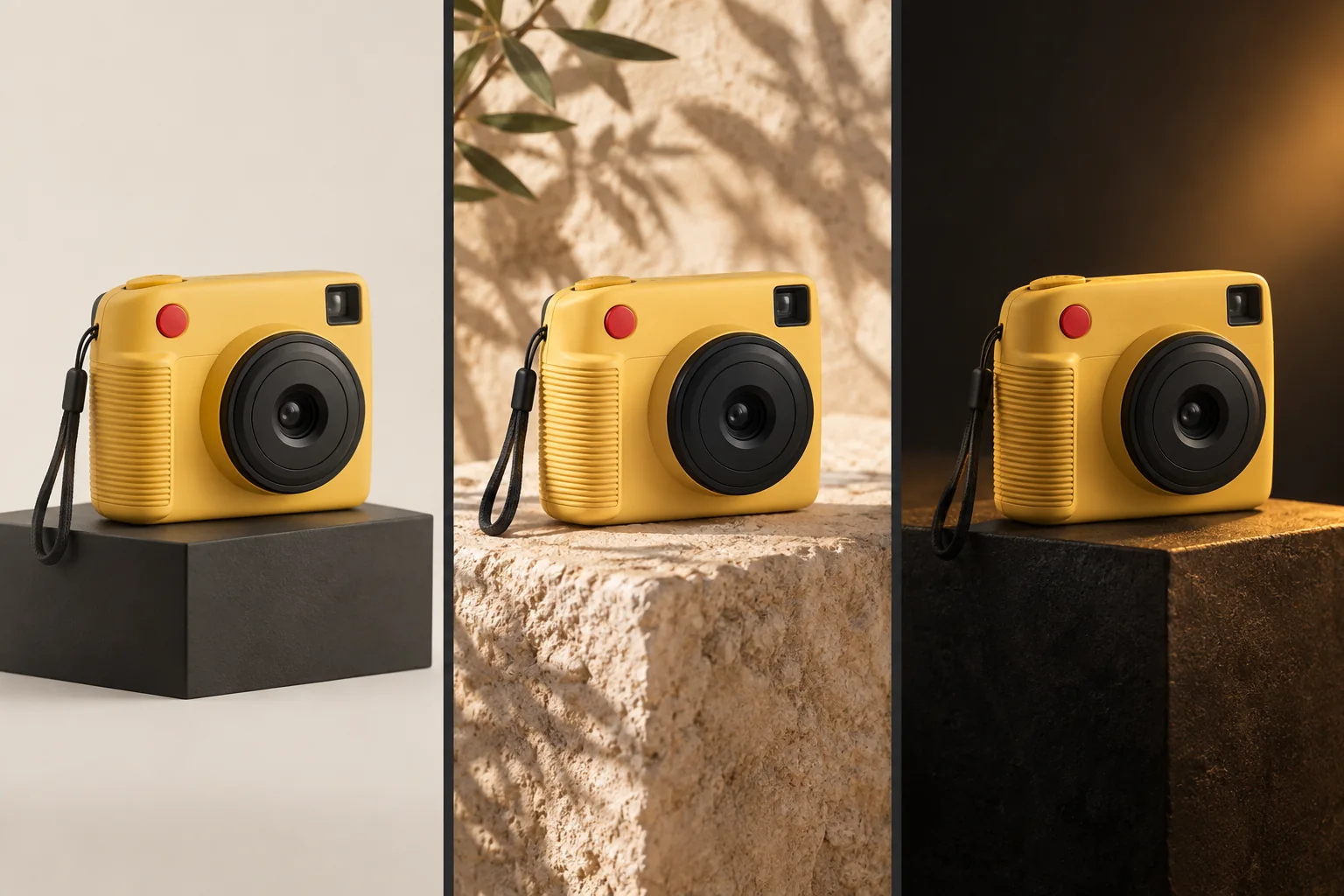
Editorial concept
Product identity across scenes
A visual concept for keeping a product recognizable while changing its setting, lighting and mood.
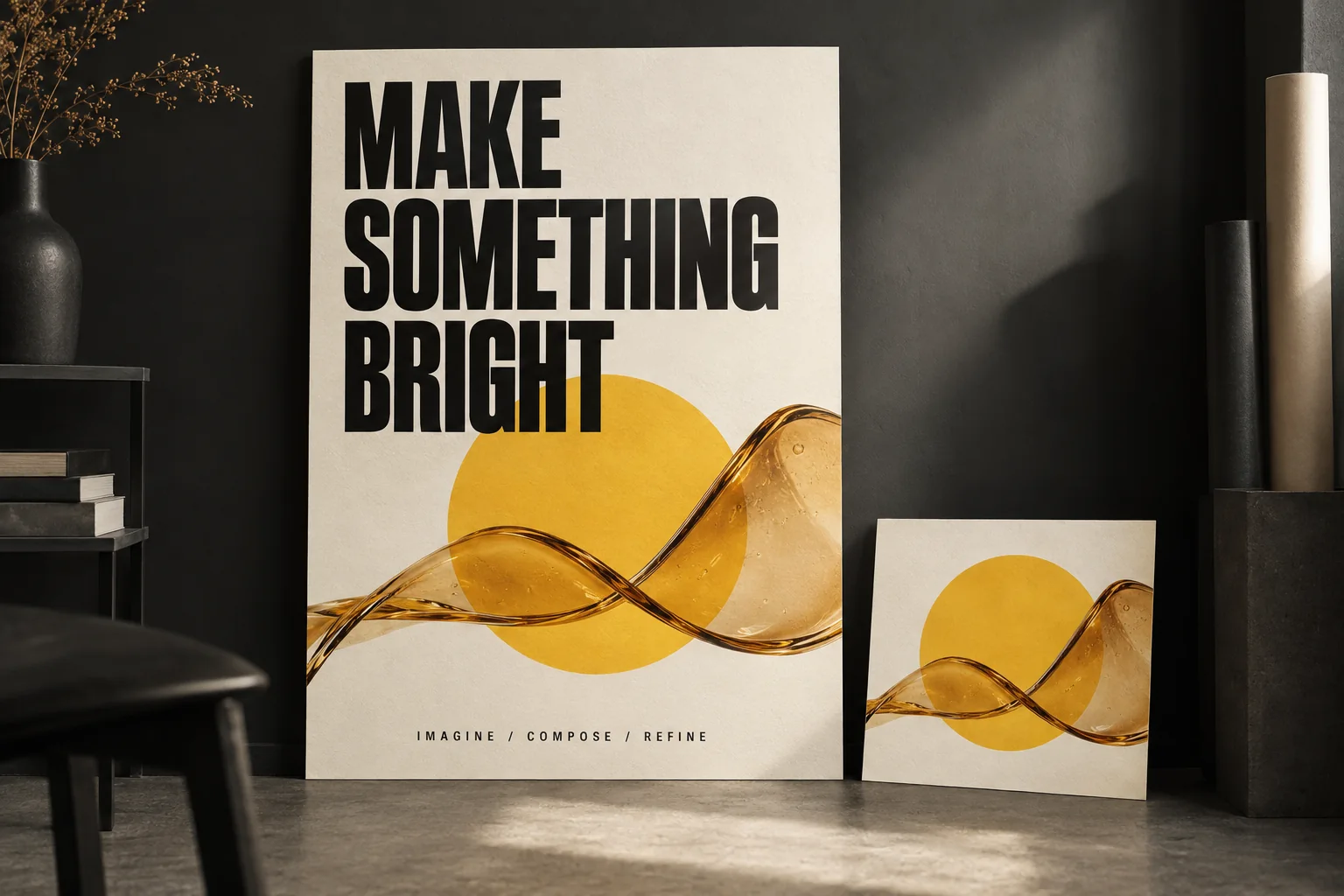
Editorial concept
Typography meets composition
A poster concept combining a short headline, graphic shapes and photographic material textures.
Generate 1K, 2K or 4K images from a prompt in any of 14 aspect ratios.
Edit an image over several turns, for example translating an infographic while keeping every other element unchanged.
Combine up to 14 reference images in one request: up to 10 objects and up to 4 characters.
Keep up to 4 characters and up to 10 products or objects consistent across new scenes.
Render legible, stylized text for infographics, menus, diagrams and marketing assets. Small and long text remain weak spots.
Use Google Search as a tool so images such as weather charts or event graphics reflect current information.
Use 1:4, 4:1, 1:8 and 8:1 ratios; Google fixed tiling artifacts at 2K and 4K in this release.
Image output is billed at $30.00 per million image tokens; a 1K image uses 1,120 tokens. Batch requests cost half. There is no free tier for this model in the Gemini API.
| Resolution | Image tokens | Standard | Batch |
|---|---|---|---|
| 1K | 1,120 | $0.0336 | $0.0168 |
| 2K | 1,680 | $0.0504 | $0.0252 |
| 4K | 3,780 | $0.113 | $0.0567 |
| Resolution | Standard | Batch |
|---|---|---|
| 1K | $33.60 | $16.80 |
| 2K | $50.40 | $25.20 |
| 4K | $113.40 | $56.70 |
Calculated from image tokens × the per-token rate, so 4K shows the unrounded $0.1134 per image behind Google's $0.113.
$30.00 per 1M image tokens ($15.00 batch). Usually the largest line item.
$1.50 per 1M tokens for text, images and video ($0.75 batch). Reference images count as input.
$7.50 per 1M tokens ($3.75 batch). Higher thinking levels produce more of it; interim thought images are not charged.
5,000 free search requests per month (shared across Gemini 3.x models), then $14 per 1,000 requests.
$0.0336 is the image output alone. Prompts, reference images, thinking tokens, multi-turn edits and grounding requests are billed on top, so a real request usually costs more.
| Model | 1K | 2K | 4K |
|---|---|---|---|
| Nano Banana 2.1 | $0.0336 | $0.0504 | $0.113 |
| Nano Banana 2 | $0.067 | $0.101 | $0.151 |
| Nano Banana Pro | $0.134 | $0.134 | $0.24 |
At 1K, a Nano Banana 2.1 image costs about a quarter of Nano Banana Pro ($0.0336 vs $0.134). At 4K the gap narrows to $0.113 vs $0.24. Batch prices for all three models are about half of these.
Vendor results from the Google DeepMind model card. Elo from side-by-side human evaluations; infographic factuality from a single-sided autorater.
| Test | Nano Banana 2.1 (thinking) | Nano Banana 2.1 (no thinking) | Nano Banana 2 (thinking) | Nano Banana Pro |
|---|---|---|---|---|
| Overall preference | 1050 ± 14 | 1015 ± 13 | 990 ± 7 | 935 ± 8 |
| Infographic design | 1048 ± 17 | 1001 ± 17 | 961 ± 12 | 912 ± 12 |
| Infographic factuality | 0.521 | 0.328 | 0.179 | 0.265 |
| Test | Nano Banana 2.1 (thinking) | Nano Banana 2.1 (no thinking) | Nano Banana 2 (thinking) | Nano Banana Pro |
|---|---|---|---|---|
| General editing | 1026 ± 12 | 980 ± 15 | 938 ± 11 | 939 ± 10 |
| Single-character consistency | 1028 ± 14 | 1021 ± 14 | 981 ± 10 | 991 ± 9 |
| Multi-character consistency | 1106 ± 14 | 1068 ± 14 | 978 ± 10 | 1011 ± 10 |
| Mask / ink-based editing | 1049 ± 15 | 1042 ± 16 | 965 ± 12 | 927 ± 12 |
| Product consistency | 1024 ± 18 | 981 ± 18 | 955 ± 22 | 965 ± 14 |
| Stylization | 1062 ± 20 | 1036 ± 17 | 991 ± 12 | 990 ± 12 |
| Multi-reference editing | 1066 ± 22 | 1041 ± 20 | 988 ± 13 | 989 ± 12 |
Blind preference leaderboards and vendor evaluations measure different things, so the numbers are not interchangeable. Early Arena scores are marked preliminary and will move as votes come in.
| Leaderboard | Rank | Score | Votes | Status |
|---|---|---|---|---|
| Arena text-to-image | #5 | 1328 ± 9 | 5,312 | Preliminary, October 6, 2026 |
| Arena image edit | #6 | 1428 ± 6 | 12,985 | Preliminary, October 6, 2026 |
Set the level with generation_config.thinking_level. Guidance below is ours, not Google's.
Fastest
Best for
Default
Best for
Most reasoning
Best for
Resolution values must use an uppercase K. Pixel sizes below are for 1:1; other ratios keep the same resolution tier.
| Resolution | 1:1 size | Image tokens |
|---|---|---|
| 1K (default) | 1024 × 1024 | 1,120 |
| 2K | 2048 × 2048 | 1,680 |
| 4K | 4096 × 4096 | 3,780 |
Highlighted panoramic ratios (1:4, 4:1, 1:8, 8:1) had tiling artifacts fixed at 2K and 4K in this release.
Up to 14 reference images per request.
14 references does not mean 14 people: character consistency covers up to 4 characters, and up to 10 images can be objects or products.
A practical anatomy for production prompts: say what must not change before describing what should.
Keep the product geometry, logo and packaging unchanged.

Place the product on a polished black stone surface in a minimalist luxury studio.

Use soft directional lighting with subtle reflections.

Create a centered commercial composition.

Add the headline “DESIGNED FOR TOMORROW” in the upper third.

16:9 cinematic advertising image.Model ID Examples are Google's, unchanged, using the Interactions API.
from google import genai
from PIL import Image
import base64

client = genai.Client()

interaction = client.interactions.create(
    model="gemini-nano-banana-2.1",
    input="Create a picture of a nano banana dish in a fancy restaurant with a Gemini theme",
)

with open("generated_image.png", "wb") as f:
f.write(base64.b64decode(interaction.output_image.data))from google import genai
import base64
client = genai.Client()
with open("/path/to/cat_image.png", "rb") as f:
image_bytes = f.read()
interaction = client.interactions.create(
model="gemini-nano-banana-2.1",
input=[
{
"type": "text",
"text": "Create a picture of a nano banana dish in a fancy restaurant with a Gemini theme"
},
{
"type": "image",
"data": base64.b64encode(image_bytes).decode('utf-8'),
"mime_type": "image/png"
}
],
)
with open("generated_image.png", "wb") as f:
f.write(base64.b64decode(interaction.output_image.data))from google import genai
import base64
client = genai.Client()
prompt = "Da Vinci style anatomical sketch of a dissected Monarch butterfly. Detailed drawings of the head, wings, and legs on textured parchment with notes in English."
interaction = client.interactions.create(
model="gemini-nano-banana-2.1",
input=prompt,
response_format={
"type": "image",
"mime_type": "image/jpeg",
"aspect_ratio": "1:1",
"image_size": "1K"
},
)
print(interaction.output_text)
with open("butterfly.png", "wb") as f:
f.write(base64.b64decode(interaction.output_image.data))from google import genai
from PIL import Image
import base64
import io
client = genai.Client()
interaction = client.interactions.create(
model="gemini-nano-banana-2.1",
input="A futuristic city built inside a giant glass bottle floating in space",
generation_config={"thinking_level": "high"},
)
print(interaction.output_text)
image = Image.open(io.BytesIO(base64.b64decode(interaction.output_image.data)))
image.show()from google import genai
from google.genai import types
from PIL import Image
import base64
prompt = "An office group photo of these people, they are making funny faces."
client = genai.Client()
interaction = client.interactions.create(
model="gemini-nano-banana-2.1",
input=[
{
"type": "text",
"text": prompt,
},
{
"type": "image",
"data": base64.b64encode(image_bytes).decode('utf-8'),
"mime_type": "image/png"
},
{
"type": "image",
"data": base64.b64encode(image_bytes).decode('utf-8'),
"mime_type": "image/png"
},
{
"type": "image",
"data": base64.b64encode(image_bytes).decode('utf-8'),
"mime_type": "image/png"
},
{
"type": "image",
"data": base64.b64encode(image_bytes).decode('utf-8'),
"mime_type": "image/png"
},
{
"type": "image",
"data": base64.b64encode(image_bytes).decode('utf-8'),
"mime_type": "image/png"
},
],
response_format={
"type": "image",
"aspect_ratio": "5:4",
"image_size": "2K"
},
)
with open("office.png", "wb") as f:
f.write(base64.b64decode(interaction.output_image.data))from google import genai
import base64
client = genai.Client()
prompt = "Visualize the current weather forecast for the next 5 days in San Francisco as a clean, modern weather chart. Add a visual on what I should wear each day"
interaction = client.interactions.create(
model="gemini-nano-banana-2.1",
input=prompt,
tools=[{"type": "google_search"}],
response_format={
"type": "image",
"mime_type": "image/jpeg",
"aspect_ratio": "16:9"
},
)
with open("weather.png", "wb") as f:
f.write(base64.b64decode(interaction.output_image.data))Google's examples use interactions.create in the google-genai (Python) and @google/genai (JavaScript) SDKs; the generateContent image guide is now marked legacy.
The API lists 131,072 input and 32,768 output tokens. The model card describes the Gemini 3.6 Flash base model with up to 1M input tokens; plan around the endpoint limits.
Context caching, structured outputs, function calling and code execution are not supported, so this model cannot be swapped into every Gemini text workflow.
image_size must be 1K, 2K or 4K with an uppercase K; lowercase values are rejected. 1K is the default.
Interim thought images generated while thinking are not charged, but thinking output tokens are billed at the text/thinking rate.
The 5,000 free monthly Search grounding requests are shared across all Gemini 3.x models in a project.
Known issues come from Google's model card and API documentation.
A quick comparison using Google's prices and evaluations. Full head-to-head guides will follow.
| Nano Banana 2.1 | Nano Banana 2 | Nano Banana Pro | |
|---|---|---|---|
| 1K image | $0.0336 | $0.067 | $0.134 |
| 4K image | $0.113 | $0.151 | $0.24 |
| Google overall preference (Elo) | 1050 ± 14 | 990 ± 7 | 935 ± 8 |
| Model ID | gemini-nano-banana-2.1 | gemini-3.1-flash-image | gemini-3-pro-image |
Against Nano Banana 2, Nano Banana 2.1 is cheaper at every resolution and ahead in every Google text-to-image and editing evaluation above.
Against Nano Banana Pro, Nano Banana 2.1 is cheaper at every resolution and ahead in every Google text-to-image and editing evaluation above.
Nano Banana 2.1 is Google's high-efficiency image generation and editing model. It is based on Gemini 3.6 Flash and accepts text, image, video, pdf input, returning images and text.
Google released Nano Banana 2.1 on October 6, 2026.
Use gemini-nano-banana-2.1 in the Gemini API.
Image output costs $0.0336 per 1K image, $0.0504 per 2K image and $0.113 per 4K image. Batch halves this to $0.0168, $0.0252 and $0.0567. Input tokens cost $1.50 and text/thinking output $7.50 per million tokens.
Yes. A 1K image costs $0.0336 versus $0.134 for Nano Banana Pro, and a 4K image $0.113 versus $0.24.
1K and 2K images cost about half as much as Nano Banana 2 ($0.067 and $0.101). At 4K the price falls from $0.151 to $0.113.
Yes. It outputs 1K / 2K / 4K; 1K is the default. Values must use an uppercase K.
Up to 14: up to 10 object images and up to 4 character images.
minimal / medium / high. The default is medium; set it with generation_config.thinking_level.
Yes, including multi-turn conversational editing, mask-based editing and multi-reference editing.
No. Google's pricing page lists no free tier for this model.
The Gemini API lists context caching, structured outputs, function calling, code execution as not supported.
Yes. Every generated image includes a SynthID watermark.
Last verified October 7, 2026. Prices, limits and leaderboard positions can change; check the sources before committing budgets.