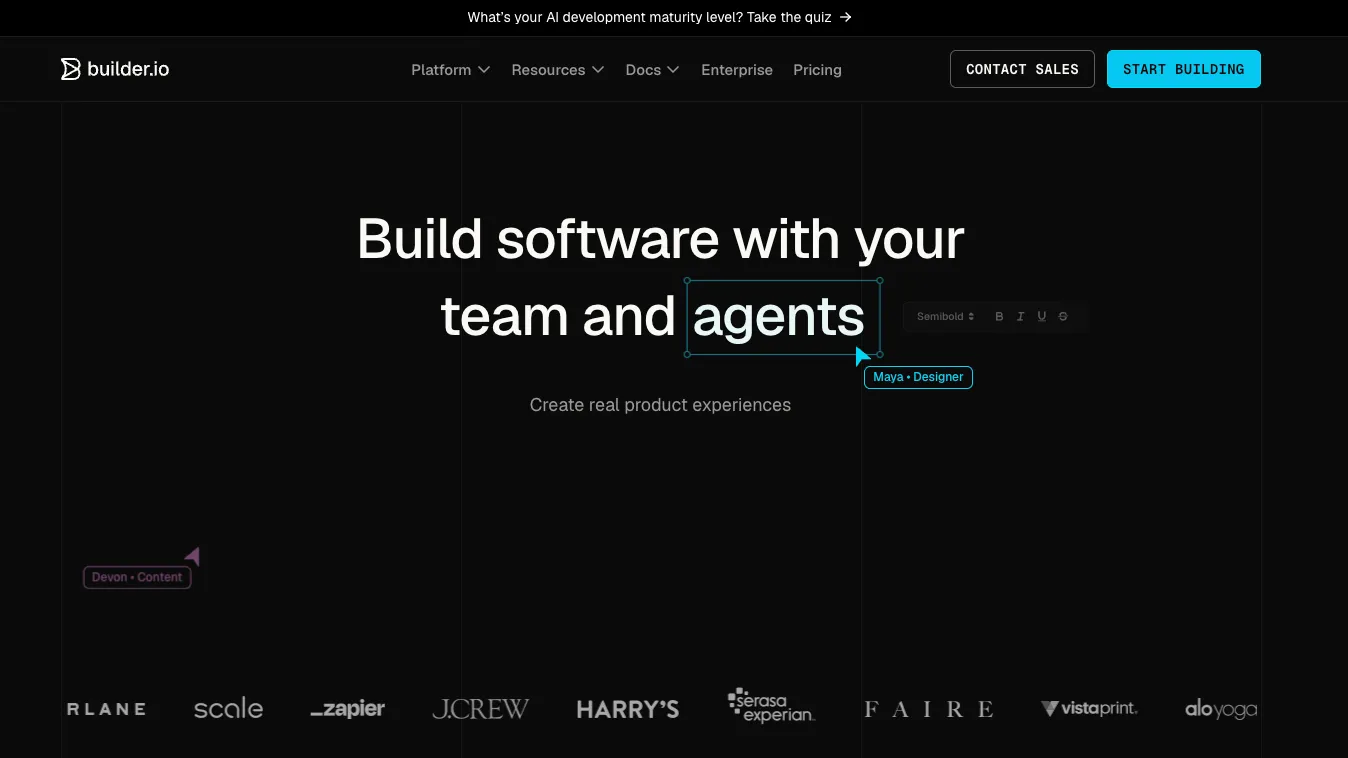
Builder.io is a collaborative AI visual development platform for teams that want to generate, edit, review, and publish production web experiences against their real codebase and design system.
For exploring Fusion or Publish; includes up to 5 users, limited Agent Credits, Git provider connections, Figma plugin, VS Code extension, and admin-only role.
Pro$24 / per user/month, billed annually
For individuals and small teams; monthly billing is listed at $30/user/month and includes paid Agent Credits, rollover, activity history, built-in MCP servers, and standard support.
Team$40 / per user/month, billed annually
For larger teams; monthly billing is listed at $50/user/month and adds training opt-out, Slack/Jira agent access, team roles, reviews, custom MCP servers, usage metrics, and priority support.
EnterpriseCustom
For organizations needing custom seats, custom Agent Credits, enterprise Git providers, design system intelligence, privacy mode, RBAC, SSO, SLAs, and onboarding support.
Additional Agent Credits$25 / per 500 credits
Available on Pro and Team plans for extra AI agent usage beyond included monthly credits.
Pricing checked: Jun 23, 2026 · Subscription, usage limits, and model costs may be billed separately.
Features & details
Visual Development
Visual editor connected to real app components
AI-assisted UI generation and iteration
Figma-to-code workflow
Branch-based collaboration with Git providers
AI Agent Workflow
Builder MCP for AI coding assistants
Design-system-aware code generation
Builder Agent support in Slack and Jira on Team plans
Custom MCP server support on Team and Enterprise plans
CMS and Publishing
Visual CMS / Publish product
Headless CMS APIs
Visual Editor AI for content and page changes
A/B testing, personalization, scheduling, and dynamic content workflows
Developer Integration
SDKs for React, Vue, Svelte, Qwik, Angular, and React Native
Meta-framework support including Next.js, Remix, Hydrogen, and Gatsby
GitHub, GitLab, Bitbucket, Azure DevOps, and enterprise Git options
VS Code extension, CLI, Figma plugin, APIs, and webhooks
Why Choose Builder.io?
Builder.io is strongest when a team already has a real product codebase and wants more people to safely contribute to production UI. It is not just a page builder and not just a prompt-to-code tool. Its more specific value is connecting AI, visual editing, design systems, Git branches, CMS content, and review workflows into one collaborative product development loop.
That makes it different from tools that generate a standalone app from a prompt. Builder.io is most useful when the existing codebase matters. The goal is not to escape engineering entirely, but to reduce the number of small UI, content, layout, and campaign changes that block on engineering cycles.
The product is especially relevant for teams where designers, PMs, marketers, and engineers all touch the same surfaces. Engineers can define components and the hard architecture, while non-engineers can visually refine pages, copy, layouts, and experiments inside controlled boundaries.
Core Workflow
A typical Builder.io workflow starts by connecting the repository, design system, and visual editing surface. Builder can work with Git providers, install dependencies, run the development server, and open a visual editor against the project so UI work happens closer to the real application rather than in a disconnected mockup.
The AI workflow becomes more useful when the codebase has clear components, tokens, and patterns. Builder MCP can expose design-system documentation and Builder context to AI coding assistants, allowing generated UI to follow existing project conventions rather than inventing one-off components.
For CMS-driven sites, the workflow shifts toward publishing. Developers integrate Builder with the frontend, then marketing or content teams can create and optimize pages visually. The important boundary is that developers still control the components and integration model, while editors control the content and layout within those constraints.
Use Cases
Builder.io is a strong fit for product teams building reusable UI, marketing teams launching campaign pages, growth teams running experiments, ecommerce teams maintaining dynamic landing pages, and design teams converting Figma work into code that respects the real design system.
It also works well when a company wants to reduce handoff loss. A Figma design, a Jira ticket, a Slack request, and a CMS campaign often become separate sources of truth. Builder.io tries to compress those into a branch-based visual workflow where the final output remains connected to production code.
For AI-assisted work, the best use cases are UI implementation, design-system-aware component usage, page changes, prototype-to-code translation, CMS content operations, A/B test variants, localization, and personalization. It is less appropriate when the hard part of the product is backend architecture, complex data modeling, or non-visual business logic.
Comparison to Alternatives
Compared with Webflow, Builder.io is more developer-integrated. Webflow is often better for teams that want an all-in-one visual website platform with less code setup. Builder.io is better when the team already has a codebase and wants visual development on top of that codebase.
Compared with Framer, Builder.io is less focused on fast standalone design-led websites and more focused on production systems, Git workflows, components, and CMS-driven experiences. Framer can be faster for polished landing pages; Builder.io can be stronger when the site or app must stay aligned with an engineering-owned codebase.
Compared with Contentful, Sanity, or Storyblok, Builder.io puts more emphasis on visual editing and AI-assisted UI creation. Traditional headless CMS platforms can be stronger for structured content architecture, while Builder.io is more compelling when visual page composition and frontend ownership are the bottlenecks.
Compared with Lovable, Bolt.new, or Replit, Builder.io is not primarily a greenfield app generator. Those tools are better when the user wants to create or edit an app in an AI coding environment. Builder.io is better when the target is an existing product surface with established components, brand rules, CMS content, and team review requirements.
Best Configuration
Builder.io works best when the design system is treated as infrastructure. Before rolling it out broadly, teams should define which components can be visually edited, which tokens should be exposed, which pages can be owned by marketing, and which areas must remain engineering-controlled.
For AI usage, create clear repository rules and component documentation. Builder's AI and MCP workflows become more reliable when the assistant can see examples, constraints, and expected implementation patterns. Without that context, AI can still generate UI, but the output is more likely to require cleanup.
For larger teams, use role separation early. Designers, PMs, marketers, and developers should not all have the same publishing power. Peer review, password-protected previews, usage metrics, Slack/Jira integration, and custom MCP permissions become important once Builder.io is connected to production workflows.
Migration Notes
Migrating from a pure CMS or visual website builder to Builder.io requires a codebase-first mindset. The first task is not recreating pages visually; it is deciding which components, routes, models, and content zones should be controlled by Builder.
For an existing Next.js, React, Vue, Svelte, Qwik, or Angular project, start with a limited integration. Choose one marketing page, one landing page template, or one content model. Validate preview behavior, SDK rendering, performance, SEO metadata, deployment workflow, and editorial permissions before expanding to the whole site.
Migrating from Webflow or Framer is more of a rebuild than a direct export. Builder.io can support visual workflows, but its strength is integration with code, not replacing every visual-builder concept one-to-one. Teams should preserve the design system and content architecture, then rebuild the implementation around components and models.
For teams adopting Fusion as an AI visual IDE, the safest rollout is branch-based. Let Builder work on isolated branches, review changes through the normal code review process, and keep humans responsible for final merge decisions. This preserves developer trust while still giving non-engineering teammates a faster way to contribute.
Model support & data privacy
Privacy & data handling
Builder.io is a hosted SaaS platform that may connect to repositories, Figma designs, CMS content, MCP servers, and deployment workflows depending on configuration. Builder.io states that it is SOC 2 Type 2 compliant. Team plans include AI training opt-out, while Enterprise adds training opt-out by default, privacy mode, RBAC, SSO, and additional governance options. Teams should review connected repository access, MCP permissions, AI training settings, and CMS content policies before using it with sensitive code or data.
Created directory entry and verified current Builder.io positioning, Fusion/Publish pricing model, MCP workflow, Git integrations, SDK support, CMS capabilities, and security notes from official sources.