
 Magic PatternsAn AI product-design workspace that bridges prompts, design systems, prototypes, code, GitHub, and MCP.
UX Pilot
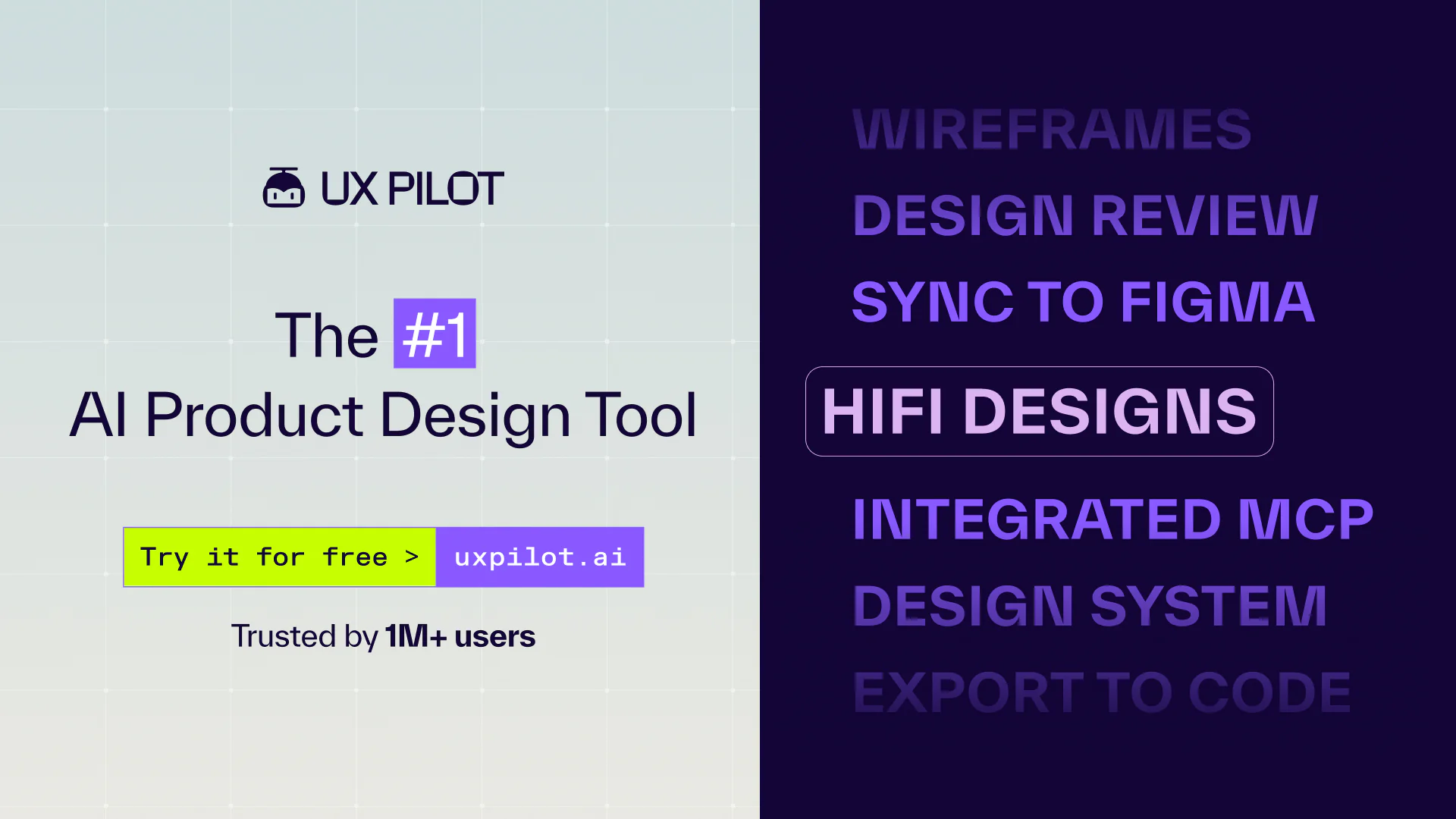
An AI UX and UI workspace spanning flows, wireframes, prototypes, design systems, and developer handoff.
Information checked: Aug 14, 2026 ·View sources
Tool details
- Type
- App builders
- Platforms
- Web, Figma, MCP, Code export
- Free plan
- Yes
- Open source
- No
- Bring your own key
- No
- Local models
- No
Overview
Best for
- Product flows and wireframes
- Multi-screen prototypes
- Design-system-driven UI
- Developer handoff
Strengths
- Covers more of the UX process than a screen-only generator
- Affordable entry plans
- Figma, code, and MCP provide multiple handoff paths
Limitations & trade-offs
- Backend application logic
- Offline self-hosted work
- Teams expecting generated designs to replace user research
- Generated research assumptions still need user validation
- Code export does not replace production frontend engineering
- Credit economics matter for large multi-screen products
Get started
Pricing & usage limits
Official pricingFree tier available
Free$0
Includes 45 credits for evaluation.
Standard$7.49 / month
Price shown with annual billing.
Pro$22 / month
Higher usage and advanced product-design capabilities.
Teams$39 / user/month
Team collaboration and shared workflows.
Pricing checked: Aug 14, 2026 · Subscription, usage limits, and model costs may be billed separately.
Features & details
UX planning
- Generate user flows and product structures
- Create low-fidelity wireframes
- Explore information architecture
UI and prototypes
- Produce high-fidelity designs
- Connect screens into interactive prototypes
- Apply design-system context
Handoff
- Sync with Figma
- Export implementation-oriented code
- Use MCP to connect designs with coding agents
UX Pilot Review
UX Pilot is an AI product-design platform for generating user flows, wireframes, high-fidelity screens, and interactive prototypes, with Figma, code, MCP, and design-system workflows. It helps teams turn product requirements into implementation-ready visual context.
What UX Pilot Is
An AI UX and UI workspace spanning flows, wireframes, prototypes, design systems, and developer handoff. The product is most useful when its workflow matches the surrounding engineering process, permissions, and review model.
Core Capabilities
UX planning
- Generate user flows and product structures
- Create low-fidelity wireframes
- Explore information architecture
UI and prototypes
- Produce high-fidelity designs
- Connect screens into interactive prototypes
- Apply design-system context
Handoff
- Sync with Figma
- Export implementation-oriented code
- Use MCP to connect designs with coding agents
Best Use Cases
- Product flows and wireframes
- Multi-screen prototypes
- Design-system-driven UI
- Developer handoff
Pricing
- Free: $0 — Includes 45 credits for evaluation.
- Standard: $7.49/month — Price shown with annual billing.
- Pro: $22/month — Higher usage and advanced product-design capabilities.
- Teams: $39/user/month — Team collaboration and shared workflows.
Pricing and quotas can change. The values above were checked against official product material on 2026-08-14.
Advantages
- Covers more of the UX process than a screen-only generator
- Affordable entry plans
- Figma, code, and MCP provide multiple handoff paths
Limitations
- Generated research assumptions still need user validation
- Code export does not replace production frontend engineering
- Credit economics matter for large multi-screen products
Privacy and Operational Notes
Product briefs, wireframes, and design-system assets can be commercially sensitive. Review workspace sharing and connected-tool permissions before uploading private materials.
UX Pilot Alternatives
The most relevant comparison set is Magic Patterns, Flowstep, Google Stitch AI, v0. Compare the products by execution environment, model flexibility, repository access, review controls, deployment model, and total usage cost rather than by headline feature count alone.
Verdict
UX Pilot is most useful for teams that need AI support across the full path from user flow and wireframe to polished prototype and developer handoff.
Official Sources
Model support & data privacy
Privacy & data handling
Product briefs, wireframes, and design-system assets can be commercially sensitive. Review workspace sharing and connected-tool permissions before uploading private materials.
Guides, reviews & fixes
No published guides yet. Start with the official documentation above.
Product updates
No verified product updates listed yet. Follow this tool to see new relevant content in Saved.
See the content timelineAlternatives
Magic PatternsAn AI product-design workspace that bridges prompts, design systems, prototypes, code, GitHub, and MCP. FlowstepA prompt-to-UI workspace for fast interface exploration, editable flows, and MCP-connected handoff.
 Google Stitch AIGoogle Stitch is a Google Labs AI design-to-code tool for generating high-fidelity UI concepts, prototypes, design rules, and frontend handoff assets from natural-language and visual inputs.
 v0v0 is Vercel’s AI app builder for creating, refining, integrating, and deploying modern web applications from prompts, design inputs, and repository context.
Sources & verification
Verification dates record when this directory checked the information. Product release dates appear separately above.
Directory revision history
Created from current official product information with normalized branding, pricing, capabilities, and comparison metadata.