

Plasmic
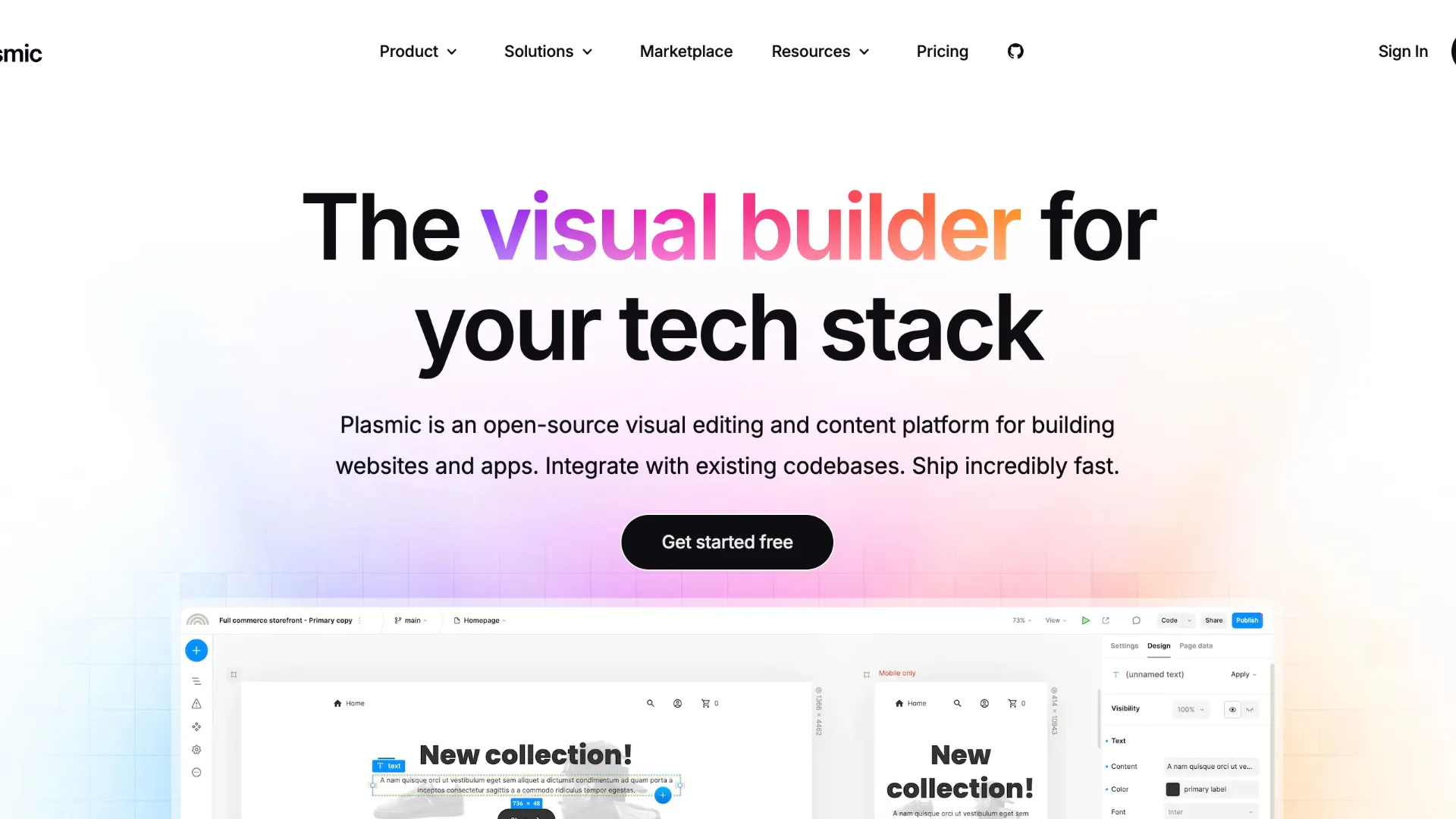
Plasmic is an open-source visual builder and headless content platform for teams that want non-developers to build web experiences while developers retain control of the codebase.
Information checked: Jun 26, 2026 ·View sources
Tool details
- Type
- App builders
- Platforms
- Web, React, Next.js, Gatsby, Plasmic Hosting, Third-party hosting, On-premise deployment
- Free plan
- Yes
- Open source
- Yes
- Bring your own key
- No
- Local models
- No
Overview
Best for
- Marketing websites connected to an existing codebase
- Headless CMS and visual page building
- Landing pages and campaign pages
- Design-system-driven web experiences
- Customer portals and internal tools with existing React components
- Teams that want non-developers to build with developer-approved components
- A/B testing, segmentation, and personalized web experiences
- Incrementally adding visual editing to existing apps
Strengths
- Strong bridge between visual builders and real React codebases.
- Open-source foundation reduces lock-in compared with many closed website builders.
- Excellent fit for teams that want marketers and designers to ship without bypassing developers.
- Built-in CMS, localization, visual editing, optimization, and code components cover many web workflows.
- Can be adopted incrementally inside existing applications instead of requiring a full rebuild.
Limitations & trade-offs
- Solo users who want the simplest template-first site builder
- Teams that do not have React or frontend engineering capacity for advanced integrations
- Full-stack SaaS products requiring backend-heavy business logic inside the builder itself
- Developers looking for a local AI code editor like Cursor or Windsurf
- Teams that need mature AI app generation as the main workflow rather than visual editing
- Projects where the entire site must be managed only as hand-written source code
- More technical than template-first website builders such as Squarespace or Wix.
- Best results usually require developer setup for registered components, data, auth, and deployment.
- AI features are newer and still positioned around Beta access on paid plans.
- Not a general-purpose AI IDE for editing arbitrary repositories.
- Pricing can rise quickly for teams needing Scale or Enterprise collaboration and governance.
Get started
Pricing & usage limits
Official pricingFree tier · From $39
Free forever plan with 3 collaborators, unlimited projects, unlimited headless CMS, community support, custom domains on Plasmic hosting, and third-party deployment.
For entrepreneurs and passion projects, with Free features plus badge removal, custom favicon, and AI support chat.
For SMBs building professional applications, with 4-10 collaborators, priority support, and unlimited access to Plasmic AI Beta.
For cross-functional teams, with 8-30 collaborators, content creator mode, A/B testing, scheduled content, and custom targeting.
For advanced security, flexible controls, custom collaborators, custom integrations, custom roles and permissions, SSO, domain capture, whitelabeling, embedding, SLAs, onboarding, and dedicated support.
Pricing checked: Jun 26, 2026 · Subscription, usage limits, and model costs may be billed separately.
Features & details
Visual App and Site Building
- Visual builder for websites, internal tools, customer portals, SaaS apps, storefronts, and content pages
- Drag-and-drop page composition with responsive design, components, tokens, variants, and visual interactions
- Figma import and HTML import for bringing designs or AI-generated HTML into the canvas
- Content creator mode for safer editing by non-developer teams
Codebase Integration
- Register existing React components as visual building blocks
- Use Plasmic inside existing applications without iframe-style isolation
- Support for codegen and loader-based integration workflows
- Deploy Plasmic-built experiences to third-party infrastructure or Plasmic hosting
CMS and Content
- Built-in headless CMS with structured models and visual content placement
- Localization, versioning, file fields, and API access for CMS content
- Dynamic data from CMSes, commerce backends, databases, APIs, and other sources
- Landing pages, blogs, campaign pages, product pages, and rich visual content workflows
Optimization and Growth
- A/B testing on supported plans
- Targeting and segmentation for personalized experiences
- SEO metadata, social previews, static builds, image optimization, and performance-oriented publishing
- Scheduled content and approval-oriented workflows on higher tiers
Enterprise Governance
- SSO, domain capture, custom roles, and fine-grained permissions on Enterprise
- Branching, approvals, multiplayer collaboration, and shared libraries
- SOC 2 positioning and GDPR-compliant published apps
- On-premise or behind-firewall app deployment options for enterprise teams
Why Choose Plasmic?
Plasmic is compelling because it solves a different problem than most no-code builders. Instead of asking a team to abandon its codebase, design system, deployment pipeline, and existing components, Plasmic can sit on top of that stack as a visual editing layer. Developers define the building blocks, while marketers, designers, content editors, and product teams compose pages and experiences visually.
That makes Plasmic especially useful when the bottleneck is not backend engineering, but the endless queue of landing pages, CMS templates, product pages, customer portal screens, internal app surfaces, and content experiments that require frontend attention. Plasmic gives non-developers more independence without turning the production app into an isolated no-code island.
The open-source foundation also changes the evaluation. Plasmic is still a hosted collaboration product for most teams, but its codebase-integrated model and public repository reduce the feeling of being trapped in a closed page-builder runtime.
Core Workflow
A typical Plasmic workflow starts with a decision: use Plasmic as a standalone visual builder, or integrate it into an existing React-based application. The second pattern is where Plasmic is most differentiated. Developers register components, design tokens, global contexts, data hooks, and custom controls so non-developers can use approved building blocks in the Studio.
Once the integration is in place, content creators and designers can compose pages, sections, CMS-driven templates, and experiments visually. Developers can decide how much freedom editors have, ranging from open canvas design to locked-down component composition.
For AI-assisted workflows, Plasmic AI Beta and HTML import can help move generated UI into the visual editor. The practical value is not only generation, but continued visual refinement. A team can bring in generated HTML or sections, then adjust them with real tokens, layouts, and components rather than treating AI output as a one-time code dump.
Practical Use Cases
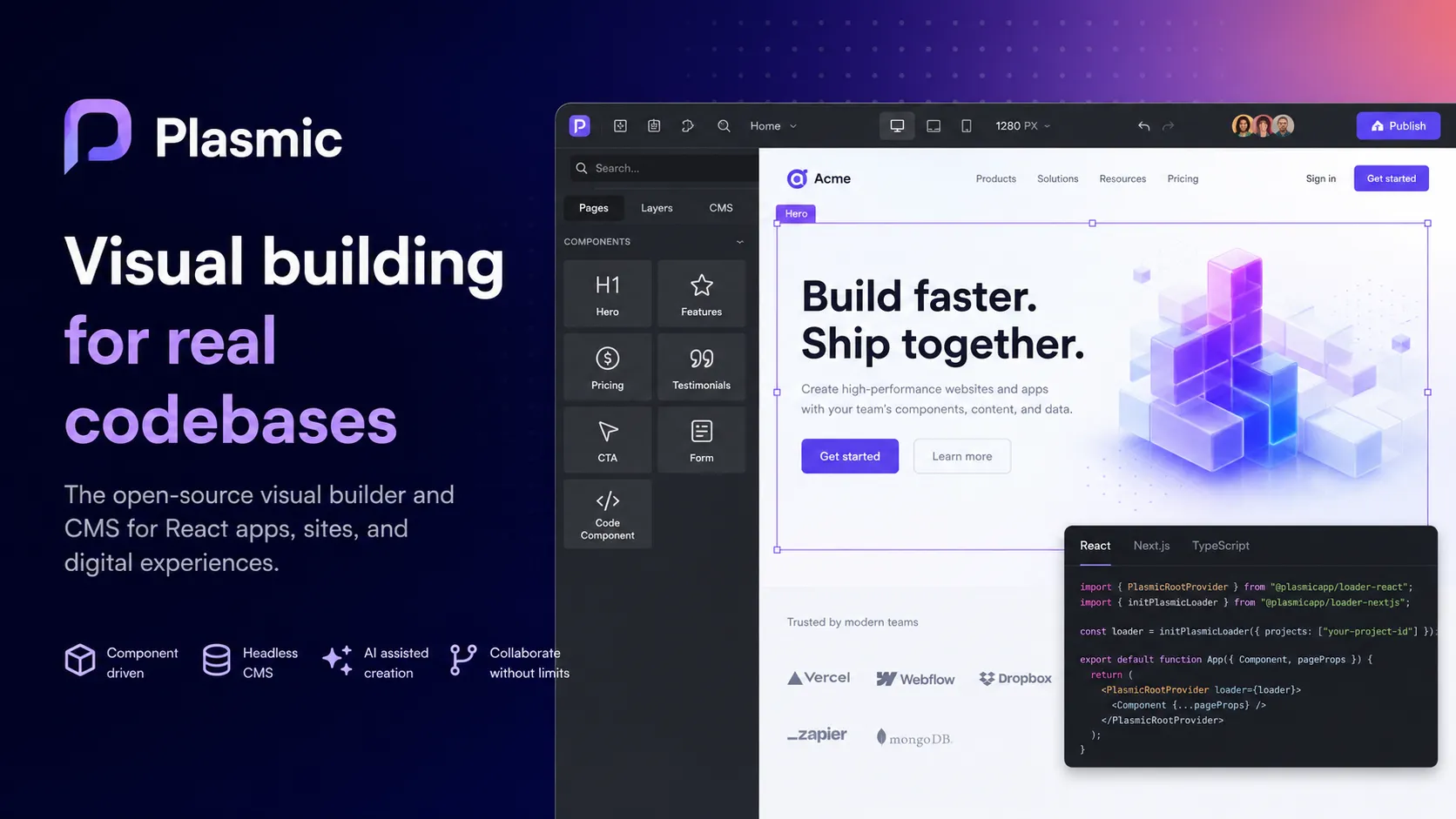
Plasmic fits teams that ship many web experiences on top of a shared frontend stack. Common use cases include landing pages, campaign pages, product pages, headless CMS pages, ecommerce storefront sections, customer portals, onboarding flows, marketing microsites, internal admin screens, and app surfaces that need design-system consistency.
It is particularly strong for companies where developers already own a React or Next.js application, but business teams need faster iteration. Instead of filing tickets for every page layout, headline test, or CMS template change, non-developers can build inside the guardrails developers create.
The CMS use case is also important. Plasmic can store structured CMS records, localize content, and render that content visually. This makes it more than a static design canvas: it can support dynamic content workflows where structured data and custom layouts need to coexist.
Comparison to Alternatives
Compared with Webflow, Plasmic is more codebase-integrated and developer-controlled. Webflow is often easier as a standalone site builder, while Plasmic is more attractive when the website or app already lives in a React stack and the team wants visual editing inside that architecture.
Compared with Builder.io, Plasmic competes directly in visual headless content and code component workflows. Builder.io has broad ecosystem recognition and a strong headless commerce/content story, while Plasmic emphasizes deep visual design, app-building flexibility, code components, and open-architecture control.
Compared with Framer, Plasmic is usually less about design-led standalone publishing and more about integrating visual building into existing web applications. Framer may be faster for a polished marketing site from scratch; Plasmic is stronger when the site or app must reuse a real production component system.
Compared with Retool, Appsmith, or ToolJet, Plasmic is not primarily a database-admin internal tool builder. Those tools are stronger when the center of the workflow is querying production databases and building operational dashboards. Plasmic is stronger when the center of the workflow is visual web composition, content management, and frontend experience delivery.
Best Configuration
For early evaluation, start with a contained surface: one landing page, one CMS-driven template, one customer portal section, or one internal page. The best first project should prove that non-developers can ship faster without weakening the frontend architecture.
For teams with an existing design system, the strongest setup is component registration. Developers should expose only the components, props, variants, and data hooks that editors actually need. Too much freedom can create inconsistent pages; too little freedom turns Plasmic into a rigid CMS template editor.
For growth teams, Scale-level features such as A/B testing, scheduled content, targeting, and content creator mode become more relevant. For enterprise teams, SSO, permissions, branching, approvals, domain capture, shared libraries, and on-premise deployment should be evaluated before rollout across departments.
Migration Notes
Plasmic is a natural migration target for teams that want to move away from hard-coded marketing pages, rigid CMS templates, or developer-dependent content workflows. It can also be introduced incrementally: one page, one section, or one CMS-powered surface at a time.
Migration from Webflow, WordPress, or a custom CMS should begin with content architecture. Map content types, dynamic routes, SEO metadata, localization, redirects, analytics, scripts, and preview workflows before recreating the visual layer. A beautiful migration can still fail if the publishing workflow or search footprint is not preserved.
Migration is harder when the existing site depends on a large plugin ecosystem, deeply custom backend logic, or non-React frontend architecture that the team does not want to touch. In those cases, Plasmic may still be useful for selected pages or embedded visual sections, but it should not be forced into every part of the stack.
Model support & data privacy
Privacy & data handling
Plasmic can be used as a hosted visual builder, integrated into existing codebases, deployed to third-party infrastructure, or used in enterprise on-premise-style deployments. Teams should review how project content, CMS data, API tokens, registered components, custom data sources, analytics, A/B tests, AI Beta features, SSO, permissions, and deployment settings interact before using Plasmic for sensitive production workflows.
Guides, reviews & fixes
View allNo published guides yet. Start with the official documentation above.
Product updates
No verified product updates listed yet. Follow this tool to see new relevant content in Saved.
See the content timelineAlternatives
Sources & verification
Verification dates record when this directory checked the information. Product release dates appear separately above.
Directory revision history
Checked Plasmic official website, pricing, enterprise page, site builder page, documentation, CMS docs, HTML import docs, GitHub repository, and Plasmic AI Beta announcement.