

Same.new
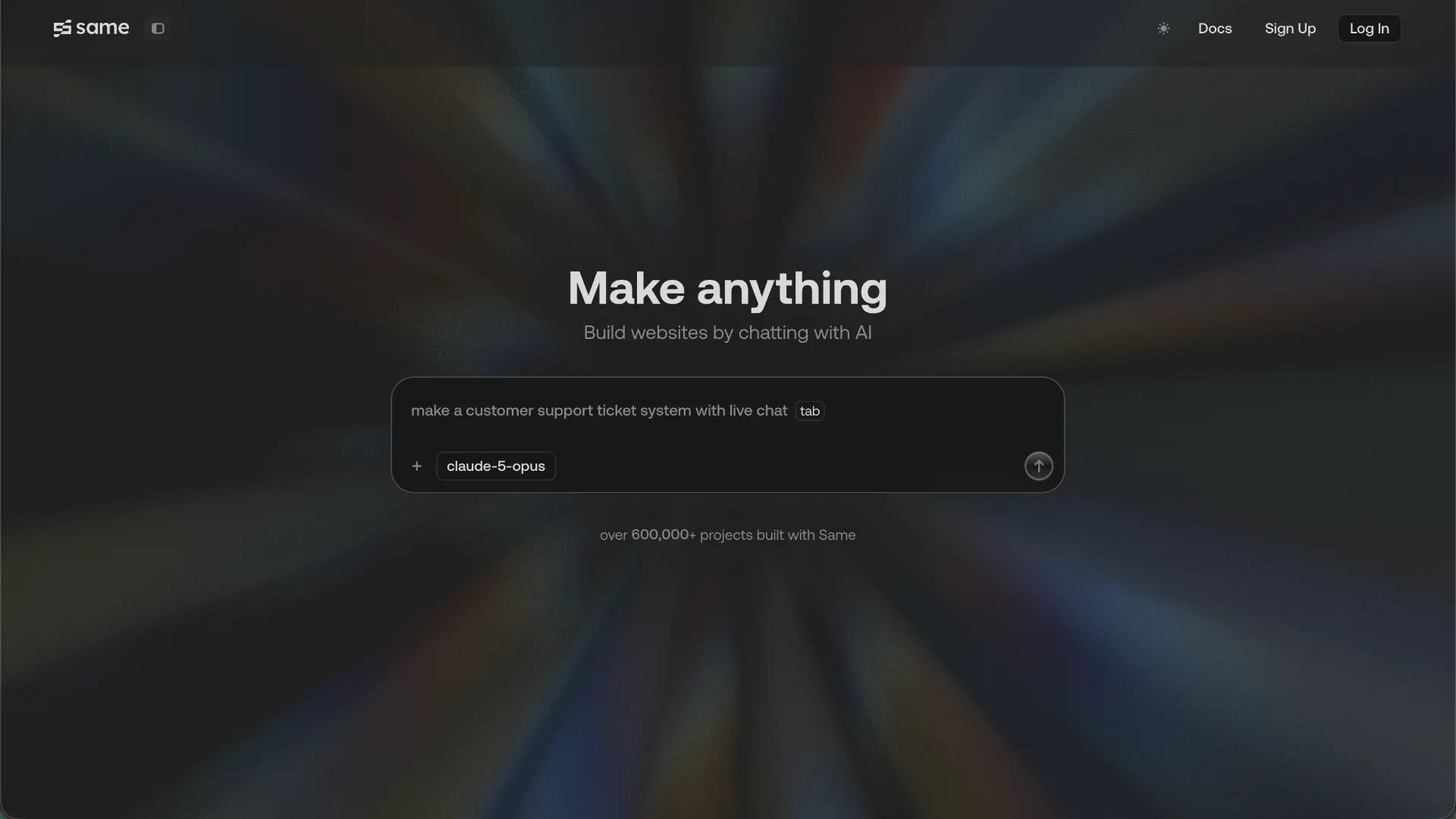
A browser-based prompt-to-app builder differentiated by its ability to reconstruct websites from URLs or screenshots and continue developing them as editable full-stack applications.
Information checked: Aug 14, 2026 ·View sources
Tool details
- Type
- App builders
- Platforms
- Web
- Free plan
- Yes
- Open source
- No
- Bring your own key
- No
- Local models
- No
Overview
Best for
- Recreating an existing web design as an editable codebase
- Turning screenshots or mockups into working web applications
- Rapidly prototyping full-stack Next.js products
- Developers who want vibe coding without giving up code access
- Building prototypes that may later move to GitHub and independent hosting
Strengths
- Strong workflow for rebuilding interfaces from URLs or screenshots
- Combines prompt-based development with direct code and terminal access
- Supports full-stack Next.js projects rather than static UI generation alone
- GitHub and downloadable source code provide practical exit paths
- Automatic checkpoints make aggressive AI iteration easier to undo
- Custom MCP support expands the platform beyond built-in integrations
Limitations & trade-offs
- Native iOS or Android application development
- Teams requiring a fully local or self-hosted AI development environment
- Users who need WordPress-native output
- Workflows requiring native deployment to many hosting providers from the Same interface
- Sensitive projects where users may overlook the default public project visibility
- New projects are public by default unless their visibility is changed
- Custom domains are not managed natively inside Same
- Native deployment is centered on Netlify
- Unused monthly tokens do not roll over
- Long conversations and large context attachments can increase token usage
- Designed primarily for web applications rather than native mobile development
Get started
Pricing & usage limits
Official pricingFree tier · From $10
Free$0 / month
500,000 tokens per month.
Basic$10 / month
2 million tokens per month, premium model access, project downloads, and remixing.
Pro$25 / month
5 million tokens per month with premium model access, downloads, and remixing.
Max$50 / month
10 million tokens per month with premium model access, downloads, and remixing.
Ultra$100 / month
20 million tokens per month; additional usage is available at $10 per 2 million tokens.
Pricing checked: Aug 14, 2026 · Subscription, usage limits, and model costs may be billed separately.
Claude Sonnet 5.5 vs GPT-6 Sol: Same Price, Very Different StrengthsFeatures & details
Reference-to-App Generation
- Generate a project from a live website URL
- Build from screenshots and design mockups
- Create applications from natural-language prompts
- Target individual UI elements for focused edits
Development Workbench
- Integrated code editor and file tree
- Built-in containerized terminal
- Direct frontend, backend, and logic editing
- Automatic checkpoints and project rollback
Full-Stack & Integrations
- Next.js-based full-stack projects
- GitHub integration through MCP
- Neon and Supabase database integrations
- Clerk authentication integration
- Custom MCP server support
Deployment & Ownership
- Integrated Netlify deployment workflow
- Claim deployments into your Netlify account
- Download project source code on paid plans
- Push projects to GitHub for external deployment
Why Choose Same.new?
Same.new is most differentiated when the starting point is not a blank canvas. A user can begin with an existing website URL, screenshot, mockup, or rough product idea and move directly into an editable application. That makes the workflow particularly useful when the requirement is closer to “build something structurally like this, then change it” than “invent a design from scratch.”
This reference-first approach can remove a surprisingly expensive step in AI-assisted development: translating an existing visual system into a sufficiently precise prompt. Instead of describing spacing, hierarchy, navigation patterns, component relationships, and responsive behavior individually, the reference itself becomes part of the specification.
That does not mean URL cloning should be treated as a license to reproduce another product unchanged. Teams should still replace third-party branding, copyrighted assets, proprietary copy, and other protected material. The useful development pattern is generally to capture structure and interaction ideas, then adapt the generated implementation into an original product.
Core Workflow
A productive Same.new workflow starts by deciding what should serve as the initial specification. For a redesign or migration, that may be an existing URL. For a product emerging from Figma or another design process, screenshots or mockups can provide the visual baseline. New products can begin directly from a written description.
Once the initial application exists, it is usually more efficient to stabilize the interface before asking the agent to introduce several unrelated pieces of business logic. Same's own guidance favors smaller sequential instructions. A request such as changing one component, connecting authentication, and then adding a database is easier to inspect and reverse than a single large request that modifies the whole project at once.
The built-in history system is especially relevant here. AI-generated code can change a large number of files in one action, so checkpoints provide a practical boundary between experiments. For risky changes, creating a remix before a major iteration gives another recovery path without forcing the original project to move backward.
For longer projects, chat context should also be treated as a resource rather than accumulated indefinitely. Starting focused chats and attaching only the files or prior context relevant to the current task can reduce unnecessary context processing and make the agent's objective clearer.
Use Cases
Same.new fits particularly well into reference-driven prototyping. A founder can take an interface pattern that demonstrates the desired information architecture, reproduce the basic structure, and then replace the content, branding, data model, and interactions with those of a new product. This can be significantly easier than attempting to describe an unfamiliar interface entirely in words.
It is also useful for turning static design work into an implementation that can immediately be tested. Instead of treating screenshot-to-code as the end of the workflow, Same can continue from the generated frontend into application logic, authentication, persistent data, and deployment.
Another practical use is rebuilding an existing small web property while moving toward a modern JavaScript stack. Because Same defaults to Next.js and keeps the generated files accessible, the output can become the beginning of a conventional repository rather than remaining only inside a visual builder.
For experiments, landing pages, SaaS prototypes, internal prototypes, directories, dashboards, and other browser-based products, this creates a short path from reference to usable software. Native mobile applications are a different case: responsive sites and PWAs are within its web-oriented workflow, but native iOS and Android projects are not its primary target.
Comparison to Alternatives
Same.new belongs in the same buying decision as Bolt.new, Lovable, v0, Replit Agent, Base44, and similar prompt-to-app products. Its clearest differentiator within that group is the emphasis on using a live URL or image as the initial specification and then continuing from visual reconstruction into an editable development environment.
This makes first-generation visual fidelity an important comparison criterion, but it should not be the only one. For a serious project, buyers should also compare how reliably each platform handles multi-step changes, how much control developers retain over generated code, how external databases and authentication are connected, how version history behaves after destructive agent edits, and how easily the resulting application can leave the platform.
Same's GitHub workflow and source-code download option matter in that evaluation because they create an explicit migration path. Conversely, teams that primarily want a conventional desktop IDE with inline AI assistance should compare AI code editors rather than prompt-to-app builders; the workflow and buying decision are fundamentally different.
Best Configuration
For anything beyond a disposable prototype, project visibility should be checked at the beginning of the build. Same's documentation says new projects are public by default, so projects containing proprietary designs, private business logic, or unreleased product concepts should be switched to private before sensitive material is introduced.
Connecting GitHub early is also useful. The repository then becomes an external record of the project and provides a clean path to CI, code review, alternative hosting, or local development. It also reduces the cost of changing development platforms later.
Backend services are best introduced only after the application's data boundaries are clear. A project that simply needs relational persistence can connect to a database workflow, while authentication can be added separately. Keeping infrastructure changes isolated makes it easier to identify whether a regression came from generated UI code, application logic, schema changes, or external configuration.
Custom MCP support is worth treating as an extension layer rather than enabling tools indiscriminately. Connect only the services relevant to the current task and review the permissions granted to each integration, particularly when an MCP server can modify repositories, databases, or other external systems.
For production deployment, the simplest route is Same's integrated deployment flow. Teams wanting more infrastructure control can push the code to GitHub or download the project and establish their own deployment pipeline instead.
Migration Notes
Same projects are built around a conventional codebase rather than an opaque page format, which makes migration more practical than with closed visual builders. The default application architecture is based on Next.js, with JavaScript and TypeScript as the primary ecosystem, and Same uses Bun as its default runtime for project setup.
Paid users can download project code, while GitHub integration provides another route for moving development outside Same. Before migrating, commit the final working state, identify environment variables, document connected services, and verify which authentication, database, or MCP credentials need to be recreated in the destination environment.
The embedded terminal should not be mistaken for durable infrastructure: its environment is containerized and terminal operations are reset when the page refreshes. Persistent project changes should therefore live in the project files, dependency configuration, repository, or external services rather than depending on transient shell state.
Moving a project to another Next.js-compatible workflow should generally be more straightforward than converting it into a fundamentally different platform. WordPress, for example, uses a different architecture and does not have a direct Same.new migration path. In those cases, the generated project is better treated as a reference implementation or source from which selected HTML, CSS, assets, and behavior are adapted.
Model support & data privacy
Supported models
- Claude 4.5 Sonnet
- Claude 4.5 Opus
- GPT-5
- o3
- o3-pro
- o4
Privacy & data handling
Same's documentation states that newly created projects are public by default, although owners can switch them to private. Its privacy policy states that personal information may be stored and processed in the United States and that Customer Data may instead be governed by the applicable customer agreement or terms. Users working with proprietary code or designs should verify project visibility before adding sensitive material.
Guides, reviews & fixes
Product updates
No verified product updates listed yet. Follow this tool to see new relevant content in Saved.
See the content timelineAlternatives
 Bolt.newBolt.new is a browser-native AI web app builder for quickly turning product ideas into editable, runnable, and deployable JavaScript applications.
 LovableLovable is a full-stack AI web app builder positioned between no-code prototyping tools and developer-first AI coding environments.
 v0v0 is Vercel’s AI app builder for creating, refining, integrating, and deploying modern web applications from prompts, design inputs, and repository context.
 Replit AIReplit AI is an all-in-one browser-based AI software creation platform that combines prompt-to-app generation, a cloud IDE, built-in infrastructure, publishing, and collaboration.
 Base44Base44 is a no-code AI app builder for creating functional web apps, websites, internal tools, and portals from natural-language prompts with built-in backend services.
 TempoTempo is a code-first AI app builder and visual React IDE positioned between prompt-to-app tools, Figma-to-code workflows, and developer-centric AI editors.
Sources & verification
Verification dates record when this directory checked the information. Product release dates appear separately above.