AppSheet
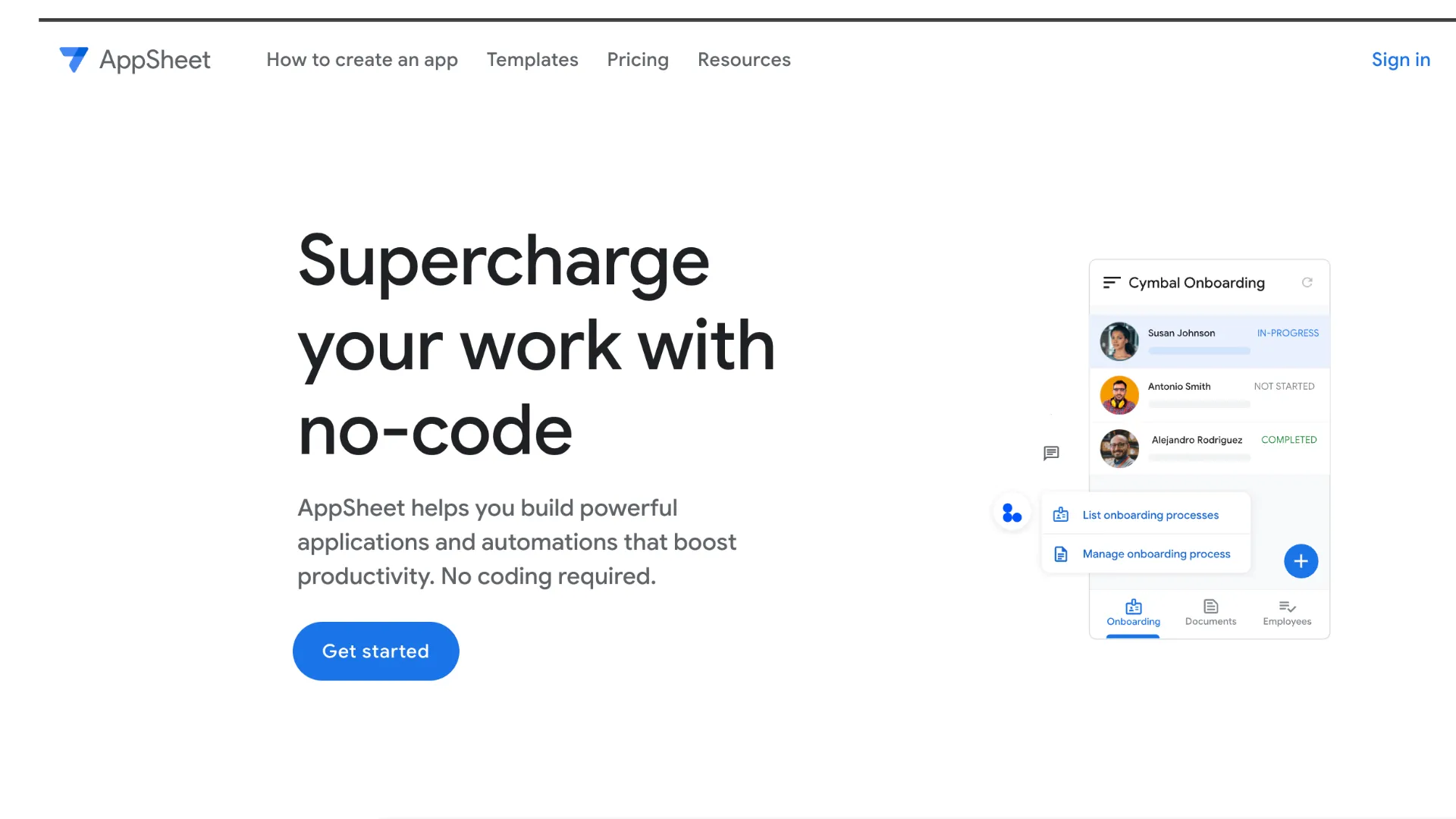
Google AppSheet is a no-code app builder for creating mobile and web apps, automations, and data workflows from spreadsheets, databases, APIs, and Google Workspace data. With Gemini, it can turn natural-language process descriptions into app schemas and add AI-powered extraction or classification tasks to enterprise automations.
AppSheet is a strong choice when the workflow starts from Google Workspace data, spreadsheets, mobile field work, or lightweight business processes; it is less suitable when the project needs full code ownership, deep custom UX, or a complex software architecture.
Pricing Plans
Prototype / Test
Use the app editor and process designer at no cost while testing apps with up to 10 users.
Starter
Basic application and automation features with spreadsheet and cloud file storage connectors.
Core
Advanced app and automation features, application security controls, AppSheet database, and email support; included with most paid Google Workspace plans.
Enterprise Plus
Advanced integrations, enterprise data sources, enhanced security, team management, governance, machine learning modeling, priority support, and Gemini in AppSheet Solutions.
Publisher Pro
For public apps that do not require sign-in and do not contain sensitive data.
Core Features
1No-Code App Creation
- Build mobile and web apps from Google Sheets, Excel, databases, APIs, and AppSheet databases
- Generate tables, views, and actions from natural-language prompts with Gemini for App Creation
- Use forms, tables, galleries, maps, calendars, dashboards, signatures, photos, and barcode capture
- Run apps offline with background sync for field and mobile workflows
2Automation and AI
- Create automations with triggers, conditions, branches, emails, SMS, push notifications, and reports
- Use Gemini-powered AI tasks in Enterprise Plus automations for extraction and categorization
- Extract information from images, PDFs, and text in supported AI workflows
- Incorporate Apps Script functions and connected services into process automation
3Data and Integrations
- Native Google Workspace integrations with Sheets, Drive, Gmail, Calendar, Docs, Forms, Chat, and Apps Script
- Connect to Office 365, Dropbox, Box, Salesforce, SQL databases, BigQuery, Apigee, REST APIs, OData, and SaaS services
- AppSheet Database for built-in structured data without a separate database setup
- Sync app user activity back to connected data sources
4Security and Governance
- User sign-in, domain-based access, security filters, sensitive data controls, and app-level permissions
- Admin Console controls for AppSheet access, licenses, and organization-level settings
- Team management, monitoring, governance policies, and app visibility on Enterprise Plus
- Governance controls for Gemini app creation and AI tasks in automations
Pros
- Very strong fit for Google Workspace teams already using Sheets, Drive, Gmail, Chat, and Apps Script.
- Fast path from spreadsheet or process description to working mobile and web apps.
- Good for field operations because it supports offline use, photos, signatures, maps, forms, and barcode capture.
- Core is included with many paid Google Workspace editions, reducing incremental cost for internal apps.
- Enterprise Plus adds governance and Gemini-powered automation tasks for document, image, and text processing.
Cons
- Less suitable for highly custom consumer apps or full-stack SaaS products.
- Complex data models and advanced UX can become difficult compared with custom development.
- Gemini in AppSheet Solutions for AI automation tasks requires Enterprise Plus.
- AppSheet licensing can be confusing across Google Workspace, add-on licenses, user passes, and public apps.
- Not open-source and not designed for local model hosting or BYOK AI provider routing.
Why Choose AppSheet?
AppSheet is strongest when a business process already lives in Google Workspace or spreadsheets. Many teams manage real operations in Google Sheets, email, Drive folders, and manual approval steps. AppSheet turns those informal workflows into structured mobile and web apps without requiring a traditional development project.
Its most practical advantage is speed from existing data. A team can start with a spreadsheet, database, or form-like process and quickly create an app for data entry, review, routing, and reporting. Gemini makes the first step even faster by letting creators describe the business process and receive suggested tables, columns, views, and actions.
The Google ecosystem fit matters. If the organization already uses Sheets, Gmail, Drive, Chat, Calendar, Docs, Apps Script, and Workspace admin controls, AppSheet can feel like an extension of the existing operating system rather than another standalone SaaS tool.
Core Workflow
A typical AppSheet workflow starts with a data source. That might be Google Sheets, Excel, Cloud SQL, Salesforce, a REST API, or AppSheet Database. AppSheet inspects the structure, generates an initial app, and lets the creator refine views, forms, actions, validation rules, security settings, and automation logic.
For many use cases, the app is mobile-first. Field workers can capture photos, signatures, barcodes, locations, checklist data, and offline updates. When the device syncs, changes flow back to the connected data source and trigger downstream automation.
Gemini adds two distinct layers. Gemini for App Creation helps creators start from natural language. Gemini in AppSheet Solutions, available with Enterprise Plus, adds AI tasks to automations so apps can extract or categorize information from text, images, and PDFs. These are different capabilities and should be planned separately.
Practical Use Cases
AppSheet works well for field inspections, inventory checks, asset tracking, maintenance logs, delivery tracking, incident reports, approval workflows, employee requests, order intake, lightweight CRMs, school or nonprofit operations, and team task tracking.
It is especially useful when workers need a structured mobile form instead of editing a spreadsheet directly. A manager can keep the spreadsheet or database as the system of record, while users interact through a simpler app with controlled permissions and validations.
AI use cases should focus on repetitive extraction and categorization. For example, an app can process an uploaded invoice, classify a support request, extract details from a PDF, or categorize incoming text before routing it through an automation. These workflows are more realistic than expecting AI to design an entire complex enterprise system alone.
Comparison to Alternatives
Compared with Microsoft Power Apps, AppSheet is the natural choice for Google Workspace-first organizations. Power Apps is better aligned with Microsoft 365, Dataverse, Teams, and Dynamics. The decision often follows the company’s productivity suite and identity stack.
Compared with Airtable or Baserow, AppSheet is less about being the shared database itself and more about turning data into mobile and workflow apps. Airtable and Baserow are stronger when the database workspace is the center of collaboration. AppSheet is stronger when users need a guided app over that data.
Compared with Retool, Appsmith, ToolJet, or Budibase, AppSheet is more no-code and business-user oriented. Those tools are usually better for developer-led internal dashboards, database admin panels, and custom interfaces over production systems. AppSheet is better for spreadsheet-driven processes, mobile capture, and Google Workspace workflows.
Compared with Glide, AppSheet is typically more enterprise and process-automation oriented, while Glide often feels simpler and more polished for quick user-facing apps. AppSheet gives more depth around Workspace, governance, offline field apps, and automation logic.
Best Configuration
For experimentation, use the free prototype mode to validate the app structure with a small test group. This is the right stage to check whether the data model is clean, whether forms are usable, and whether the workflow actually matches how the team works.
For Google Workspace organizations, check whether AppSheet Core is already included before buying separate licenses. Many Workspace editions include Core licenses, which can make AppSheet unusually cost-effective for internal apps used within the organization.
Enterprise Plus is the plan to evaluate when the app needs advanced integrations, external users, stronger governance, enterprise data sources, machine learning modeling, priority support, or Gemini-powered AI tasks in automations. It is also the plan to consider when AppSheet is becoming an organization-wide development platform rather than a departmental tool.
For sensitive data, start with access design. Define who owns the app, who owns the data source, which users can view or edit which rows, whether external users are allowed, which automations can run, and whether AI tasks are permitted. AppSheet can be safe, but only if the app is modeled with governance in mind.
Migration Notes
AppSheet is a natural migration target for processes currently run through Google Sheets, Excel files, email threads, shared folders, and manual status updates. The best migration starts by cleaning the spreadsheet or database schema before generating the app.
Do not migrate a messy spreadsheet directly if columns are overloaded, formulas hide business logic, or permissions are unclear. AppSheet will reflect the structure it receives, so a confusing data source usually becomes a confusing app.
Migration from custom software should be more selective. AppSheet can replace many simple internal apps and field tools, but it should not be forced into use cases that need complex custom UI, advanced transactional logic, or deep product engineering. A practical path is to start with data capture and approvals, then automate notifications and reports, and only later add Gemini-powered AI tasks where they are clearly useful.
Best For
- Google Workspace-based internal apps
- Spreadsheet-to-app workflows
- Field operations apps
- Inspections, checklists, inventory, and asset tracking
- Approval workflows and request routing
- Mobile forms with photos, signatures, barcodes, locations, and offline sync
- Simple CRM, task tracking, project tracking, and team operations apps
- Enterprise AI automation tasks for extracting or categorizing data from files and text
Not Ideal For
- Full-stack SaaS applications
- Public consumer apps requiring highly custom design and backend logic
- Teams that need source-code ownership
- Open-source-first or self-hosted projects
- AI workflows that require local models or custom model-provider routing
- Complex transactional systems with advanced database engineering requirements
- Developer teams looking for a local AI code editor like Cursor or Windsurf
Privacy Notes
AppSheet apps connect to data sources controlled by the app owner, such as Google Sheets, databases, files, APIs, or AppSheet databases. Gemini for App Creation is available with paid AppSheet or eligible Workspace licenses, while Gemini in AppSheet Solutions for AI automation tasks is part of Enterprise Plus and consumes Gemini usage credits. Organizations should review data source permissions, security filters, app sharing rules, Workspace admin settings, AppSheet governance policies, AI feature controls, audit and monitoring needs, and external user licensing before processing sensitive data.
Alternatives
Sources
Update History
- Jun 26, 2026: Checked official AppSheet website, pricing page, Gemini in AppSheet documentation, AI automations documentation, Google Workspace AppSheet admin documentation, access controls, and Workspace update posts.
Related Tools
More listings in a similar part of the directory.






AppSheet Articles
Guides, comparisons, and launch notes connected to this listing.