

ToolJet
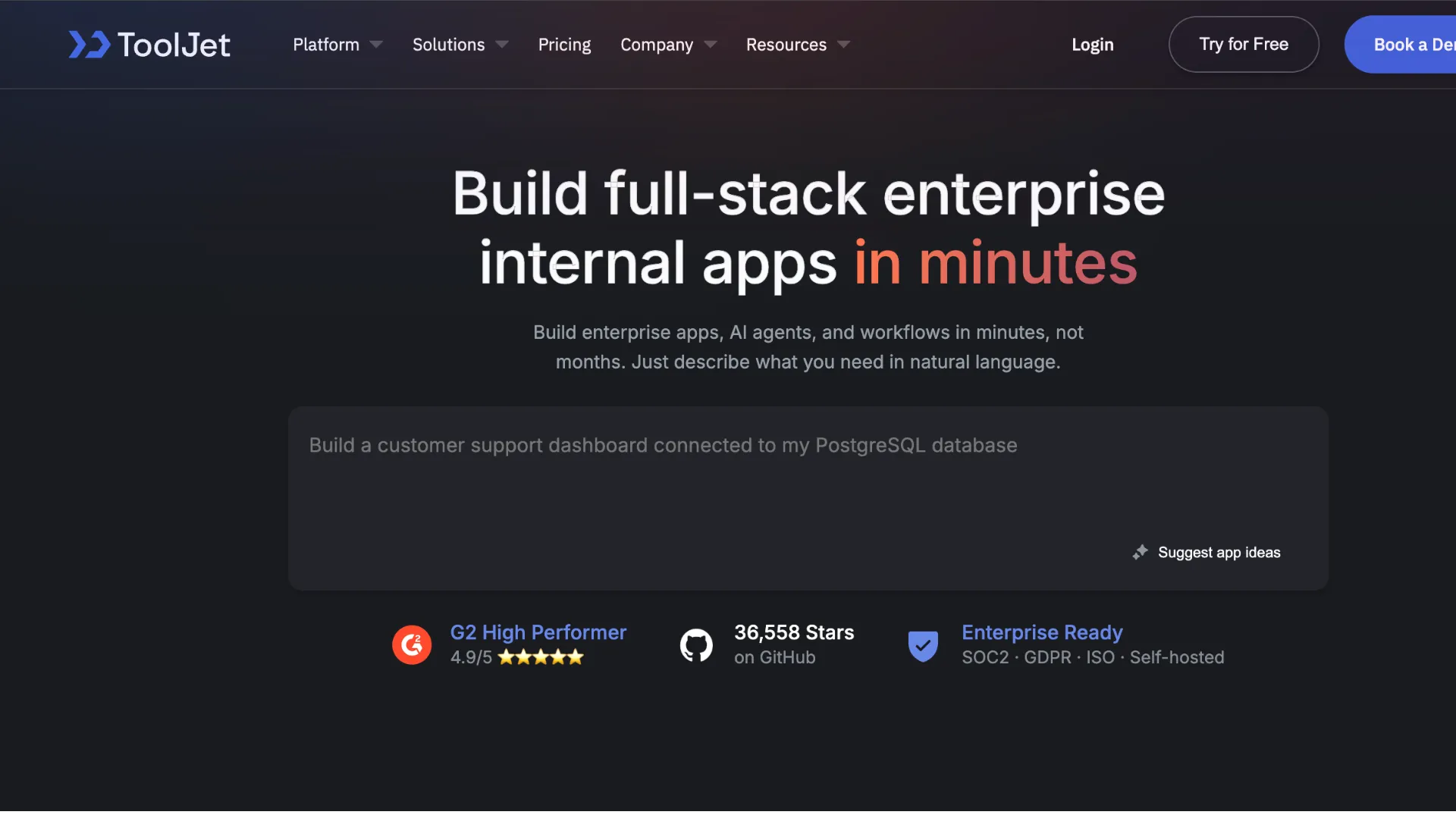
ToolJet is an open-source, AI-native low-code platform for teams building internal apps, dashboards, workflows, and AI agents with flexible cloud or self-hosted deployment.
Information checked: Jun 26, 2026 ·View sources
Tool details
- Type
- App builders
- Platforms
- Web, ToolJet Cloud, Self-hosted, Docker, Kubernetes, Helm, AWS, Azure, GCP, DigitalOcean, OpenShift
- Free plan
- Yes
- Open source
- Yes
- Bring your own key
- Yes
- Local models
- No
Overview
Best for
- Internal dashboards and admin panels
- CRUD apps connected to databases and APIs
- AI-generated internal business applications
- Workflow automation with human review and custom logic
- AI agents for operational process automation
- Teams that want self-hosting and open-source control
- Organizations with many app end users but fewer builders
- Engineering and IT teams modernizing spreadsheet or script-based internal workflows
Strengths
- Open-source foundation gives teams more control than SaaS-only internal tool builders.
- Builder-based pricing can be attractive for apps with many end users.
- Strong deployment flexibility across cloud, self-hosted, Kubernetes, and air-gapped environments.
- AI generation, AI debugging, workflow automation, and agent building are built into the product direction.
- Good fit for developer-led teams that want low-code speed with JavaScript and integration control.
Limitations & trade-offs
- Developers looking for a local AI code editor like Cursor or Windsurf
- Consumer SaaS products requiring highly custom product UX and full code ownership
- Teams that do not want to operate a self-hosted platform or manage app governance
- Very small teams that only need a simple spreadsheet database or form builder
- Organizations that need local model hosting as a default product workflow
- Non-technical teams that want a purely spreadsheet-first interface
- Advanced governance, custom AI model options, SCIM, and air-gapped deployment require Enterprise.
- Not a traditional AI IDE for editing arbitrary local repositories.
- Teams still need technical ownership for data permissions, queries, deployments, and production changes.
- Self-hosting requires operational responsibility for PostgreSQL, Redis, upgrades, backups, networking, and secrets.
- AI features in self-hosted deployments may require network access to ToolJet AI services unless using enterprise-supported custom model options.
Get started
Pricing & usage limits
Official pricingFree tier · From $79
Free plan for evaluating ToolJet, with 2 builders, up to 50 end users, up to 2 apps, 100 AI credits, predefined roles, and community support.
For growing teams that need more flexibility and AI, with up to 5 apps, 2,000 AI credits per builder, custom styling, version control, and email support.
For teams building multiple internal apps, with up to 100 end users, unlimited apps, 3,000 AI credits per builder, SSO, custom groups, white labeling, audit logs, Git sync, and priority support.
For organizations needing unlimited end users, custom deployment, SCIM, custom AI credits, custom AI model options, air-gapped deployment, premium SLAs, and dedicated support.
Optional add-on credits for teams that need more AI usage without changing plans.
Pricing checked: Jun 26, 2026 · Subscription, usage limits, and model costs may be billed separately.
Features & details
AI App Builder
- Generate business apps from natural language prompts
- AI-assisted UI, query, data binding, debugging, and documentation workflows
- AI app generation from scratch or enhancement of existing apps
- AI-powered development lifecycle for internal apps
App and Workflow Building
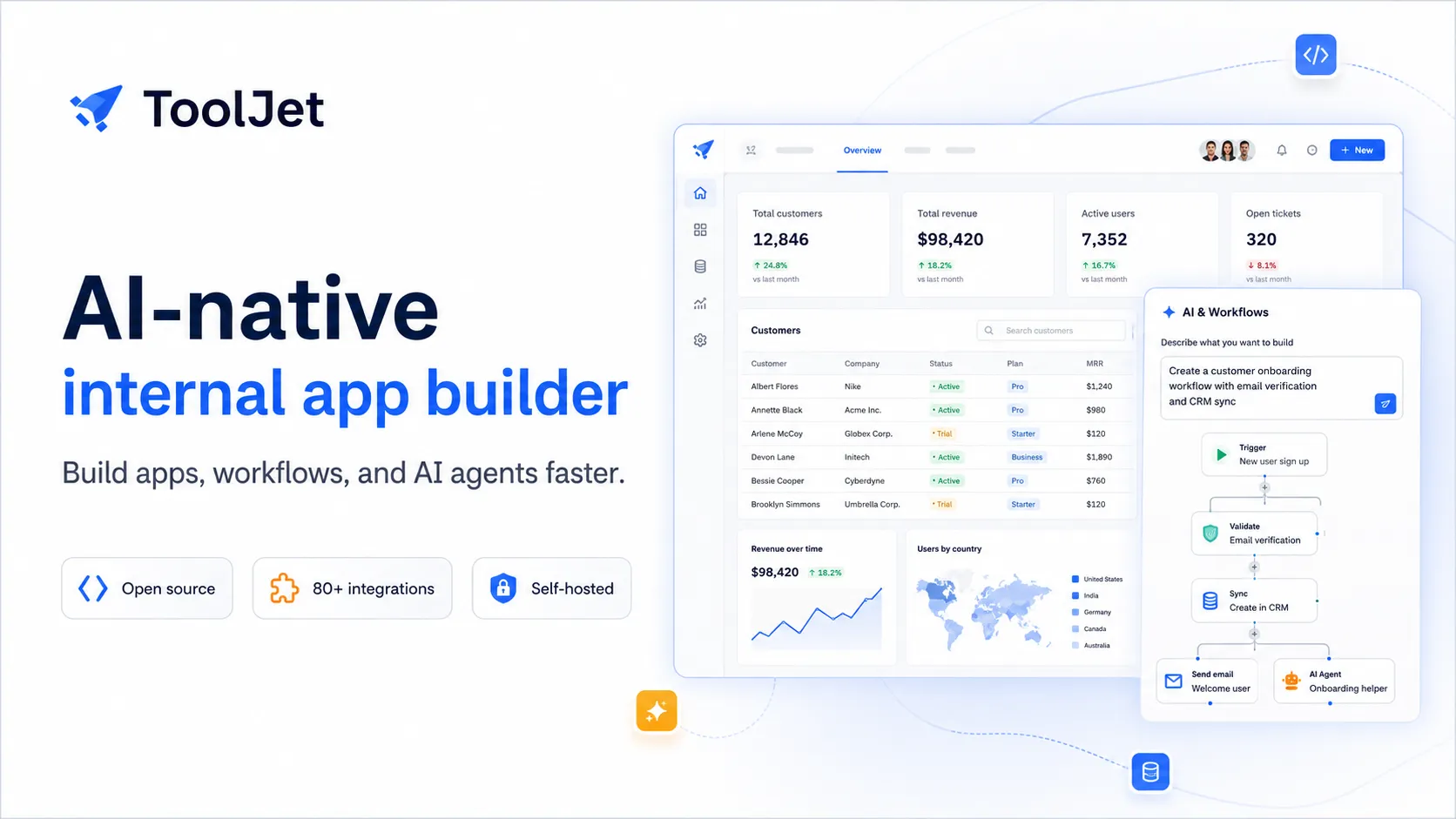
- Visual app builder with 80+ UI components
- Multi-page apps, custom React components, and custom styling
- Workflow automation with triggers, schedules, webhooks, conditions, loops, and JavaScript
- Agent Builder for automating business processes and orchestrating workflows
Data and Integrations
- 80+ data sources across APIs, databases, cloud storage, AI providers, and SaaS tools
- ToolJet Database with built-in PostgreSQL-backed no-code database features
- Marketplace plugins for OpenAI, Anthropic, Gemini, AWS Bedrock, Cohere, Mistral AI, Hugging Face, and more
- REST, GraphQL, SQL, SaaS, vector database, and object storage integrations
Deployment and Governance
- ToolJet Cloud and self-hosted deployment options
- Docker, Kubernetes, Helm, AWS, Azure, GCP, DigitalOcean, and OpenShift deployment paths
- SSO, RBAC, custom user groups, audit logs, Git sync, and multi-environment support on higher plans
- Enterprise support for SCIM, dynamic access rules, automated deployments, multi-instance, and air-gapped deployment
Why Choose ToolJet?
ToolJet is most compelling when the team wants low-code speed, but still cares about open-source control, deployment flexibility, and technical extensibility. It is not positioned as a general consumer app generator or a local AI coding editor. Its strongest use case is internal software: dashboards, admin panels, CRUD frontends, approval workflows, data tools, and AI-assisted operational apps.
The builder-based pricing model is also important. Many internal tools have a small number of people who build and maintain apps, but a much larger number of employees who use them. ToolJet’s pricing direction can make sense for that pattern, especially when compared with platforms that charge heavily for every end user.
The newer AI-native positioning moves ToolJet beyond traditional drag-and-drop low-code. Natural language can help generate app structure, queries, and data bindings, while workflow automation and agent building can reduce manual operational work. The practical value comes when AI is paired with controlled data sources, explicit permissions, and reviewable app logic.
Core Workflow
A typical ToolJet project starts with either a prompt or a connected data source. A team can describe the internal tool it needs, connect databases or APIs, then refine the generated app using the visual builder, components, queries, JavaScript, and workflow logic.
ToolJet works best when the app is close to business data. Builders connect PostgreSQL, MySQL, MongoDB, REST APIs, GraphQL, SaaS tools, cloud services, AI providers, object storage, or ToolJet Database. They then build pages, tables, forms, charts, actions, and workflows around that data.
For production use, the workflow should not stop at generation. Teams should define environments, ownership, access control, release management, and rollback practices. Internal apps often begin as quick fixes but later become operational dependencies, so it is worth treating them like maintained software assets from the start.
Practical Use Cases
ToolJet fits operational apps where teams need a secure interface over existing systems. Examples include customer support panels, inventory dashboards, finance approval queues, HR request tools, bug triage dashboards, vendor management portals, employee directories, data correction tools, and back-office admin panels.
It is also useful when teams are replacing scattered spreadsheets, one-off scripts, or direct database access. Instead of giving non-technical users raw SQL access or asking engineering to handle every operational update, ToolJet can provide a controlled UI with forms, tables, validation, and workflow triggers.
AI use cases should be bounded and reviewable. Good examples include generating draft records, summarizing support conversations, classifying tickets, creating internal dashboards from a prompt, building AI chat components, routing work, or triggering multi-step workflows after a human confirms the output.
Comparison to Alternatives
Compared with Retool, ToolJet is more appealing for teams that value open-source foundations and self-hosted deployment control. Retool has a very mature commercial platform and broad enterprise adoption, while ToolJet may be more attractive when the team wants builder-based pricing, open-source transparency, and flexible deployment.
Compared with Appsmith, ToolJet competes directly in the open-source internal tools category. The decision usually comes down to preferred builder experience, AI workflow maturity, pricing, deployment needs, component coverage, enterprise features, and how each platform fits existing engineering processes.
Compared with Superblocks, ToolJet is generally more open-source and self-hosting oriented. Superblocks leans heavily into governed enterprise AI app generation for IT and platform teams, while ToolJet is a better fit for teams that want an open-source low-code base with AI generation, workflows, and flexible hosting.
Compared with Microsoft Power Apps, ToolJet is less tied to the Microsoft ecosystem. Power Apps is often the natural option for Microsoft 365, Teams, Dataverse, and Dynamics-heavy organizations. ToolJet is more stack-neutral and better suited to teams that want to connect to varied databases, APIs, cloud services, and AI providers.
Best Configuration
For a small team, the safest starting point is a narrow internal workflow with clear value: a support lookup tool, an approval dashboard, a bug tracker, or an operations panel. Start with read-heavy data access, then add controlled write actions, then automate repeatable steps.
For self-hosted deployments, architecture matters early. ToolJet needs PostgreSQL, and production deployments should plan for backups, Redis requirements, networking, upgrades, environment variables, credential encryption, SMTP, observability, and access control. Self-hosting gives control, but it also makes ToolJet part of the internal platform surface.
For larger teams, define workspaces, user groups, SSO, RBAC, Git sync, audit logs, and multi-environment deployment before many apps are created. Otherwise, low-code can turn into another source of internal app sprawl.
For AI usage, decide whether teams will use ToolJet’s default AI capabilities, marketplace AI plugins, or Enterprise custom model options. Sensitive workflows should make clear what data is sent to model providers, who can invoke AI features, and what actions require human approval.
Migration Notes
ToolJet is a natural migration target for scripts, spreadsheets, admin pages, support tools, and database operations that have become too important to manage informally. The best migrations convert repeated manual processes into structured apps with explicit permissions, validation, and workflow automation.
Migration is harder when the existing software has product-grade UX, complex frontend state, real-time collaboration requirements, offline behavior, or highly customized user interactions. ToolJet supports custom components and JavaScript, but it should not be treated as a universal replacement for a fully custom application stack.
A practical migration path is to import or connect the data first, build role-specific interfaces second, add write actions third, and introduce AI or agents last. This sequence helps teams validate the underlying data model, access control, and operational ownership before adding automation that can affect production systems.
Model support & data privacy
Supported models
- OpenAI
- Anthropic
- Gemini
- AWS Bedrock
- Cohere
- Mistral AI
- Hugging Face
- Portkey
Privacy & data handling
ToolJet can run in ToolJet Cloud or be self-hosted. Self-hosted deployments store application definitions, encrypted datasource credentials, and user authentication data in PostgreSQL, and ToolJet documentation notes that AI features may require whitelisting ToolJet AI gateway services. Enterprise plans include custom AI model options and BYOK-style LLM API key support as an add-on. Teams handling sensitive data should review deployment architecture, telemetry, datasource credentials, AI provider settings, audit logs, RBAC, SSO, and retention policies before production use.
Guides, reviews & fixes
View allNo published guides yet. Start with the official documentation above.
Product updates
No verified product updates listed yet. Follow this tool to see new relevant content in Saved.
See the content timelineAlternatives
Sources & verification
Verification dates record when this directory checked the information. Product release dates appear separately above.
Directory revision history
Checked official ToolJet website, pricing page, GitHub repository, app builder docs, AI app generation docs, deployment docs, SSO/RBAC docs, and marketplace AI integration docs.