
 RetoolRetool is an enterprise-oriented low-code and AI app platform for teams building internal software, operational workflows, and governed AI tools on top of existing business systems.
Microsoft Power Apps
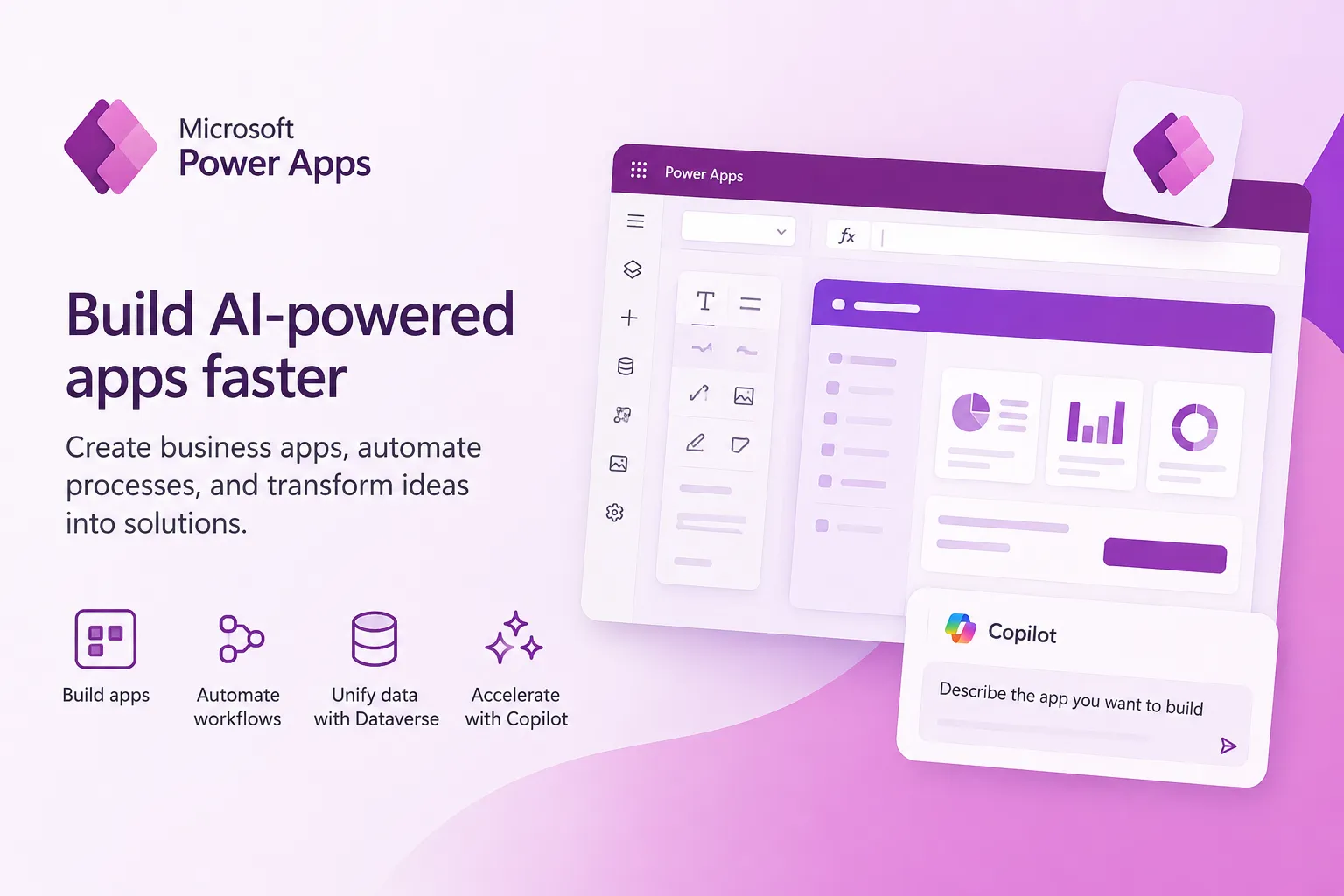
Microsoft Power Apps is an enterprise low-code and AI app-building platform for organizations that want to build governed business applications inside the broader Microsoft Power Platform ecosystem.
Information checked: Jun 26, 2026 ·View sources
Tool details
- Type
- App builders
- Platforms
- Web, Microsoft Power Platform, Microsoft Teams, Microsoft 365, iOS, Android, Dataverse
- Free plan
- Yes
- Open source
- No
- Bring your own key
- No
- Local models
- No
Overview
Best for
- Microsoft 365 and Teams-based internal business apps
- Dataverse-backed operational applications
- Approval workflows and process automation
- Replacing spreadsheet-driven departmental tools
- Citizen development programs with IT governance
- Dynamics 365 extension scenarios
- Organizations that need DLP, RBAC, environment policies, and tenant-level administration
Strengths
- Deeply integrated with Microsoft 365, Teams, Dynamics 365, Azure, and Dataverse.
- Strong fit for enterprise internal apps, approval flows, and operational process tools.
- Copilot can accelerate app, table, and solution creation from natural language.
- Governance tooling is mature compared with many smaller low-code builders.
- Flexible app patterns across canvas apps, model-driven apps, portals, flows, and agents.
Limitations & trade-offs
- Teams that do not use Microsoft 365, Azure, or Dataverse
- Public SaaS products requiring fully custom frontend engineering
- Developers who want a local AI code editor or CLI coding agent
- Small projects where licensing administration would outweigh the app value
- Workflows requiring simple source-code export and direct framework ownership
- Licensing can become complex across users, apps, premium connectors, Dataverse, AI Builder, and Copilot credits.
- Best experience often assumes a Microsoft-centric stack and tenant governance model.
- Advanced Dataverse security and environment strategy require administrative expertise.
- Not ideal for teams seeking clean exported source code or a conventional developer-owned frontend stack.
- Some Copilot and generative AI features have region, capacity, preview, or admin-control limitations.
Get started
Pricing & usage limits
Official pricingFree tier · From $5
Power Apps Developer Plan$0 / month
Free developer account for building and testing apps, flows, connectors, and Dataverse-backed solutions in non-production environments.
Power Apps per app$5 / user/app/month
Lets a user run one custom app or access one Power Pages website for a specific business scenario.
Power Apps Premium$20 / user/month
Per-user plan for building, modernizing, and running unlimited Power Apps with premium connectors and Dataverse access.
Power Apps Premium 2,000+ seats$12 / user/month
Volume pricing for organizations purchasing at least 2,000 new user licenses.
Pay-as-you-goUsage-based
Azure subscription-based option for variable or seasonal app usage.
Microsoft Copilot Studio$200 / 25,000 Copilot Credits/month
Related add-on for building and running custom copilots and agents across channels.
Pricing checked: Jun 26, 2026 · Subscription, usage limits, and model costs may be billed separately.
Features & details
App Building Modes
- Canvas apps for custom UI-driven business tools
- Model-driven apps backed by Dataverse data models
- Power Pages support for external business websites
- Copilot-first plans that generate multi-part Power Platform solutions
AI and Copilot
- Natural language app creation with Copilot in Power Apps
- AI-assisted Dataverse table generation
- Copilot controls and AI-powered app experiences
- Integration with Copilot Studio agents and AI Builder capabilities
Data and Automation
- Microsoft Dataverse as the native business data layer
- Prebuilt, custom, and on-premises connectors
- Power Automate flows inside app scenarios
- Integration with Microsoft 365, Teams, Dynamics 365, Azure, and third-party services
Enterprise Governance
- Managed Environments for scaled administration
- Data loss prevention policies and connector classification
- Dataverse role-based security
- Environment strategy, sharing controls, and admin-center governance
Why Choose Microsoft Power Apps?
Microsoft Power Apps makes the most sense when the application is part of a broader Microsoft operating environment. The platform is not just a standalone app builder; it is one layer of Power Platform, sitting beside Power Automate, Power BI, Power Pages, Microsoft Copilot Studio, Dataverse, Teams, Microsoft 365, Dynamics 365, and Azure.
That ecosystem fit is the main reason to choose it. A business unit can start from a familiar Microsoft identity, data, and collaboration model, then build apps that live close to the tools employees already use. This is especially valuable for approval processes, field operations, case management, HR requests, finance workflows, asset tracking, inspection apps, and departmental systems that are too specific for off-the-shelf software but too costly to build from scratch.
The AI angle is increasingly important. Copilot can help makers turn natural language requirements into app structures, Dataverse tables, and broader Power Platform solution plans. That does not remove the need for architecture and governance, but it can compress the early discovery and scaffolding phase for internal software.
Core Workflow
A typical Power Apps project starts by deciding whether the app should be canvas-first or model-driven. Canvas apps give more control over layout and interaction, while model-driven apps are more structured around Dataverse data, forms, views, roles, and business processes. Many serious enterprise deployments eventually use both patterns, depending on whether the priority is custom user experience or standardized business data management.
From there, makers connect data sources, define screens or tables, write formulas with Power Fx, automate steps with Power Automate, and publish the app to users through the Power Apps player, browser, Teams, or a governed Microsoft environment. For AI-assisted workflows, Copilot can help create tables, generate app ideas, or design a broader plan that includes Dataverse, apps, flows, Power Pages, and Copilot Studio agents.
The practical workflow is less like coding a traditional web app and more like assembling a managed business application from platform-native parts. That makes delivery fast, but it also means teams should be intentional about environment design, connector policies, Dataverse roles, ownership, and lifecycle management from the beginning.
Practical Use Cases
Power Apps is strongest for business processes where the data model, permissions, and operational workflow matter more than highly custom frontend branding. Examples include inventory intake, employee onboarding, sales operations, equipment inspections, quote approvals, procurement requests, compliance checklists, maintenance logs, service case handling, and internal reporting interfaces.
It is also a strong fit for organizations that already have important data in SharePoint, Excel, Dynamics 365, SQL Server, Teams, or Dataverse. In those environments, Power Apps can become the interface layer that turns scattered data and manual steps into a more controlled workflow.
AI-powered use cases should be introduced carefully. Copilot can accelerate creation, and AI Builder or Copilot Studio can add document processing, classification, extraction, summarization, or agent experiences. The best early AI use cases are assistive rather than fully autonomous: summarizing records, suggesting next steps, drafting responses, extracting fields from documents, or helping users search and act on structured business data.
Comparison to Alternatives
Compared with Retool, Power Apps is usually stronger for Microsoft-first organizations that want tenant-level governance, Dataverse, Teams integration, and alignment with Microsoft licensing and admin controls. Retool often feels more natural to engineering teams that prefer SQL, REST APIs, JavaScript-heavy interfaces, and a more developer-oriented internal tools workflow.
Compared with Appsmith, ToolJet, and Budibase, Power Apps is less open and less code-export oriented, but more deeply embedded in enterprise identity, Microsoft admin tooling, Dataverse, and the broader Power Platform suite. The decision often depends on whether the organization values open-source flexibility or Microsoft ecosystem integration more.
Compared with OutSystems and Mendix, Power Apps is often easier to adopt for departmental and Microsoft 365-centered use cases. OutSystems and Mendix may be more appropriate for large-scale application modernization programs where professional development teams need a broader enterprise app development platform beyond the Microsoft productivity stack.
Best Configuration
The best Power Apps configuration usually starts with environment strategy rather than the app canvas. Separate personal productivity experiments from production apps, define who can create environments, decide when Dataverse is required, and classify connectors before a large number of makers begin building. Without this foundation, low-code adoption can create fragmented apps, unmanaged connections, and unclear ownership.
For small internal tools, a limited rollout inside Microsoft 365 can be enough. For production workflows, Power Apps Premium, Dataverse, Managed Environments, DLP policies, and clear role assignments become much more important. For enterprise-scale adoption, organizations should treat Power Apps as a platform with governance, lifecycle management, reusable components, shared data models, admin monitoring, and maker enablement.
The safest AI configuration is to let Copilot assist makers and users while keeping permissions, data boundaries, and human approval steps explicit. AI-generated tables, apps, or plans should be reviewed like any other production design: data model, connectors, formulas, access control, auditability, and failure behavior all still matter.
Migration Notes
Power Apps is often a good migration target for spreadsheet-driven workflows, shared inbox processes, SharePoint lists, manual approvals, and departmental tools that have outgrown ad hoc management. These migrations work best when the team first maps the process, identifies the system of record, and decides whether Dataverse should replace or complement the existing data source.
Migration is more difficult when the existing tool is a polished custom application with complex UI state, advanced frontend performance requirements, or product-specific branding. Power Apps can support sophisticated enterprise workflows, but it should not be treated as a universal substitute for a fully custom web engineering stack.
A practical migration path is to start with read-heavy apps, then add controlled data entry, then automate approvals, and only later add AI and agentic experiences. This sequence gives the organization time to validate licensing, permissions, environment design, and data governance before expanding into more sensitive operational workflows.
Model support & data privacy
Supported models
- Azure OpenAI Service
Privacy & data handling
Power Apps runs inside Microsoft Power Platform and uses tenant, environment, Dataverse, connector, and admin-center controls. Copilot in Power Apps is powered by Azure OpenAI Service, and some Copilot features can depend on region availability, capacity limits, preview terms, and tenant or environment settings. Organizations should review data policies, connector classification, Dataverse roles, environment strategy, and Copilot availability before connecting sensitive business data.
Guides, reviews & fixes
No published guides yet. Start with the official documentation above.
Product updates
No verified product updates listed yet. Follow this tool to see new relevant content in Saved.
See the content timelineAlternatives
RetoolRetool is an enterprise-oriented low-code and AI app platform for teams building internal software, operational workflows, and governed AI tools on top of existing business systems. AppsmithAppsmith is an open-source low-code platform for engineering-led teams building internal apps, dashboards, workflows, and AI-enhanced tools on top of databases and APIs.
 ToolJetToolJet is an open-source, AI-native low-code platform for teams building internal apps, dashboards, workflows, and AI agents with flexible cloud or self-hosted deployment.
 SuperblocksSuperblocks is an enterprise AI app builder for teams that want business users to generate internal apps while IT and platform teams centrally govern data access, identity, deployment, and auditing.
 BudibaseBudibase is an open-source operations platform for building internal apps, workflow automations, and AI agents with cloud or self-hosted deployment options.
 AirtableAirtable is a collaborative low-code app and workflow platform for teams that want to build business applications from structured operational data with AI assistance.
 ServiceNow App EngineServiceNow App Engine is an enterprise low-code and AI app development platform for building governed workflow apps and agents on top of ServiceNow data, processes, and lifecycle controls.
 OutSystemsOutSystems is an enterprise AI development and low-code platform for teams that need to build, run, and govern full-stack applications and agentic systems at scale.
 MendixMendix is an enterprise low-code application development platform for building, deploying, and governing business apps with AI-assisted model-driven development.
Sources & verification
Verification dates record when this directory checked the information. Product release dates appear separately above.
Official websitePower Apps pricingPower Apps licensing FAQCopilot in Power Apps overviewBuild apps through conversation with CopilotPlans in Power AppsPower Platform data loss prevention policiesDataverse role-based securityManaged Environments overviewPower Platform icons
Directory revision history
Checked Microsoft Power Apps product page, pricing page, licensing FAQ, Copilot documentation, plan designer documentation, and Power Platform governance documentation.