On This Page8 sections
Key Takeaways
- VideoDatabase.io organizes short-form video references into searchable creative patterns, helping creators study topics, formats, concepts and openings.
- Its strongest practical use is turning reference videos into specific production decisions: what to show first, how to explain the idea and what to film.
- The advertised plans include Free at $0 and Pro at $79 per month. A $99-per-month Strategist tier is marked as coming soon.
- MCP Beta brings the library into compatible AI workspaces. The installation documentation distinguishes research access on any plan from Pro-only generation features.
- High views identify examples worth investigating. They do not establish that a particular hook caused success or will produce the same result for another account.
What Is VideoDatabase.io?
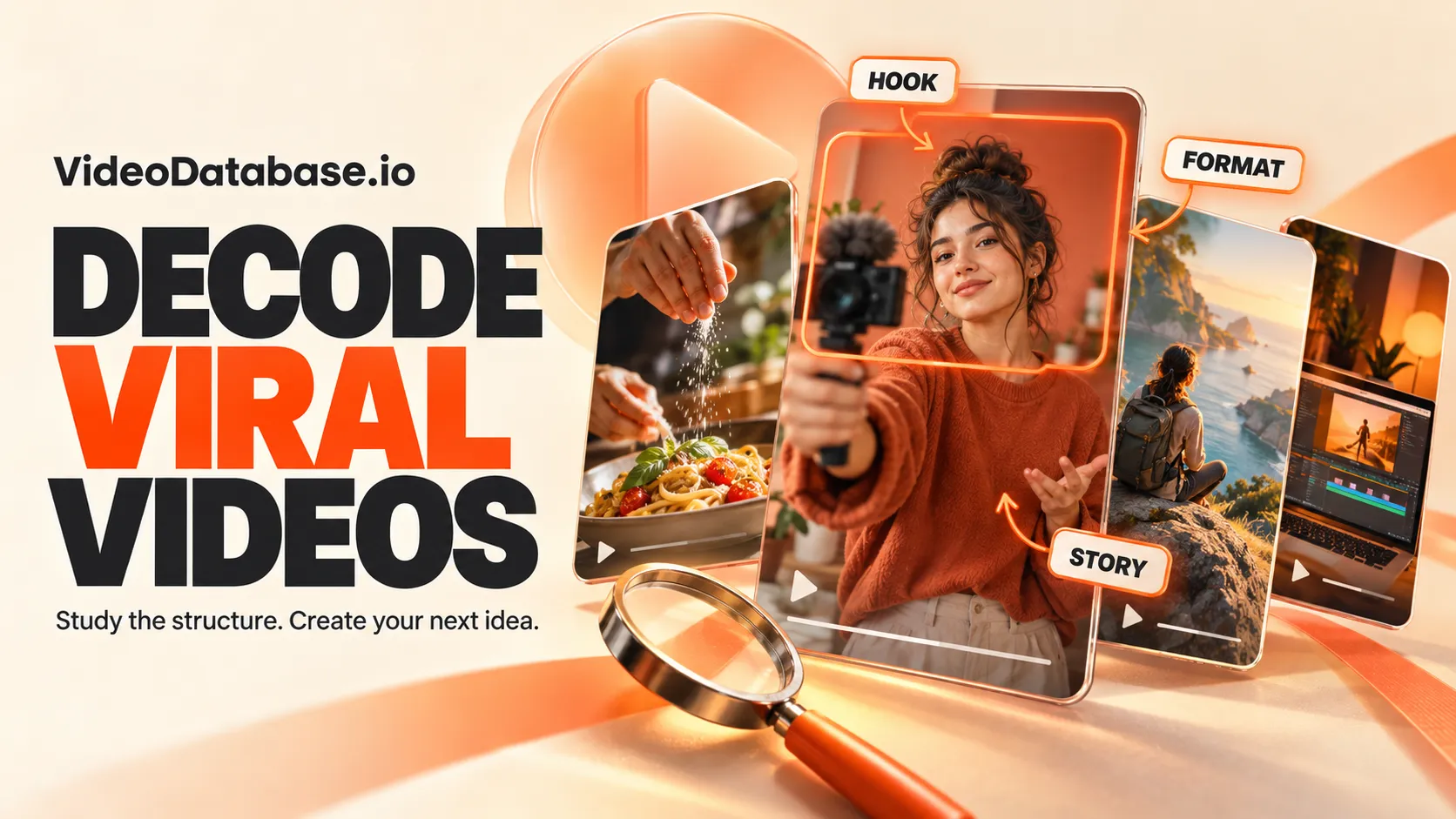
VideoDatabase.io is a research library for Instagram and TikTok content. It combines video references, creator profiles and creative analysis to help users plan their own short-form content.
Its central question is practical: Which decisions inside a successful video could be useful for another creator?
According to its About page, the product began as an internal tool for Cut30, a short-form video bootcamp. The site lists Colin Landforce, Oren Schauble and Alex Garcia as its builders, and Valuable Information LLC as its operator.
The product is best understood as a research and planning resource. Creators seeking finished AI-generated footage should distinguish that requirement from assistance with references, ideas and scripts.
Product information checked: October 24, 2026. Pricing, library counts and beta permissions can change.
How the Library Organizes Video Ideas
A useful video reference contains several separate decisions. The subject is one decision; the way that subject becomes a story is another.
VideoDatabase separates these layers through its format directory, concept directory, topic pages, production elements and hook library.
The following example shows how those categories can become an original production brief:
| Layer | Question it answers | Illustrative software-video decision |
|---|---|---|
| Topic | What is the video about? | Turning audio into a visual animation |
| Concept | What angle makes it interesting? | A before-and-after demonstration |
| Format | How will it be filmed or assembled? | Screen recording |
| Hook | What creates interest immediately? | Show the finished animation first |
| Elements | What supports the explanation? | Cursor highlights, text and voiceover |
This separation makes research more flexible. A creator can keep the concept while changing the format, or keep the format while testing a different opening.
A topic supplies the subject. A concept supplies the reason to watch.
Formats Help Match Inspiration to Production Capacity
VideoDatabase lists more than 20 formats, including Vlog, Skit, One Shot, Screen Recording and several variations of talking-head content. Its taxonomy distinguishes a casually filmed Yap from formats involving graphics, props, greenscreen backgrounds or more elaborate editing.
That distinction matters because an attractive reference may require resources the next production does not have.
Before saving a format, evaluate:
- People: Can one person make it, or does it require performers and interviews?
- Footage: Can the necessary visuals be captured directly?
- Editing: Does the idea depend on complex effects or precise timing?
- Repeatability: Could the same production approach support another five useful videos?
For software businesses, the Screen Recording collection provides examples built around visible digital activity, including tutorials, product demonstrations and gameplay.
A practical starting point is one task, one visible outcome and only the screen actions needed to connect them. Enlarge the relevant interface area and remove waiting time so the demonstration remains legible on a phone.
Hook Analysis: Separate the Opening From Its Mechanism
The hook library distinguishes three delivery types:
- Title hooks: Opening words displayed on screen.
- Verbal hooks: The first spoken statement or question.
- Visual hooks: The initial image, action or reveal.
It also groups attention strategies around curiosity, transformation, shortcuts, relatability, credibility, opinions and identity. A video can combine multiple types and strategies.
The useful research question is not simply which sentence appears first. It is what the opening makes the viewer expect next.
For an original audio-visualizer demonstration, consider three possible openings:
| Opening | Intended mechanism | What the rest of the video must deliver |
|---|---|---|
| Display the finished animation immediately | Visible payoff | Show how that result was created |
| Begin with a static image beside the animated version | Contrast | Explain the meaningful difference |
| Show an interface mistake before correcting it | Curiosity and practical help | Demonstrate a clear, reproducible fix |
These are proposed creative treatments, not tested performance claims. Each creates a different promise, so each requires a matching payoff.
What a Video Breakdown Actually Contains
A concrete example is the library entry about a developer explaining why he bought a mountain.
The page identifies an Interview Q&A format and includes a summary, narrative framework, production tags, transcript excerpt and an outline. Its story moves from an unusually large purchase to the buyer's motivation, then toward a personal explanation and emotional resolution.
The transferable idea is a story structure: an unexpected decision becomes more interesting when its personal reason is revealed.
A software founder could adapt that structure by explaining why a narrowly focused tool was built, which frustrating task prompted it and what changed after the tool existed.
That is more useful than borrowing the original video's wording. The creator retains an organizing principle while supplying their own evidence, perspective and visuals.
Creator Research: Look for Patterns Across Posts
VideoDatabase's creator directory organizes accounts by categories such as personal brands, businesses, apps and curators. It also uses archetypes to describe recurring content approaches, including expertise-led education and personality-led presentation.
Individual account pages can add performance context. For example, the public listing for @dailyrepsguy includes audience and posting metrics, format distributions and separate tracked and analyzed counts.
That distinction is important: a tracked post and an analyzed reference are not automatically the same thing.
A productive review should examine several posts from the same account:
- Identify the recurring audience promise.
- Note which production choices remain consistent.
- Compare stronger posts with ordinary posts.
- Look for a pattern that can support a series.
One exceptional post suggests an idea worth investigating. Repeated examples provide a stronger basis for deciding what to test.
VideoDatabase Pricing: Free, Pro and Strategist
The advertised pricing available during research was:
| Plan | Advertised price | Main listed features |
|---|---|---|
| Free | $0 | Library access, filters, hook templates, analysis and saves |
| Pro | $79/month | Saved voice, idea and hook generation, VideoDNA.md, shared reference collections, following creators and formats, video submissions, strategy chatbot and MCP Beta |
| Strategist | $99/month; coming soon | Multiple voices, additional account tracking and CSV export |
Pro advertises a seven-day free trial. Confirm checkout terms before subscribing; the Strategist feature list describes a forthcoming plan.
Start with Free to evaluate reference quality. Upgrade when the paid workflow solves a recurring task, such as preparing several briefs each week or adapting research into a consistent brand voice.
Evaluate the subscription against completed work: useful briefs produced, scripts adopted and time saved. A larger collection of saved examples is not necessarily a better outcome.
VideoDatabase MCP: Research Inside an AI Workspace
The official MCP installation guide names ChatGPT, Claude, Codex, Cursor and Grok as compatible workspaces. It documents video search, analysis retrieval, Video DNA access and optional submission permissions.
Local agents use scoped tokens with compatible bearer-header authentication. Hosted connectors use OAuth account linking.
There is a distinction between the pricing presentation and installation documentation: MCP appears in the Pro feature list, but the installation guide explicitly describes search and Video DNA access on any plan. Voice-based generation and the strategy assistant are listed as Pro features. Features and permissions may change during beta, and compatibility depends on the client's connector support.
Once connected, a focused research request can keep the assistant's output useful:
Research short-form videos for a browser-based audio visualizer.

Find five relevant examples that one person could realistically produce.
For each, include its reference URL, topic, concept, format, opening
mechanism and the evidence actually available.

Separate observed details from your interpretation.
Do not invent retention, conversion or revenue figures.

Suggest three original video briefs using those structural lessons.
Each brief should include the first visual, opening line, demonstration,
payoff and one call to action.

Flag production requirements that might make an example impractical.
The prompt asks for traceable research and original adaptations. It does not assume that every popular example suits the intended audience.
A Practical Workflow: From Reference to Publishable Brief
The following workflow is an editorial recommendation for using the library efficiently.
1. Define the viewer and intended action.
Choose a specific audience and outcome. For example: help independent musicians understand a visualizer and encourage them to try one animation.
2. Start with relevant categories.
Software creators can begin with App, Tech and Screen Recording. Game publishers can explore Gaming, which includes more than gameplay footage, such as trailers, humor and gaming-culture references.
3. Select a small comparison set.
Choose three to five examples sharing a useful constraint: similar audience, production effort or communication goal. Avoid combining unrelated viral posts simply because their view counts are large.
4. Write a brief with observable decisions.
| Brief field | Example decision |
|---|---|
| Audience problem | A musician needs visuals for an audio preview |
| Opening visual | The completed animation playing with the track |
| Demonstration | Select audio, choose a preset, adjust one setting |
| Supporting text | Explain the important action at each step |
| Payoff | Replay the finished result |
| CTA | Invite the viewer to try the demonstrated workflow |
Only include capabilities the actual product supports. This is a planning example, not a claim about VideoDatabase generating or exporting visualizer videos.
5. Produce a small set of opening variations.
Keep the main demonstration similar while changing the first visual or opening line. This makes differences easier to interpret, although ordinary organic posts are not controlled experiments: audience exposure, timing and distribution can still differ.
6. Evaluate the intended outcome.
Use first-party account and website analytics to assess retention, visits or completed actions where available. Treat views as one input rather than the final definition of success.
How VideoDatabase Compares With Other Research Approaches
The following comparison describes workflow tradeoffs, not measured product benchmarks.
| Approach | Useful when | Main tradeoff |
|---|---|---|
| Native social-platform saves | Collecting references during normal browsing | Comparison and analysis remain largely manual |
| A personal spreadsheet or notes database | Maintaining a small, highly specific collection | The user must define and maintain the tagging system |
| An AI assistant without retrieved references | Brainstorming angles and rewriting drafts | Suggested patterns may lack inspectable examples |
| VideoDatabase | Searching categorized references and studying documented creative structures | Coverage and tagging may not match every niche |
A useful evaluation question is whether the product improves the step that currently causes friction. Someone struggling to find examples has a different need from someone who already has references but cannot turn them into a production brief.
Limitations and Common Research Mistakes
Selection bias. A library emphasizing strong examples cannot, by itself, show how often the same technique appears in unsuccessful posts. A recurring element among winners is not proof that the element causes success.
Unclear comparisons. A mature post has had more time to accumulate views than a recent upload. Different account sizes, audiences and distribution histories also affect comparisons.
Metric ambiguity. Before interpreting an engagement percentage or outlier multiple, check its definition, denominator and update date. Avoid comparing similarly named metrics as though they necessarily use identical calculations.
Copying without audience context. An opening built around a recognizable personality, established joke or existing fan base may lose its appeal when transferred to an unfamiliar creator.
Overinterpreting an analysis. A narrative breakdown is an interpretation of observable content. It does not reveal the platform's ranking decisions or the creator's private conversion data.
Overengineering the production. A reference that requires several actors and locations may be a poor choice for a solo creator, even when its concept is relevant. Preserve the useful idea and simplify the execution.
The most reliable output of research is a testable creative hypothesis: what will be changed, why it might help and which outcome will be observed.
Frequently Asked Questions
Is VideoDatabase.io free?
A free plan is advertised. It provides a starting point for studying the library before considering paid production and strategy features. See the pricing section for the dated plan comparison.
Does VideoDatabase create finished AI videos?
Its documented offering centers on references, analysis and assistance with ideas, hooks and scripts. Do not confuse those features with rendering finished video footage.
Can it help with faceless content?
Yes. The format directory includes faceless approaches alongside screen recordings and other options that do not require a conventional on-camera presenter.
Is every recorded post deeply analyzed?
Do not assume so from a headline library count. Creator listings can distinguish tracked posts from analyzed posts, so inspect the actual references available for the intended research task.
Will following a reference make a video go viral?
No result is established by the reference alone. Its value is in making production choices more explicit and giving the creator a concrete idea to test.
Conclusion
VideoDatabase.io is most useful when short-form research ends in a clear production decision. Its categories and breakdowns provide a vocabulary for identifying what a video is about, how its idea is presented and what its opening promises.
Continue Reading
More articles connected to the same themes, protocols, and tools.

Referenced Tools
Browse entries that are adjacent to the topics covered in this article.