

Void
Void is an open-source, VS Code-based AI code editor positioned as a privacy-focused Cursor alternative. Its strongest appeal is direct provider connection, local model flexibility, and inspectable source code, but the original repository is now deprecated and archived.
Void is most compelling as an open-source, privacy-oriented AI IDE reference and local/BYOK coding environment, but its archived original repository makes it a higher-risk choice than actively maintained commercial editors.
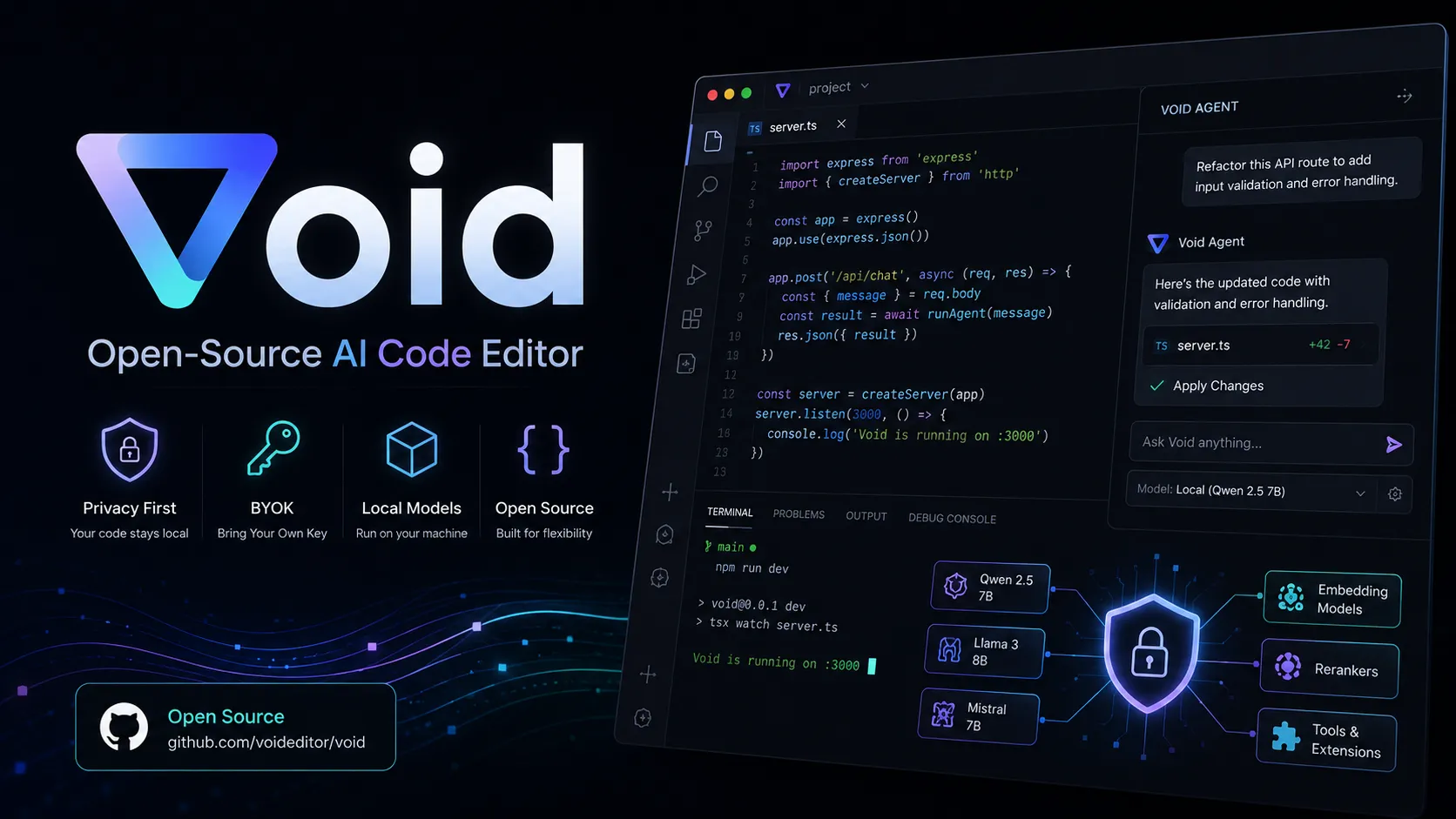
Pricing Plans
Open Source
Free editor source and beta downloads; users pay their own model/API or hosting costs.
Core Features
1AI Editing
- Tab autocomplete
- Inline Quick Edit
- Chat sidebar with normal, Gather, and Agent modes
- Fast Apply and slow apply workflows
2Model Flexibility
- Direct provider connection
- OpenAI-compatible providers
- Local and hosted model support
- Custom FIM model support
3Codebase Actions
- Agent can search, create, edit, and delete files
- Terminal access in Agent mode
- MCP tool access
- Checkpoints for LLM-generated changes
4Editor Base
- Fork of VS Code
- One-click transfer for themes, keybindings, and settings
- SSH and WSL support in beta release notes
- Open source implementation for VS Code fork reference
Pros
- Open-source alternative to closed AI IDEs
- Strong BYOK and local model story
- Familiar VS Code-based workflow
- Direct provider routing reduces reliance on a proprietary AI backend
- Useful reference project for teams building VS Code forks
Cons
- Original GitHub repository is deprecated and archived
- Beta-era product maturity and support risk
- No documented enterprise admin or compliance package
- Model setup and provider configuration may require more technical comfort
- Not ideal for teams that need a maintained commercial AI IDE
Why Choose Void?
Void's main differentiator is not simply that it adds AI chat to a code editor. Its appeal is that it tries to make the AI IDE layer inspectable, forkable, and provider-neutral. For developers who dislike routing every coding request through a closed editor backend, Void's direct-provider approach is the key reason to evaluate it.
That positioning makes Void especially interesting for local model users, AI tooling builders, and developers who want to understand how Cursor-like workflows can be implemented inside a VS Code fork. The tradeoff is that Void asks the user to accept more operational responsibility: model selection, API keys, local hosting, and project maturity all matter more than they would in a bundled commercial IDE.
The most important caveat is maintenance status. The official website still describes Void as an open-source AI IDE with beta downloads, but the original GitHub repository states that Void is deprecated, archived, and no longer accepting contributions. That does not erase its usefulness, but it changes the decision from "Should this replace my daily editor?" to "Is this still the right tool or reference for my workflow?"
Core Workflow
A typical Void workflow starts from a familiar VS Code-style environment. Existing themes, keybindings, and settings are part of the migration story, so the editor does not require users to relearn the basics before trying the AI layer.
The AI flow is split across quick actions and deeper agentic work. Autocomplete handles lightweight completion, inline editing is useful for focused changes, and chat modes cover broader codebase questions or actions. Gather Mode is particularly useful when the user wants codebase context without granting write permissions, while Agent Mode is designed for tasks that may involve file edits, terminal access, or MCP tools.
Void's Apply system is also worth noting. The codebase guide describes Fast Apply as a search-and-replace style workflow, with Slow Apply rewriting the whole file. In practice, that distinction matters for large files: targeted search/replace application can feel more controllable than asking a model to regenerate an entire source file.
Use Cases
Void is a strong fit for experimentation-heavy developers who already use multiple model providers. A developer may use a frontier hosted model for planning, a local model for private repository exploration, and a specialized FIM model for autocomplete. Void's provider-neutral philosophy supports that kind of workflow better than tools that bundle a narrow model menu.
It is also useful as a learning reference. Teams building internal AI developer tools can inspect how Void integrates React, Tailwind, AI provider logic, streaming diffs, model settings, and VS Code services. Even if the original app is not adopted as a daily IDE, the source remains valuable for understanding the mechanics of an AI-native VS Code fork.
For solo developers, the best use case is a personal AI coding environment where control is more important than polish. For teams, Void should be evaluated more carefully because support, update cadence, and security review responsibilities may fall on the team itself.
Comparison to Alternatives
Compared with Cursor, Void is more open and configurable, but less polished and less clearly maintained. Cursor is usually the more straightforward choice for developers who want a commercial AI IDE with a refined onboarding path. Void is more attractive when source visibility, local models, and backend transparency are higher priorities.
Compared with Windsurf, Void feels more like an open-source framework for an AI IDE experience than a fully managed coding product. Windsurf focuses on an integrated agentic workflow, while Void's appeal is control over model routing and the ability to study or fork the implementation.
Compared with Continue, the difference is editor shape. Continue layers AI assistance into an existing IDE as an extension, while Void is a standalone VS Code fork. Developers who want to keep their current VS Code distribution may prefer Continue; developers who want a purpose-built open-source AI editor may still find Void more aligned.
Best Configuration
The safest configuration is to treat Void as a BYOK editor and explicitly choose models by task. Use a strong hosted model for complex refactors or reasoning-heavy changes, a local model for sensitive repository exploration, and a FIM-capable model where autocomplete quality matters.
For sensitive projects, local providers such as Ollama or self-hosted OpenAI-compatible endpoints are the most aligned with Void's privacy-oriented positioning. For maximum coding quality, frontier providers may still perform better, but users should review each provider's data handling terms separately.
For agentic edits, use checkpoints and review diffs before accepting changes. Void's model flexibility is powerful, but it does not remove the normal risks of AI-generated code: incorrect assumptions, broad edits, dependency changes, and terminal commands still need human review.
Migration Notes
Void's VS Code foundation lowers switching friction, especially for users with established keyboard shortcuts and themes. The bigger migration issue is extension compatibility, team policy, and confidence in update continuity.
Developers considering Void as a daily driver should test it on a non-critical repository first. Validate extension behavior, remote development, WSL or SSH workflows, autocomplete latency, and model costs before moving core work into it.
Because the original repository is archived, teams should also check whether an active fork better matches their needs. The official void-forks list exists for this reason, but entries should be reviewed manually because fork quality, maintenance, governance, and security posture can vary significantly.
Maintenance Status and Risk
Void should be listed with a clear status note. It remains an important open-source AI IDE project and a useful reference for Cursor-style editor design, but the original repository's deprecated status materially affects adoption risk.
For a directory page, the practical verdict is balanced: Void is worth knowing, testing, and studying, especially for local model and BYOK workflows. It should not be presented as a low-risk replacement for actively maintained AI IDEs unless a maintained fork or internal support plan is part of the decision.
Best For
- Developers who want an open-source Cursor-style editor
- Local LLM and self-hosted model experiments
- Teams evaluating how AI features can be embedded into a VS Code fork
- Privacy-conscious solo developers comfortable managing their own providers
- Users who prefer BYOK over bundled AI subscriptions
Not Ideal For
- Teams requiring active vendor support and SLAs
- Organizations needing mature enterprise controls
- Developers who want a fully maintained commercial AI IDE
- Non-technical users who do not want to configure model providers
- Production teams that cannot accept archived-project risk
Privacy Notes
Void's official materials state that messages are sent directly to providers rather than through a private backend and that Void does not retain user data. Actual privacy still depends on the chosen model provider, local host, API configuration, and workspace security practices.
Sources
Update History
- Jun 13, 2026: Checked official website, beta download page, GitHub repository, releases, and fork list; noted that the original repository is deprecated and archived.
Related Tools
More listings in a similar part of the directory.






Void Articles
Guides, comparisons, and launch notes connected to this listing.

