
Google Antigravity
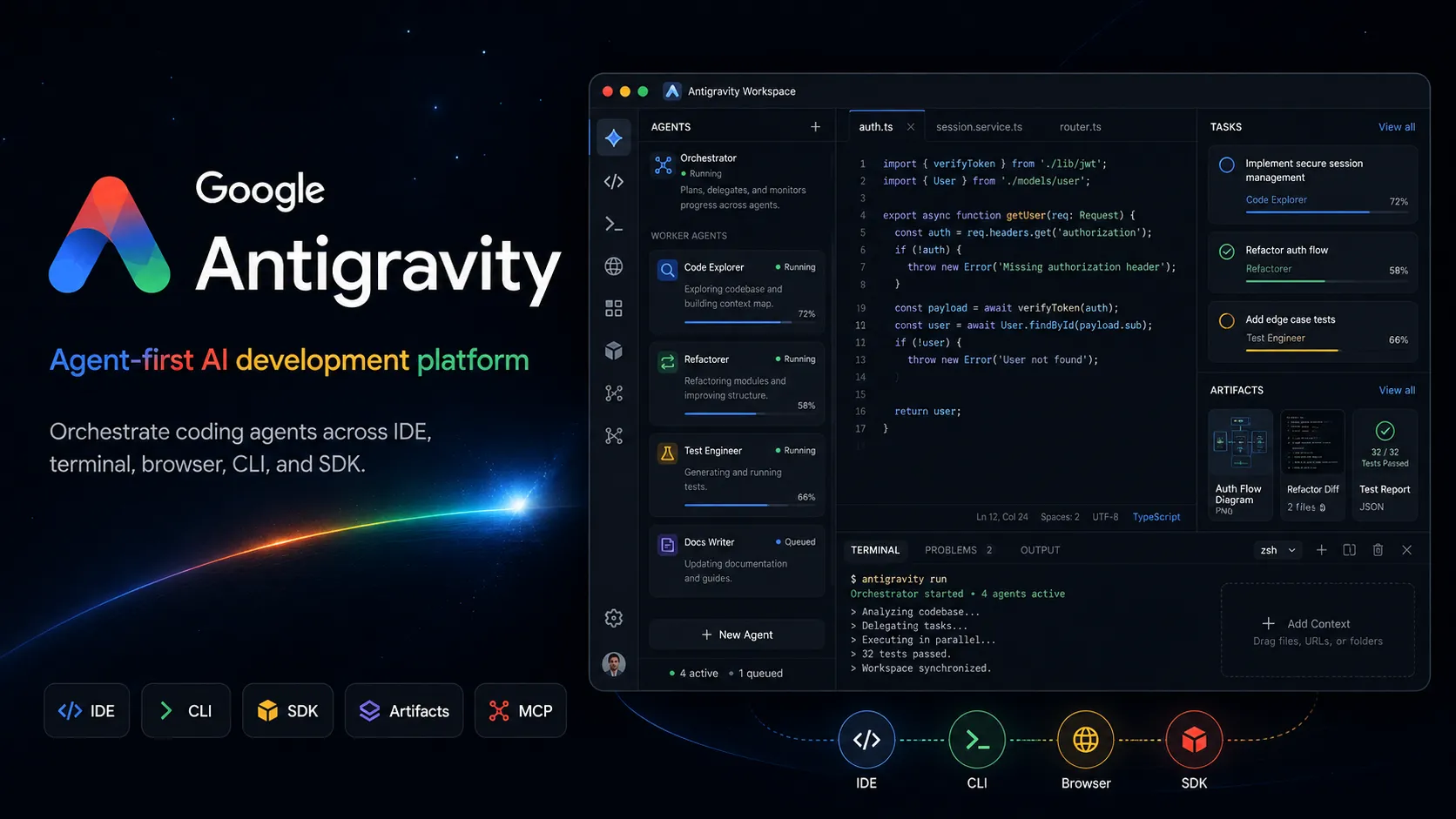
Google Antigravity is an agent-first AI development platform that combines a desktop agent manager, IDE, CLI, SDK, and Google ecosystem integrations for task-oriented software development.
Information checked: Jun 14, 2026 ·View sources
Tool details
- Type
- AI editors
- Platforms
- macOS, Windows, Linux, Desktop app, Antigravity IDE, Antigravity CLI, Antigravity SDK, Google AI Studio, Firebase, Google Cloud, Android developer workflows
- Free plan
- Yes
- Open source
- No
- Bring your own key
- No
- Local models
- No
Overview
Best for
- Developers who want an agent-first IDE
- Multi-agent coding workflows
- Parallel background development tasks
- Large feature implementation with review artifacts
- UI changes that need screenshots or browser recordings
- Firebase and Google Cloud projects
- Android app prototyping
- Google AI Studio to local development handoff
- Teams exploring task-oriented agent orchestration
- Developers who want Gemini-native coding agents
Strengths
- Strong multi-agent orchestration model beyond a normal IDE sidebar.
- Combines editor, terminal, browser, desktop manager, CLI, and SDK surfaces.
- Artifacts make agent work easier to inspect and validate.
- Deep alignment with Gemini, Google AI Studio, Firebase, Android, and Google Cloud.
- Free individual plan makes experimentation accessible.
- Good fit for long-running background tasks and parallel agent workflows.
Limitations & trade-offs
- Users who want a fully open-source coding agent
- Developers who require local model execution
- Teams that need provider-neutral BYOK model routing
- Workflows where agents cannot access terminal, browser, or file tools
- High-risk production repositories without backups and review gates
- Developers who only need lightweight inline autocomplete
- Still requires careful review because autonomous agents can make destructive mistakes.
- Best experience is tied to Google account, Google models, and Google ecosystem services.
- Usage quotas and model availability vary by plan and geography.
- Less provider-neutral than open-source CLI agents such as Aider or OpenCode.
- Agentic workflows need sandboxing, backups, and permission discipline.
- Teams with mature local IDE or custom CI/CD workflows may need a cautious pilot before adoption.
Get started
Pricing & usage limits
Official pricingFree tier available
Individual$0 / month
Free individual access with baseline Gemini model quota, unlimited tab completions, unlimited command requests, and basic weekly rate limits.
Google AI Pro$19.99 / month
Google AI plan with higher Antigravity quota than the free individual baseline, subject to Google AI plan limits.
Google AI Ultra$100+ / month
Higher-usage Google AI tier with expanded Antigravity quota and access to third-party models where available.
Gemini Enterprise / Google CloudCustom
Enterprise access through Google Cloud and Gemini Enterprise Agent Platform terms, with project-level integration and organization workflows.
Pricing checked: Jun 14, 2026 · Subscription, usage limits, and model costs may be billed separately.
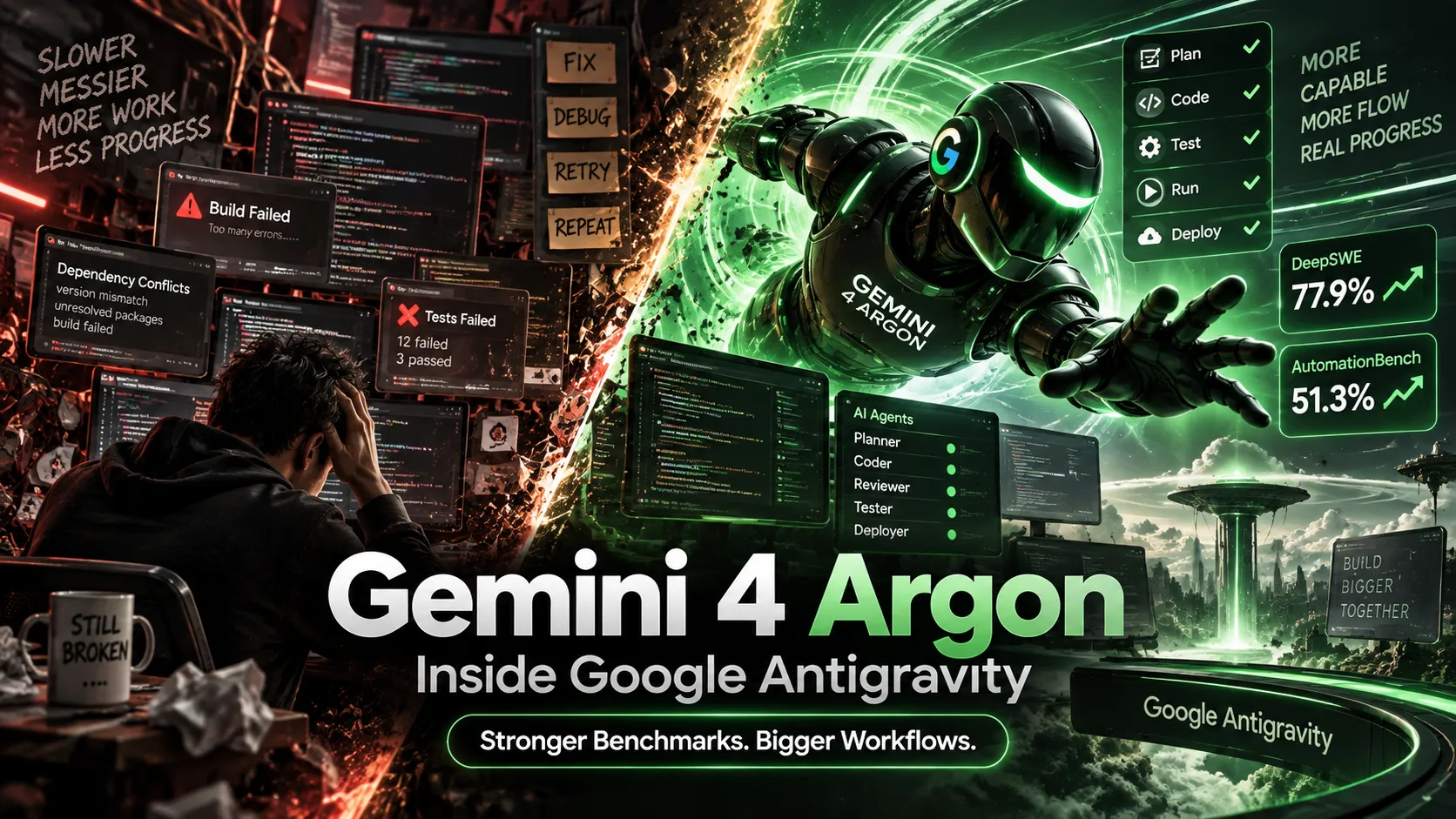
Gemini 4 Argon Arrives in Google Antigravity: Ultra Access, Benchmarks, Pricing, and Real-World ResultsGemini 4 Argon vs Claude Opus 5.5: Which AI Actually Wins at Coding, Agents, and Price in 2026?Features & details
Agent-first workspace
- Standalone Antigravity 2.0 desktop app acts as a command center for agent work.
- Manager surface orchestrates multiple agents across workspaces.
- Agents can run in parallel for planning, coding, testing, verification, and background tasks.
IDE and coding flow
- Antigravity IDE provides a familiar code editor with agent manager, tab completions, and inline commands.
- Agents can operate across editor, terminal, and browser.
- Project settings and security policies can be isolated per project.
Artifacts and verification
- Agents generate artifacts such as task lists, implementation plans, screenshots, and browser recordings.
- Users can review work through deliverables instead of reading raw tool logs.
- Feedback can be left directly on artifacts to guide follow-up work.
CLI, SDK, and automation
- Antigravity CLI provides a terminal-first agent surface.
- Antigravity SDK exposes the agent harness for custom agent behaviors.
- Scheduled Tasks support background automation workflows.
Google ecosystem integration
- Integrates with Google AI Studio export workflows.
- Supports Firebase, Android, Google Cloud, and Google developer tooling integrations.
- MCP support connects agents to local tools, databases, and external systems.
Safety controls
- Sandbox mode and strict mode help contain agent actions.
- File access policy controls how agents access files outside project boundaries.
- Browser URL allowlist and denylist controls help limit agent web access.
Why Choose Google Antigravity?
Google Antigravity is most compelling when the development workflow is shifting from single prompts to coordinated agent work. Its core idea is that an AI coding tool should not just sit in a chat sidebar. It should have a dedicated operating surface where agents can plan, build, test, verify, and report progress while the developer supervises outcomes.
That makes Antigravity different from a conventional AI IDE. The editor is only one part of the product. The standalone desktop app, Manager surface, artifacts, browser control, terminal access, CLI, SDK, and Google ecosystem integrations are all designed around the same pattern: delegate task-level work, observe progress, review evidence, and intervene when needed.
Core Workflow
A practical Antigravity workflow begins with a task that can be verified. Instead of asking for a vague improvement, define the desired behavior, target files or app area, acceptance criteria, test command, and whether the agent may use the browser or terminal. The agent can then create a plan, modify the codebase, run commands, test the result, and generate artifacts that summarize what happened.
For long-running work, the Manager surface is the key difference. A developer can dispatch agents to separate workspaces, let them run in parallel, and review each task through deliverables rather than raw logs. This is useful, but it also changes the developer’s role. The developer becomes more like a reviewer, task designer, and safety gatekeeper than a person manually typing every edit.
Use Cases
Antigravity fits multi-step software tasks where code, terminal, and browser verification all matter. Examples include adding a feature, fixing a UI bug, reproducing an issue, generating a test case, testing a web flow, integrating Firebase, exporting from Google AI Studio into local development, or creating an Android prototype from a prompt.
It is also useful for background maintenance. Scheduled tasks and parallel agents can help with recurring cleanup, dependency work, triage, documentation updates, and issue reproduction. However, these workflows should be introduced gradually because autonomous tool access can create real risk when applied to important repositories or local files.
Comparison to Alternatives
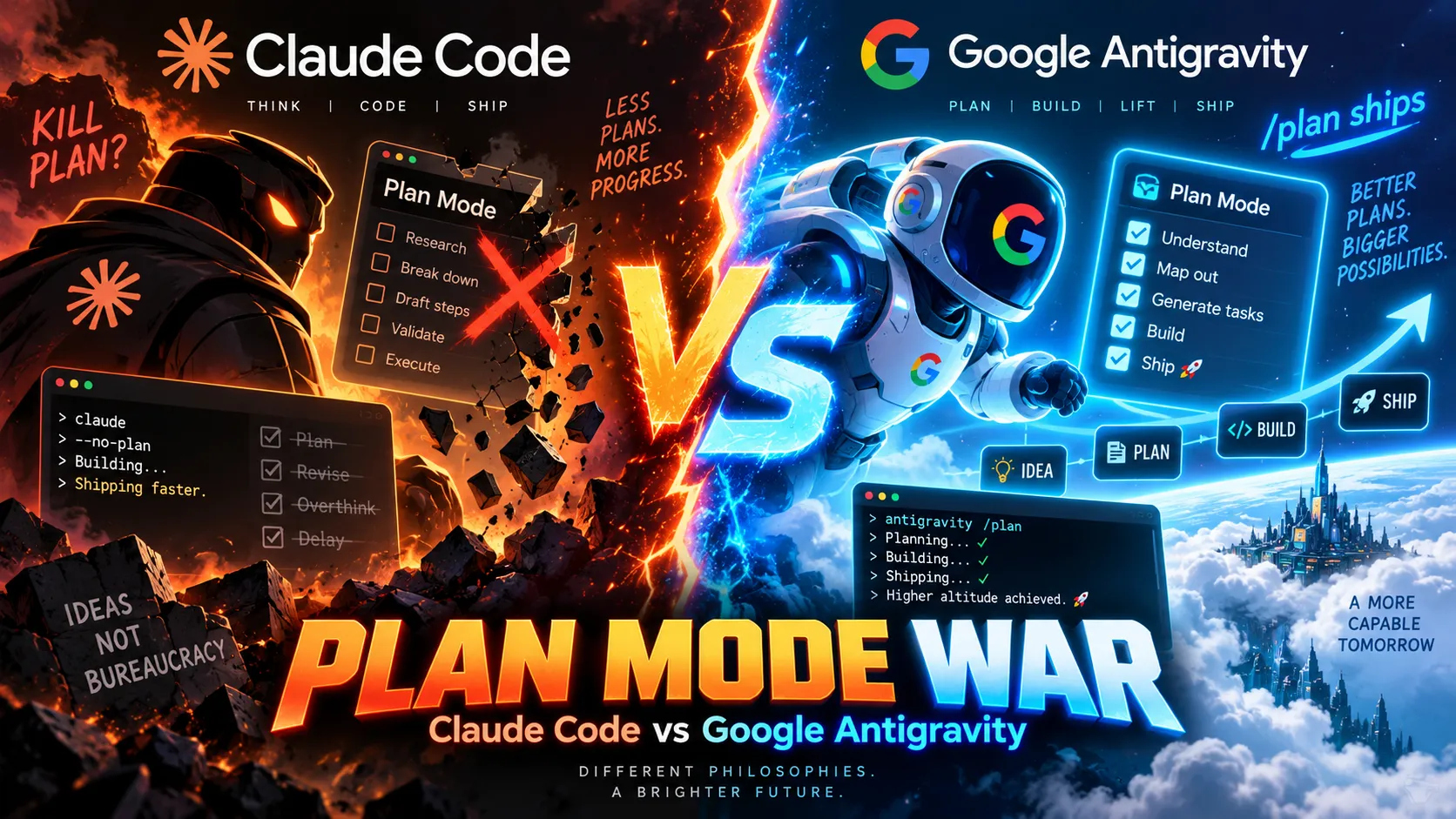
Compared with Cursor and Windsurf, Antigravity is more explicitly agent-first. Cursor and Windsurf are strong AI editors for interactive coding, inline changes, and codebase chat. Antigravity leans harder into orchestration: multiple agents, a Manager surface, artifacts, browser recordings, and a Google-native agent harness.
Compared with Claude Code, Codex CLI, OpenCode, or Aider, Antigravity is less terminal-minimal and more platform-oriented. CLI agents are attractive when the developer wants local, direct, provider-flexible control. Antigravity is more attractive when the workflow benefits from a graphical command center, verification artifacts, browser control, and Google ecosystem integration.
Compared with Replit AI, Bolt.new, or Lovable, Antigravity is less of a simple prompt-to-app builder and more of an agentic development environment. It can help turn ideas into apps, but its stronger identity is supervising agents that work across an existing development loop.
Best Configuration
The safest configuration starts with project isolation. Use separate workspaces, clean Git branches, backups, and narrowly scoped file access settings. Enable stricter security controls for sensitive projects, configure outside-folder access carefully, and use browser allowlists or denylists when agents need web access.
For model choice, use faster Gemini models for iteration and debugging, and reserve stronger or third-party models for harder reasoning tasks when quota and plan access allow it. Teams should standardize when agents may run terminal commands, when they may touch files outside the project, what counts as acceptable evidence, and who reviews artifacts before merging or deploying changes.
Migration Notes
Developers moving from Gemini CLI should evaluate Antigravity CLI first, then decide whether the desktop Manager surface adds enough value. Developers moving from Cursor or Windsurf should test Antigravity on workflows that require browser verification and parallel background tasks, not only inline edits. That is where the product is most differentiated.
For team adoption, the best migration path is a controlled pilot. Use one non-critical repository, define safe tasks, require human review of diffs and artifacts, and document where the agent succeeds or overreaches. Before production usage, teams should settle backup practices, permission rules, sandbox defaults, project isolation, rate-limit expectations, and Google Cloud or enterprise account terms.
Model support & data privacy
Supported models
- Gemini 3.5 Flash
- Gemini 3.1 Pro
- Gemini 3 Pro
- Gemini 3 Flash
- Claude Sonnet 4.6
- Claude Opus 4.6
- gpt-oss-120b
Privacy & data handling
Antigravity can process prompts, codebase context, file contents, terminal output, browser activity, tool calls, artifacts, and project metadata to operate its agents. Individual use is tied to Google account terms, while team and enterprise use may fall under Google Cloud or Gemini Enterprise terms. Users should configure sandbox mode, strict mode, file access policies, browser allowlists or denylists, project isolation, backups, and approval gates before allowing agents to run commands or modify important repositories.
Guides, reviews & fixes
View all 12
Product updates
No verified product updates listed yet. Follow this tool to see new relevant content in Saved.
See the content timelineAlternatives
 CursorCursor is an AI coding and cloud development platform that combines a VS Code-based editor, local and cloud agents, CLI workflows, Origin code hosting, repository collaboration, and prompt-to-app creation.Google Antigravity vs Cursor
 WindsurfWindsurf, now transitioning under the Devin Desktop brand, is an AI-native IDE for developers who want coding agents, codebase context, and editor workflows in one desktop environment.Google Antigravity vs Windsurf
 Claude CodeClaude Code is Anthropic's terminal coding agent for repository work, subagents, hooks, MCP, and automation, with growing operational tooling for API cost analysis and feedback.
 Codex CLIOpenAI Codex CLI is a terminal coding agent that combines repository editing and command execution with task-to-task coordination, parallel workflows, hooks, and the broader Codex platform.
 Gemini CLIGemini CLI is Google’s open-source terminal coding agent for Gemini-powered development workflows, now positioned as a legacy tool transitioning toward Antigravity CLI for future agent-first development.
 Replit AIReplit AI is an all-in-one browser-based AI software creation platform that combines prompt-to-app generation, a cloud IDE, built-in infrastructure, publishing, and collaboration.
 Bolt.newBolt.new is a browser-native AI web app builder for quickly turning product ideas into editable, runnable, and deployable JavaScript applications.
 LovableLovable is a full-stack AI web app builder positioned between no-code prototyping tools and developer-first AI coding environments.
 OpenCodeOpenCode is an open-source coding-agent harness for terminal, desktop, and IDE workflows with broad provider support, BYOK, and an optional OpenCode Go subscription for curated open models.
 AiderAider is a terminal-native, open-source AI coding agent for developers who want direct Git-based code editing with flexible model choice.
 Augment CodeAugment Code is an enterprise-focused AI coding platform for teams working in large repositories, existing IDEs, terminals, and automated engineering workflows.
 DevinDevin is an autonomous AI software engineer for delegating real engineering tasks to cloud and desktop agents that work across repositories, tickets, pull requests, shells, browsers, and team tools.
Sources & verification
Verification dates record when this directory checked the information. Product release dates appear separately above.
Official websiteGoogle Antigravity official websiteGoogle Antigravity pricingGoogle Antigravity documentationGoogle Antigravity plans documentationBuild with Google Antigravity announcementGoogle I/O 2026 developer highlightsGetting Started with Google Antigravity codelabGoogle Antigravity settingsGoogle Antigravity MCP documentationGoogle Antigravity browser securityGoogle AI subscriptions
Directory revision history
Created entry with Antigravity 2.0 desktop app, IDE, CLI, SDK, artifacts, Gemini model access, Google AI plan quotas, Google ecosystem integrations, and security controls.