On This Page8 sections
Key Takeaways
- Cursor 2.0 marks a shift from AI-assisted editing to agent-directed software development. The product is no longer just an AI autocomplete layer on top of a VS Code-style editor; it is moving toward a coordinated agent workspace.
- Composer is Cursor’s strategic moat attempt. By introducing its own coding model, Cursor reduces total dependence on third-party frontier models and can optimize for latency, cost, and in-editor workflows.
- The multi-agent interface changes the developer role. Instead of asking one assistant for one answer, developers can compare multiple agent-generated implementations before merging.
- Security is now a first-class buying criterion. Agentic IDEs can write files, run commands, modify configuration, and call MCP tools, which makes prompt injection and workspace trust more serious than in traditional editors.
- Cursor is still strongest for product engineering teams that iterate quickly. It is less ideal for teams that require fully deterministic output, strict local-only execution, or mature enterprise governance without additional controls.
Why Cursor 2.0 Matters
Cursor’s original advantage was simple: it made AI coding feel native inside the editor. Developers could autocomplete, chat with the codebase, edit multiple files, and refactor without copying code into a separate chatbot.
Cursor 2.0 goes further. The product reframes the IDE around agents, plans, reviewable diffs, and parallel execution. Cursor officially introduced Cursor 2.0 and Composer on October 29, 2025, positioning the release around two major changes: its first coding model, Composer, and a new interface for working with multiple agents in parallel. ([Cursor][1])
That matters because the competitive boundary is changing. The old AI coding market was mostly about completion quality. The new market is about workflow control:
- Can the tool understand the project structure?
- Can it plan before editing?
- Can it run multiple implementation attempts safely?
- Can it review its own changes?
- Can teams govern what the agent is allowed to read, write, and execute?
Cursor 2.0 is important because it directly targets those higher-level workflow problems.
Cursor 2.0 in One Sentence
Cursor 2.0 is an AI-native code editor that combines a proprietary coding model, multi-agent orchestration, planning workflows, browser-aware frontend tooling, and cloud/CLI surfaces into a single agentic development environment.
Cursor’s current product positioning also reflects this shift. Its official product page describes one agent across multiple surfaces: desktop, CLI, GitHub, Slack, Linear, web, and mobile. ([Cursor][2])
For developers, that means Cursor is no longer only an editor replacement. It is becoming a development control plane for coding tasks.
Composer: Cursor’s Custom Coding Model
The most strategically important part of Cursor 2.0 is Composer, Cursor’s own coding model.
The original article correctly identified Composer as a major turning point. The reason is not just model speed. The deeper reason is that an IDE company with its own model can optimize the entire loop:
- prompt construction from editor state
- codebase retrieval
- long-context task decomposition
- diff generation
- tool-use behavior
- latency inside the editor
- cost routing across free, paid, and enterprise users
Cursor claimed that Composer was built for coding and designed for agentic workflows. In practice, this lets Cursor tune the model around common IDE actions instead of treating the model as a generic chat endpoint.
This is the core strategic difference:
| Layer | Traditional AI coding assistant | Cursor 2.0 direction |
|---|---|---|
| Model | External general-purpose model | Cursor-optimized coding model plus external models |
| Workflow | Chat or autocomplete | Agent planning, execution, review, merge |
| Context | Current file or selected context | Project-level context and tool state |
| Output | Suggestion | Diff, command, plan, PR review, agent task |
| Developer role | Writer with assistant | Reviewer and orchestrator |
Composer does not eliminate the need for Claude, GPT, Gemini, or other frontier models. Instead, it gives Cursor more control over the default path for everyday coding tasks.
Multi-Agent Coding: Why Running Several Agents Matters
Cursor 2.0’s multi-agent interface is more than a productivity gimmick. It changes the probability model of AI coding.
A single agent often fails in one of three ways:
- It chooses the wrong architectural approach.
- It edits too much or too little.
- It succeeds syntactically but misses product intent.
Running multiple agents in parallel gives the developer implementation diversity. Instead of accepting one generated solution, the developer can compare competing diffs.
Typical high-value use cases include:
- large refactors where several migration paths are possible
- frontend redesigns where visual judgment matters
- API changes that require synchronized client and server edits
- performance work where one agent may optimize data flow while another optimizes rendering
- bug fixes where root cause analysis is uncertain
The original article mentions up to 8 agents. That is consistent with third-party descriptions of Cursor 2.0’s parallel-agent workflow, where agents can run in isolated worktrees or remote environments before the developer reviews the final changes. ([Codecademy][3])
The practical takeaway: multi-agent mode is most valuable when the task has multiple plausible solutions. It is less useful for small edits where one precise instruction is enough.
Plan Mode: The Reliability Layer
Plan Mode is one of Cursor’s most important workflow improvements because it addresses the biggest weakness of AI coding agents: uncontrolled execution.
Without planning, an agent may start editing before it understands the repository. That creates common problems:
- changing the wrong files
- missing hidden dependencies
- breaking conventions
- rewriting stable code unnecessarily
- solving a local symptom instead of the root cause
Plan Mode introduces a more structured loop:
- inspect the codebase
- identify relevant files
- propose an implementation path
- wait for review or proceed with constraints
- generate changes
- present diffs for validation
A reliable Cursor workflow should treat Plan Mode as a gate, not a decoration. For complex work, the best instruction is not “build this feature.” It is closer to:
Analyze the codebase first. Identify the files involved, explain the implementation plan, list risks, and wait before editing.That instruction reduces accidental broad edits and gives the developer a chance to correct assumptions before code is modified.
Browser and Design Tools: Why Frontend Teams Benefit Most
Cursor’s frontend story has become stronger because the agent can increasingly connect code changes to visual output.
The original article mentioned built-in browser and DOM tooling. Since then, Cursor’s changelog has continued to emphasize visual and browser-driven workflows. In June 2026, Cursor described Design Mode improvements that allow selecting multiple UI elements, understanding surrounding layout relationships, and using voice input to queue UI changes. ([Cursor][4])
This matters for frontend development because many bugs are not purely textual. CSS, layout, spacing, responsive behavior, component state, and visual hierarchy are difficult to fix from code context alone.
Cursor is especially useful for frontend work such as:
- converting rough UI requirements into React components
- fixing layout regressions
- aligning repeated components
- adjusting Tailwind or CSS utility classes
- wiring UI states to existing APIs
- generating tests for user flows
However, visual tooling does not remove the need for review. Agents can make UI look correct while introducing accessibility, responsiveness, or state-management issues. A production workflow should still include:
- browser testing
- responsive checks
- accessibility checks
- screenshot review
- component-level tests
Pricing: What Developers Should Actually Watch
Cursor pricing is not only about the monthly subscription label. It is about usage shape.
Cursor’s official pricing page currently lists a free Hobby plan, individual paid plans starting at $20/month, Teams at $40/user/month, and Enterprise with custom controls such as pooled usage, repository/model/MCP access controls, audit logs, and service accounts. ([Cursor][5])
The key detail is usage-based model consumption. Cursor states that every plan includes a set amount of model usage, and on-demand usage can continue after the included amount is consumed, billed later. ([Cursor][5])
Cursor also clarified in 2025 that it moved from request-based pricing to included usage, and that “unlimited usage” applied to Auto routing rather than every model. ([Cursor][6])
For buyers, the right pricing question is not “Is Cursor $20?” The better question is:
How often will the team use expensive long-context agent tasks instead of lightweight autocomplete and Auto routing?
A practical breakdown:
| User type | Recommended plan logic |
|---|---|
| Casual learner | Free/Hobby can be enough for evaluation |
| Individual developer | Pro is usually the first serious tier |
| Daily agent user | Pro+ may be more realistic if complex agent tasks are frequent |
| Heavy builder | Ultra is for high-volume agent usage, not casual coding |
| Team | Teams or Enterprise is about governance, billing, privacy, and controls |
Security Risks: Cursor’s Biggest Serious Concern
The strongest Cursor review must discuss security directly. Agentic IDEs are not the same risk category as autocomplete tools.
A traditional editor waits for the developer to act. An agentic editor can:
- read project files
- write code
- modify configuration
- run tests
- execute shell commands
- call MCP tools
- interact with browsers
- produce pull request feedback
That makes the IDE part of the software supply chain.
A major example is CVE-2025-59944. The NVD description says Cursor versions 1.6.23 and below had case-sensitive checks in the way Cursor protected sensitive files such as .cursor/mcp.json, allowing attackers to modify those files through prompt injection and potentially achieve remote code execution on case-insensitive filesystems. The issue was fixed in version 1.7. ([国家漏洞数据库][7])
The official GitHub advisory similarly describes a sensitive file overwrite bypass affecting Cursor, with patched version 1.7. ([GitHub][8])
The lesson is larger than one CVE: agent permissions, file protections, and MCP configuration must be treated as security boundaries.
Cursor Hardening Checklist
Teams using Cursor should adopt a security baseline before allowing broad agent use.
Recommended controls:
- Update Cursor aggressively. Agentic IDE vulnerabilities can be severe because the tool is close to source code, credentials, and local execution.
- Enable Privacy Mode where appropriate. Cursor’s data-use page says Privacy Mode prevents customer data from being used for training by Cursor, and Cursor maintains zero data retention agreements with model providers. ([Cursor][9])
- Restrict MCP servers. Only approve MCP tools from trusted sources, and review changes to
.cursor/mcp.jsoncarefully. - Use least privilege for terminals. Avoid giving agents unrestricted shell access in sensitive repositories.
- Separate experimental repositories from production repositories. Do not use untrusted repos in the same environment as secrets, production credentials, or private config.
- Add repository rules. Define project-specific rules for frameworks, testing, file boundaries, security requirements, and forbidden actions.
- Require human review for generated diffs. Do not merge agent output just because tests pass.
A useful team rule file might look like this:
Before editing, inspect the relevant files and propose a plan.
Do not modify authentication, billing, deployment, or security configuration without explicit approval.
Do not create or modify MCP configuration files unless the task explicitly requires it.
Run tests after changes and summarize failures honestly.
Prefer minimal diffs over broad rewrites.
Privacy: What Cursor’s Privacy Mode Does and Does Not Solve
Privacy Mode is important, but it should not be misunderstood.
Cursor says that when Privacy Mode is enabled, customer data will not be used for training by Cursor, and AI model providers will not store or train on the data under Cursor’s zero data retention arrangements. ([Cursor][9])
That is valuable for commercial codebases. But Privacy Mode is not a complete enterprise security program. It does not automatically solve:
- malicious repository content
- unsafe MCP servers
- accidental secret exposure inside local files
- overbroad terminal permissions
- weak review processes
- generated vulnerable dependencies
- compliance logging requirements
For enterprise adoption, privacy settings should be combined with SSO, audit logs, access controls, repository policies, and model/tool restrictions.
Cursor vs GitHub Copilot
GitHub Copilot is still the default AI coding assistant for many teams because it is deeply integrated into GitHub, VS Code, JetBrains IDEs, and Microsoft’s developer ecosystem.
Cursor’s advantage is deeper editor-native agent orchestration. It is better when the developer wants the AI to understand and modify a codebase across files.
| Category | Cursor | GitHub Copilot |
|---|---|---|
| Best for | Agentic editing and multi-file work | Lightweight assistance and Microsoft/GitHub ecosystem fit |
| Editor model | Standalone VS Code-style editor | Extension/product layer across IDEs |
| Strength | Codebase-aware workflows and agents | Broad adoption and low-friction rollout |
| Weakness | Requires adopting Cursor as the main editor | Less agent-native than Cursor for complex tasks |
Choose Cursor when the AI should actively modify a project. Choose Copilot when the organization wants lower adoption friction inside existing tools.
Cursor vs Windsurf
Windsurf competes most directly with Cursor because it also targets AI-native development inside a code editor.
Cursor currently has stronger mindshare, a more aggressive agent roadmap, and a clear move toward custom model infrastructure. Windsurf often appeals to developers who prefer a smoother flow-oriented editing experience.
The practical choice:
- Use Cursor for multi-agent work, advanced codebase tasks, and fast-moving agent features.
- Use Windsurf if the team prefers a more guided AI editing experience and wants to compare workflow comfort before committing.
Cursor vs Claude Code
Claude Code is not a traditional IDE competitor. It is closer to a terminal-native coding agent.
Cursor is better when the developer wants:
- visual editor context
- inline diffs
- browser/design workflows
- VS Code-like extensions and settings
- integrated review inside an IDE
Claude Code is better when the developer wants:
- CLI-first automation
- scriptable workflows
- terminal-native agent behavior
- strong pairing with Claude models
- less dependency on a dedicated editor UI
Many advanced users will use both: Cursor for interactive editing and Claude Code for terminal-heavy tasks.
Cursor vs JetBrains AI
JetBrains AI is strongest for developers already committed to IntelliJ IDEA, WebStorm, PyCharm, GoLand, or other JetBrains IDEs.
Cursor’s advantage is AI-first product design. JetBrains’ advantage is mature language tooling, inspections, refactoring, and enterprise IDE depth.
For large Java, Kotlin, enterprise backend, or polyglot teams already standardized on JetBrains, replacing the IDE with Cursor can be disruptive. For TypeScript, React, startup product engineering, and AI-heavy prototyping, Cursor is often easier to justify.
Best Cursor Workflow for Real Projects
The strongest Cursor users do not ask vague prompts like “build this app.” They create constrained agent tasks.
A reliable workflow looks like this:
- Give context. Explain the business goal, framework, constraints, and files involved.
- Ask for a plan first. Require Cursor to identify relevant files before editing.
- Limit scope. Tell the agent what not to change.
- Review the plan. Correct assumptions before execution.
- Run the implementation. Use one or multiple agents depending on task complexity.
- Inspect the diff. Reject broad rewrites unless justified.
- Run tests and linting. Ask Cursor to fix only the failures it introduced.
- Perform human review. Treat AI output like a junior developer’s pull request.
Example prompt:
You are working in a Next.js TypeScript project.
Goal: add a saved-games page that lists the current user's saved puzzle games.
Constraints:
- Do not change authentication logic.
- Do not modify database schema.
- Reuse existing API client utilities.
- Keep the diff minimal.
First, inspect the relevant files and propose a plan. Wait for approval before editing.
This prompt gives Cursor boundaries, expected behavior, and a review gate.
Common Mistakes to Avoid
Cursor becomes risky or disappointing when used without structure.
Avoid these mistakes:
- Letting agents edit without a plan. This increases the chance of broad, unnecessary changes.
- Using multi-agent mode for trivial edits. Parallel agents add review overhead when one precise edit is enough.
- Ignoring generated dependencies. Agents may add packages that are unnecessary, outdated, or vulnerable.
- Accepting large diffs blindly. A passing build does not prove the design is correct.
- Leaving MCP tools unrestricted. MCP is powerful, but tool access must be governed.
- Testing only the happy path. Agents are prone to under-testing edge cases.
- Treating Privacy Mode as full security. Privacy controls and execution controls are different layers.
Who Should Use Cursor 2.0?
Cursor is a strong fit for:
- startup product teams shipping quickly
- solo builders who want faster iteration
- frontend engineers working on UI-heavy apps
- full-stack developers who frequently touch multiple files
- teams experimenting with AI-native development workflows
- developers comfortable reviewing generated diffs
Cursor is a weaker fit for:
- teams that cannot adopt a new editor
- highly regulated environments without extra governance
- developers who need fully local-only AI execution
- low-level systems work where small mistakes are expensive
- organizations that lack code review discipline
Final Verdict
Cursor 2.0 is one of the clearest examples of where AI IDEs are heading: from autocomplete to agent orchestration.
Its biggest strengths are Composer, multi-agent workflows, project-aware editing, browser/design tooling, and fast iteration. Its biggest risks are security, governance, unpredictable usage cost, and overreliance on generated code.
For individual developers and fast-moving teams, Cursor can be a major productivity multiplier. For enterprises, Cursor should be evaluated as part of the development platform, not just as another editor.
Conclusion
Cursor 2.0 deserves serious attention because it changes the developer workflow from “write code with suggestions” to “direct, review, and govern coding agents.” That shift is powerful, but it also requires better habits: clearer prompts, stricter review, safer MCP usage, and stronger repository-level controls.
Developers comparing AI IDEs should evaluate Cursor alongside Windsurf, GitHub Copilot, Claude Code, and JetBrains AI using real project tasks, not demo prompts. The best next step is to run the same refactor, bug fix, and frontend task across multiple tools, then compare diff quality, review effort, cost, and security controls before standardizing on one workflow.
Continue Reading
More articles connected to the same themes, protocols, and tools.
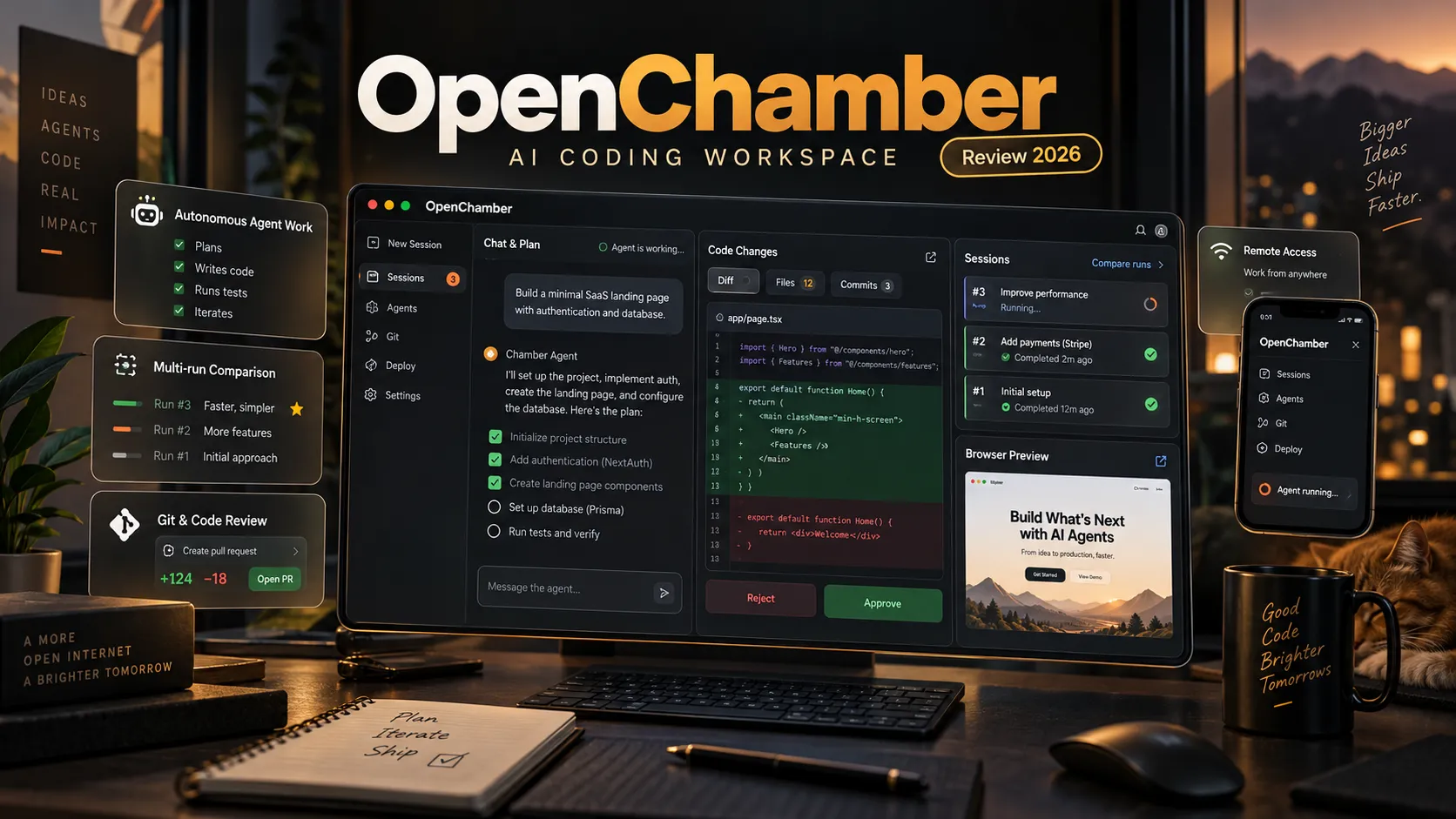
OpenChamber Review 2026: The Open-Source AI Coding Workspace for Autonomous Agents

Herdr GUI Is Now Roamgate: The Complete Guide to Managing AI Coding Agents from Your Browser

The X Subscription (X Pass) Explained: Pricing, Grok, Cursor, Hidden Costs, and Whether It's Worth Switching in 2026
Referenced Tools
Browse entries that are adjacent to the topics covered in this article.