

GitHub Codespaces
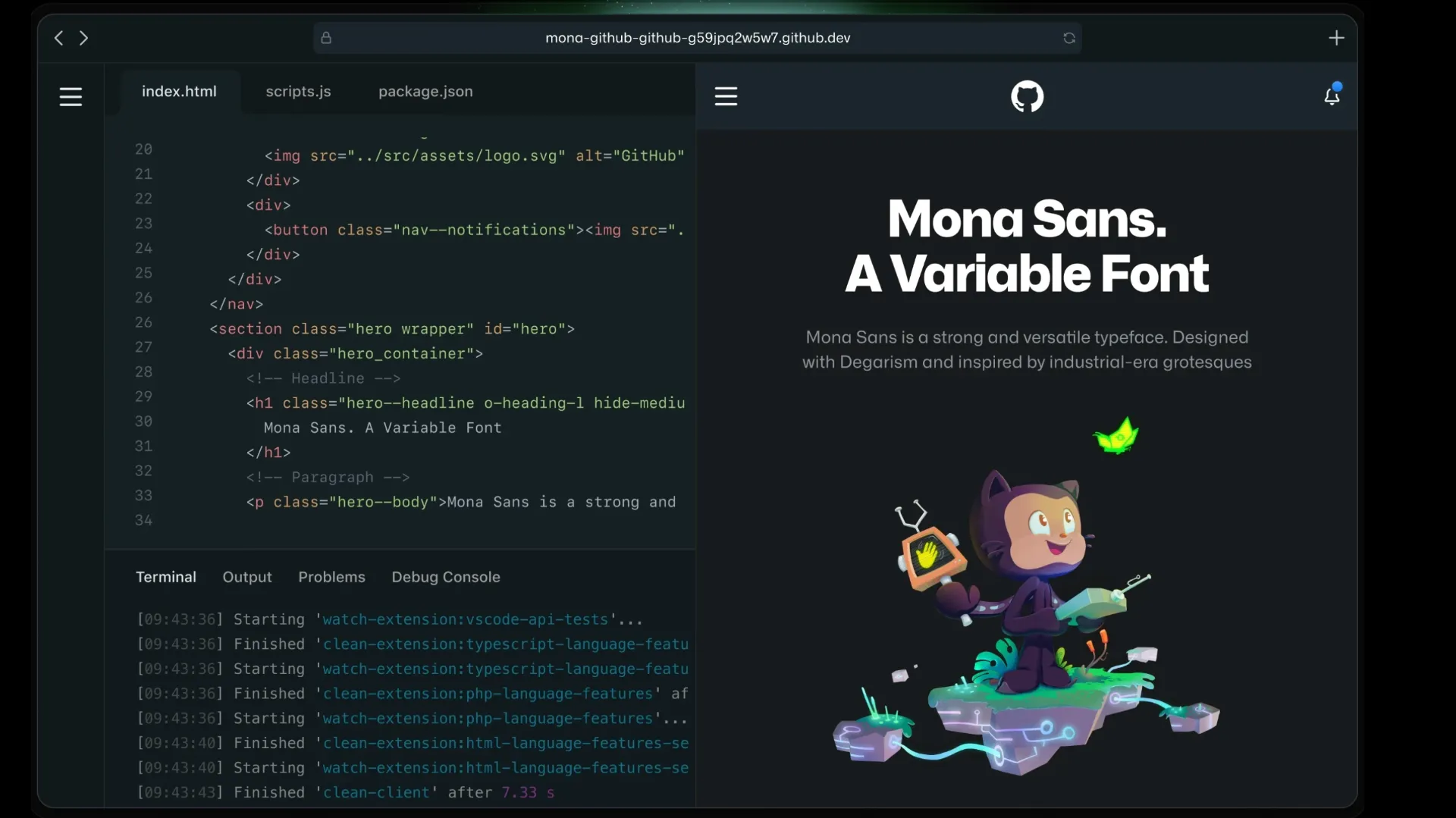
GitHub Codespaces is a cloud development environment that turns GitHub repositories into ready-to-code VS Code workspaces in the browser or desktop editor. It is strongest for teams that want reproducible dev containers, GitHub-native workflows, and fast onboarding without local setup.
Choose GitHub Codespaces when your team lives in GitHub and wants reproducible cloud development environments tied to repositories, pull requests, dev containers, and VS Code. Choose StackBlitz for browser-native WebContainers, CodeSandbox for sandbox infrastructure, Replit for all-in-one app building, or Gitpod/Coder/Daytona when broader CDE control matters more than GitHub-native integration.
Pricing Plans
Personal GitHub Free
Includes 120 Codespaces core hours and 15 GB-month storage for personal accounts.
Personal GitHub Pro
Includes 180 Codespaces core hours and 20 GB-month storage for personal accounts.
Organization / Enterprise
Organization and enterprise plans do not include a free Codespaces quota; usage is billed to the configured account.
Compute
2-core machines start at $0.18/hour; 4-core, 8-core, 16-core, and 32-core machines scale proportionally.
Storage
Storage is charged for codespaces, files, extensions, custom dev containers, and prebuilds while they exist.
Students
Verified students can receive higher personal-account included usage through GitHub Education benefits.
Core Features
1Cloud development environments
- Create a codespace from a repository, branch, pull request, commit, or template.
- Use browser-based VS Code, desktop VS Code, or GitHub CLI to connect.
- Run development workloads on dedicated cloud VMs backed by dev containers.
2Dev container workflow
- Define repeatable environments with devcontainer.json and optional Dockerfiles.
- Use default images with common languages and tools when no dev container exists.
- Automate setup with lifecycle commands such as postCreateCommand and postAttachCommand.
3GitHub-native collaboration
- Work directly from GitHub repositories, pull requests, branches, and forks.
- Commit, push, open pull requests, and review changes from the codespace.
- Use GitHub permissions and organization billing controls for team workflows.
4Performance and startup
- Prebuilds speed up codespace creation for large or complex repositories.
- Machine types can be selected based on project size and performance needs.
- Stopped codespaces can be resumed later or automatically deleted based on retention policies.
5Security and governance
- Organization owners can control who can create codespaces and who pays for usage.
- Budgets, spending limits, retention settings, and machine type restrictions help control cost and risk.
- Repository secrets and dev container settings can guide secure setup.
6Editor experience
- Uses a familiar VS Code environment with extensions, terminal, ports, and settings sync.
- Supports dotfiles for personal shell and editor preferences.
- Works well with GitHub Copilot and other VS Code extensions where allowed.
Pros
- Deeply integrated with GitHub repositories, pull requests, permissions, and billing.
- Great for reproducible development environments through dev containers.
- Reduces local setup friction for onboarding, reviews, classes, and open-source contributions.
- Works in browser VS Code, desktop VS Code, and GitHub CLI.
- Prebuilds make large repositories faster to open.
- Budgets, retention policies, and machine restrictions help organizations control spending.
Cons
- Organization and enterprise accounts do not receive a free Codespaces quota.
- Usage-based compute and storage costs require active monitoring.
- Stopped codespaces can still incur storage charges until deleted.
- Best fit is GitHub-hosted repository workflows, not arbitrary cloud IDE hosting.
- Not an AI app builder or autonomous coding agent by itself.
- Heavy repositories may need careful dev container, prebuild, and machine-size tuning.
Why Choose GitHub Codespaces?
GitHub Codespaces is most valuable when the repository is already the center of work. Instead of asking every developer to clone the repo, install the right language versions, configure services, and match local tooling, the team can encode the environment once and let contributors open it from GitHub.
The major advantage is not novelty; it is repeatability. A well-configured codespace turns onboarding, pull request review, classroom exercises, and open-source contribution into a consistent cloud experience. The tradeoff is cost and governance. Once development environments become cloud resources, teams need budgets, retention policies, machine restrictions, and clear ownership rules.
Core Workflow
A practical Codespaces workflow starts with a repository and, ideally, a devcontainer.json file. The user opens a codespace from a branch, pull request, commit, or template. GitHub provisions a VM, creates the dev container, mounts the repository, runs setup commands, and connects the user through browser VS Code, desktop VS Code, or GitHub CLI.
For established teams, the most important workflow is improving the dev container over time. Add the right language runtimes, package managers, extensions, test commands, environment setup, recommended secrets, and post-create scripts. When that setup is stable, prebuilds can reduce startup time for large repositories.
Use Cases
GitHub Codespaces fits onboarding, pull request review, open-source contributions, education, workshops, temporary debugging, and projects where local setup is fragile. It is especially strong when a repository has multiple contributors with different machines, operating systems, or local toolchains.
It is less useful when developers already have a highly optimized local setup and do not need cloud isolation. It is also not a direct replacement for AI coding agents, prompt-to-app builders, or sandbox infrastructure products. Codespaces gives developers a reliable place to work; AI features usually come through extensions such as GitHub Copilot or other VS Code tools.
Comparison to Alternatives
Compared with CodeSandbox, Codespaces is more repository-native and dev-container-oriented. CodeSandbox is strong for shareable sandboxes, browser demos, and SDK-driven execution environments. Codespaces is stronger when the workflow starts from GitHub repositories, pull requests, branches, and organization permissions.
Compared with StackBlitz, Codespaces uses cloud VMs and dev containers rather than browser-native WebContainers. StackBlitz can feel faster and lighter for supported JavaScript projects. Codespaces is more general for teams that need containerized Linux environments and GitHub-native development.
Compared with Gitpod, Coder, or Daytona, Codespaces is less platform-neutral but more tightly integrated with GitHub. If GitHub is already the source of truth, that integration is the point. If the organization needs self-hosted control, multi-forge support, or custom infrastructure, alternatives may fit better.
Best Configuration
The best Codespaces setup starts with cost-aware defaults. Choose the smallest machine type that can run the project comfortably, configure idle timeouts, restrict large machines where appropriate, and set deletion retention periods for stopped codespaces. Prebuilds should be used carefully because they improve startup speed but can add storage and Actions-minute cost.
For repository setup, keep the dev container deterministic. Avoid manual setup steps, document required secrets, configure extensions, define tasks, and test the experience from a fresh codespace. If new contributors can open the repository and run tests without reading a long setup guide, Codespaces is doing its job.
Migration Notes
Moving a local project into Codespaces is easiest when the project already has clear install, build, test, and run commands. Start with the default image, then add a custom devcontainer.json only when the project needs specific runtimes, system packages, services, or extensions. Test startup time before enabling prebuilds.
Moving away from Codespaces requires documenting what lived in the dev container: system packages, environment variables, VS Code extensions, lifecycle commands, ports, secrets, and prebuild assumptions. Because Codespaces encourages development environment as code, the migration artifact is usually the dev container configuration itself. That configuration can often be reused locally with Dev Containers or adapted for another cloud development environment.
Best For
- GitHub-hosted repositories
- Developer onboarding
- Open-source contribution workflows
- Pull request review and testing
- Education and workshops
- Standardized dev environments
- Teams using devcontainer.json
- Projects with complex local setup
- Temporary debugging environments
- Cloud-based VS Code workflows
- Teams that want reproducible development environments as code
Not Ideal For
- Users looking for a prompt-to-app AI builder
- Developers whose main need is AI autocomplete or code chat
- Teams that do not use GitHub for source control
- Organizations that require completely local development
- Projects with strict cost constraints but unpredictable runtime needs
- Users who want always-free organization-wide cloud IDE usage
- Workflows requiring a non-VS-Code editor as the primary cloud UI
Privacy Notes
GitHub Codespaces creates cloud-hosted development environments from repository content and dev container configuration. Codespaces can contain cloned repositories, generated files, extensions, secrets, forwarded ports, terminal history, and runtime data. Teams should configure repository permissions, secrets, retention periods, budgets, port visibility, and organization policies carefully, and should delete unused codespaces to reduce storage exposure and cost.
Alternatives
Sources
- GitHub Codespaces product page
- GitHub Codespaces documentation
- What are GitHub Codespaces?
- Deep dive into GitHub Codespaces
- GitHub Codespaces billing
- Product usage included with each GitHub plan
- GitHub pricing
- GitHub Codespaces pricing calculator
- Introduction to dev containers
- Adding a dev container configuration
- About GitHub Codespaces prebuilds
- Managing the cost of GitHub Codespaces in your organization
- Security in GitHub Codespaces
Update History
- Jun 14, 2026: Created entry with current GitHub Codespaces positioning, included personal-account quotas, pay-as-you-go compute and storage pricing, dev container workflow, prebuilds, organization governance, and cloud IDE comparison positioning.
Related Tools
More listings in a similar part of the directory.






GitHub Codespaces Articles
Guides, comparisons, and launch notes connected to this listing.

