

StackBlitz
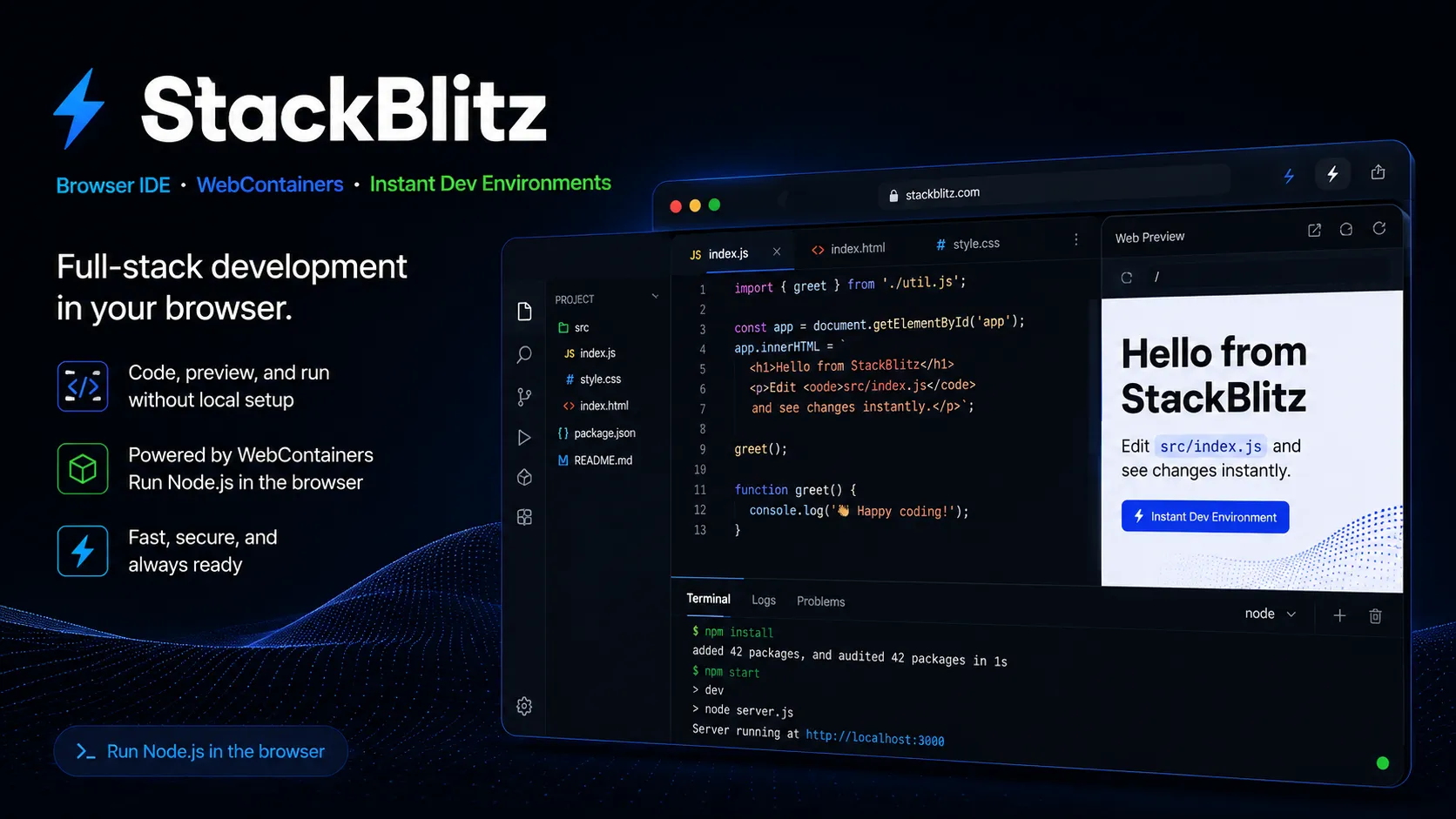
StackBlitz is a browser-native web development environment and WebContainers platform for instant JavaScript and Node.js project work.
Information checked: Jun 14, 2026 ·View sources
Tool details
- Type
- Developer workflows
- Platforms
- Web browser, Chrome and Chromium-based desktop browsers, Firefox and Safari with WebContainer limitations, Android browser with partial WebContainer support, Self-hosted Enterprise Server, Kubernetes, VPC or on-premise enterprise deployments
- Free plan
- Yes
- Open source
- No
- Bring your own key
- No
- Local models
- No
Overview
Best for
- Frontend development
- JavaScript and TypeScript projects
- Node.js demos and prototypes
- Vite, React, Angular, and Vue examples
- Interactive documentation
- Tutorial platforms
- Bug reproductions
- Open-source contribution previews
- Design system examples
- Teams that want instant browser development environments
Strengths
- Very fast browser-based project startup for JavaScript and Node.js workflows.
- No local environment setup required for many frontend and full-stack web projects.
- WebContainers reduce reliance on remote cloud VMs for supported workloads.
- Strong link-sharing experience for demos, docs, tutorials, and bug reproductions.
- GitHub and pr.new workflows are useful for quick repository exploration and pull requests.
- Enterprise Server supports self-hosted and high-security environments.
Limitations & trade-offs
- Python, Go, Rust, Java, PHP, or non-JavaScript backend-first projects
- Native mobile development
- Large monorepos with complex system dependencies
- Teams requiring a full local Linux VM for every project
- Developers whose main need is AI autocomplete or autonomous coding
- Projects requiring exact parity with a custom local machine environment
- Best suited to the JavaScript and web ecosystem, not every backend language or native stack.
- Browser support and runtime behavior can differ from a local machine.
- Large or unusual projects may still require local development or a traditional cloud IDE.
- Private repository collaboration requires paid team access.
- Enterprise pricing is custom and requires a sales conversation.
- It is not primarily an AI coding assistant; AI app generation is handled more directly by Bolt.new.
Get started
Pricing & usage limits
Official pricingFree tier available
Free plan for individuals, public StackBlitz projects, collections, and public GitHub repositories.
$18/month when billed annually. Adds professional workflow features such as unlimited uploads and local backend/API access.
$55/member/month when billed annually. Adds collaboration on private collections and organization-owned private GitHub repositories.
For larger organizations needing self-hosting, Enterprise Server, SSO, private registries, GitLab/Bitbucket/GitHub Enterprise support, and dedicated support.
Pricing checked: Jun 14, 2026 · Subscription, usage limits, and model costs may be billed separately.
Features & details
Browser-based development
- Open and edit web projects directly in the browser.
- Run Node.js, npm, terminals, and previews through WebContainers.
- Share runnable projects with a link.
WebContainers runtime
- Executes Node.js applications and operating system commands inside the browser tab.
- Avoids traditional remote VM startup for many JavaScript workflows.
- Designed for interactive coding experiences, docs, tutorials, and IDE-like products.
GitHub and Codeflow
- Open GitHub repositories in a browser IDE workflow.
- Use Codeflow and pr.new to explore repos, edit code, preview changes, and contribute pull requests.
- Mirrors GitHub organization permissions for team workflows.
Team and enterprise workflows
- Teams support private collections and private repositories.
- Enterprise Server can run behind a corporate firewall or in a VPC.
- Enterprise supports SSO, private package registries, GitHub Enterprise, GitLab, Bitbucket, and custom integrations.
Ecosystem
- Supports common JavaScript ecosystem templates such as Vite, Angular, React, Vue, and Node.js projects.
- Powers WebContainer API use cases for custom embedded coding environments.
- Serves as the underlying browser runtime foundation for Bolt.new.
Why Choose StackBlitz?
StackBlitz is most valuable when the cost of local setup is higher than the cost of opening a link. For JavaScript and web projects, it can turn a repository, tutorial, design-system example, or bug reproduction into a running environment without asking the user to install Node, clone a repo, configure packages, or wait for a cloud VM.
The product’s real differentiation is WebContainers. Instead of sending every runnable project to a remote development container, StackBlitz runs supported Node.js workflows in the browser. That changes the feel of the tool: demos open faster, examples are easier to share, and interactive documentation can become a real development surface rather than a static code block.
Core Workflow
A typical workflow starts with a project link, a template, or a GitHub repository. The developer opens the workspace, edits files in a VS Code-like browser editor, sees the preview update, and shares the result by URL. For open-source work, Codeflow and pr.new are especially useful because a contributor can jump into a repository, inspect the app, make a small change, and prepare a pull request without first recreating the maintainer’s local machine.
For teams, the workflow becomes more about reproducibility. Instead of asking every developer, designer, product manager, or reviewer to install dependencies locally, the team can use StackBlitz links as lightweight live environments for reviews, onboarding, docs, and demos. The more standardized the project template, the smoother this becomes.
Use Cases
StackBlitz fits frontend examples, component demos, interactive docs, design-system sandboxes, issue reproductions, teaching material, workshop projects, and lightweight full-stack JavaScript prototypes. It is also useful for companies that want examples to be runnable directly inside documentation or onboarding flows.
The best use cases are web-native and shareable. If a task involves reviewing a UI bug, demonstrating a library API, teaching a framework, or letting a customer try a small code example, StackBlitz is usually a better experience than a README plus installation instructions. If the task depends on complex system packages, non-JavaScript services, native mobile toolchains, or custom infrastructure, a local machine or container-backed cloud IDE may be more appropriate.
Comparison to Alternatives
Compared with CodeSandbox, StackBlitz is most differentiated by WebContainers and the browser-native Node.js runtime model. Compared with Replit, StackBlitz is more focused on instant web development environments, while Replit is broader, with hosting, persistent cloud compute, database features, and AI app-building workflows.
Compared with GitHub Codespaces or Gitpod, StackBlitz is lighter and faster for supported web projects, but less universal. Codespaces and Gitpod are stronger when a project needs a full development container with system-level dependencies. StackBlitz is stronger when the project can run inside the browser and the priority is instant access, low friction, and shareability.
Compared with Bolt.new, StackBlitz is the underlying development-environment layer rather than the AI product-building layer. Bolt.new is better when the user wants to generate an app from prompts; StackBlitz is better when the user wants to open, edit, run, and share web code directly.
Best Configuration
The best StackBlitz setup starts with keeping examples small, predictable, and web-native. Use framework templates, keep dependency graphs reasonable, avoid unnecessary system-level assumptions, and document any browser/runtime differences. For public libraries, provide StackBlitz links for the most common examples rather than one giant playground that tries to cover every edge case.
For teams, treat StackBlitz projects as review surfaces. Connect GitHub carefully, keep repository permissions clean, and decide which examples should be public, private, or team-only. Enterprise teams should evaluate whether Enterprise Server is needed for private registries, SSO, firewall/VPN deployment, or stricter data-control requirements.
Migration Notes
Moving a local JavaScript project into StackBlitz is easiest when the project already runs cleanly with standard npm scripts and does not rely on custom native services. First verify package installation, then preview behavior, then environment variables, then any API or backend assumptions. If local-only APIs or CORS workarounds are involved, test those workflows on the correct paid plan before standardizing them across a team.
Moving away from StackBlitz is usually straightforward because the project remains normal code, but teams should document what depended on the platform: WebContainer behavior, hosted previews, pr.new links, private collections, project templates, and any enterprise integrations. For long-lived docs and tutorials, update links carefully so users do not land on broken or stale interactive examples.
Model support & data privacy
Privacy & data handling
StackBlitz projects can run through WebContainers in the browser, reducing the need to execute supported Node.js workloads on remote VMs, but users should still treat uploaded projects, GitHub repositories, secrets, environment variables, package installs, previews, and team permissions carefully. Enterprise Server is available for organizations that need StackBlitz behind a firewall, VPN, VPC, or self-hosted infrastructure.
Guides, reviews & fixes
View allNo published guides yet. Start with the official documentation above.
Product updates
No verified product updates listed yet. Follow this tool to see new relevant content in Saved.
See the content timelineAlternatives
Sources & verification
Verification dates record when this directory checked the information. Product release dates appear separately above.
Directory revision history
Created entry with current StackBlitz positioning, WebContainers, Codeflow, pricing tiers, Enterprise Server, browser support, and comparison positioning versus AI IDEs and cloud development environments.