

Gemini CLI
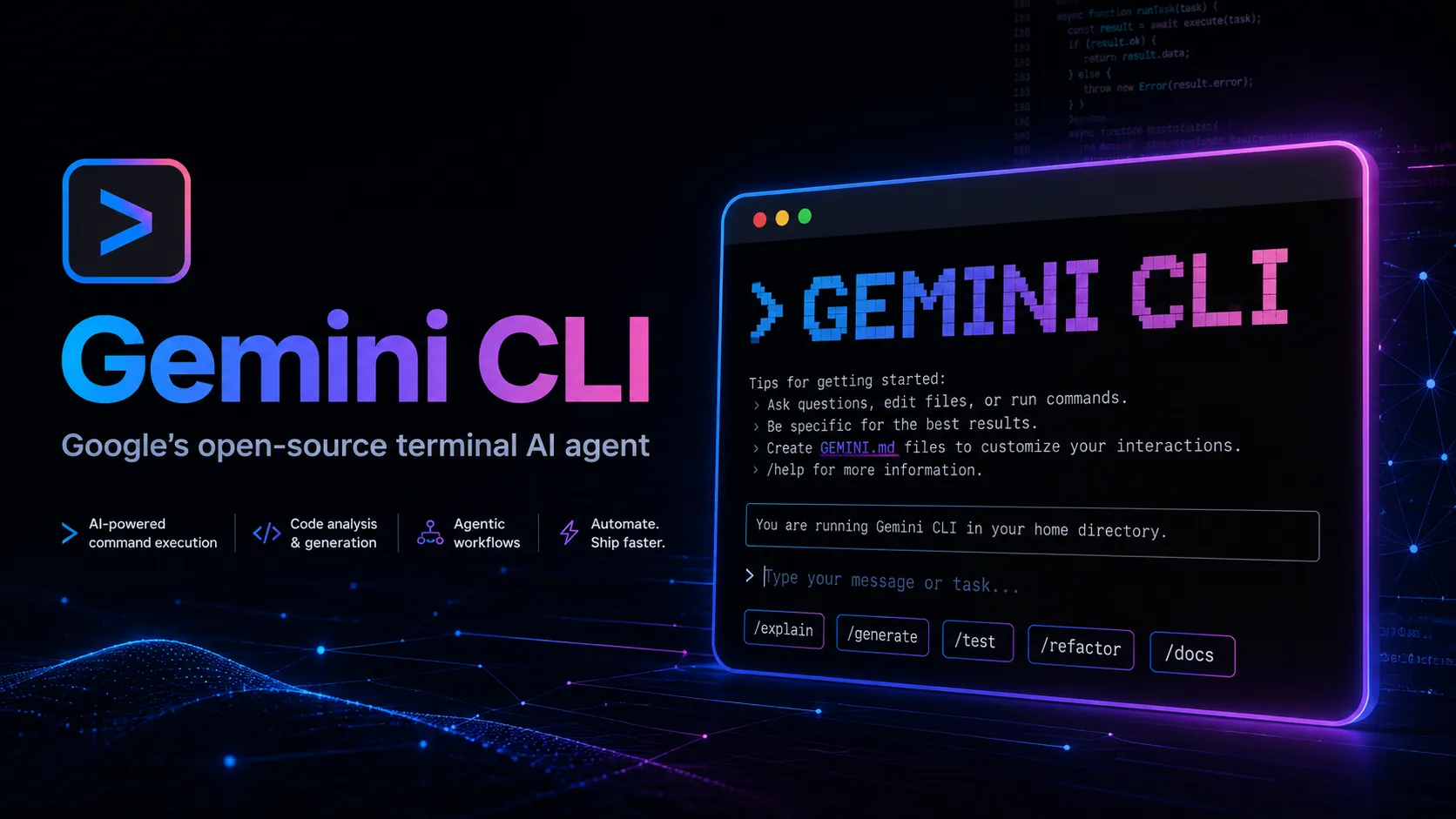
Gemini CLI is Google’s open-source terminal AI agent for coding, codebase exploration, task automation, and MCP-connected workflows. Google is transitioning individual Gemini CLI users to Antigravity CLI, so it is best evaluated today as a legacy Gemini terminal agent with a clear migration path.
Gemini CLI is worth documenting as an important open-source Google terminal agent, but new individual users should strongly consider Antigravity CLI because Google has made it the forward migration path. Existing users should preserve working configs, review quotas, and plan migration before consumer Gemini CLI service changes take effect.
Pricing Plans
Individual Free
Free individual Gemini CLI access through Gemini Code Assist for individuals, with Google account authentication and quota limits. Consumer support transitions to Antigravity CLI on June 18, 2026.
Google AI Pro
Google AI plan with higher Gemini CLI and AI-tool usage limits while Gemini CLI remains available for the plan.
Google AI Ultra
Higher-usage Google AI tier with expanded access to Google AI features and higher developer-tool quotas where supported.
Gemini API Key
Use Gemini CLI with a Google AI Studio API key and pay Gemini API token-based pricing.
Vertex AI / Enterprise
Use Gemini CLI with Vertex AI or enterprise Google Cloud authentication for professional and organizational workflows.
Antigravity CLI Migration
Google’s official forward path for consumers is Antigravity CLI, available as part of the newer Antigravity agent-first development platform.
Core Features
1Terminal AI agent
- Runs Gemini from the command line inside local development workflows.
- Uses a reason-and-act loop with built-in tools to inspect, modify, and validate work.
- Supports coding tasks such as bug fixes, feature creation, and test coverage improvements.
2Project-aware workflows
- Works with local project context and repository files.
- Can help explain code, generate implementation plans, update files, and run commands.
- Supports task-oriented prompts instead of only one-off chat responses.
3MCP and tool access
- Supports local and remote MCP servers.
- Can connect to external tools and data sources through configured MCP integrations.
- Useful for workflows that need documentation, APIs, databases, or service context.
4Authentication paths
- Supports Google account authentication for individual Gemini Code Assist usage.
- Supports Gemini API keys from Google AI Studio.
- Supports Vertex AI authentication for Google Cloud and enterprise environments.
5GitHub automation
- Gemini CLI GitHub Actions can support issue triage and pull request review workflows.
- The run-gemini-cli action integrates Gemini CLI into GitHub-based development processes.
- Repository automation can be delegated through explicit workflow configuration.
6Migration status
- Google has announced Gemini CLI is transitioning to Antigravity CLI for consumer users.
- Important Gemini CLI concepts such as Agent Skills, Hooks, Subagents, and Extensions carry forward in Antigravity CLI.
- Gemini CLI remains relevant for existing workflows, enterprise setups, and migration planning.
Pros
- Open-source terminal agent backed by Google’s Gemini ecosystem.
- Generous free individual access while supported.
- Works directly in developer terminal workflows.
- Supports MCP for tool and context integration.
- Google AI Studio and Vertex AI paths support both individual and cloud workflows.
- Official GitHub Actions integration enables repository automation.
Cons
- Consumer Gemini CLI usage is being sunset in favor of Antigravity CLI.
- Less future-proof than Google Antigravity for new individual users.
- Usage quotas and billing can vary by authentication method and plan.
- Terminal agents require careful command approval and security discipline.
- Not a full AI IDE or visual app builder.
- Provider flexibility is narrower than tools like OpenCode or Aider.
Why Choose Gemini CLI?
Gemini CLI became important because it gave developers a direct terminal path to Google’s Gemini models. Instead of opening a browser chat, a developer could ask questions, inspect a codebase, run commands, connect tools, and automate routine software tasks from the same shell used for Git, package managers, tests, and deployment scripts.
The key caveat is product direction. Google has announced that Gemini CLI for consumer users is being transitioned to Antigravity CLI. That changes the buying and adoption decision: Gemini CLI is still useful to understand, especially for existing workflows and enterprise setups, but new individual users should treat Antigravity CLI as the strategic successor.
Core Workflow
A practical Gemini CLI workflow starts inside a local project. The developer asks the agent to inspect files, reason about a bug or feature, then use tools and commands to complete a scoped task. The strongest pattern is not one giant prompt; it is a review loop: explain the issue, inspect the relevant files, propose a plan, make changes, run checks, and review the result.
MCP is central when the task needs external context. A configured MCP server can give Gemini CLI access to project-specific tools, documentation, APIs, or databases. That makes it more useful than a plain terminal chatbot, but it also increases security responsibility because every connected tool broadens what the agent can see or do.
Use Cases
Gemini CLI fits coding tasks that are natural in a terminal: explaining unfamiliar code, fixing small bugs, updating tests, improving coverage, generating scripts, creating documentation, and automating repository maintenance. It is also useful for Google Cloud users who want a Gemini-native assistant close to Vertex AI, Gemini Code Assist, or Google AI Studio workflows.
GitHub Actions support makes it relevant for issue triage and pull request review automation. However, those workflows should be configured conservatively. An agent running in CI can save time, but it should not be allowed to change high-risk files, trigger deployments, or act on untrusted instructions without clear controls.
Comparison to Alternatives
Compared with Claude Code, Gemini CLI is Google-native and better aligned with Gemini, Google AI Studio, Vertex AI, and Gemini Code Assist. Claude Code is stronger for teams committed to Anthropic’s Claude ecosystem. Compared with Codex CLI, the choice is mostly about model preference, organization policy, pricing, and whether the team already uses OpenAI or Google infrastructure.
Compared with Aider and OpenCode, Gemini CLI is less provider-neutral. Aider and OpenCode are better for developers who want broad model choice, local model experimentation, or a more independent open-source workflow. Gemini CLI is better for developers who want Google’s model stack and authentication paths.
Compared with Google Antigravity, Gemini CLI is now the older terminal-first path. Antigravity is the newer agent-first platform with a CLI, desktop command center, SDK, and multi-agent orchestration. For new individual adoption, Antigravity is the more future-facing choice.
Best Configuration
For existing Gemini CLI users, the best configuration is conservative and migration-ready. Keep project instructions clear, use a clean Git state before large changes, restrict MCP servers to trusted tools, and avoid running the agent on unknown repositories. If API-key billing is used, set budget alerts and understand token pricing before allowing large codebase scans or long automation loops.
For organizations, separate experimental usage from production repositories. Use Google Cloud identity and quota controls where applicable, review GitHub Actions permissions, and define what Gemini CLI may read, write, or execute. Any team planning broad rollout should now evaluate whether the same workflow should move directly to Antigravity CLI instead.
Migration Notes
The most important migration path is Gemini CLI to Antigravity CLI. Before switching, inventory current Gemini CLI usage: authentication method, MCP servers, extensions, hooks, skills, subagents, GitHub Actions workflows, shell aliases, scripts, and CI jobs. Then test the same workflows in Antigravity CLI before the deadline affects consumer usage.
The migration should be validated with real tasks: one codebase question, one bug fix, one test update, one MCP-powered workflow, and one GitHub automation. Do not assume perfect feature parity. Antigravity CLI keeps key concepts from Gemini CLI, but the runtime, command behavior, and agent orchestration model may differ enough that teams should test before relying on it for production work.
Best For
- Existing Gemini CLI users
- Terminal-first Gemini workflows
- Developers using Google AI Studio or Vertex AI
- Codebase exploration
- Bug fixing
- Test generation and test coverage improvements
- GitHub issue triage
- Pull request review automation
- MCP-connected development tasks
- Teams planning migration to Antigravity CLI
Not Ideal For
- New individual users who want Google’s forward-looking coding agent platform
- Users who need local model execution
- Developers who want provider-agnostic model routing
- Non-technical users looking for prompt-to-app builders
- Teams that cannot allow AI agents to read files or run commands
- Users who want a full AI-native editor rather than a terminal agent
Privacy Notes
Gemini CLI can send prompts, local project context, file contents, command output, MCP tool results, and repository metadata to Google or the selected Google Cloud model endpoint depending on authentication method. Users should avoid exposing secrets, credentials, customer data, production tokens, or private files in prompts, terminal output, MCP tools, or files included in context. Extra caution is needed when running Gemini CLI against untrusted repositories because terminal agents can be affected by malicious instructions embedded in project files.
Alternatives
Sources
Update History
- Jun 14, 2026: Created entry with Gemini CLI open-source status, terminal agent workflow, Gemini Code Assist and API pricing paths, MCP and GitHub Actions support, and Google’s announced migration to Antigravity CLI.
Related Tools
More listings in a similar part of the directory.



Gemini CLI Articles
Guides, comparisons, and launch notes connected to this listing.

