On This Page8 sections
Key Takeaways
- Mika turns natural-language requests into Android actions, combining app control, web browsing and local scripts.
- Android 14+ is the preferred starting point for background operation; older supported versions have limitations.
- On-device execution does not guarantee local inference. Screen information can reach the configured model provider.
- MCP lets a computer delegate phone tasks, with separate rules for actions requiring approval.
- Treat the beta as an evaluation tool. The roadmap identifies unfinished verification and security work.
What Is Mika?
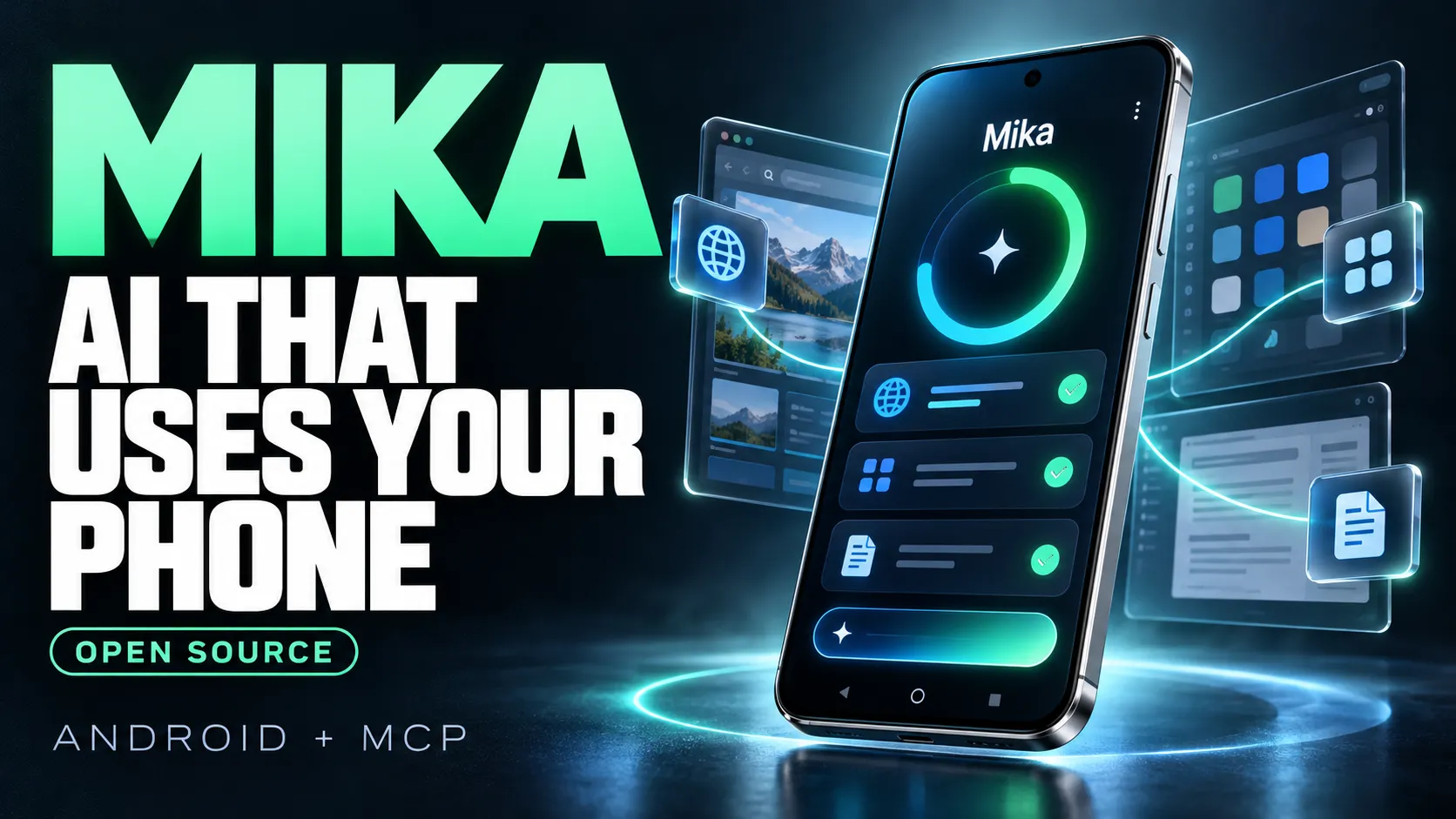
Mika is an open-source Android AI agent published by wangzan101. It translates requests into actions across phone apps, websites and files. The project is in public beta.
Its main code uses the Apache 2.0 license. Bundled dependencies retain their own licenses, including PRoot and components of its Linux runtime. Developers considering redistribution should inspect those components individually.
The practical question is whether Mika can complete a specific workflow on a particular phone, with observable evidence and acceptable intervention. A compelling demonstration alone cannot answer that.
Latest Release: What Changed in Mika v0.1.18?
As of October 31, 2026, the latest release endpoint resolves to v0.1.18. Its release notes highlight:
- Three interface languages: English, Simplified Chinese and Traditional Chinese.
- In-app APK updates: downloads come from GitHub, followed by Android's installation confirmation.
- Package checks: size, checksum, version and signature are checked before installation.
- Timezone alignment: sandbox commands and supported runtimes follow the phone's timezone.
The release notes state that installing over an existing version preserves conversations and settings. These are documented release changes, not evidence of broader task accuracy.
How Mika Controls Android Apps
The architecture documentation describes a helper process running with Android's shell identity, started through debugging access. It creates a virtual display for app interaction; the documented setup does not require rooting the phone.
Mika reads accessibility information, supplements incomplete interfaces with OCR and can use visual recognition to locate controls. It then performs actions and observes the resulting interface. Its browser uses a separate WebView and DevTools-based interaction. The Kotlin :core module contains platform-independent agent logic, while :app supplies Android services and implementations.
The architectural advantage is flexibility: a task can combine interface navigation with structured computation. The corresponding trade-off is that understanding a screen becomes part of execution. A renamed button, incomplete list or unexpected modal can change the route.
This suggests a useful engineering principle: judge each observation-action cycle by whether it advances toward a verifiable result. Counting successful clicks alone says little about whether the user's objective was achieved.
Android Requirements and Background-Screen Limitations
| Capability | Documented requirement |
|---|---|
| Chat and web tasks | Android 11+ |
| Installed-app control | Android 12+ |
| Preferred background experience | Android 14+ |
| Linux runtime | ARM64 device |
| Main model | Tool-calling support |
On Android 12–13, background work may interfere with foreground focus. Android 14 gives the background display independent focus. The README also says testing has mainly involved one Android 14 phone, limiting confidence across manufacturers.
Before evaluating a workflow, record the phone model, Android version, Mika version, model identifier and target-app version. Without that configuration, a success report is difficult to reproduce and a failure report is difficult to diagnose.
How to Install Mika on Android
Use the official phone-control setup guide:
- Install the APK from the repository's Releases page and open Mika.
- Configure the model connection in Settings.
- Open the phone-control wizard when app automation is needed.
- Enable the requested developer and debugging settings, connect to Wi-Fi and complete wireless-debugging pairing.
- Wait for the helper connection to succeed before starting an app task.
The phone-only path needs no computer. Web, file and chat use can be evaluated before configuring phone control.
Pairing pitfalls: keep the pairing window open while entering its code; reopening it generates a new code. If the pairing notification is missing, check notification permissions. If discovery fails, the guide provides a manual connection-port field. The pairing port and subsequent connection port serve different steps; use the field specified by the wizard.
Start with disposable files and a task whose answer is already known. This makes it easier to separate configuration problems from reasoning or navigation failures.
Useful First Tasks and Better Prompts
Choose tasks with a small scope, visible evidence and a clear stopping condition. The following are suggested evaluation prompts, not claims that every device or app will complete them.
Public-information extraction:
Open this public page and list its first five article titles with their links.
Do not sign in, post, subscribe or change any settings.
If fewer than five items are visible, report exactly what you could verify.
File processing:
Inspect the CSV I attached and report its row count and duplicate IDs.
Write a separate summary file. Keep the original unchanged.
Explain which columns were used to identify duplicates.
A bounded app lookup:
Open the selected app and find the three items matching this exact keyword.
Return their visible names and displayed values.
Stop if the app requires a purchase, account change or verification challenge.
These prompts specify an evidence boundary. They distinguish absent information from a failed search and give the user something concrete to check.
For long histories or feeds, request the observed date range and any gaps. An eloquent summary can still omit content that was never loaded. Treat prompt restrictions as instructions to the model, not as a substitute for enforced permissions.
What the Local Linux Sandbox Adds
The sandbox documentation describes an Alpine Linux 3.22 environment bundled with Python and Node packages. PRoot and Mika's launcher run as subprocesses; the runtime is unpacked from the APK on the phone.
Script networking is disabled by default, and the runtime requires ARM64.
A useful division of labor is to navigate with the interface, then compute with a script. For example, a proposed workflow could retrieve a permitted export and calculate totals from its rows instead of asking a model to add numbers from screenshots.
For validation, keep the original input, the generated output and the calculation assumptions together. A local calculation can be reproducible even when the preceding navigation is variable. The word sandbox should not be interpreted as proof that arbitrary code is harmless or that the phone has root access.
Connect Mika to a Computer Through MCP
The MCP guide documents task delegation. With ADB installed, USB debugging authorized and Mika opened once, run:
adb shell sh /sdcard/Android/data/com.wangzan101.mika/files/connect-computer.sh
adb forward tcp:8765 tcp:8765
Configure a Streamable HTTP client with http://127.0.0.1:8765/mcp and the printed token in Authorization: Bearer <token>.
| Tool | Purpose |
|---|---|
mika_run_task | Submit work |
mika_task_status | Inspect progress |
mika_wait_task | Await status changes |
mika_answer | Answer questions |
mika_cancel_task | Cancel work |
mika_list_tasks | List computer-submitted tasks |
Reapply forwarding after reconnecting USB. After a phone reboot, restart access and update the client token.
An integration should distinguish waiting for clarification, waiting for physical interaction and completion. Avoid implementing a loop that treats every non-running state as success; preserve the returned status and evidence for the user.
Approval Rules: Phone Tasks and MCP Tasks Differ
For locally initiated tasks, the documented Ask policy focuses on spending. Sending, posting and deleting are not generally protected by an approval prompt. Autonomous mode removes the spending confirmation gate described in the roadmap. Ask mode is not a blanket confirm-every-action setting.
The dedicated MCP guide specifies stricter handling: computer-submitted tasks cannot use mika_answer to authorize payment or other gated actions; those remain on the phone. USB access is token-protected. Network access uses plain HTTP and is intended for trusted private networks.
For an evaluation, prefer reading public information and processing copies of files. Before enabling a workflow that communicates externally, inspect its actual approval behavior on the installed release. A desktop agent's request should not be treated as evidence that the phone user approved every downstream action.
Privacy: Where Does Mika Send Data?
The README states that Mika operates without its own intermediary server. Prompts, screen content and screenshots go to the selected model provider; API keys, memories and profile information are encrypted locally using Android Keystore.
Local execution and remote inference are separate properties. Keeping the app on the phone does not establish that everything it observes stays there.
Evaluate privacy at three points: what the task can access, what the model request contains and what the chosen provider retains. A group-chat summary, for example, can expose other participants' content even when the final summary is short.
For early trials, use synthetic documents and non-sensitive accounts. Before expanding access, inspect both the task record and the provider's applicable data-handling terms.
Reliability Gaps That Matter More Than Star Counts
The roadmap lists disabled final-answer verification, incomplete recovery protections and unresolved protection issues around sensitive browser inputs. Interrupted runs are reported for the user to restart; seamless continuation from the previous screen state is not promised.
These limitations affect three different judgments:
- Completion: did the agent reach an end state?
- Correctness: does the result match evidence?
- Recovery: can the workflow resume without duplicating or losing actions?
For example, after an interruption near a form submission, rerunning the entire request could repeat work. Check the destination state before retrying. For extraction tasks, compare item counts, identifiers and date boundaries before trusting a summary.
The project's evaluation framework separates tuning and holdout tasks, includes evidence-grounding checks and records runtime metrics. Its documentation warns that irreversible evaluation cases can perform real actions and are skipped by default. A test framework's existence does not establish a published success rate.
How to Measure Cost and Decide Whether Mika Fits
There is no meaningful universal cost-per-task estimate without a model, workflow and retry profile. Use the provider's actual usage charges and record failed attempts as well as successful ones.
Cost per verified completion =
Total inference spending across all attempts / Independently verified completions
A cheaper model can become more expensive operationally if it needs repeated navigation corrections. Conversely, a stronger model may be unnecessary for a simple, well-structured extraction. Those are hypotheses to test on the intended workflow, not guaranteed model rankings.
Use this practical evaluation sheet:
| Measure | What to record |
|---|---|
| Correct completion | Result checked against the app, page or file |
| Human intervention | Clarifications, takeovers and corrections |
| Elapsed time | Entire task, including recovery |
| Inference cost | All attempts, including failures |
| Coverage | Missing, duplicated or unobserved items |
| Repeatability | Results across several independent runs |
For choosing an implementation, these design trade-offs are useful:
| Workflow | Suggested starting approach |
|---|---|
| Stable structured endpoint | Evaluate direct API integration first |
| Repeated, predictable UI sequence | Evaluate a deterministic script |
| Variable navigation with a clear objective | Trial a phone agent |
| Irreversible or sensitive operation | Retain direct human control |
This is a selection framework, not a measured ranking. Mika is most interesting when flexible navigation has real value and the result can still be checked.
Conclusion
Mika offers a concrete platform for exploring Android agents, particularly workflows that combine app navigation, browser access and computation. Its value should be measured through verified outcomes on the intended device.
Begin with one bounded task: install the official release, record the device and model configuration, and repeat a read-only workflow with known acceptance criteria. Expand its responsibilities only when accuracy, cost and intervention requirements are acceptable.
Continue Reading
More articles connected to the same themes, protocols, and tools.


Referenced Tools
Browse entries that are adjacent to the topics covered in this article.