
On This Page8 sections
Key Takeaways
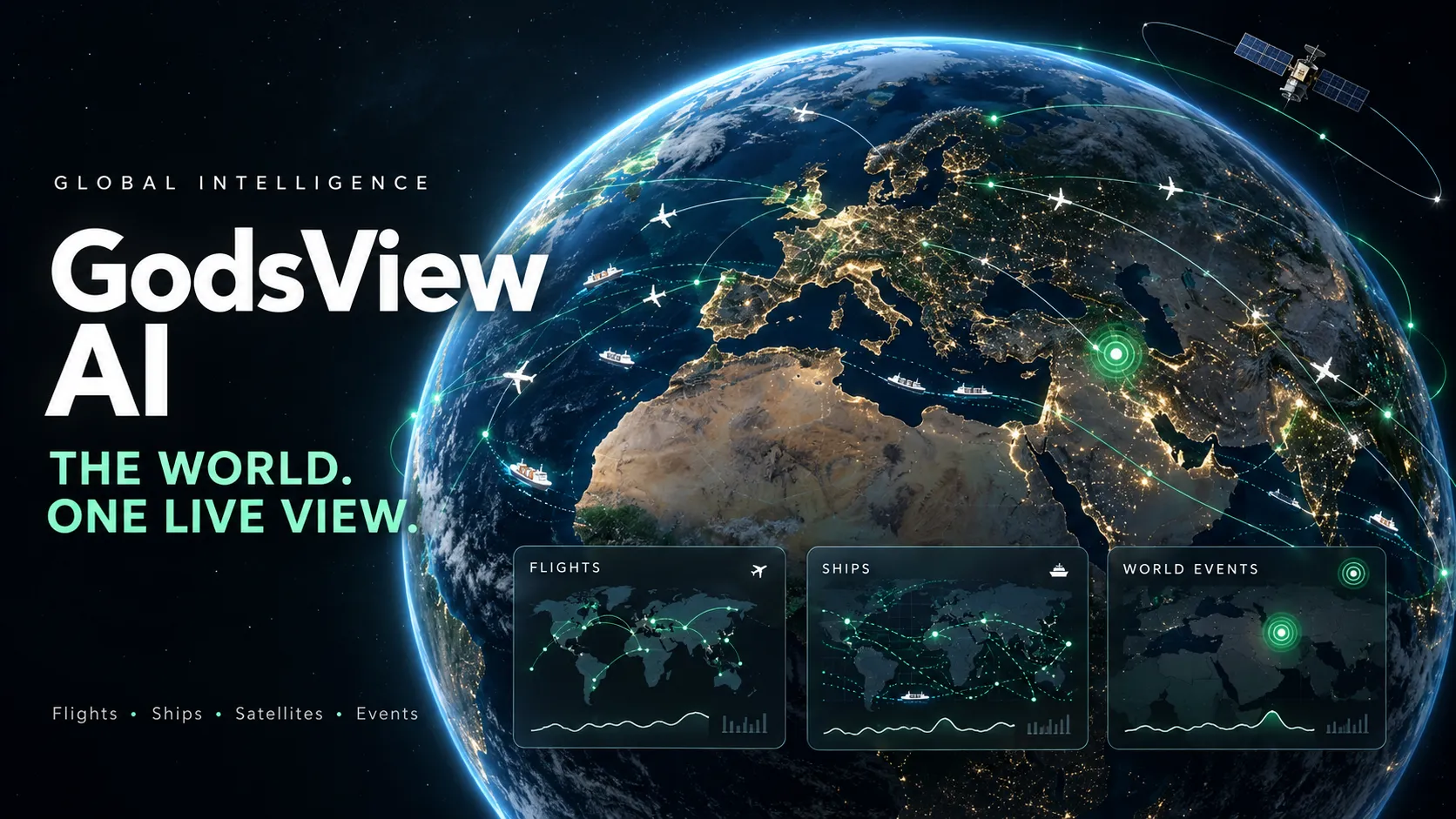
- GodsView AI combines public tracking and event data in a hosted map, covering aircraft, ships, satellites, hazards, and news.
- Pro is advertised at $10.99 monthly, $99.99 annually, or $199.99 for lifetime access, according to October 2026 product materials.
- GodsView AI and God's Eye View are separate products. The latter is an open-source project associated with Bilawal Sidhu.
- The AI provider is disclosed: GodsView's October 26 privacy policy identifies DeepSeek as the processor for assistant messages.
- Data freshness varies by layer. A moving marker, a satellite prediction, and a published incident report represent different kinds of evidence.
Updated October 29, 2026. Prices and product policies reflect the public documentation available on that date.
What Is GodsView AI?
GodsView AI is a global monitoring platform that brings location-based information into one browser interface. Instead of switching between a flight tracker, earthquake feed, and news website, users can explore several sources around the same place.
Its appeal is geographic context: an incident becomes easier to investigate when nearby infrastructure, transport activity, and published reports are visible together. That convenience supports exploration and initial research; it does not establish a causal connection between everything shown nearby.
The company describes a 2D map built with MapLibre GL and deck.gl, alongside a CesiumJS globe. This is a hosted product, so ordinary users do not configure the underlying data-provider keys. These are publicly documented components, rather than an independently audited description of its complete architecture.
GodsView AI Features: What Can You Actually Do?
Explore movement and events on a globe. The core experience combines transport, environmental, and news layers. Pro adds photorealistic 3D, following tracked objects in 3D, and a cockpit-style view.
Investigate incidents in the Ops Center. The business overview describes an incident register with region, severity, and category filters, plus CSV and JSON exports. Its video wall supports 1, 4, 9, or 16 tiles. This makes it possible to move from browsing a map to preparing a focused briefing.
Browse public cameras. GodsView advertises a catalogue of approximately 229,000 public cameras. That is a catalogue claim, not a verified count of streams playing simultaneously. A nearby camera can provide visual context, but its position, viewing direction, and availability still matter.
Ask questions across the information desk. The assistant is presented as a way to query news, markets, and followed places. Its practical value depends on whether the answer identifies relevant, current evidence. A fluent summary should lead back to the underlying reports before it becomes part of a published claim.
Watchlists and Location Alerts: The Strongest Reason to Upgrade
The home and family monitoring page illustrates a concrete use case: select a place, give it a label, and choose a monitoring radius. The documented default is 50 km.
A public check shows nearby events from the previous three days without an account. Saving the place for ongoing alerts requires Pro. The described checks include earthquakes of magnitude 4.5 and above, selected disaster alerts, fire detections, unhealthy fine-particle pollution, and severe US weather warnings.
Choose the radius around the question being monitored. A regional overview and a check around one property need different spatial scopes. A large radius can generate irrelevant alerts; a narrow one may exclude nearby infrastructure that still affects travel or access.
These features monitor conditions around saved places. They should not be described as tracking family members' movements or guaranteeing that every local hazard will generate a notification.
GodsView AI Pricing: Free vs Pro
The October 2026 flight-tracking guide lists the following subscription prices. Confirm the current checkout terms before paying.
| Plan | Advertised price | Billing basis |
|---|---|---|
| Free | $0 | Core access with restrictions |
| Pro Monthly | $10.99 | Per month |
| Pro Annual | $99.99 | Per year |
| Pro Lifetime | $199.99 | One-time purchase |
The official plan descriptions explain that free access includes advertising, a pause after 30 minutes of live viewing, one AI question per day, and access to two public cameras. Core map layers and the incident register provide a useful starting point. Pro is aimed at ongoing monitoring and advanced viewing.
Annual billing saves $31.89 against twelve monthly payments, approximately 24.2%, using the advertised prices. Its effective monthly cost is about $8.33.
The lifetime price is approximately equivalent to 18.2 monthly payments or two annual payments. That is only a price comparison: the value still depends on future service availability, included features, and purchase terms.
A sensible upgrade test: identify one recurring task that requires alerts, continuous viewing, or a paid layer. If the main activity is occasional exploration, start with Free. The published comparison also states that there is no separate Pro free trial.
Where Does GodsView AI Get Its Data?
The methodology page describes aggregation from public agencies and community networks. The refresh intervals below describe how often GodsView requests updates, not guaranteed observation age.
| Layer | Documented provider | Typical refresh | Interpretation limit |
|---|---|---|---|
| Aircraft | OpenSky, adsb.lol, adsb.fi | About 10 seconds | Receiver coverage varies |
| Ships | aisstream.io | About 30 seconds | Terrestrial AIS has offshore gaps |
| Earthquakes | USGS | About 2 minutes | Initial estimates may change |
| Fire hotspots | NASA FIRMS | About 10 minutes | Detection depends on satellite passes |
| Satellite orbits | CelesTrak | Hourly | Positions are calculated predictions |
| Weather warnings | NOAA/NWS | Periodic | This warning feed covers the US |
Polling faster cannot create a newer observation. NASA distinguishes global near-real-time FIRMS products, generally available within three hours of observation, from faster regional products in the US and Canada. The existence of a faster NASA product does not establish that GodsView consumes it.
Likewise, photorealistic scenery should not be mistaken for current ground footage. Google describes its Photorealistic 3D Tiles as a textured 3D mesh. A newly updated aircraft marker over that mesh does not make the buildings underneath a live video feed.
How to Read Incident Scores Without Overstating Them
The Ops Center guide documents rule-based scoring. Reports are grouped using shared identifiers, spatial and temporal proximity, or headline similarity. Incident severity starts from the strongest underlying report and can gain up to 15 points through corroboration.
| Score | Severity |
|---|---|
| 80–100 | Critical |
| 60–79 | High |
| 40–59 | Medium |
| 0–39 | Low |
Confidence is separate: Confirmed indicates agency or sensor support; Corroborated indicates multiple independent outlets; Reported indicates one outlet; Unverified indicates social-only reporting.
A score of 90 is not a 90% probability of truth. It is a prioritization score. Equally, an agency-backed incident does not validate every detail in every attached article.
Location precision also matters. The guide notes that some reports use a country centroid, so a map pin can be far from the actual event. Read the source description before interpreting a marker as an exact address.
How to Use GodsView AI Effectively
Start with a question such as whether a particular aircraft is visible or which reported hazards are near a city.
- Enable the relevant layer. Reduce visual clutter before interpreting the map.
- Search for a place or identifier. The official guide lists callsigns, ICAO hex codes, and vessel MMSIs among supported searches.
- Open the selected object's details. Check the timestamp alongside its position and other fields.
- Inspect source coverage. An empty area may reflect missing observations.
- Save or share the relevant view. Use the documented Share control when another person needs the same map context.
For aviation searches, a ticket's flight number may differ from the broadcast callsign. Use a verified callsign, registration, or aircraft hex identifier when a flight-number search fails. Airline and airport information remains the appropriate reference for gate changes and passenger-facing delays.
Treat GPS interference differently from aircraft tracking. GodsView's GPS jamming page says it combines known interference zones with relevant aviation SIGMETs; it does not calculate interference from individual aircraft signals. A highlighted region therefore does not identify the transmitter or responsible actor.
GodsView AI vs God's Eye View and World Monitor
The similar names make this distinction essential: GodsView AI is independent of God's Eye View. It should not be presented as that project's official hosted edition.
| Product | Main emphasis | Delivery and control | When to investigate it |
|---|---|---|---|
| GodsView AI | Combined live maps and monitoring | Hosted service | Convenient access and saved monitoring workflows |
| God's Eye View | Customizable 3D spatial visualization | Open-source client that can run locally | Source access, experimentation, and custom layers |
| World Monitor | News, geopolitics, and infrastructure intelligence | Open-source project with a hosted dashboard | Research centered on events and news aggregation |
The God's Eye View repository publishes MIT-licensed code while preserving separate terms for its data sources. Its maintainers also describe an official hosted version under development through Halfpixel. Local execution still involves external providers when live data or hosted AI features are used.
The World Monitor repository describes AI-powered news aggregation, geopolitical monitoring, and infrastructure tracking. It is a relevant alternative when the central task is assembling an intelligence briefing. That positioning does not establish that one platform has better accuracy across every dataset.
DeepSeek, Saved Locations, and Privacy
GodsView's privacy policy, updated October 26, 2026, explicitly identifies DeepSeek as the processor for assistant messages and context needed to answer them. It does not identify a particular DeepSeek model version.
The policy also states that saved places include coordinates and an alert radius. Device location used for nearby requests is described as unstored unless saved as a place. Website analytics and advertising include Google Analytics, AdSense, and Meta Pixel. These are provider disclosures, not independent audit findings.
A practical approach is to use city-level monitoring when exact coordinates add little value, and to avoid entering confidential material into the assistant without assessing the relevant processing terms. An ad-free subscription should not be assumed to mean that all analytics or third-party processing stops.
Who Created GodsView AI, and Is Its Revenue Verified?
GodsView identifies Jijo John as its founder. His personal website describes an engineering background and other software projects.
The TrustMRR profile displayed $5,028 MRR, 320 active subscriptions, and $8,359 in all-time revenue in its October 29, 2026 snapshot. TrustMRR labels the revenue as verified through a Stripe connection.
That is evidence of a paying customer base. It does not establish profit, retention, or independently measured product accuracy. MRR and cumulative revenue also represent different accounting periods and should not be compared as if they were the same metric.
Can You Embed GodsView AI on Another Website?
Yes. The official widgets page publishes iframe examples for earthquakes, aircraft, wildfires, world events, ships, news, weather, satellites, and a world map. The embedded display includes GodsView attribution.
<iframe
  src="https://godsviewai.com/embed/earthquakes"
  width="100%"
  height="480"
  style="border:0"
  title="Live Earthquake Map by GodsView"
  loading="lazy"
></iframe>
The endpoint comes from the published example; loading="lazy" is an optional addition for pages where the widget appears below the fold. Verify loading and layout on the destination website before publishing. An advertised embed endpoint does not guarantee compatibility with every site's security policy or visitor browser settings.
Embedding is also different from data access. GodsView's business documentation states that it does not offer a public API or self-hosted edition. An iframe should not be treated as permission to extract and redistribute the underlying feeds.
Is GodsView AI Worth Using?
GodsView is worth evaluating when several public data sources need to be viewed around the same place. Its strongest potential benefit is reducing the effort needed to find relevant context and revisit saved monitoring tasks.
Before upgrading, evaluate it against a small, repeatable workflow:
- Coverage: Does the relevant region contain useful observations?
- Freshness: Are source timestamps suitable for the question?
- Evidence: Can important claims be traced to their original reports?
- Alert usefulness: Would notifications reduce repeated manual checking?
- Display clarity: Can the required information be understood with only a few layers enabled?
For users needing voyage reconstruction, extensive historical aircraft or vessel records, or a developer API, the company's own business page identifies limitations that warrant a specialist alternative. For hazards and evacuation decisions, follow official agencies rather than relying on this aggregated view.
Conclusion
GodsView AI offers a convenient way to investigate movement, reported events, and environmental conditions in their geographic context. Its value depends on the quality of the relevant feeds and how effectively its monitoring features support a recurring task.
Start with GodsView AI, choose one region and one question, and inspect the underlying timestamps and sources. Upgrade when a specific paid capability solves a repeated need.
Continue Reading
More articles connected to the same themes, protocols, and tools.



Referenced Tools
Browse entries that are adjacent to the topics covered in this article.





