WordPress AI
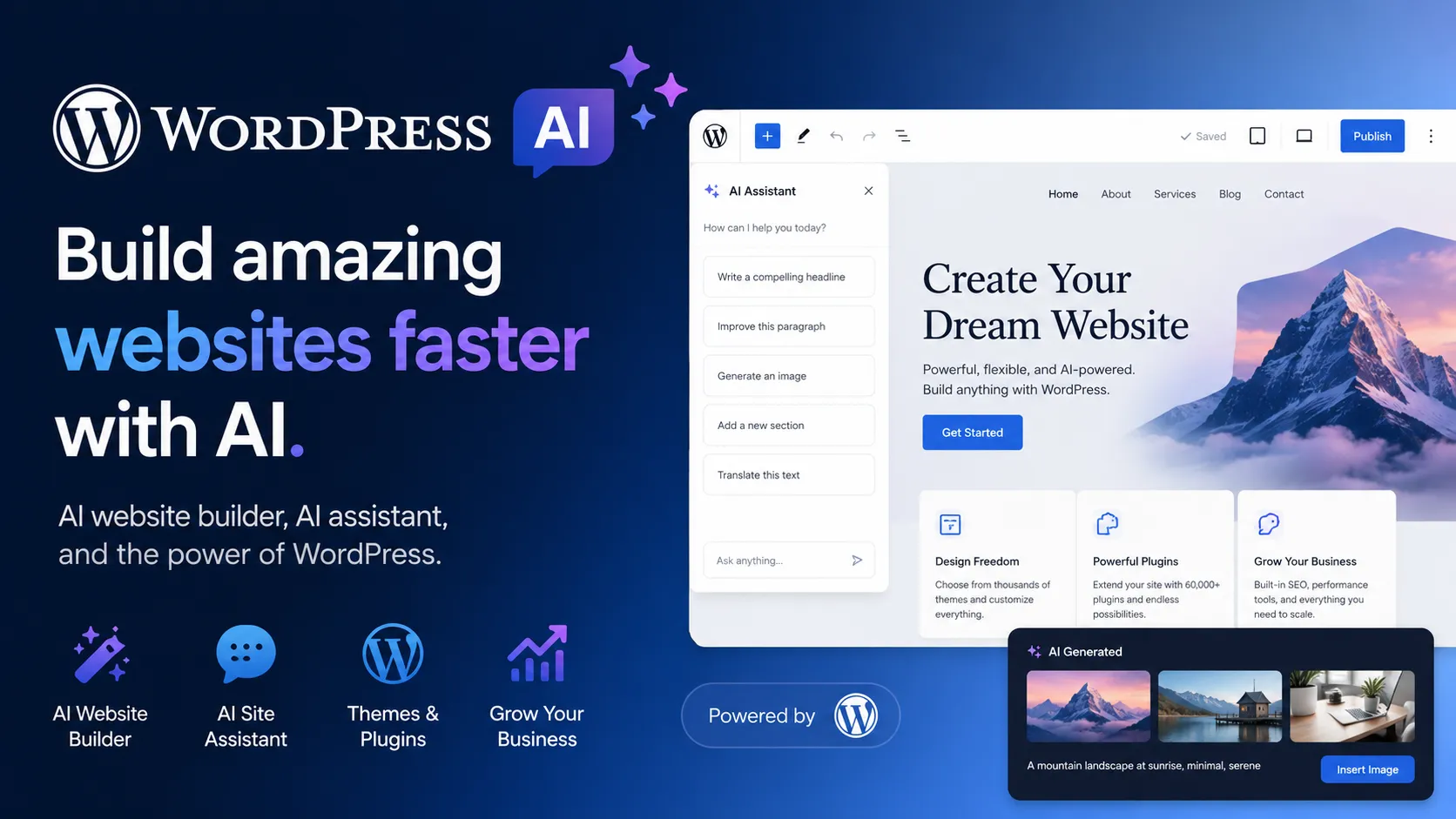
WordPress.com AI combines an AI website builder, site-aware AI assistant, and WordPress’s huge theme/plugin ecosystem. It is best for creators, businesses, publishers, and agencies that want AI-assisted site creation without leaving the WordPress platform.
WordPress.com AI is a strong choice when the goal is to create and manage a real WordPress website faster with AI, especially if long-term plugin, theme, blogging, SEO, and WooCommerce extensibility matter more than pure design-canvas simplicity.
Pricing Plans
WordPress.com Free
Free site creation and AI website builder trial flow; public launch of AI-built sites requires an eligible paid plan.
Personal
Custom domain, no visitor ads, 6 GB storage, guided AI website builder, plugins, and paid-plan AI assistant opt-in.
Premium
Adds 13 GB storage, premium themes, analytics, payment buttons, and paid-plan AI assistant opt-in.
Business
Adds 50 GB storage, 24/7 priority support, backups, SSH/SFTP, WP-CLI, GitHub deployments, and built-in site assistant.
Commerce
WooCommerce-focused plan for online stores, with commerce tools, payments, premium store themes, and built-in site assistant.
WordPress VIP Enterprise
Enterprise WordPress hosting and publishing platform for large organizations.
Jetpack AI Assistant
Optional AI content assistant for WordPress sites; first-year promotional pricing may apply.
Core Features
1AI Site Creation
- Prompt-based WordPress.com AI website builder
- Generates layouts, suggested images, content, and pre-filled sections
- Conversational editing for colors, text, sections, pages, images, and layouts
- Manual editing remains available through the WordPress Site Editor
2AI Assistant
- Site-aware AI sidebar inside the WordPress.com editor
- Content editing, rewriting, SEO clarity, translation, and title suggestions
- Image generation and editing through the Media Library
- Design and layout guidance without leaving WordPress
3WordPress Platform
- Block editor, themes, patterns, pages, posts, and media library
- Access to WordPress plugins on paid WordPress.com plans
- WooCommerce support for ecommerce after site creation
- Large WordPress ecosystem for SEO, analytics, forms, membership, LMS, and more
4Developer and Hosting Workflow
- Managed WordPress.com hosting with SSL, domains, backups, and performance features
- Business and Commerce plans include SSH/SFTP, WP-CLI, Git commands, and GitHub deployments
- Self-hosted WordPress.org sites can use Jetpack AI Assistant
- Enterprise WordPress available through WordPress VIP
5Publishing and Growth
- Blogging, newsletters, landing pages, portfolios, and business websites
- Premium themes, analytics, payment buttons, and email marketing on supported plans
- WooCommerce for stores and payments
- AI-assisted content and image generation for publishing workflows
Pros
- Built on the WordPress ecosystem instead of a closed one-off AI site builder.
- AI can generate a site quickly while preserving manual editing in the block editor.
- Huge plugin and theme ecosystem gives AI-built sites room to grow.
- Good fit for blogs, business sites, portfolios, landing pages, and content-heavy sites.
- Business and Commerce plans add developer-friendly tooling such as SSH, WP-CLI, and GitHub deployments.
Cons
- AI website builder is focused on blogs, portfolios, landing pages, and service sites rather than complex apps.
- Ecommerce and complex integrations are added after generation through plugins such as WooCommerce.
- WordPress.com AI features differ from self-hosted WordPress.org workflows.
- Plugin flexibility can introduce maintenance, security, and performance complexity.
- Not a traditional AI IDE or full-stack app generator.
Why Choose WordPress AI?
WordPress AI is most valuable because it adds AI to an ecosystem that already has long-term publishing depth. Many AI website builders can generate a first draft, but WordPress gives that draft a growth path: posts, pages, themes, plugins, SEO tools, analytics, forms, memberships, newsletters, ecommerce, and custom development workflows.
The key difference is that the AI output is not stranded inside a small proprietary site generator. A WordPress.com AI-built site becomes a WordPress site that can be edited manually, expanded with plugins on paid plans, and connected to the broader WordPress ecosystem. This makes it more attractive for users who want a fast start without losing future extensibility.
The newer WordPress AI Assistant also changes the workflow after launch. It is not only a one-time site generator. It can stay inside the editor and Media Library to help rewrite copy, translate sections, generate images, refine layouts, and suggest improvements while the site evolves.
Core Workflow
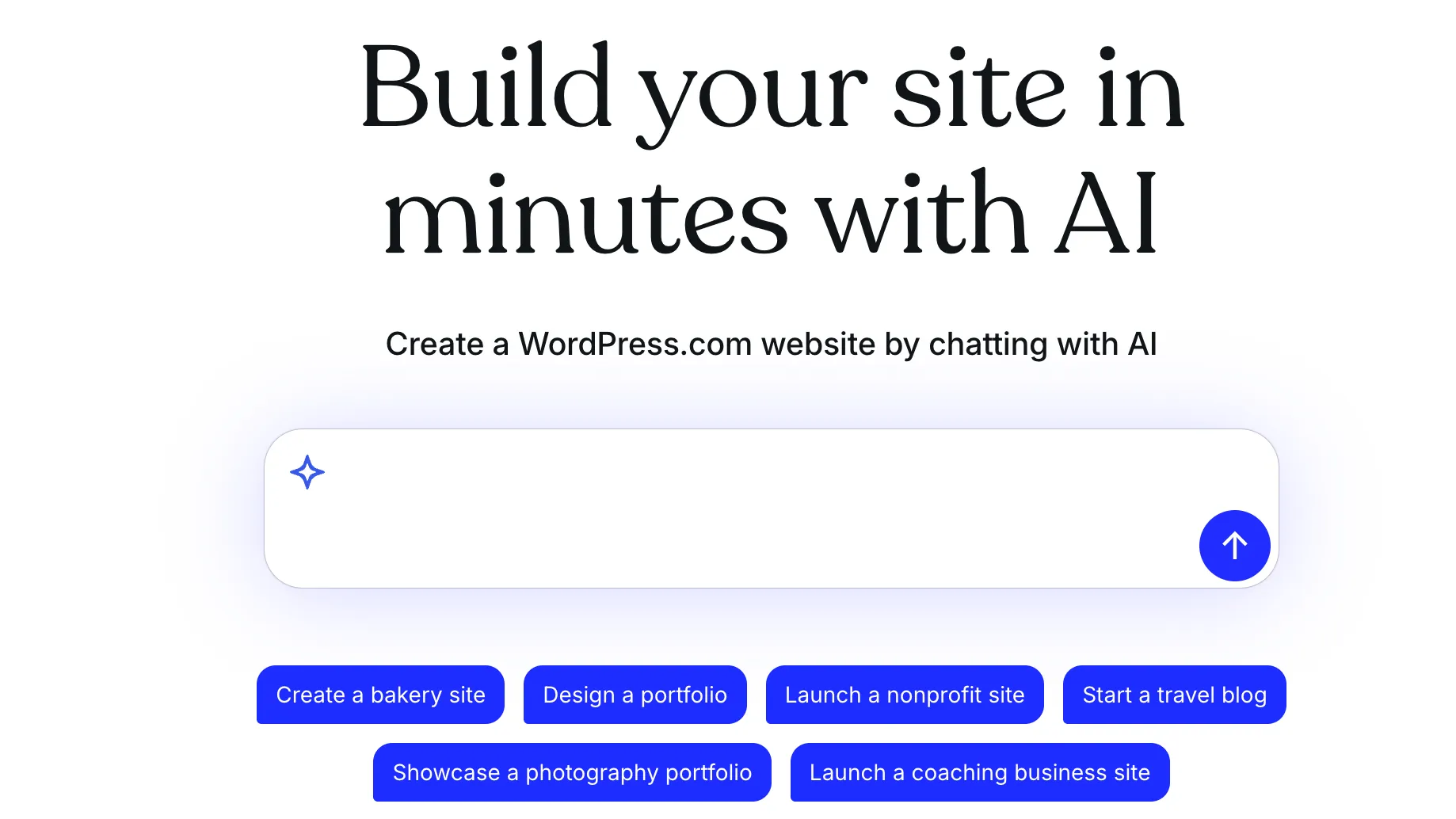
A typical workflow starts with the AI website builder. The user describes the site, answers follow-up questions, and lets WordPress.com generate a first version with layout, images, content, and sections. After that, the site can be refined conversationally or edited manually in the WordPress block editor.
This hybrid flow matters. AI is useful for escaping the blank page, but WordPress’s block editor remains the long-term editing layer. Users can continue changing sections, pages, navigation, images, and copy without being forced to regenerate the whole site.
For self-hosted WordPress.org sites, the workflow is different. The open-source WordPress core does not equal the WordPress.com AI builder. Self-hosted users typically add AI through Jetpack AI Assistant or third-party plugins, which means hosting, plugins, security, backups, and model-related privacy choices become the site owner’s responsibility.
Practical Use Cases
WordPress AI works well for personal blogs, portfolios, small business sites, service pages, landing pages, nonprofit pages, coaching sites, publisher sites, and content marketing websites. It is especially useful when the site owner wants the AI to produce a structured starting point rather than only text snippets.
It is also useful for ongoing editorial operations. Jetpack AI Assistant and the WordPress.com AI Assistant can help generate drafts, improve titles, summarize text, translate content, create images, produce tables, and adjust tone. These features fit naturally into blogging, documentation, newsletter, and SEO workflows.
For ecommerce, the best approach is to treat AI site generation as the starting layer, then add WooCommerce and store-specific plugins after the site is live. WordPress AI can help with the website foundation, but complex store setup, payments, taxes, shipping, product catalogs, and integrations still require WooCommerce configuration.
Comparison to Alternatives
Compared with Framer, WordPress AI is less design-native but much stronger as a long-term CMS and plugin ecosystem. Framer is often better for highly polished visual marketing sites. WordPress is stronger when blogging, plugins, SEO tooling, ecommerce, and ownership matter.
Compared with Webflow, WordPress AI offers easier access to the WordPress plugin universe and a more familiar publishing model for many content teams. Webflow may provide more precise visual design control out of the box, while WordPress has a broader ecosystem for content, plugins, and hosting choices.
Compared with Wix Studio or Squarespace, WordPress AI can feel more flexible but also more complex. Wix and Squarespace are often easier for users who want a closed, managed builder experience. WordPress is better for users who expect the site to grow into a blog, store, membership site, directory, or plugin-powered business system.
Compared with Lovable, v0, or Replit Agent, WordPress AI is not trying to generate a custom software product. Those tools are better for full-stack app prototypes and code-centric builds. WordPress AI is better for publishing, content, websites, and ecommerce foundations.
Best Configuration
For a simple site, start with WordPress.com AI Website Builder and publish on Personal or Premium. This gives a fast path to a public website while keeping hosting and editing simple.
For business sites that need plugins, backups, SEO plugins, analytics, custom forms, GitHub deployments, or developer access, Business is the more practical plan. Commerce is the better starting point when WooCommerce is central rather than optional.
For self-hosted sites, use Jetpack AI Assistant carefully. The WordPress.org route gives more infrastructure control, but it also means the owner is responsible for hosting quality, plugin compatibility, security updates, performance, backups, and AI plugin data handling.
For enterprise publishers, WordPress VIP should be treated as a different buying decision. It is not simply “WordPress AI with a bigger price.” It is an enterprise platform for high-scale publishing, governance, security, performance, and support.
Migration Notes
WordPress AI is easiest to adopt for new sites or redesigns where the current structure is still flexible. The AI website builder is designed for new site creation, so existing WordPress sites may need different AI assistant or editor workflows rather than a full AI rebuild.
Migration from closed builders should start with content and URL structure. Map pages, posts, redirects, SEO metadata, images, forms, analytics, and plugin needs before recreating the visual layer. The biggest migration mistake is treating the AI-generated design as the whole project while ignoring search traffic, content structure, and integrations.
Migration from an existing WordPress site should be more conservative. Keep the current theme, plugins, custom post types, forms, and ecommerce setup in mind before enabling AI-driven design changes. AI is best used to accelerate sections, copy, images, and layout refinements—not to blindly overwrite a working production site.
Best For
- AI-generated WordPress websites
- Blogs and publisher sites
- Small business websites
- Portfolio websites
- Landing pages and service pages
- Content marketing sites
- WooCommerce stores that need a WordPress foundation
- Creators who want AI help but still want WordPress ownership and plugin extensibility
- Agencies building client sites on WordPress.com or WordPress hosting
Not Ideal For
- Full-stack SaaS applications
- Teams looking for a code-first AI IDE
- Internal tools connected directly to production databases
- Highly custom frontend products that require complete source-code control
- Users who want a closed, simplified builder with no plugin maintenance decisions
- Complex ecommerce or integration-heavy sites that must be generated entirely by AI in one step
Privacy Notes
WordPress.com AI tools are optional and must be enabled by the site owner on eligible plans. AI website generation and assistant features may process site prompts, content, media, layout context, and editing instructions. Self-hosted WordPress users should evaluate Jetpack AI Assistant and any third-party AI plugins separately, including data handling, request limits, model providers, plugin permissions, and hosting environment security.
Alternatives
Sources
Update History
- Jun 26, 2026: Checked WordPress.com AI Website Builder, AI builder support docs, WordPress.com pricing, WordPress AI Assistant announcements, Jetpack AI Assistant, WordPress.org, WordPress Studio, and WordPress VIP sources.
Related Tools
More listings in a similar part of the directory.



WordPress AI Articles
Guides, comparisons, and launch notes connected to this listing.