The editor is free for private and commercial use.
Copilot Free$0
Optional GitHub Copilot access with monthly limits on suggestions and AI usage.
Paid AI servicesVaries
Copilot subscriptions, third-party agents, hosted models, and provider API usage are billed separately.
Pricing checked: Aug 14, 2026 · Subscription, usage limits, and model costs may be billed separately.
Features & details
Agent-first workflows
Run local, background, cloud, and third-party agents
Track several agent sessions across workspaces
Hand work between agent-first and code-first views
Open AI integration
Native Model Context Protocol support
Bring API keys and choose models from multiple providers
Define custom agents, instructions, prompts, and reusable skills
Full development environment
IntelliSense, debugging, terminals, tasks, and source control
Large extension marketplace
Remote development, browser access, and language tooling
Visual Studio Code Review
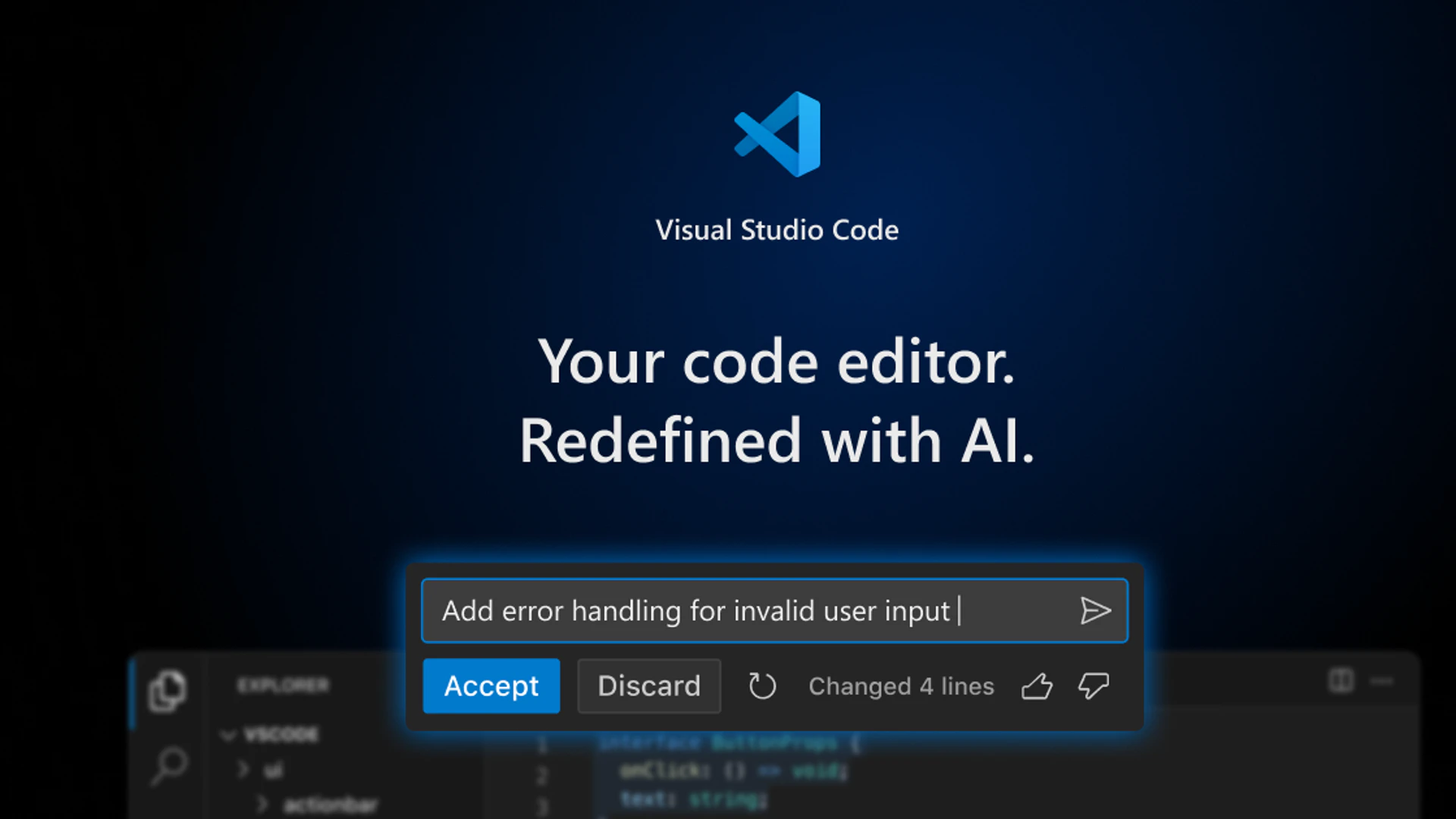
Visual Studio Code is Microsoft’s free cross-platform code editor and an increasingly agent-first development host with built-in local, background, cloud, and third-party agent sessions, model choice, custom agents, skills, and native MCP support.
What Visual Studio Code Is
The mainstream code editor that now acts as an open orchestration surface for first-party and third-party AI coding agents.
Core Capabilities
Agent-first workflows
Run local, background, cloud, and third-party agents
Track several agent sessions across workspaces
Hand work between agent-first and code-first views
Open AI integration
Native Model Context Protocol support
Bring API keys and choose models from multiple providers
Define custom agents, instructions, prompts, and reusable skills
Full development environment
IntelliSense, debugging, terminals, tasks, and source control
Large extension marketplace
Remote development, browser access, and language tooling
Best Use Cases
Developers standardizing on one agent host
Teams using Copilot and third-party agents
MCP-based coding workflows
Polyglot development
Users who need mature debugging and extensions
Pricing
Visual Studio Code: $0 — The editor is free for private and commercial use.
Copilot Free: $0 — Optional GitHub Copilot access with monthly limits on suggestions and AI usage.
Paid AI services: Varies — Copilot subscriptions, third-party agents, hosted models, and provider API usage are billed separately.
Pricing and availability can change. These details were checked against official sources on 2026-08-14.
Advantages
A familiar editor can host many coding-agent workflows without forcing a new IDE
Native MCP, custom agents, skills, and model choice reduce integration friction
Excellent language, debugging, terminal, and extension ecosystem
Free editor with broad desktop and web availability
Limitations
The Microsoft VS Code distribution is built on Code - OSS but uses a separate product license
Advanced AI usage usually depends on Copilot or external paid providers
Extensions and MCP servers expand the security and supply-chain surface
Agent features change quickly and may depend on preview settings or organization policy
Privacy and Operational Notes
Agent sessions can expose repository files, terminal output, prompts, secrets, and connected MCP data to the selected provider. Review workspace trust, extension permissions, model-provider terms, telemetry, and agent approval settings.
Visual Studio Code Alternatives
The most relevant comparison set is Cursor, Windsurf, Zed AI, VSCodium, Theia IDE. Compare products by execution model, integration surface, security controls, deployment model, maintenance burden, and total usage cost.
Verdict
Visual Studio Code is the broadest default host for teams that want mature editing tools plus flexible local, cloud, and third-party coding agents in one workspace.
Agent sessions can expose repository files, terminal output, prompts, secrets, and connected MCP data to the selected provider. Review workspace trust, extension permissions, model-provider terms, telemetry, and agent approval settings.