

Mendix
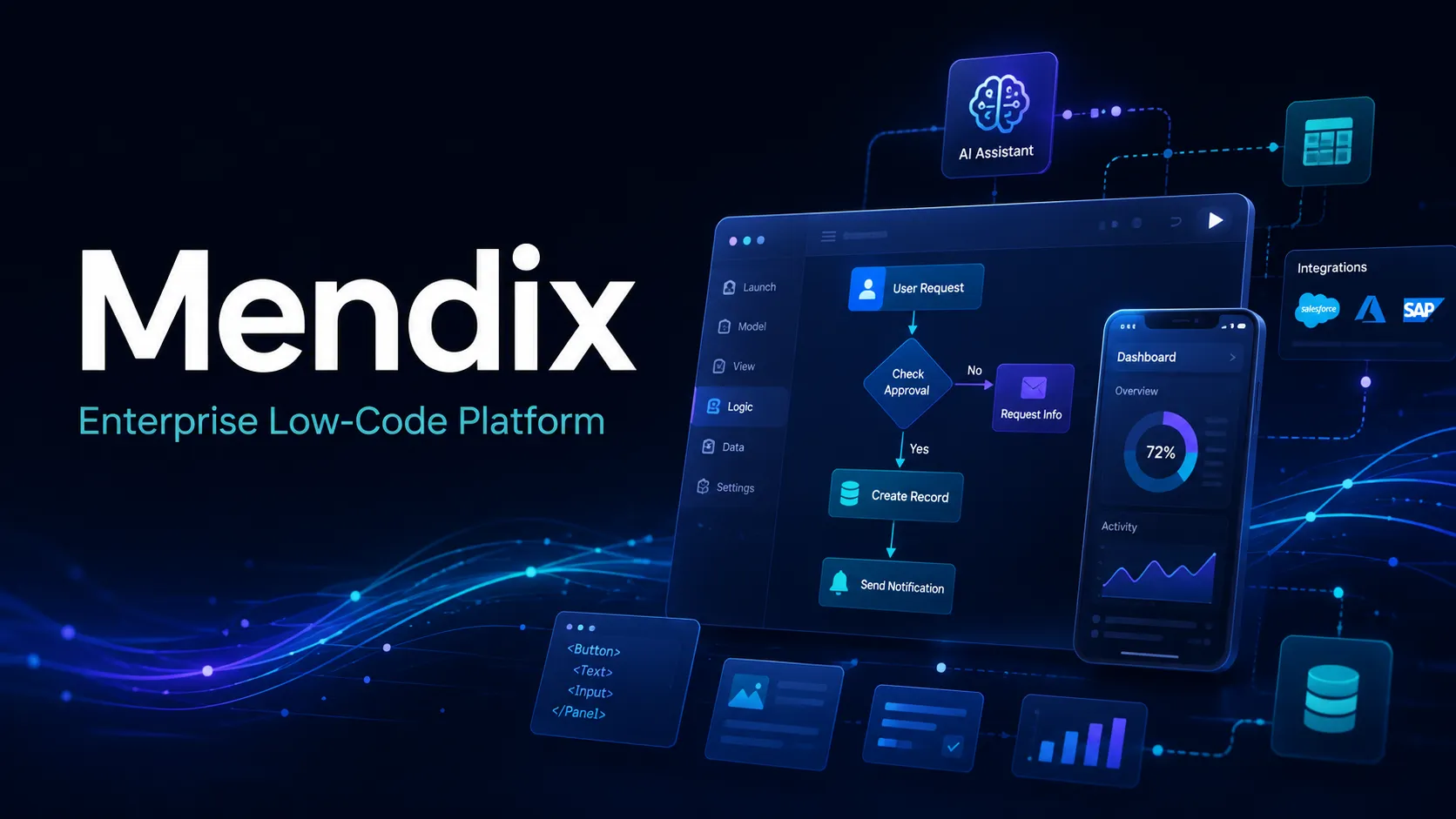
Mendix is an enterprise low-code application development platform for building, deploying, and governing business apps with AI-assisted model-driven development.
Information checked: Jul 2, 2026 ·View sources
Tool details
- Type
- Developer workflows
- Platforms
- Windows, macOS, Web, Mendix Cloud, Private Cloud, Third-party cloud, SAP BTP, Web apps, Progressive Web Apps, Native mobile apps
- Free plan
- Yes
- Open source
- No
- Bring your own key
- Yes
- Local models
- No
Overview
Best for
- Enterprise teams building internal business applications
- Workflow automation and process-heavy applications
- Organizations modernizing legacy systems with low-code delivery
- Teams that need governed collaboration between business users and professional developers
- Companies already invested in Siemens, SAP, or enterprise cloud ecosystems
- AI-assisted low-code development with centralized lifecycle controls
Strengths
- Strong fit for enterprise business applications and workflow-heavy systems.
- Model-driven development helps business and IT teams collaborate on app logic.
- Maia adds AI-assisted generation, explanation, and refactoring inside the Mendix workflow.
- Broad deployment options support cloud, private cloud, SAP BTP, and governed enterprise environments.
- More lifecycle and governance depth than most lightweight no-code or vibe-coding tools.
Limitations & trade-offs
- Solo developers looking for a lightweight AI code editor
- Prompt-to-app hobby projects that need cheap and simple deployment
- Teams that require full source-code ownership and framework-level control
- Consumer apps with highly bespoke front-end interactions
- Organizations that do not want platform licensing or vendor-specific runtime dependencies
- Not an AI code editor or general-purpose coding assistant.
- Pricing can become expensive for production and enterprise-scale deployments.
- Studio Pro and model-driven development require platform-specific learning.
- Highly custom UI, unusual architecture, or deep framework-level control may be harder than traditional coding.
- Best suited to organizations willing to standardize on the Mendix runtime and ecosystem.
Get started
Pricing & usage limits
Official pricingFree tier available
Try the platform, build apps, and deploy on the free Mendix Cloud tier.
Entry plan for simple workgroup applications; Unlimited Apps pricing starts at $60/month.
Department-wide business application plan; Unlimited Apps pricing starts at $2,725/month.
Mission-critical core systems plan with expanded enterprise, deployment, governance, and support options.
Pricing checked: Jul 2, 2026 · Subscription, usage limits, and model costs may be billed separately.
Features & details
Model-Driven App Development
- Visual domain models, pages, microflows, workflows, and data logic
- Studio Pro low-code IDE for professional developers
- Reusable modules, templates, and Marketplace components
- Custom code extension points for advanced requirements
AI Assistance with Maia
- AI chat and development guidance inside Studio Pro
- Generate app structures from text descriptions, images, or PDFs
- Create and modify domain models, pages, microflows, workflows, and related artifacts
- MCP and custom AI provider support for advanced AI-assisted workflows
Deployment & Runtime
- Deploy to Mendix Cloud, private cloud, third-party clouds, or SAP BTP
- Support for web, PWA, native mobile, and workflow applications
- Versioning, branch management, testing, and deployment tooling
- Monitoring and environment management through the Mendix platform
Enterprise Governance
- Centralized portfolio governance and auditability
- Role-based security and application access controls
- Private Marketplace for internal component reuse
- Enterprise deployment, compliance, and support options
Why Choose Mendix?
Mendix is most compelling when software delivery is an organizational problem, not just an individual developer productivity problem. Its core value is not autocomplete or code generation in a traditional IDE. It is a governed way to model, build, deploy, and maintain business applications across teams that include professional developers, business analysts, process owners, and IT leadership.
The platform’s AI direction reinforces that positioning. Maia is designed to work inside the Mendix application model, so AI assistance produces artifacts that remain part of the governed low-code project rather than loose snippets of code. This makes Mendix more relevant for enterprise modernization and workflow applications than for quick consumer prototypes or open-ended app experiments.
Core Workflow
A typical Mendix workflow starts with a business problem, domain model, process, or user story. Teams model the data, pages, logic, workflows, integrations, and security in Studio Pro, then test and deploy the application through the Mendix lifecycle. Maia can accelerate early drafting and later maintenance by generating, explaining, or modifying model-driven artifacts.
The biggest workflow difference compared with code-first AI tools is that Mendix encourages application logic to live in platform models. That can make collaboration and governance easier, but it also means teams must learn the Mendix way of structuring applications. The platform is productive when the team accepts that model-driven development is the source of truth, not merely a temporary scaffold.
Use Cases
Mendix fits internal portals, approval workflows, operational dashboards, field-service apps, case-management systems, compliance tools, modernization projects, and department-level business systems. It is especially useful when process knowledge sits with business teams but production responsibility remains with IT.
The platform is less natural for highly customized consumer interfaces, game-like experiences, low-level infrastructure tools, or products where the engineering team wants complete control over every framework, build step, and runtime detail. In those cases, a conventional codebase with an AI code editor may be more flexible.
Comparison to Alternatives
Compared with OutSystems, Mendix is usually evaluated as a peer enterprise low-code platform. The decision often comes down to existing architecture, developer experience, pricing structure, deployment preference, partner ecosystem, and governance needs. Both require a serious platform commitment rather than casual adoption.
Compared with Microsoft Power Apps, Mendix is a stronger fit when the application portfolio needs to extend beyond the Microsoft ecosystem or when model-driven enterprise software delivery is the central requirement. Power Apps can be easier for organizations already standardized on Microsoft 365, Dataverse, and Power Platform governance.
Compared with Appian, ServiceNow App Engine, and Pega, Mendix often competes in workflow-heavy enterprise transformation. The right choice depends on whether the project is primarily custom application development, case management, IT service workflows, decisioning, process automation, or CRM-adjacent operations.
Best Configuration
For new teams, the safest starting point is a bounded business application with clear users, data ownership, and measurable workflow value. Avoid beginning with a mission-critical replacement before the team has learned Studio Pro, domain modeling, integration patterns, security roles, deployment, and release management.
For enterprise rollout, define governance early. Decide who can create apps, who reviews reusable modules, how environments are separated, how integrations are approved, and how platform costs are allocated. Mendix works best when it is treated as a managed application platform rather than an uncontrolled shadow-IT tool.
Migration Notes
Migrating into Mendix is usually not a direct code conversion exercise. Legacy applications should be decomposed into business capabilities, workflows, data objects, integration boundaries, and user roles before rebuilding. This discovery phase matters because blindly recreating old screens can preserve outdated process problems inside a new platform.
Teams should also plan for exit and interoperability. Important data should remain accessible through APIs, exports, or shared systems of record. Custom Java, JavaScript, external services, and integration layers can help extend Mendix, but they also introduce maintenance boundaries that should be documented before the application becomes business-critical.
Model support & data privacy
Supported models
- Mendix Platform AI service
- Amazon Bedrock
- OpenAI Compatible
- Claude Sonnet 4.6
Privacy & data handling
Mendix Maia documentation states that Maia does not use project, customer, company, or user-entered data for model training and operates on pre-trained large language models. However, Maia features may send data to third-party services, and some usage data settings apply only to Studio Pro capabilities; teams should review Maia privacy, usage data, custom provider, audit, retention, and deployment-region settings before using sensitive business data.
Guides, reviews & fixes
View allNo published guides yet. Start with the official documentation above.
Product updates
No verified product updates listed yet. Follow this tool to see new relevant content in Saved.
See the content timelineAlternatives
Sources & verification
Verification dates record when this directory checked the information. Product release dates appear separately above.
Directory revision history
Created directory profile and checked current official pricing, Maia AI Assistance, Maia Make capabilities, custom AI provider support, Studio Pro platform support, deployment options, and enterprise governance positioning.