Shopify AI
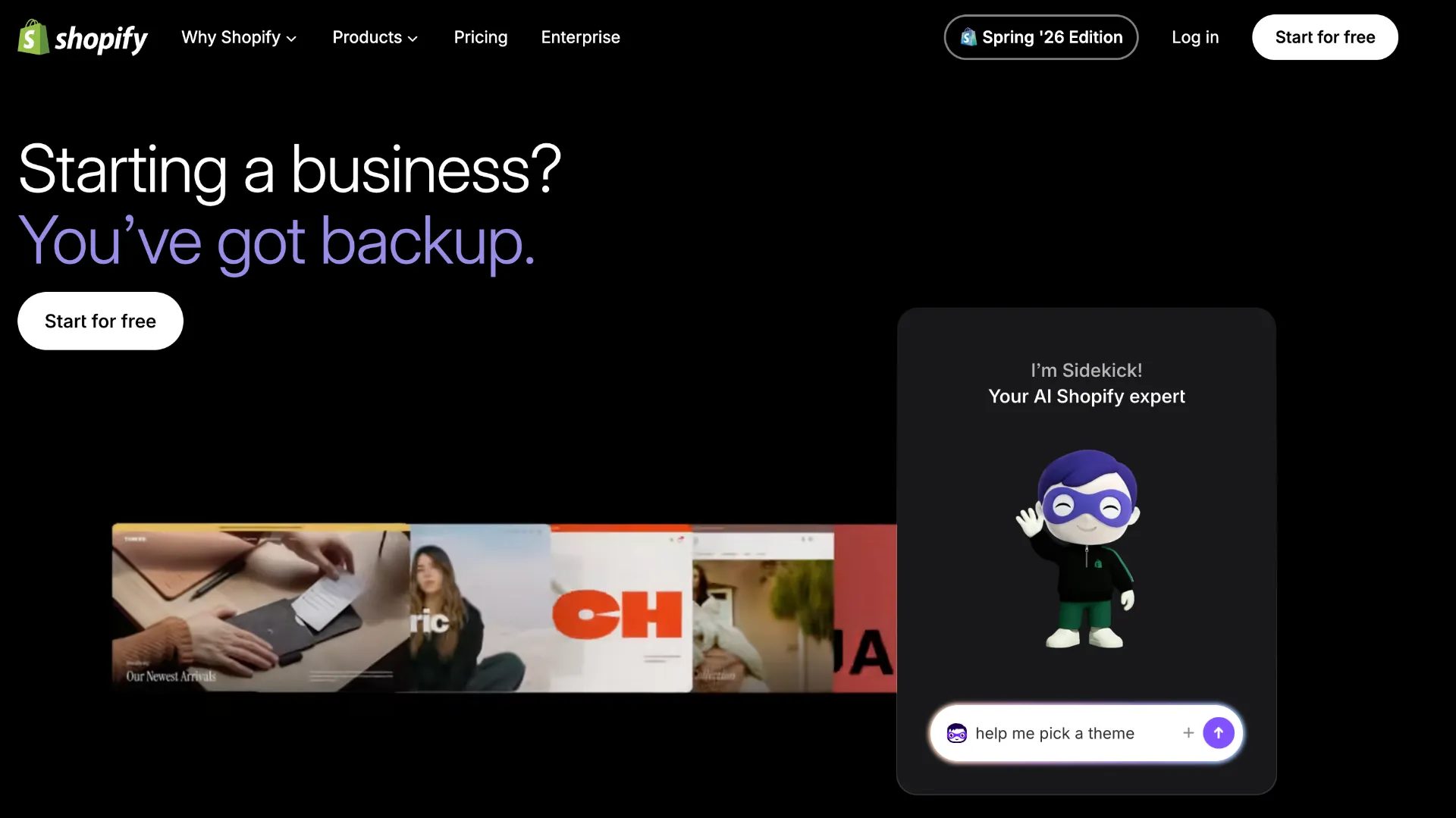
Shopify AI combines Shopify Magic, Sidekick, AI storefront creation, AI-generated content, media tools, agentic commerce, and developer-facing commerce AI APIs. It is best for merchants and developers building AI-assisted ecommerce workflows on top of Shopify’s commerce platform.
Shopify AI is a strong choice when the goal is to run and grow an ecommerce business with AI assistance inside the commerce platform itself; it is less suitable when the project is a general-purpose app, a self-hosted store, or a code-first AI development workflow.
Pricing Plans
Free trial
Shopify starts with a free trial; promotional first-month pricing may be available depending on region and campaign.
Basic
For solo entrepreneurs, with online store, AI assistant for commerce, AI website building, themes, checkout, and selling in AI chats.
Basic monthly
Monthly billing option for the Basic plan.
Grow
For small teams, with Basic features, up to 5 staff accounts, lower third-party payment provider fees, and Sidekick app generation eligibility.
Grow monthly
Monthly billing option for the Grow plan.
Advanced
For global reach, with Grow features, up to 15 staff accounts, live third-party shipping rates, regional store tailoring, and app generation eligibility.
Advanced monthly
Monthly billing option for the Advanced plan.
Plus
For complex businesses needing high-volume checkout, unlimited staff accounts, customizable checkout, B2B catalogs, expansion stores, higher API limits, and priority support.
POS Pro add-on
Optional point-of-sale add-on for advanced in-person retail operations.
Core Features
1Merchant AI Assistant
- Sidekick AI assistant works inside Shopify admin with store context
- Natural-language help for store tasks, analytics, orders, products, and admin workflows
- Presents changes for merchant review before applying them
- Supports text chat, voice, screen sharing, saved prompts, and personalized memory
2AI Content and Media
- Shopify Magic text generation for product descriptions, pages, blog posts, emails, and Inbox replies
- AI-generated images for hero banners, marketing materials, and blog visuals
- Product image background removal and media editing tools
- AI-generated SEO, marketing, and storefront copy across admin workflows
3AI Store and App Building
- AI storefront creation from prompts or templates
- Shopify Magic theme generation and theme block generation
- Sidekick-generated internal admin apps on eligible plans
- App editor for reviewing, refining, previewing, versioning, and installing generated admin apps
4Commerce AI Infrastructure
- Agentic storefronts for product discovery and purchases in AI channels
- Storefront MCP for connecting AI assistants to product catalog, cart, checkout, policies, and order flows
- Sidekick app extensions for exposing app data and safe actions to Shopify’s AI assistant
- Admin API, Storefront API, Functions, webhooks, and app extensions for commerce developers
5Commerce Platform
- Online store, checkout, products, inventory, orders, shipping, analytics, and payments
- Themes, app store, Shopify Collective, POS, B2B, and international selling tools
- Shopify Plus features for checkout customization, expansion stores, bot protection, and higher API limits
- Managed hosting, PCI-compliant checkout, and global commerce infrastructure
Pros
- AI features are embedded directly into Shopify commerce workflows instead of being a separate generic chatbot.
- Sidekick has store context and can help with products, orders, analytics, admin tasks, and generated apps.
- Shopify Magic covers practical ecommerce content, image, theme, and marketing tasks.
- Storefront MCP and agentic commerce make Shopify unusually relevant for AI shopping agents.
- Strong fit for merchants who want AI help without leaving their ecommerce operating system.
Cons
- Not a general-purpose AI IDE or full-stack app builder.
- Generated Sidekick apps are limited to Shopify admin use and cannot access themes, checkout, or customer account apps.
- Advanced commerce customization still requires Shopify development expertise.
- AI outputs need review, especially for SEO, product claims, policy content, pricing, and customer-facing copy.
- Some AI, app generation, Plus, and agentic commerce features depend on plan, eligibility, region, device, or rollout status.
Why Choose Shopify AI?
Shopify AI is different from a generic AI website builder because it sits inside a commerce operating system. The AI does not only help write a homepage. It can assist with products, orders, analytics, store setup, content, media, theme blocks, admin workflows, and developer-facing commerce integrations.
That matters because ecommerce work is operational. A merchant needs product copy, inventory decisions, order handling, discounts, analytics, customer messaging, storefront updates, and marketing assets. Shopify AI is valuable when those tasks happen in Shopify already, because Sidekick and Shopify Magic can work close to the store context instead of forcing the merchant to copy data into an external chatbot.
The developer story is also increasingly important. Storefront MCP and Sidekick app extensions position Shopify as infrastructure for AI commerce agents, not just a merchant-facing SaaS platform. Developers can build AI shopping experiences that search catalogs, manage carts, answer policy questions, and connect app data into Sidekick workflows.
Core Workflow
A typical Shopify AI workflow starts in the Shopify admin. A merchant can ask Sidekick for help, generate product copy, create a page, analyze sales, edit products, generate images, or get guidance on a store task. Sidekick presents changes for review rather than silently applying them, which is important because store data and customer-facing commerce actions have real business consequences.
For storefront creation, Shopify can spin up a store from a prompt or template, then the merchant can refine themes, sections, product pages, navigation, and checkout settings. Shopify Magic can also generate theme blocks by creating Liquid code from a prompt, which gives non-technical merchants a way to add custom storefront sections without writing code manually.
For internal tooling, Sidekick can generate admin apps on eligible plans. These apps are useful for merchant operations, but they are intentionally scoped. They work inside the Shopify admin and have limitations around what they can access. This makes them closer to generated operational tools than general-purpose customer-facing applications.
Practical Use Cases
Shopify AI works best for merchants who already sell through Shopify or plan to use Shopify as their commerce base. Strong use cases include generating product descriptions, creating blog posts, improving email copy, editing product images, generating hero banners, analyzing reports, creating discounts, managing tasks, building internal admin helpers, and preparing a new store for launch.
For larger merchants, the most interesting use case is not only content generation but operational acceleration. Sidekick can help interpret store performance, surface next steps, work with third-party app extensions, and support longer admin tasks that continue in the background until they are ready for review.
For developers, Storefront MCP is the most strategically important layer. It creates a standardized way for AI assistants to interact with Shopify store catalogs, carts, checkout flows, policies, and order-related information. This makes Shopify relevant to AI shopping agents and agentic commerce channels beyond the normal web storefront.
Comparison to Alternatives
Compared with Wix Studio and Squarespace, Shopify AI is more commerce-native. Wix Studio and Squarespace are broader website builders with ecommerce features; Shopify starts from commerce and adds AI around store operations, checkout, products, inventory, and sales channels.
Compared with WordPress AI plus WooCommerce, Shopify AI is more managed and commerce-operational out of the box. WordPress offers more open-ended plugin flexibility and ownership, but Shopify reduces the burden of hosting, checkout infrastructure, payment compliance, and ecommerce maintenance.
Compared with Framer or Webflow, Shopify AI is less about visual design freedom and more about selling. Framer and Webflow can create more bespoke marketing experiences, while Shopify is stronger when the site must manage products, checkout, fulfillment, payments, and commerce workflows.
Compared with Lovable, v0, or Replit Agent, Shopify AI is not primarily for generating arbitrary software. It is best when the application is ecommerce and the data model is the Shopify store. General app builders can generate broader prototypes, but they do not provide Shopify’s commerce backend, checkout, app ecosystem, or merchant admin context.
Best Configuration
Basic is the practical starting point for solo merchants who want Shopify’s AI assistant, storefront creation, content tools, checkout, and selling in AI chats. Grow becomes more relevant when a team needs staff accounts and Sidekick-generated admin apps.
Advanced is the plan to evaluate for international growth, regional store tailoring, live third-party shipping rates, and more advanced reporting or team needs. Plus is the right discussion when the business needs checkout customization, B2B catalogs, expansion stores, bot protection, higher API limits, unlimited staff accounts, and enterprise-scale support.
For AI use, merchants should establish review rules. Product claims, shipping promises, return policies, discount logic, pricing, SEO content, and customer-facing messages should be checked before publishing. AI can accelerate store operations, but it should not replace merchant accountability.
For developers, the best configuration depends on the goal. Use Sidekick app extensions when you want your app’s data and actions to surface inside Shopify’s merchant AI assistant. Use Storefront MCP when you are building customer-facing AI shopping experiences that need product discovery, cart management, policy answers, and checkout handoff.
Migration Notes
Shopify AI is most useful during migration when it helps with product copy, store setup tasks, image preparation, page content, SEO descriptions, report interpretation, and migration checklists. It can reduce repetitive work, but it does not remove the need to plan products, variants, redirects, taxes, shipping, fulfillment, payments, and app replacements carefully.
Migration from WooCommerce or BigCommerce should start with the commerce model: products, variants, collections, customers, orders, redirects, apps, shipping rules, tax settings, payment providers, and checkout requirements. AI can help draft and organize, but the merchant or developer still needs to validate data quality.
Migration from Wix, Squarespace, Webflow, or Framer is different. Those platforms often hold the marketing site identity, while Shopify becomes the commerce engine. The safest path is to separate the storefront design decision from the commerce operations decision: decide whether Shopify should own the whole site, only the store, or a headless commerce backend connected to a custom frontend.
Best For
- AI-assisted ecommerce store creation
- Product description and marketing copy generation
- Merchant operations inside Shopify admin
- AI-assisted analytics, orders, products, and store tasks
- AI-generated internal admin apps for Shopify stores
- Product image editing and marketing asset generation
- Agentic commerce and AI shopping experiences
- Developers building Shopify apps that expose data or actions to Sidekick
- Developers connecting AI assistants to Shopify catalogs, carts, checkout, and policies through Storefront MCP
Not Ideal For
- Developers looking for a local AI code editor like Cursor or Windsurf
- General-purpose SaaS app generation outside ecommerce
- Teams that need self-hosted ecommerce infrastructure
- Merchants that need fully custom checkout without Shopify Plus
- Developers who need generated app code to run outside Shopify admin
- Stores that require AI to autonomously change live business data without human approval
- Projects that require open-source ownership of the commerce platform
Privacy Notes
Shopify AI features operate inside Shopify’s hosted commerce platform and may use store context, product data, order data, policies, media, prompts, analytics, or app context depending on the feature. Sidekick presents changes for merchant review before applying them, and Shopify states Sidekick cannot share private information or data from other merchants. Developers and merchants should review Shopify’s AI docs, app permissions, subprocessors, privacy settings, generated app permissions, agentic storefront settings, and third-party app access before using AI workflows with sensitive store or customer data.
Alternatives
Sources
Update History
- Jun 26, 2026: Checked Shopify pricing, Shopify Magic, Sidekick, Sidekick app generation, media generation, theme block generation, agentic storefronts, Storefront MCP, Sidekick app extensions, Shopify APIs, and Shopify Plus documentation.
Related Tools
More listings in a similar part of the directory.





Shopify AI Articles
Guides, comparisons, and launch notes connected to this listing.