

Manus
Manus sits between an autonomous AI agent, prompt-to-app builder, research assistant, and workflow automation platform for users who want finished outputs rather than editor-only code suggestions.
Information checked: Aug 14, 2026 ·View sources
Tool details
- Type
- App builders
- Platforms
- Web, Desktop app, Mobile app, Slack, API, Browser Operator
- Free plan
- Yes
- Open source
- No
- Bring your own key
- No
- Local models
- No
Overview
Best for
- Building simple websites or web apps from prompts and files
- Turning research, spreadsheets, documents, or slides into publishable outputs
- Automating multi-step business workflows across browser, files, and integrations
- Teams that want shared AI workspaces with admin controls
- Users who prefer outcome-based delegation over editing code line by line
Strengths
- More autonomous than a normal chat-based coding assistant.
- Good fit for outcome-driven tasks such as research-to-site, deck-to-app, or file-to-website workflows.
- Includes developer escape hatches such as code download and GitHub sync.
- Supports broad integrations through MCP, Zapier, Slack, Browser Operator, and API access.
- Projects help reuse instructions, files, and context across repeated workflows.
- Team plan includes admin, privacy, and collaboration controls.
Limitations & trade-offs
- Developers who need a local AI-native code editor
- Large production codebases requiring strict review, tests, and CI discipline
- Users who need open-source self-hosting
- Teams that require local-only model execution
- Highly sensitive workflows where external browser or app access is not acceptable
- Not a traditional code editor, so it may not replace Cursor, VS Code, or JetBrains for daily editing.
- Credit usage can be harder to predict for long or complex autonomous tasks.
- Live WebDev hosting and Cloud Computer usage may create additional costs beyond the subscription.
- Autonomous browser and connected-app workflows require careful permission and data review.
- Generated code and research outputs still need human verification before production use.
- Local model and BYOK model routing are not positioned as core product features.
Get started
Pricing & usage limits
Official pricingFree tier · From $20 · Check billing period
Free$0 / month
Includes Chat Mode, Manus 1.6 Lite in Agent Mode, 300 daily refresh credits, 1 concurrent task, and 2 scheduled tasks.
ProFrom $20 / month
Starts at 4,000 monthly credits, includes Manus 1.6 Max, Manus 1.6, Manus 1.6 Lite, advanced research, website deployment, slides, Wide Research, and higher task limits.
Pro Higher Credit TierFrom $40 / month
Starts at 8,000 monthly credits and includes a 7-day free trial according to the official Help Center.
TeamFrom $20 / seat/month
Includes Pro capabilities plus shared team credits, SSO, usage analytics, access controls, data training opt-out, and shared slide templates.
Cloud ComputerFrom $10 / month
Optional persistent Ubuntu cloud server tier for long-running services, bots, scrapers, APIs, and hosted workloads.
WebDev UsageUsage-based
Published web applications can incur separate hosting, database, AI feature, integration, and API usage charges.
Pricing checked: Jun 24, 2026 · Subscription, usage limits, and model costs may be billed separately.
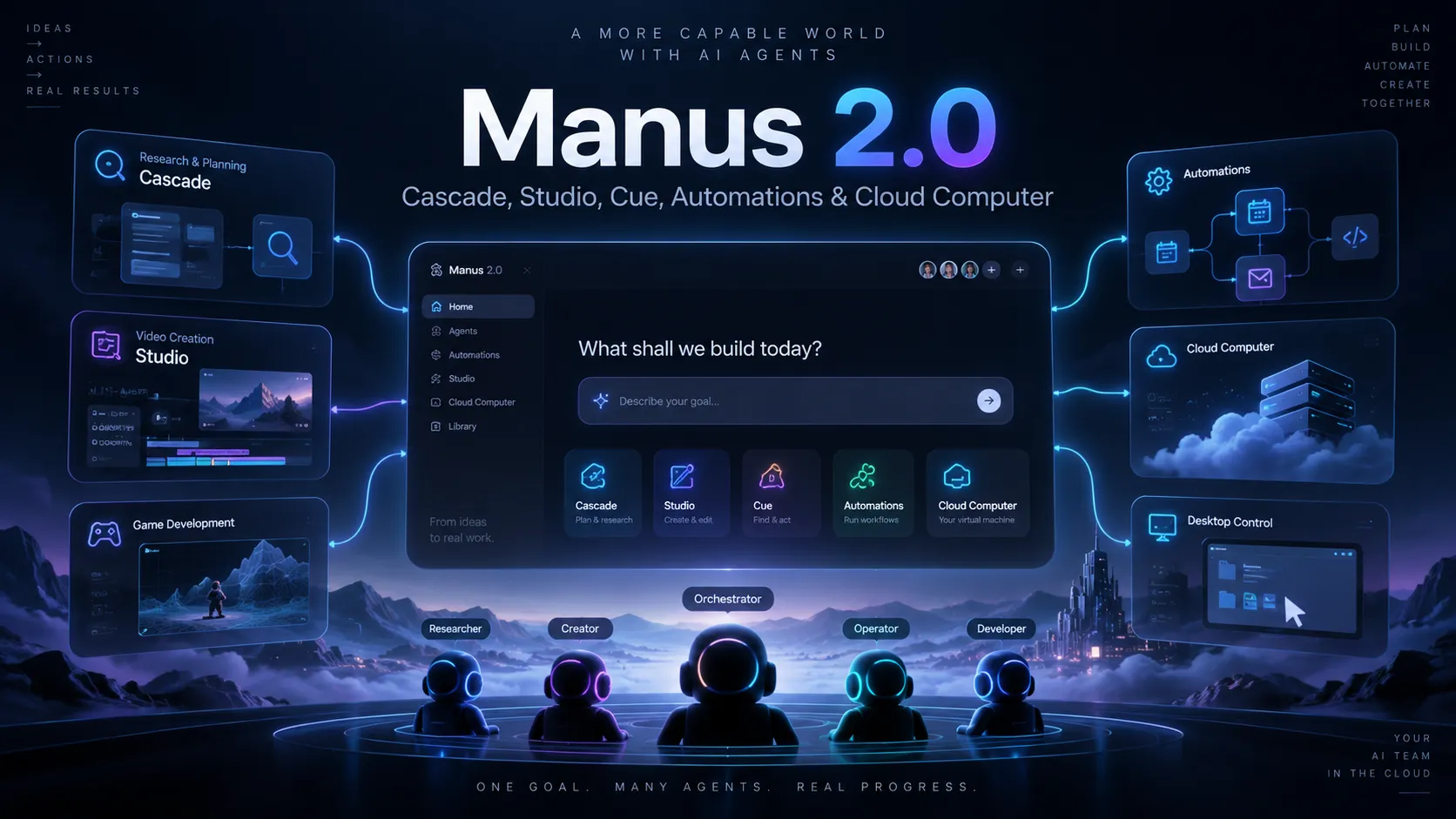
Manus 2.0 Explained: Cascade, Studio, Cue, Automations, Pricing, and What Actually ChangedFeatures & details
Autonomous Agent Workspace
- Plans and executes multi-step tasks
- Sandboxed virtual computer with internet access
- Persistent Projects with shared instructions and files
- Scheduled tasks for recurring work
App and Website Creation
- Natural-language website and app building
- Web app publishing and deployment
- Code download and code inspection
- GitHub export with two-way sync
- Figma-to-app workflow
Research and Deliverables
- Wide Research for large research tasks
- Data analysis and visualization
- Presentation generation
- Image, video, voice, and speech workflows
Integrations and Automation
- MCP connectors for external tools
- Custom MCP server support
- Slack integration
- Zapier automation
- REST API access
- Browser Operator for local browser sessions
Team and Governance
- Shared team credit pool
- Admin dashboard
- Usage tracking
- Internal access control
- SSO on Team plan
Chrome Extension Builder
- Manus offers a prompt-driven Chrome extension builder as a product use case
- Keep this capability under the Manus product rather than creating a duplicate tool page
- Review generated extension permissions and Chrome Web Store policy compliance
Why Choose Manus?
Manus is most useful when the task is not simply “write this function” but “turn this messy goal into a finished artifact.” It can move across research, planning, browsing, file handling, design, code generation, deployment, and presentation work inside one agent-oriented workspace.
That makes it different from an AI code editor. Cursor, Windsurf, or GitHub Copilot are stronger when the developer already owns the repository and wants precise inline help. Manus is better when the starting point is a business outcome, a document, a spreadsheet, a Figma frame, a research question, or a rough product idea.
The practical value is delegation. A user can ask Manus to investigate a market, produce a small site, generate a report, create slides, or automate a workflow without manually moving between browser tabs, design tools, code editors, and deployment dashboards. The tradeoff is that the more autonomy you grant, the more important review becomes.
Core Workflow
A typical developer workflow starts with a high-level instruction, then Manus creates a plan, works inside its environment, and produces a concrete output such as a website, report, dashboard, deck, chart, or downloadable codebase.
For web development, the workflow is closer to a prompt-to-app builder than an IDE. You describe what you want, review the direction, let Manus build, then refine through natural language. When the result needs to move into a normal engineering workflow, code download and GitHub sync become important because they reduce platform lock-in.
For repeated work, Projects are the main organizing layer. A project can hold master instructions and files so recurring tasks begin with the right context. This is useful for SEO research, competitor monitoring, landing page creation, reporting, documentation, or internal tooling where the setup stays mostly the same but the task changes each time.
Use Cases
Manus fits teams that need fast execution across several work formats. A marketer might use it to research competitors, build a campaign page, and turn the findings into a slide deck. A founder might use it to prototype a SaaS landing page, connect simple third-party services, and export the code for a developer to clean up. A developer might use it to create a disposable internal tool, explore a data set, or test a product concept before committing engineering time.
The strongest use cases are cross-functional. Manus becomes more interesting when the task spans research, writing, visuals, code, and deployment. If the work is purely code editing inside a mature repository, a dedicated AI IDE or CLI coding agent is usually a better fit.
Comparison to Alternatives
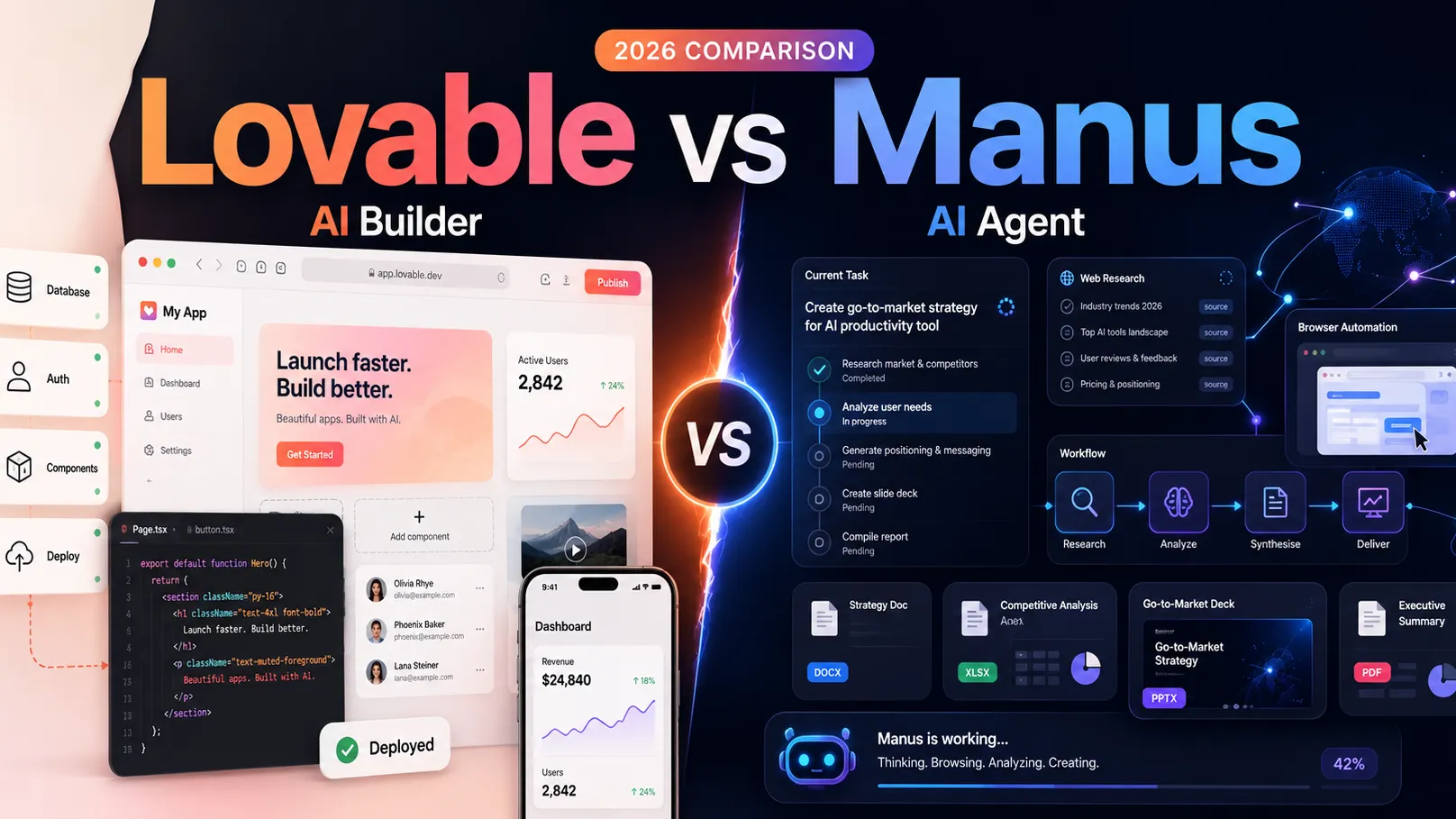
Compared with Lovable or Bolt.new, Manus is broader and more autonomous. Lovable and Bolt.new are usually easier to position as app builders, while Manus tries to cover research, slides, browser automation, integrations, and app creation in one environment.
Compared with Replit Agent, Manus is less like a developer workspace and more like a general agent that can produce software among other outputs. Replit is stronger when the user wants a cloud coding environment with a recognizable development loop; Manus is stronger when the user wants to delegate a multi-step outcome.
Compared with Devin or OpenHands, Manus is less narrowly framed as a software engineering agent. It is better evaluated as a general work agent with web-building capabilities rather than as a dedicated issue-to-PR automation system.
Compared with Cursor, Windsurf, or Claude Code, Manus trades editing precision for autonomy. The editor and CLI tools are better for controlled code changes, tests, refactors, and repository-aware workflows. Manus is better for tasks that start outside the codebase and end with a deliverable.
Best Configuration
For individual users, the best setup is to treat Manus as a draft-and-build agent, not as an unchecked production system. Use it to generate the first version of a site, report, dashboard, or workflow, then review the output manually before publishing or merging anything important.
For teams, the best configuration is project-based. Create separate Projects for recurring workflows such as content research, customer reporting, prototype generation, code review prep, or internal dashboards. Keep the project instructions specific, upload only the files needed for that workflow, and define what Manus should produce at the end.
For developer teams, connect GitHub only when you are ready to review generated changes in a normal engineering process. Exporting code is useful, but production deployment should still go through version control, testing, security review, and environment-specific configuration.
For automation-heavy workflows, MCP, Slack, Zapier, Browser Operator, and API access should be enabled selectively. Each connector expands what Manus can do, but it also expands the permission surface. Start with low-risk workflows, then add sensitive systems only after the team has clear review rules.
Migration Notes
Manus can reduce lock-in through code download and GitHub sync, but users should still plan ownership carefully. Generated apps may depend on Manus-managed hosting, databases, storage, integrations, or WebDev usage billing. Before moving a project into production, check which parts are portable and which parts rely on Manus infrastructure.
For prototypes, this is usually acceptable. For serious products, export the code early, inspect the architecture, document environment variables, verify database assumptions, and confirm that the app can run outside Manus if needed.
Teams migrating from no-code builders should think of Manus as a faster ideation layer with more code access. Teams migrating from traditional development should think of it as an autonomous assistant for early-stage execution, not a replacement for source control, tests, observability, and deployment discipline.
Practical Tradeoffs
The main benefit of Manus is speed across messy, multi-step work. The main risk is over-trusting outputs that look complete. Research can need source verification, generated apps can need security review, and autonomous browser actions can behave unexpectedly if instructions are vague.
The credit model also encourages better prompting. Specific tasks are usually more efficient than broad prompts because they reduce unnecessary exploration and revisions. For complex work, it is safer to break the job into checkpoints: research first, plan second, build third, review fourth.
Manus is a strong fit when the user values finished artifacts and broad automation. It is a weaker fit when the user needs deterministic local development, open-source self-hosting, local model execution, or precise control over every code change.
Chrome Extension Builder
Manus also offers a prompt-driven Chrome Extension Builder workflow. It belongs to the broader Manus product rather than a separate catalog entry. Generated extensions still require careful permission, privacy, and Chrome Web Store policy review.
Source: https://manus.im/playbook/chrome-extension-builder
Model support & data privacy
Supported models
- Manus 1.6 Max
- Manus 1.6
- Manus 1.6 Lite
Privacy & data handling
Manus tasks may involve uploaded files, connected apps, browser sessions, and deployed applications, so users should review the privacy policy, trust center, connector permissions, and team data controls before using it with confidential data. The Team plan page states that model providers are prohibited from training on Team and Enterprise customer data.
Guides, reviews & fixes

Product updates
No verified product updates listed yet. Follow this tool to see new relevant content in Saved.
See the content timelineAlternatives
 LovableLovable is a full-stack AI web app builder positioned between no-code prototyping tools and developer-first AI coding environments.
 Replit AIReplit AI is an all-in-one browser-based AI software creation platform that combines prompt-to-app generation, a cloud IDE, built-in infrastructure, publishing, and collaboration.
 Bolt.newBolt.new is a browser-native AI web app builder for quickly turning product ideas into editable, runnable, and deployable JavaScript applications.
 v0v0 is Vercel’s AI app builder for creating, refining, integrating, and deploying modern web applications from prompts, design inputs, and repository context.
 DevinDevin is an autonomous AI software engineer for delegating real engineering tasks to cloud and desktop agents that work across repositories, tickets, pull requests, shells, browsers, and team tools.
 OpenHandsOpenHands is an open-source autonomous coding-agent platform for developers and teams that want model-agnostic agents capable of executing real software engineering tasks across local, cloud, and self-hosted environments.
 AnyGenAnyGen is a hosted AI workspace with CLI and agent-skill integrations for generating polished work artifacts rather than a full AI-native coding editor.
 Claude CodeClaude Code is Anthropic's terminal coding agent for repository work, subagents, hooks, MCP, and automation, with growing operational tooling for API cost analysis and feedback.
Sources & verification
Verification dates record when this directory checked the information. Product release dates appear separately above.
Official websiteOfficial websiteOfficial pricing pageOfficial pricing help articlePlans and pricing documentationWelcome documentationProjects documentationWebsite builder documentationCode Control documentationGitHub Integration documentationMCP Connectors documentationCustom MCP Servers documentationManus API documentationTeam planCloud Computer billing help articleWebDev billing help articlePrivacy policyTrust center
Directory revision history
Checked official website, documentation, Help Center pricing, Team page, Cloud Computer billing, WebDev billing, and integration docs.
Official Help Center pricing article lists Free, Pro, and Team plan details, including current Pro naming and plan access.