Includes $20 of agent usage, 750 hours of small Orbs, low/medium modes, and linked third-party subscription usage.
Gigawatt$200 / month
Includes $200 of agent usage, 1,000 hours of xxlarge Orbs, and access to all modes including high and ultra.
UnconstrainedUsage-based
Pay for model tokens and Orbs at standard rates; supports bring-your-own inference keys.
EnterpriseContact sales
Adds SSO, directory sync, admin controls, minimal data retention, and support.
Pricing checked: Aug 14, 2026 · Subscription, usage limits, and model costs may be billed separately.
Features & details
Agent Execution
Four capability modes: low, medium, high, and ultra
Automatic context compaction for long-running threads
Oracle and specialized subagents for reasoning, search, review, and retrieval
Remote Workflows
Run agents on remote Orbs
Control CLI threads from the web
Schedule agents to wake up and continue work
Start agents remotely on configured runners
Developer Integration
CLI integration with VS Code-based editors, Neovim, and Zed
AGENTS.md project instructions
MCP support and built-in tools
Streaming JSON for scripts and CI
Extensibility & Teams
JavaScript/TypeScript plugin API
Reusable Agent Skills
Personal and workspace plugin/skill repositories
Thread sharing, projects, and workspace controls
Why Choose Amp?
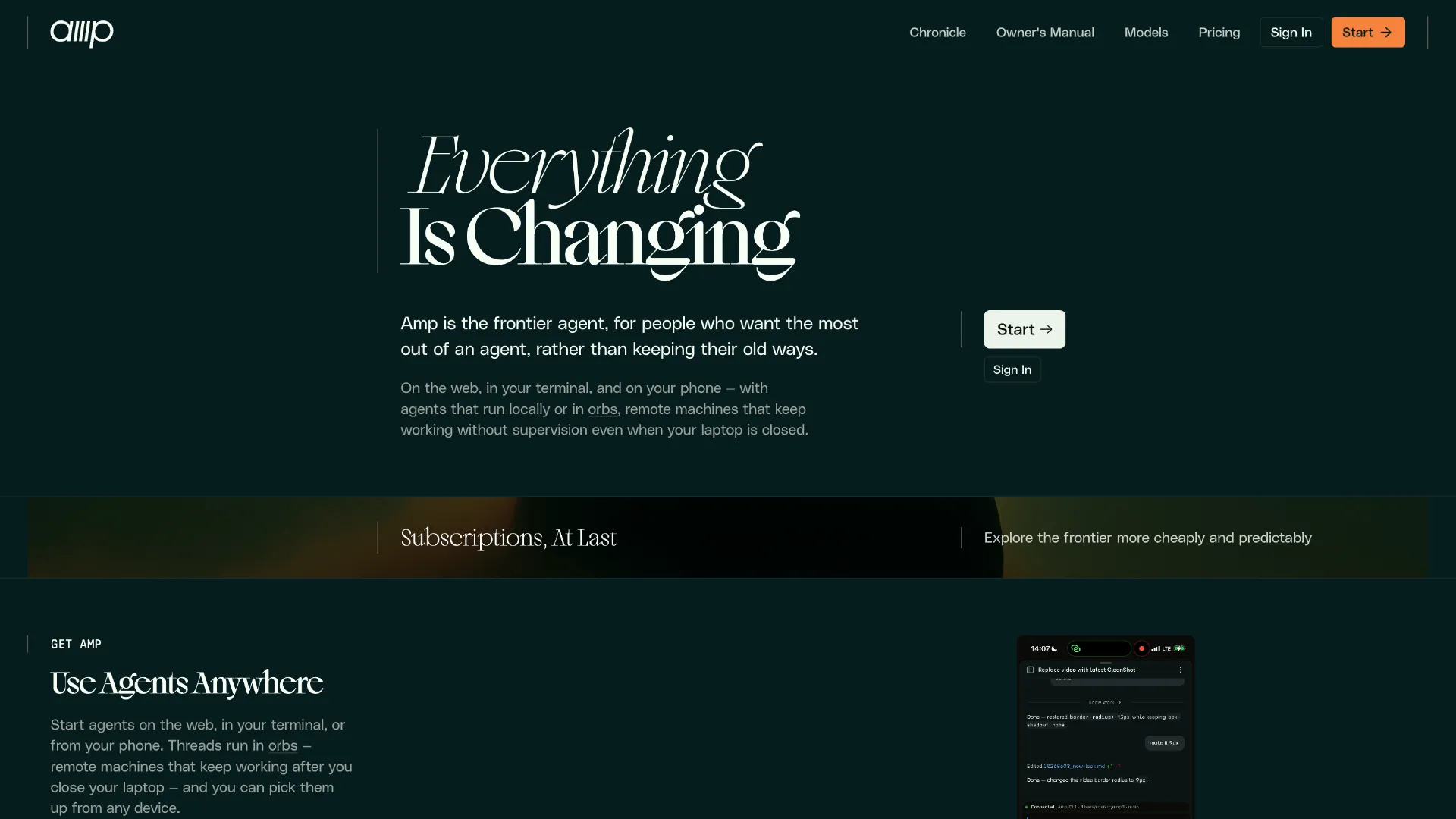
Amp is now better understood as an agent runtime for software work than as an AI-enhanced editor. In 2026, the company retired its VS Code and Cursor editor extensions and pushed users toward the CLI; the rebuilt CLI later added remote control, automatic context compaction, plugins, and a foundation for agents that can keep working away from the developer's laptop. That makes Amp most distinctive when the job is larger than a single interactive edit session.
The other important distinction is model strategy. Amp's modes are capability presets rather than permanent model selectors. The service routes different parts of a task through different models and specialized subagents. This reduces the need to manually pick a model for every prompt, but it also means model mappings can change as Amp updates its stack.
Core Workflow
A productive Amp workflow starts with one thread per concrete engineering task. Give the agent the repository context, expected behavior, relevant commands, and constraints; put repeatable project guidance in AGENTS.md. Amp can inspect the repository, run shell commands and tests, edit files, and iterate. When a thread grows large, the current CLI automatically compacts context rather than requiring manual handoffs.
For ordinary implementation work, medium is the sensible default because it balances capability, latency, and cost. low fits narrow mechanical changes, while high and ultra are better reserved for ambiguous debugging, architecture, migrations, or other tasks where additional reasoning is worth the extra usage. Because these are routing presets rather than fixed models, users should treat them as effort levels, not as a way to lock Amp to a specific provider.
The workflow becomes more differentiated when a task no longer needs constant supervision. A thread can run on an Orb, be inspected or steered from the web, and continue while the local machine is unavailable. For teams, this turns the agent from a sidebar assistant into something closer to a remotely operated engineering worker tied to a repository and thread history.
Use Cases
Amp is particularly well matched to migrations, repo-wide refactors, debugging sessions, test repair, and tasks that require repeated command execution. These jobs benefit from persistent threads, automatic compaction, subagents, and the ability to let work continue remotely instead of keeping an editor session open.
It is also useful when a team wants reusable operational knowledge. Project instructions can live in AGENTS.md, task-specific expertise can be packaged as skills, and deterministic or organization-specific behavior can be implemented as plugins. This makes Amp more interesting for repeatable engineering workflows than for one-off code generation alone.
Comparison to Alternatives
The closest buying decision is against terminal coding agents such as Claude Code, Codex CLI, Gemini CLI, Aider, Qwen Code, and OpenCode. Amp's clearest differentiators are its opinionated multi-model routing, first-party remote execution through Orbs, web control of active threads, and an architecture built around persistent agent work rather than a single vendor's model family.
That approach has a tradeoff. Developers who want to explicitly choose every model, run primarily local models, or keep their workflow centered on an open-source client may prefer a more provider-configurable alternative. Developers who value model orchestration and remote agent operation may find Amp's more opinionated design useful.
Best Configuration
Start with the CLI connected to VS Code, a VS Code-derived editor, Neovim, or Zed so Amp can see the active file and selection while edits still participate in the editor's undo workflow. Add a concise AGENTS.md with build, test, lint, formatting, and repository-specific rules before attempting large tasks.
Keep routine work in medium, escalate selectively, and use an Orb when a task is long-running or should continue independently. If a repository or MCP source is untrusted, do not rely on the default execution behavior. Isolation, careful permission policies, or additional review controls are preferable for higher-risk inputs.
For teams, move reusable instructions into workspace skills and plugins, and use Enterprise controls when identity management, retention requirements, and auditability matter.
Migration Notes
Older Amp reviews can be misleading because several major concepts were removed or renamed in 2026. The editor extension was retired, the rebuilt Neo CLI became the standard Amp CLI, and the npm package moved from @sourcegraph/amp to @ampcode/cli. The former smart, deep, rush, and large modes were also replaced by low, medium, high, and ultra.
JetBrains users should treat older setup guides cautiously. The current JetBrains integration is deprecated; existing installations can still work, but it no longer receives updates. Current IDE-context workflows are centered on VS Code-based editors, Neovim, and Zed through the CLI.
Model support & data privacy
Supported models
GPT-5.6 Sol
GPT-5.6 Terra
GPT-5.6 Luna
Claude Fable 5
GLM-5.2
GPT-5.5
Gemini 3.7 Flash
GPT Image 2
Privacy & data handling
Amp states that its server stores user and thread data, including partial code context, in US-based cloud infrastructure and sends partial code context to model providers for inference. It states that customer data is not used for training unless users explicitly opt in, while Enterprise workspaces can use stricter retention controls.