On This Page8 sections
Key Takeaways
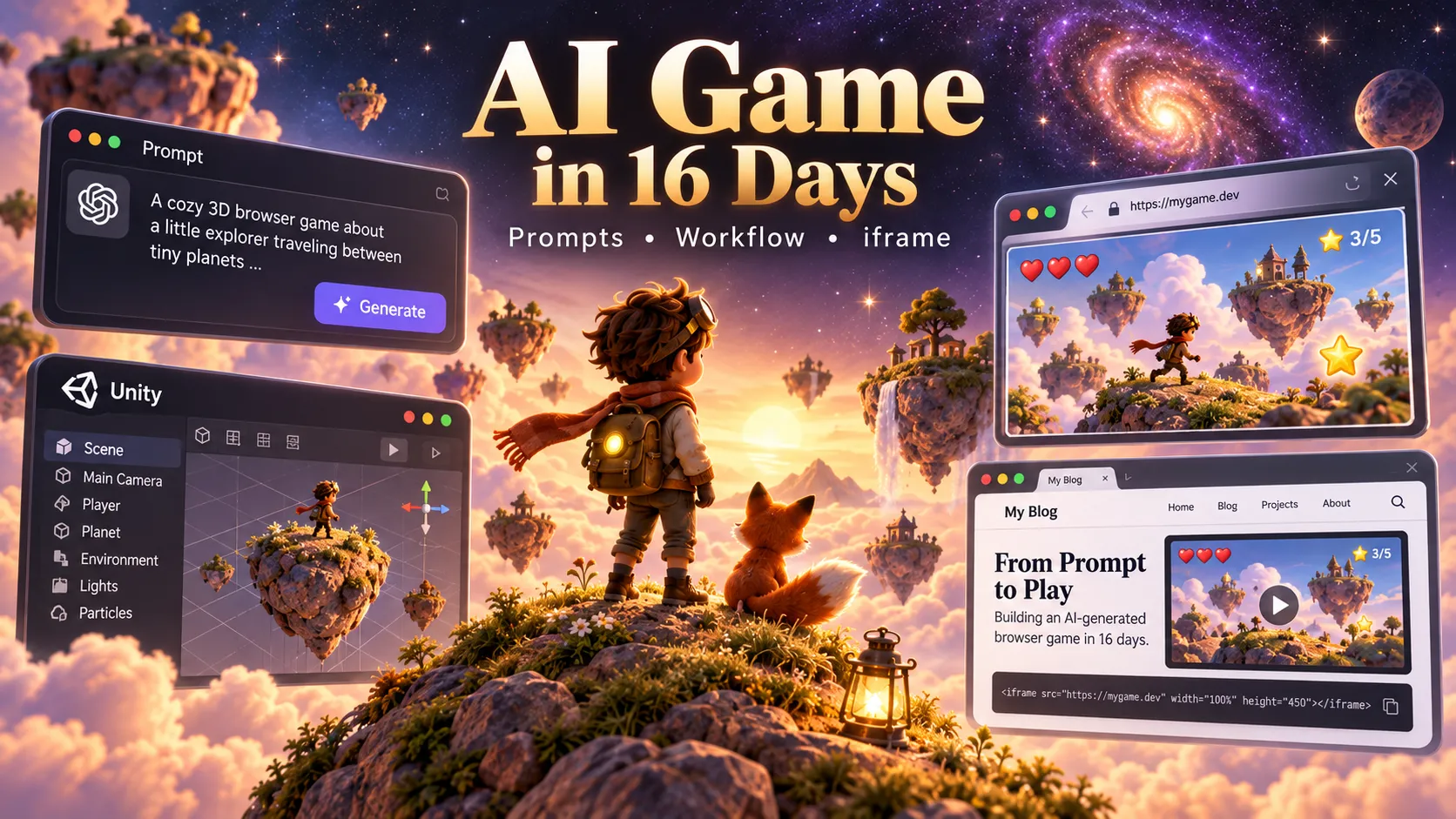
- The Little Prince: Across the Stars is an AI-assisted, browser-playable 3D story experience by developer Sac (@Saccc_c), who says it was built in 16 days.
- The creator identifies Claude Opus 5.5, Tripo AI, Blender, and Unity as the main tools. This is a creator-reported workflow, not a published audit of every development step.
- Play the official game at littleprince.dev. The developer reports English, Chinese, and Japanese support; a recent Chrome or Edge browser with WebGPU is recommended.
- This guide provides a responsive iframe, eight original, copy-ready AI prompts, a practical 16-day production plan, and troubleshooting for assets, Unity, and browser deployment.
- The original game's source code, exact development prompts, complete costs, and permission for third-party iframe embedding have not been independently verified as of October 13, 2026.
Play The Little Prince: Across the Stars Online
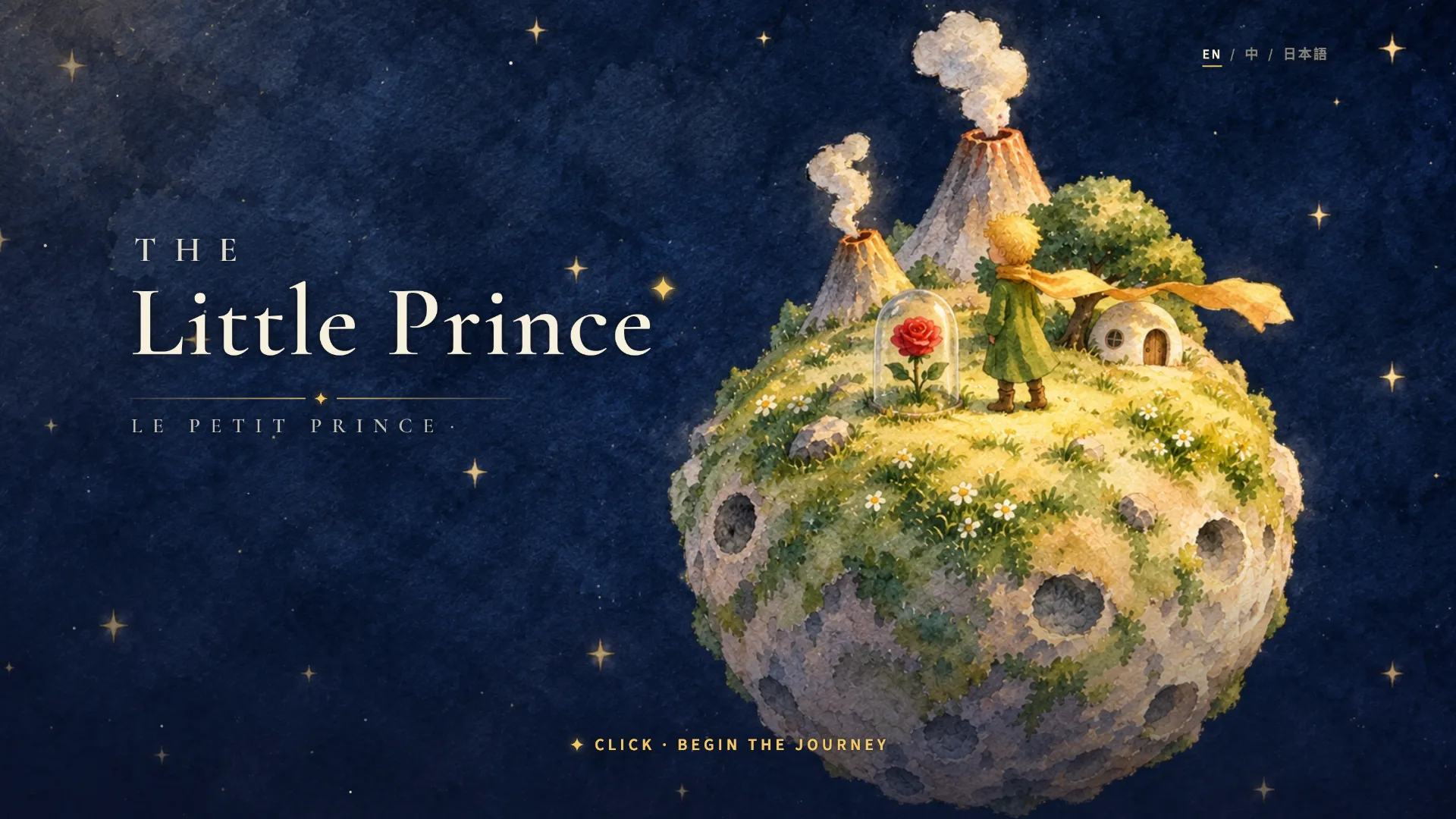
The Little Prince: Across the Stars reimagines planets and moments from Antoine de Saint-Exupéry's story as explorable 3D scenes. The developer describes small worlds above the clouds, a lone chair, and a red rose, with players able to move through environments rather than simply watch a rendered video.
Official game: Play The Little Prince: Across the Stars
If the embedded player is blank, use the official link above. The iframe is an attempted embed, not a verified supported integration. The game's host may restrict third-party framing through security headers, and some publishing platforms remove raw HTML. The game's substantial 3D downloads can also make initial loading slow.
Browser compatibility and loading tips
- Try an up-to-date desktop Chrome or Edge with WebGPU enabled and hardware acceleration active.
- Allow time for the initial download of each chapter; the creator says chapter assets are relatively large.
- If the page displays a GPU or graphics error, open it directly instead of inside an iframe.
- Try fullscreen for better camera and keyboard control, if the game exposes that option.
- Mobile, older browsers, and computers without suitable WebGPU support are not guaranteed to work.
The creator specifically reports no WebGL2 fallback in the released game. Browser support should not be confused with universal browser compatibility. See the developer's technical post.
What Is The Little Prince: Across the Stars?
On October 13, 2026, Sac announced the project on X and described spending 16 days turning The Little Prince into a 3D narrative game with AI-assisted development and AI-generated 3D assets.
According to the creator's Reddit explanation, Opus 5.5 handled development work, Tripo AI and Blender were used for 3D models and scenes, and Unity assembled those assets into a browser game. The trailer was also reportedly created through a prompt-driven Opus-and-Blender workflow.
This distinction matters: a playable 3D game is more than generated imagery. The scenes need camera behavior, controls, collisions, story triggers, menus, loading states, graphics compatibility, and coherent interaction.
The public release is an impressive demonstration, but the 16-day figure does not establish how much manual work was involved, whether previously prepared assets were reused, or what the creator spent on model subscriptions, generated assets, and debugging. It also does not establish Steam distribution or sales.
The AI Game Development Stack Explained
| Tool | Reported or recommended purpose | Practical consideration |
|---|---|---|
| Claude Opus 5.5 | AI-assisted coding and orchestration | Generated code still needs compilation and runtime testing |
| Tripo AI | Text/image-to-3D models | Geometry, UVs, textures, and licensing require inspection |
| Blender | Asset cleanup, layout, and animation | A stable art pipeline reduces inconsistent scenes |
| Unity | Gameplay, UI, collisions, scene management | Browser builds differ from desktop-editor behavior |
| WebGPU | Modern browser GPU rendering | Support varies across devices and browsers |
| Blender MCP (optional) | AI-assisted Blender scene manipulation | Third-party integration; can execute Blender Python |
The inferred workflow is plan → prototype → generate 3D assets → inspect in Blender → integrate in Unity → build for web → test and publish. This is a reusable production pattern, not the creator's verified day-by-day process.
Step 1: Design an Original Five-Minute 3D Game
Rather than copying protected characters, artwork, or narrative passages from The Little Prince, this tutorial uses an original concept called Starlight Postcards. The player visits one small floating island, discovers three postcards, and unlocks a short ending.
Keep the first version deliberately small: one island, one controllable character, three interactable objects, one dialogue interface, and one ending. That is sufficient to test the core technology and reveal whether exploration feels satisfying.
Prompt 1 — Complete Game Design Document
You are a senior Unity technical director, gameplay designer,
and narrative designer.

Build a specification for an ORIGINAL browser-based 3D
exploration game called Starlight Postcards.

SETTING:
One small floating island with a lighthouse, an abandoned
mailbox, three lost postcards, and a path through a garden.

PLAYER GOAL:
Explore the island, collect three postcards, learn an
original short story, and unlock a final scene.

ART STYLE:
Warm, painterly, cozy low-poly fantasy. Soft lighting,
clear silhouettes, restrained color palette, no imitation
of any named artist or existing franchise.

LIMITS:
- One explorable scene and one ending scene.
- Five to ten minutes of gameplay.
- No combat, multiplayer, accounts, or inventory backend.
- Keyboard and mouse controls first.
- Unity web deployment target.

DELIVER:
1. One-page game design document.
2. Exact player interaction loop.
3. Scene and GameObject hierarchy.
4. C# component plan and data flow.
5. Asset inventory with priorities.
6. Acceptance criteria for a playable prototype.
7. Risks specific to web deployment.

Do not write all scripts at once. Start with a greybox
prototype and list the next three testable milestones.
Why it works: a short, measurable scope makes AI-generated code easier to integrate. Asking for a greybox first prevents spending days on attractive assets before confirming the interaction loop.
Step 2: Generate Consistent AI 3D Assets With Tripo
AI-generated models are useful starting points, but an attractive preview is not automatically a game-ready mesh. Consider dimensions, object pivots, collision geometry, material support, and polygon density from the beginning.
Prompt 2 — Tripo Asset Generation
Generate a game-ready stylized 3D lighthouse for an
original cozy exploration game.

VISUAL STYLE:
- Low-poly storybook fantasy.
- Ivory plaster, terracotta roof, amber window lighting.
- Rounded edges and readable large shapes.
- Warm natural colors, no photorealistic details.
- No logos, text, or copyrighted character references.

TECHNICAL TARGET:
- One self-contained building asset.
- Clean geometry and consistent scale.
- Base pivot at ground level if possible.
- Separate glass/emissive material where practical.
- UV-mapped materials compatible with Blender cleanup.
- Reasonable detail for a browser game.
- No unnecessary interior or hidden meshes.

Produce a preview and export an editable mesh.
Report any limitations in topology or materials.
Repeat the prompt separately for the mailbox, postcards, garden props, and other key objects while preserving the same style specifications. Use a shared reference sheet to reduce differences in color, scale, and shape language.
Tripo's Blender DCC Bridge can transfer assets directly into Blender. Its published integration information specifies Blender 4.1+ and particular supported browsers; the dedicated integration page lists paid-plan requirements for the bridge. Manual exports can remain an alternative when the bridge is unavailable.
Step 3: Clean Up Models in Blender
Inspect every important model before importing it into Unity. Check normals, textures, UV maps, dimensions, origins, excessive triangles, and hidden geometry. Keep a backup before automatic edits.
Prompt 3 — Blender Cleanup Agent
Act as a Blender technical artist. Inspect the current scene.

GOALS:
1. List all imported meshes and their triangle counts.
2. Identify inverted normals, duplicate faces, and
   obviously broken or missing geometry.
3. Normalize naming conventions and scene collections.
4. Verify scale and orientation for Unity export.
5. Check UVs and missing material dependencies.
6. Identify high-cost meshes for optional decimation.
7. Create simple collision proxies where appropriate.
8. Prepare FBX or glTF export recommendations.

Before making changes, save a new backup copy.
Avoid destructive automatic operations on original assets.

RETURN:
- An audit table of detected problems.
- Changes performed.
- Issues requiring manual review.
- Unity-ready export checklist.
An optional route is the third-party Blender MCP project, which connects compatible AI clients to Blender. Its documented macOS setup includes:
brew install uv
claude mcp add blender uvx blender-mcp
uvx blender-mcp install-addon
Enable the add-on in Blender, open the MCP sidebar in the 3D viewport, and start its server. Because the MCP integration can execute arbitrary Blender Python, review permissions and maintain versioned backups. The published MCP commands describe a general option; their use in Sac's original game has not been confirmed.
Step 4: Make the World Playable in Unity
A player controller, an interaction system, and a progress tracker are sufficient for a first playable version. Building them as separate components reduces the chance of debugging one enormous script.
Prompt 4 — Third-Person Controller and Camera
Act as a senior Unity C# gameplay engineer.

Implement a maintainable third-person controller for
Starlight Postcards in a new Unity project.

REQUIREMENTS:
- Keyboard movement and mouse-look camera.
- Configurable speed and camera sensitivity.
- Reliable grounding and collision handling.
- Clear mouse capture and release behavior.
- Separate movement and camera components.
- Explicit references required in the Inspector.
- No third-party packages without approval.

Use the Input System package if it is already installed;
otherwise explain the chosen input setup before coding.

DELIVER:
1. Complete C# scripts.
2. Unity scene setup instructions.
3. Required GameObjects and component references.
4. A five-step smoke test.
5. Browser-specific input limitations to verify.

Build and test only this milestone first.
Prompt 5 — Collectibles, Dialogue, and Win State
Extend the existing working Unity prototype.

Add a modular interaction system for three postcards.

BEHAVIOR:
- Detect objects within interaction range.
- Show a visible interaction hint.
- Interact by keyboard or accessible on-screen button.
- Display one short story message per postcard.
- Prevent duplicate collections.
- Update a 0/3 to 3/3 objective counter.
- Unlock an ending when all three are collected.
- Offer restart and return-to-menu controls.

ARCHITECTURE:
- Interactable component or interface.
- Collectible component with stable identifier.
- Objective manager with explicit state transitions.
- Data-driven dialogue separate from C# logic.
- Null-checks and recovery for missing references.

DELIVER:
Complete scripts, prefab setup, UI wiring instructions,
and an acceptance-test table with expected results.

Do not overwrite functional player-controller code.
Run Unity in Play mode after each milestone. Confirm that keyboard focus, mouse capture, and interact prompts behave correctly before adding more scenes.
Step 5: Create Narrative Content in Three Languages
The original game reports English, Chinese, and Japanese support. A similar localization strategy keeps text outside gameplay scripts and uses stable keys for each line.
Prompt 6 — Story and Localization
Act as a narrative designer and localization editor.

Write an original five-minute story for Starlight Postcards.
The player finds three postcards that gradually reveal why
the island's lighthouse stopped shining.

RULES:
- Original story and characters only.
- Each interaction message under 35 English words.
- No dialogue copied from existing books or games.
- A satisfying reveal and gentle ending.

OUTPUT:
- Localization key.
- English text.
- Simplified Chinese translation.
- Japanese translation.
- Scene trigger and dialogue order.
- Notes about cultural meaning or ambiguous phrasing.

Structure the data for Unity Localization or another
explicitly selected localization solution.
Flag every line needing human translation review.
Localization is not only translation. Japanese and Chinese typography, font coverage, line breaks, UI overflow, and text timing should be checked in the actual game.
Step 6: Optimize Unity for Browser Deployment
The developer reports that The Little Prince: Across the Stars uses WebGPU without a WebGL2 fallback. For a new project, that choice should be intentional rather than accidental.
Unity's WebGPU configuration guide explains how to add WebGPU under Project Settings → Player → Web → Other Settings → Graphics APIs, and how to prioritize it while retaining WebGL2 as a fallback when the project supports both APIs. Unity still labels WebGPU experimental in the cited documentation.
Prompt 7 — Browser Build Audit
Act as a Unity Web performance and compatibility engineer.

Audit the current Starlight Postcards project for browser
release on desktop Chrome, Edge, Firefox, and Safari.

CHECK:
1. WebGPU support and WebGL2 fallback feasibility.
2. Shader and render-pipeline compatibility.
3. Texture sizes, mesh counts, and draw calls.
4. Build download size and compression strategy.
5. Scene loading time and progress indicator.
6. Runtime memory and GPU memory usage.
7. Mouse capture, focus, and fullscreen behavior.
8. Fonts, localization assets, and sound playback.
9. Mobile limitations and clear unsupported-browser UI.
10. Errors visible in browser developer tools.

Separate confirmed findings from untested assumptions.
Prioritize fixes by impact and effort.
Do not invent FPS, download sizes, or test results.
Provide repeatable tests and pass/fail thresholds.
For the first public build, test on at least two different desktop devices and more than one browser. Optimize based on measured startup and frame-time problems rather than automatically reducing visual quality everywhere.
Step 7: Produce a Short Cinematic Trailer
The creator says the original game's trailer emerged from a single prompt using Opus 5.5 and Blender. This does not imply that the entire game was generated from one prompt.
Prompt 8 — 30-Second Trailer
Act as a Blender cinematic director and technical artist.

Create a 30-second trailer plan for the EXISTING playable
Starlight Postcards prototype.

SHOTS:
0-5 sec: Establishing shot above the floating island.
5-10 sec: Player walks toward the lighthouse.
10-15 sec: Close-up of the first postcard discovery.
15-20 sec: Camera reveals the warm garden and mailbox.
20-25 sec: Glimpse of the lighthouse being reactivated.
25-30 sec: Original game title and Play Now call to action.

STYLE:
- Warm painterly lighting.
- Slow, intentional camera movements.
- Gentle atmospheric effects.
- Honest representation of the game environment.

DELIVER:
Shot list, keyframe suggestions, camera paths, lighting
notes, render settings, and audio cue timings.

Do not show mechanics or content not available in-game.
The useful marketing question is whether a viewer can understand the game's atmosphere and objective within the first few seconds. Visual appeal alone will not explain why the experience is worth playing.
A Practical 16-Day AI Game Production Schedule
This proposed timetable is a planning example, not an authenticated daily diary of Sac's development.
| Days | Priority | Deliverable |
|---|---|---|
| 1–2 | Design and greybox | A navigable island with a measurable goal |
| 3–4 | Input and camera | Reliable player movement and camera controls |
| 5–7 | 3D asset generation | Lighthouse, landscape, and interactive props |
| 8–9 | Blender cleanup | Consistent models, materials, pivots, and colliders |
| 10–11 | Interactive story | All three postcards and ending sequence |
| 12 | Localization and UI | Three languages and tested text layout |
| 13–14 | Web build and optimization | Online build with loading and error handling |
| 15 | QA | Browser, input, graphics, and regression testing |
| 16 | Launch | Game page, trailer, feedback collection |
The biggest risk in a compressed schedule is spending too long on scene aesthetics before the full interaction loop is functional. A feature-complete greybox should be treated as the first essential milestone.
How to Embed the Official Browser Game With an iframe
For websites that allow trusted HTML, the following code attempts to display the official game. It does not bypass the creator's security settings or establish permission to redistribute game assets.
<div style="width:100%;aspect-ratio:16/9;min-height:360px">
  <iframe
    src="https://littleprince.dev/"
    title="Play The Little Prince: Across the Stars"
    loading="lazy"
    allow="fullscreen; autoplay"
    allowfullscreen
    style="width:100%;height:100%;border:0;border-radius:12px"
  ></iframe>
</div>
<p>
  <a href="https://littleprince.dev/" target="_blank" rel="noopener noreferrer">
    Open the official game in a new tab
  </a>
</p>
Why the iframe could fail
A website can block embedding with an X-Frame-Options response header or a Content Security Policy frame-ancestors rule. The parent website can also impose its own frame-src restrictions. The MDN iframe security documentation explains these controls.
Check the relevant response headers:
curl -I https://littleprince.dev/Then test in a browser, watching its developer console. A successful response to curl does not prove that embedding will work: redirects, nested frames, JavaScript loading, and browser restrictions may still matter.
If framing is blocked, show a screenshot or textual preview only when the relevant usage rights permit it, and link players to the official website. Do not remove another site's security headers or proxy its game to work around restrictions.
If you own the Unity game being embedded
Publishing an original Unity game at a dedicated URL gives its owner direct control of the hosting configuration. Use a stable playable route, correctly configured compression and content types, and a responsive parent iframe. Test keyboard focus, fullscreen permissions, pointer locking, and loading behavior in the embedded context.
For directories, the most useful layout is a short game description, a prominent direct-play link, a conditional embedded player, compatibility notes, and a troubleshooting link. This lets readers discover the game even if third-party embedding fails.
How Much Would a Similar AI Game Cost?
No verified itemized budget for Sac's 16-day project has been published in the evidence reviewed for this guide. It would be misleading to invent a total or equate development days with expenses.
| Cost area | What to track |
|---|---|
| AI coding | Subscription or API usage, iterations, context consumption |
| 3D generation | Generation credits, rerolls, export access, rigging |
| Blender | Manual cleanup time, optional add-ons and integrations |
| Unity | Applicable license terms and required build capabilities |
| Web hosting | Large asset downloads, CDN traffic, bandwidth |
| QA and localization | Browser testing, font licensing, text review |
Tripo's bridge functionality and export access may depend on plan and feature eligibility; review the current official integration requirements before budgeting.
The most informative cost measure is the cost per finished, usable asset or functioning feature, not the cost of one generation attempt. Models that require five revisions may be more expensive than a straightforward manually built prop.
Can a 16-Day AI Game Be Sold on Steam?
A compelling prototype is not automatically a commercial release. Buyers expect reliable performance, sufficient gameplay, clear product information, and ongoing support. Publishing also introduces additional distribution rules, rights checks, and customer expectations.
There is no verified evidence in the cited release posts that this particular game has already launched commercially on Steam or earned a specified amount of revenue.
Copyright is also a material issue. The Little Prince and its adaptations may have different protections in different countries, and artwork, translations, characters, and branding can raise separate rights questions. The use of AI to generate a new model does not automatically grant worldwide commercial adaptation rights.
A safer commercial-development strategy is to use original stories, original characters, appropriately licensed assets, and documented tool licenses.
Common Mistakes and Troubleshooting
| Problem | Likely cause | First action |
|---|---|---|
| Game does not start | Unsupported WebGPU or browser environment | Try a supported browser and check console logs |
| Black iframe or refusal message | Cross-origin framing policy | Use the official direct-play link |
| Pink or purple 3D models | Shader/render-pipeline mismatch | Reassign compatible materials and pipeline settings |
| Long initial load | Oversized assets or unoptimized downloads | Profile bundle size and compression |
| Player cannot move | Input configuration or lost focus | Verify bindings and focus in browser |
| AI-generated model floats | Incorrect pivot, scale, or collider | Correct transform and ground collision setup |
| Dialogue clips outside panels | Localized strings or missing glyphs | Test fonts, wrapping, and layout |
| AI agent breaks existing systems | Oversized changes without tests | Revert, isolate one feature, rerun smoke tests |
The Tripo Unity Bridge guide specifically explains how shader and render-pipeline mismatches can produce purple imported materials.
FAQ
Is The Little Prince: Across the Stars free to play?
The developer provides a public browser entry point at littleprince.dev. Current access terms should be checked directly on the site; the public launch post does not establish a permanent free-access guarantee.
Who made the game, and how long did it take?
Sac (@Saccc_c) announced the project on October 13, 2026, reporting a 16-day production period. This is the developer's account, not an audited work log.
Was the whole game produced from one prompt?
No reliable evidence establishes that claim. The developer describes a multi-tool workflow over 16 days and separately mentions a prompt-driven trailer.
Does the game use Unity or Three.js?
The creator specifically names Unity as the engine used to assemble and publish the browser game.
Are the original development prompts available?
The developer has said that the game and detailed process will be open-sourced. The complete original prompt collection and repository were not independently verified as publicly available on October 13, 2026. The eight prompts in this article are original instructional examples.
Can the game be added to a website with an iframe?
An iframe can be attempted, but the official site's frame policy and game runtime must permit it. Embedding support remains unverified, so a direct-play link is essential.
Is WebGPU required?
The creator reports a WebGPU browser build with no WebGL2 fallback. Chrome or Edge with compatible graphics hardware is recommended.
Can someone without 3D modeling experience follow the tutorial?
AI tools can reduce manual modeling and coding work, but Unity scene setup, debugging, performance optimization, and asset review still require learning and verification. The recommended starting point is one small original level.
Conclusion
The Little Prince: Across the Stars demonstrates how an individual developer can combine AI coding, AI-generated models, traditional 3D tools, and a game engine to publish an interactive browser experience in a remarkably short reported timeframe.
Its strongest lesson is not that one prompt replaces game development. It is that clearly scoped gameplay, specialized asset generation, careful scene integration, and real browser testing can work together to accelerate a small game.
Play the official game to see the released experience, then use the eight original prompts above to build an independently designed five-minute 3D prototype. Publish the playable loop first, collect genuine player feedback, and expand only after usability and performance have been validated.
Continue Reading
More articles connected to the same themes, protocols, and tools.

How ChoicerVoicer.games Reportedly Reached 4.49 Million Monthly Visits: The Viral Game SEO Growth Case Study
PlayVoiceGames Explained: The Viral Voice-Controlled Gaming Platform Taking Over Search
EffectCraft Review 2026: The Free After Effects Alternative With 306 Effects and AI Automation
Referenced Tools
Browse entries that are adjacent to the topics covered in this article.