
On This Page7 sections
Key Takeaways
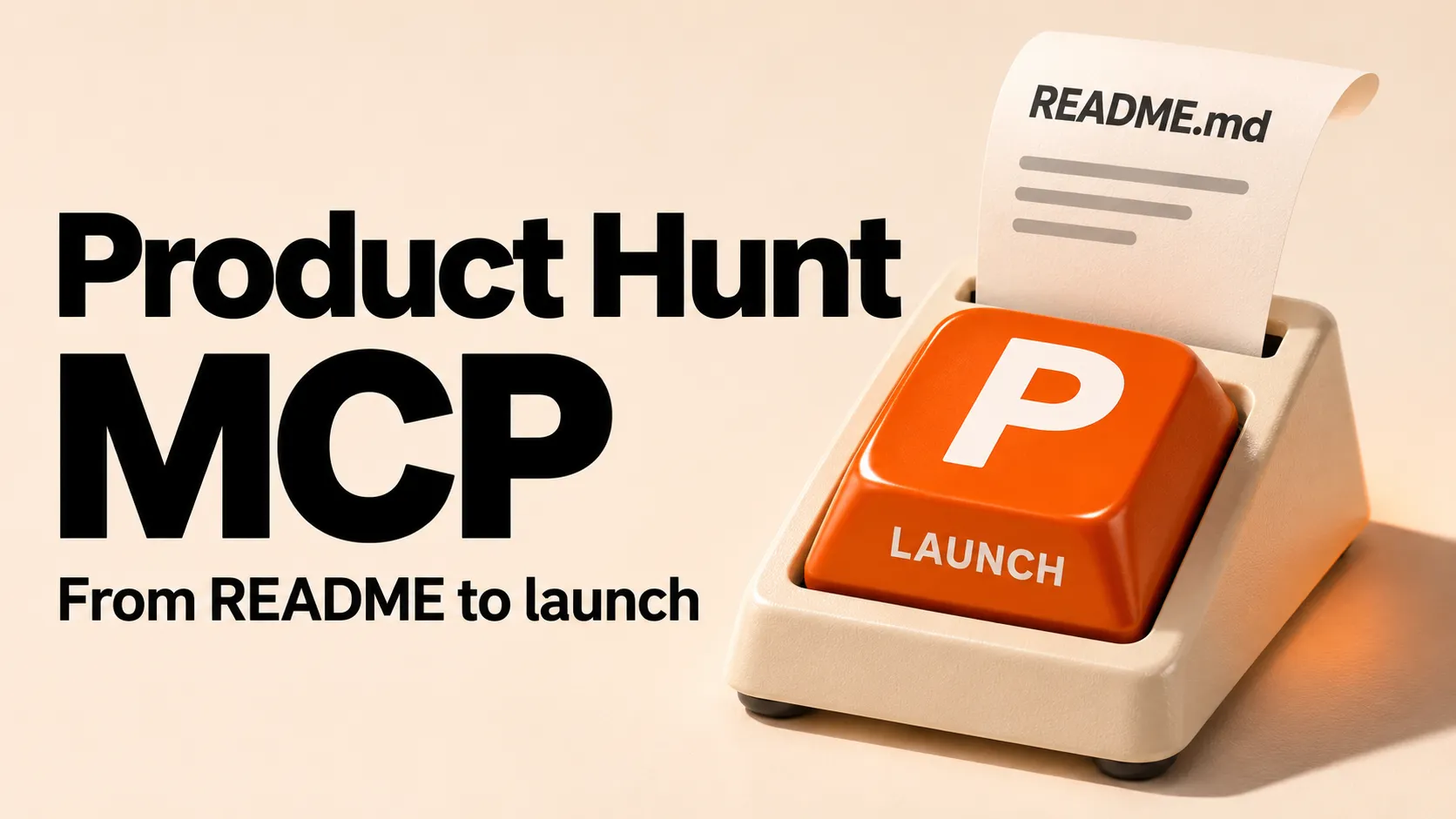
- Product Hunt launched its official MCP server on November 9, 2026. It gives an AI assistant two useful jobs: research products using Product Hunt data and prepare a launch under the maker’s account. Official launch announcement.
- The official server URL is
https://mcp.producthunt.com/mcp. It uses Streamable HTTP and browser-based OAuth. A guide that asks forPRODUCT_HUNT_TOKENis describing a separate community project. Official setup · Community server. - A draft and a submission are different actions. Makers can assemble copy and images in a draft. For submission, edits to a submitted launch, and rescheduling, Product Hunt tells the assistant to show the proposed change and wait for confirmation. Product Hunt’s confirmation workflow.
What can Product Hunt MCP do?
Product Hunt MCP connects a compatible assistant to Product Hunt through the Model Context Protocol. A developer working in a repository can ask the assistant to read the project’s README, check the public website, and turn those materials into a Product Hunt draft. That division of labor matters. The coding assistant supplies the project context. Product Hunt supplies the launch record, its requirements, and the account permissions needed to act on it. Product Hunt’s launch announcement.
The same connection works for discovery. A reader can look up products in a category, compare alternatives, inspect reviews, or browse a daily, weekly, monthly, or yearly leaderboard. Those queries use public catalog data. Account-specific actions apply to drafts and launches the signed-in person can manage as a hunter, maker, or team member. Product Hunt MCP capabilities.
How to connect Product Hunt MCP
Choose the setup for the client where the work happens. All three examples point to the same hosted service. The differences are where the client stores the connection and how it starts sign-in. Official installation guide.
Claude Code
Run this command in the terminal. The user scope makes the connection available across projects for that user. Claude Code MCP documentation.
claude mcp add --transport http --scope user producthunt https://mcp.producthunt.com/mcpStart Claude Code, open its /mcp menu, choose producthunt, and select Authenticate. Complete the sign-in in the browser. Product Hunt’s Claude Code instructions.
Codex CLI
The first command registers the remote server. The second opens Product Hunt sign-in. This distinction is useful when the server appears in the configuration but account-specific requests still fail. Product Hunt’s Codex instructions.
codex mcp add producthunt --url https://mcp.producthunt.com/mcp
codex mcp login producthunt
Cursor
Add the following entry to ~/.cursor/mcp.json. If the file already contains other connections, add only the producthunt entry inside the existing mcpServers object. Open Customize, select the server, and sign in when prompted. Cursor MCP settings · Product Hunt’s Cursor configuration.
{
  "mcpServers": {
    "producthunt": {
      "url": "https://mcp.producthunt.com/mcp"
    }
  }
}
Check the account before opening a draft. A successful public search tells little about which maker’s drafts the assistant can reach. An identity check makes a better first request, especially in a browser with multiple signed-in accounts.
Show the Product Hunt username for this connection, then list the launch drafts that account can manage. Leave each draft as it is.Turn a README into a launch people can understand
A README often opens with installation instructions. A Product Hunt visitor needs to know what the product does before deciding whether to try it. Give the assistant one concrete user task to anchor the copy. For a daily-game directory, “Find a daily word, trivia, or geography game” uses 44 characters and tells a player what they can do on arrival.
Read the README and the public homepage for this daily-game directory. Create a Product Hunt draft using features a visitor can use today. Write a tagline of up to 60 characters and a description of up to 500 characters. In a short maker comment, ask players which daily game is missing. Flag any claim that appears only on the roadmap. Stop after showing the draft and its missing fields.Product Hunt’s submission form gives the assistant concrete limits. Use them when reviewing the result. Product Hunt’s field-by-field guide.
| Launch field | Product Hunt requirement | What to check in the draft |
|---|---|---|
| Product name | Up to 40 characters | Use the public product name. Put the pitch in the tagline. |
| Tagline | Up to 60 characters | Read it beside the name. Can a new visitor describe the product? |
| Description | Up to 500 characters | Count characters, including spaces. Lead with the task the user can complete. |
| Media | A logo and at least one gallery image | Open the first screenshot at normal size. It should show the feature named in the tagline. |
| Launch tags and role | One to three tags and the submitter’s role | Choose the closest categories and verify who is credited as a maker. |
| First maker comment | Optional and pinned when the launch goes live | Give readers one specific question they can answer after trying the product. |
Review the date as carefully as the copy. Product Hunt’s scheduling guide gives a window from tomorrow through 30 days ahead. A scheduled launch goes live at 12:01 a.m. Pacific time. Ask the assistant to display the exact Pacific date and its equivalent in the team’s time zone. This catches an error that a missing-field check cannot detect: a complete launch scheduled for the wrong day. Product Hunt’s scheduling rules.
Research competing products without misreading the leaderboard
A leaderboard query answers which featured launches ranked highest during a period. A catalog search answers which products fit a particular need. Product Hunt’s editorial team selects launches for homepage featuring, and ranking incorporates engagement signals such as comments and upvotes. A leaderboard-only competitor search can therefore miss a close alternative. Sorting raw votes can also produce a different order from the published board. How Product Hunt selects and ranks launches.
For example, a team building an AI video tool might investigate a narrow buying question: Which products help a filmmaker keep the same character across shots? The following prompt makes the evidence easier to inspect.
Search Product Hunt for AI video tools that claim to preserve character identity across shots. Include launches from October 1–31, 2026, and link each launch. For each product, separate the maker’s claim from anything reviewers say about consistency. Include the review count if available. Mark missing evidence as unknown. Then identify which of these launches appeared on the October monthly leaderboard.Two details make the comparison more useful. Keep the launch date beside the review date when both are available, since later reviews may describe a newer product version. Also group multiple launches from the same product before counting competitors. Product Hunt can attach a relaunch to an existing product page, so three launch announcements can represent fewer than three products. How Product Hunt handles returning products.
Troubleshooting the official server and the community package
| Symptom | What to check |
|---|---|
The instructions request PRODUCT_HUNT_TOKEN | Check which implementation the guide covers. Jai Pandya’s Python package uses that environment variable and exposes tools such as get_posts and get_post_comments. Use its documentation for that installation. Community repository. |
| A custom client accepts the URL but cannot complete sign-in | Check support for remote MCP over Streamable HTTP and for OAuth using Client ID Metadata Documents (CIMD) or Dynamic Client Registration (DCR). Product Hunt lists those capabilities for custom clients. Client compatibility. |
| Search works, but a launch draft is missing | Check the connected username, then open the draft on Product Hunt under that account. Its hunter, maker, or team permissions determine which launches it can manage. Account access. |
| A submission times out after confirmation | Open the launch record and check its current status and scheduled date before retrying. A lost response leaves the outcome uncertain. |
Conclusion
Connect the official Product Hunt MCP server in the assistant that already has the project context. Verify the connected account, give it the public homepage and README, and request a draft plus a list of missing fields. Before confirming submission, read the tagline beside the first screenshot and check the Pacific launch date. Those three details determine what visitors expect, what they see, and when they arrive.
Continue Reading
More articles connected to the same themes, protocols, and tools.

Referenced Tools
Browse entries that are adjacent to the topics covered in this article.