On This Page7 sections
Key Takeaways
- Codex users are continuing to report
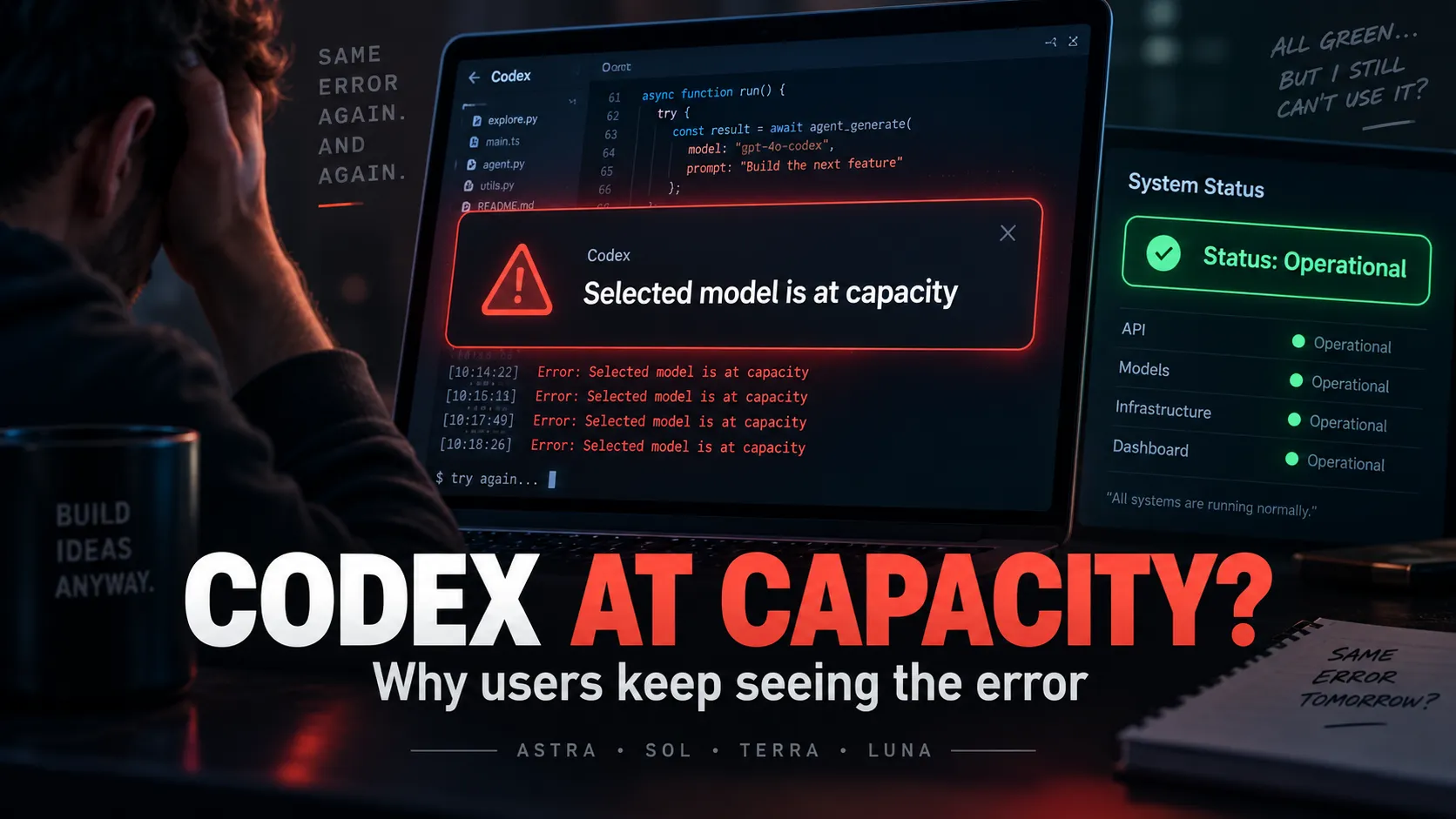
Selected model is at capacity. Please try a different model.errors in September 2026. - Reports affect GPT-6 Astra, GPT-5.6 Sol, Terra and Luna, rather than a single model in every case.
- OpenAI’s status page currently says systems are fully operational, so the problem does not appear to be a publicly declared global outage as of September 21.
- Recent GitHub reports show capacity errors occurring even when users still have substantial usage allowance remaining, suggesting that capacity errors are not always the same as hitting a Codex usage limit.
Codex Capacity Errors Are Still Being Reported
A growing number of Codex users have reported seeing:
Selected model is at capacity. Please try a different model.The error can interrupt a request immediately or appear partway through a longer coding task.
Multiple reports in the official OpenAI Codex GitHub repository describe the same behavior across different operating systems, subscription tiers and Codex surfaces.
One account-specific report from September 7 documented a Pro account repeatedly receiving capacity errors while another account on the same subscription tier worked normally under comparable conditions.
Another open report published September 19 recorded 47 capacity errors between September 17 and September 19, even though the account was using only around 1–3% of its five-hour allowance at the time.
That distinction matters: a capacity error can be caused by serving availability or routing problems rather than normal quota exhaustion.
OpenAI Status Is Currently Green
As of September 21, 2026, OpenAI’s public status page says:
“We’re fully operational.”
Codex Web, Codex API, CLI and the VS Code extension are not currently listed under an active incident. OpenAI also notes that its availability metrics are aggregated and that individual availability can vary by subscription tier, model and feature.
This means a green status page does not necessarily guarantee that every Codex account or model route is operating normally.
The status history also shows that Codex has recently experienced related incidents. Earlier events included increased server-overload errors for Codex models and elevated errors when selecting models.
This Is Not Necessarily a Usage-Limit Error
Codex has separate usage controls that can include a five-hour window and a weekly allowance, depending on the plan.
OpenAI recommends checking the Usage page or running:
/statusinside an active Codex CLI session to see which allowance is being consumed and when it resets.
If /status shows significant allowance remaining but requests repeatedly fail with a capacity message, the failure is more consistent with a serving-capacity or routing issue than a normal exhausted-limit message.
Recent reports support this distinction. Users have documented capacity failures while weekly or five-hour allowance remained available.
Which Models Are Affected?
Reports are not limited to GPT-6 Astra.
Recent Codex issues mention failures involving:
- GPT-6 Astra
- GPT-5.6 Sol
- GPT-5.6 Terra
- GPT-5.6 Luna
- Older Codex model configurations in some reports
A September 10 report described intermittent capacity failures across multiple models on a Pro subscription rather than a failure isolated to one high-demand model.
Long-running agent tasks may be especially disruptive because a capacity error can occur after tools or shell operations have already completed. A September 17 report documented repeated server_overloaded errors during longer Codex Desktop sessions and compaction.
What Codex Users Can Do Right Now
First, verify whether the problem is actually quota-related:
/statusThen test a lightweight request on another available model.
A useful diagnostic pattern is:
- Only Astra fails: likely model-specific capacity pressure.
- Astra and Sol fail but Terra or Luna work: switch temporarily to a lower-demand model.
- Every available model fails while allowance remains: the problem is more likely service-side, routing-related or account-specific.
- Usage shows an exhausted five-hour or weekly window: wait for the reset or use the usage options available for the account.
OpenAI also recommends keeping the Codex desktop app updated, particularly for GPT-6 Astra availability and rollout changes.
Repeatedly changing prompts, deleting project context or modifying AGENTS.md is unlikely to solve a genuine server_overloaded failure.
Conclusion
The current Codex capacity problem appears to be intermittent and unevenly distributed rather than a confirmed platform-wide outage.
OpenAI’s public status page is green on September 21, but recent GitHub reports show that some users are still encountering repeated Selected model is at capacity errors across multiple Codex models, sometimes while substantial usage allowance remains.
For developers affected today, the fastest check is simple: run /status, test another model, and distinguish quota exhaustion from server capacity before changing local configuration.
Continue Reading
More articles connected to the same themes, protocols, and tools.



Referenced Tools
Browse entries that are adjacent to the topics covered in this article.