Google Stitch AI
Google Stitch is an AI-native UI design canvas from Google Labs that turns prompts, images, sketches, and design context into high-fidelity app interfaces and frontend handoff assets. It is best viewed as a design-to-code bridge rather than a full-stack app builder.
Choose Stitch when the main bottleneck is turning vague product direction into high-fidelity UI options and developer handoff assets; choose a full-stack prompt-to-app builder when you need backend logic, data, auth, deployment, and production scaffolding in the same workflow.
Pricing Plans
Google Labs Preview
Free to try through Google Labs with usage limits and availability subject to product changes.
Core Features
1AI Design Canvas
- Generate web and mobile UI from natural-language prompts
- Use images, sketches, screenshots, text, or code as design context
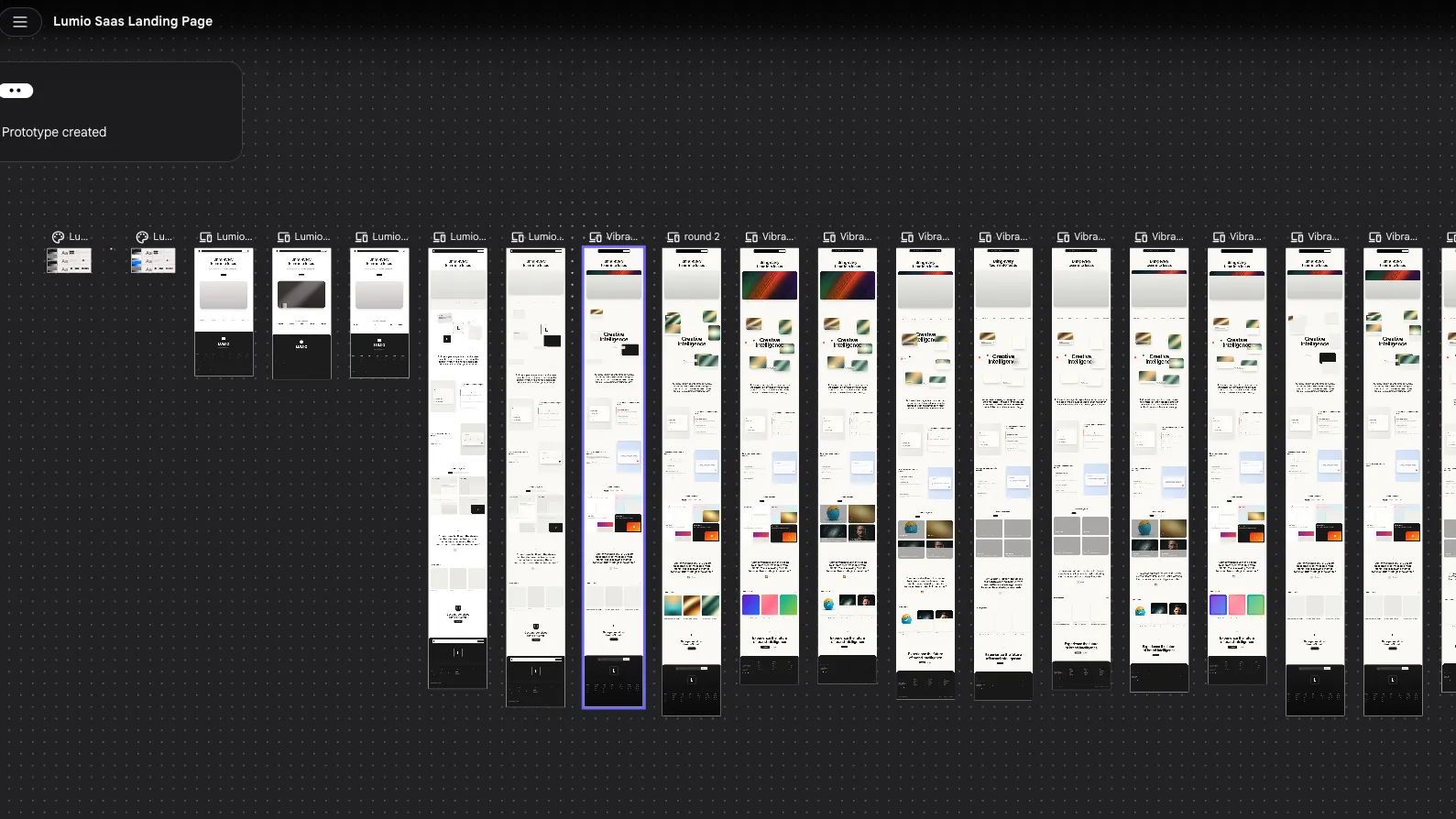
- Explore multiple interface directions on an infinite canvas
- Refine screens conversationally with an AI design agent
2Design Systems
- Extract design systems from URLs
- Import and export DESIGN.md rules
- Reuse visual direction across Stitch projects
- Apply typography, color, and layout guidance consistently
3Prototype Flow
- Stitch screens into clickable journeys
- Preview interactive app flows with Play mode
- Generate logical next screens from user interactions
- Iterate individual components or entire flows
4Developer Handoff
- Export frontend code from generated designs
- Paste generated designs into Figma
- Send designs to AI Studio and Antigravity workflows
- Use Stitch MCP and SDK for agent-assisted implementation
5Agent Integrations
- Stitch MCP server for design context access
- Stitch SDK for programmatic screen generation and extraction
- Agent Skills for design, React, React Native, and utility workflows
- Compatible workflows for Antigravity, Gemini CLI, Claude Code, Codex, and Cursor
Pros
- Strong prompt-to-UI workflow for fast design exploration.
- Useful bridge between designers, founders, and frontend developers.
- Figma export and frontend code export support practical handoff.
- DESIGN.md, MCP, SDK, and Agent Skills make it relevant to coding-agent workflows.
- Free Labs access lowers the cost of experimentation.
Cons
- Not a full-stack app builder with backend, database, auth, and deployment.
- Experimental Google Labs product, so limits, features, and availability may change.
- Generated code usually still needs developer review, refactoring, and integration.
- Less suitable for mature teams that already have strict Figma-first design systems.
- No clearly packaged enterprise pricing or admin model is publicly listed.
Why Choose Google Stitch?
Google Stitch is useful when the project is still visually undefined. Instead of starting with a blank Figma file or a generic component library, a founder, designer, or frontend developer can describe the product direction and quickly explore several interface treatments before deciding what is worth building.
Its main value is the middle layer between pure design and production code. Stitch does not replace a mature design system or a full engineering workflow, but it can shorten the messy early stage where teams debate layout, visual tone, screen hierarchy, and interaction direction without having enough concrete artifacts to review.
Core Workflow
A strong Stitch workflow begins with intent, not just a visual request. The better prompt describes the product goal, target user, emotional tone, platform, navigation model, and constraints. Stitch can then turn that direction into screens that are specific enough for critique rather than vague inspiration boards.
After the first generation, the productive pattern is to branch ideas: explore alternate layouts, refine the strongest one, extract reusable design guidance, and only then move into implementation. The handoff works best when the generated UI becomes a reference for a frontend agent or developer, not when the exported code is treated as final application architecture.
Use Cases
Stitch is a practical fit for landing pages, SaaS dashboards, mobile app concepts, onboarding flows, settings screens, marketplace layouts, internal-tool mockups, and early product demos. It is especially helpful when a team needs to communicate a product idea visually before investing in a full design pass.
For developers, the most interesting use case is pairing Stitch with an agent-first coding environment. Stitch can provide the visual target and design rules, while a coding agent turns those rules into React, Tailwind, React Native, or another implementation. That split keeps Stitch focused on product look and interaction intent while leaving architecture to the development toolchain.
Comparison to Alternatives
Compared with v0, Stitch leans more toward visual ideation, high-fidelity design exploration, and design handoff. v0 is often a stronger fit when the buyer wants shadcn-style React components and a path tightly connected to the Vercel ecosystem.
Compared with Figma Make, Stitch is more attractive for teams that want a Google Labs experiment connected to Gemini-era developer workflows, MCP, and Google’s broader AI tooling. Figma Make is more natural for organizations that already live inside Figma files, libraries, comments, and design-system governance.
Compared with Lovable or Bolt-style app builders, Stitch is narrower. That is a limitation if the goal is a deployable app, but it can be an advantage when the team only wants to solve the design direction before writing production code.
Best Configuration
For best results, keep Stitch as the visual source of truth and use coding agents as implementation workers. Export design rules, preserve the strongest screen references, and make the agent compare its output against the original design rather than inventing a parallel visual system.
Teams using MCP should treat the Stitch API key like any other development credential. Keep it out of repositories, scope usage to the workspace that needs it, and use a repeatable prompt pattern: fetch design context, generate DESIGN.md, implement components, run a local preview, then compare the result against the original screen.
Migration Notes
Stitch does not require a migration from an existing codebase. It can be introduced as a pre-build ideation layer before Figma refinement or frontend implementation. The lowest-risk adoption path is to use it on new screens, marketing pages, and prototypes before applying it to production product flows.
Design-led teams should decide where Stitch output enters the design process. It may be an ideation source, a junior wireframing assistant, a Figma handoff accelerator, or a developer-facing design spec generator. Mixing all of those roles without rules can create messy artifacts, so the team should define whether Stitch output is exploratory, review-ready, or implementation-ready before developers start building from it.
Best For
- Founders turning rough product ideas into interface concepts
- Designers exploring multiple UI directions quickly
- Frontend developers who need a visual source of truth before implementation
- Teams experimenting with design-to-code handoff through MCP and coding agents
- Product teams creating early prototypes before committing to a full design system
Not Ideal For
- Users who need production-ready full-stack applications from one prompt
- Teams that require self-hosting or local model execution
- Organizations that need published enterprise controls, SLAs, and procurement terms
- Developers who only want inline code completion inside an IDE
- Design teams that require deterministic, pixel-perfect control from the first draft
Privacy Notes
Stitch is a Google Labs web product and should be evaluated under Google’s applicable privacy terms and Labs policies. Because prompts, images, design references, generated screens, and API or MCP usage may involve cloud processing, avoid uploading confidential product assets unless your team has reviewed the relevant Google terms and account configuration.
Alternatives
Sources
Update History
- Jul 3, 2026: Verified official website, feature positioning, DESIGN.md docs, MCP setup path, SDK, Skills repository, codelab workflow, and current free Labs positioning.
- Apr 27, 2026: Stitch SDK repository listed v0.1.1 as a release for programmatic Stitch access.
- Apr 15, 2026: Google codelab documented a Stitch-to-Antigravity MCP workflow using a Stitch API key, design context extraction, DESIGN.md generation, and React/Tailwind implementation.
- Mar 18, 2026: Google announced Stitch’s evolution into an AI-native software design canvas with vibe design, voice interaction, design agent workflows, DESIGN.md, MCP, SDK, and exports.
- May 20, 2025: Google Developers Blog introduced Stitch as a Google Labs experiment for turning prompt and image inputs into UI designs and frontend code.
Related Tools
More listings in a similar part of the directory.





Google Stitch AI Articles
Guides, comparisons, and launch notes connected to this listing.