Prismic
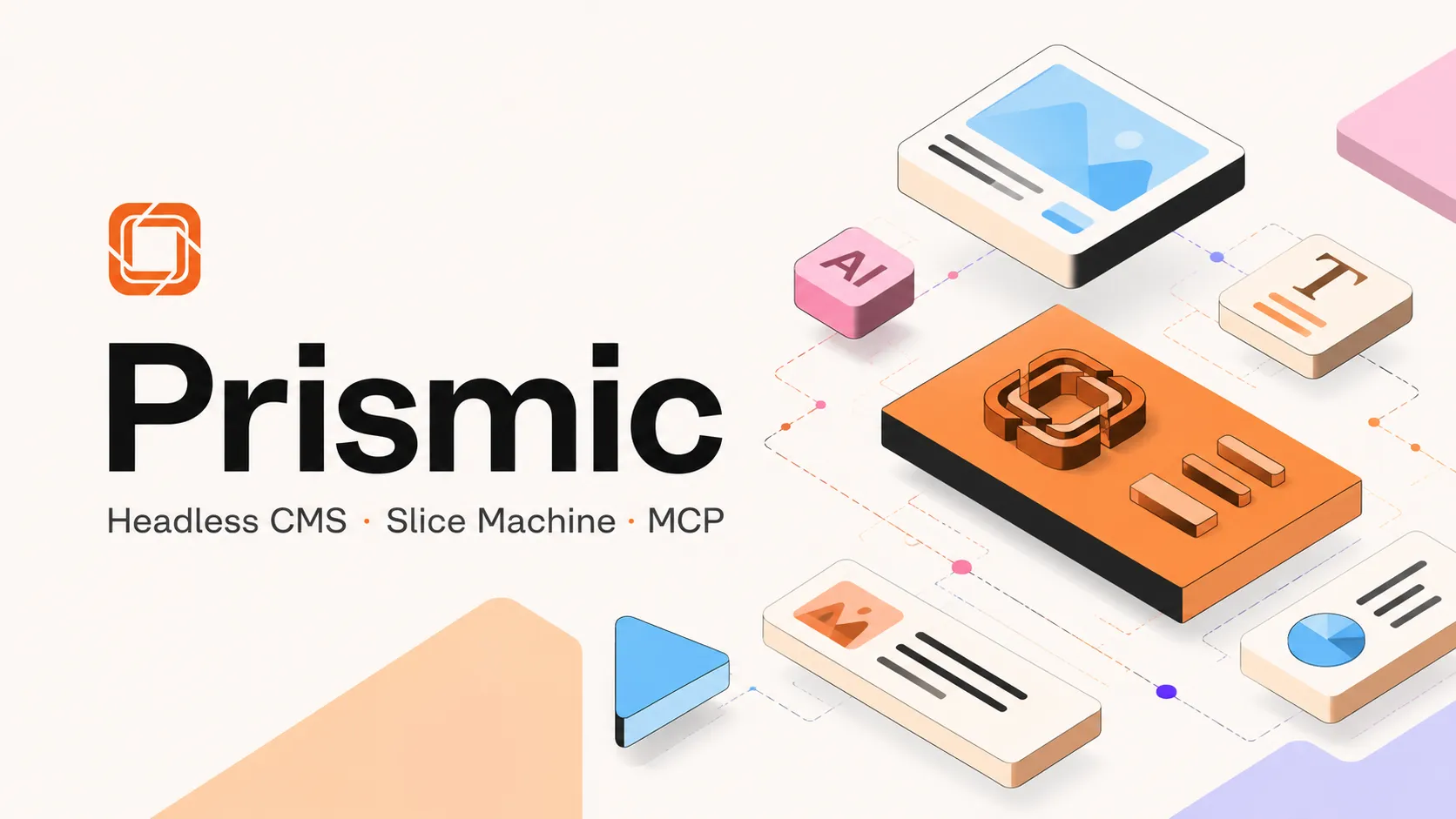
Prismic turns a component-driven frontend into a marketer-friendly page builder. It combines a hosted headless CMS, Slice Machine, AI-assisted page workflows, and MCP access for teams building modern marketing sites.
Prismic is a strong choice for teams that want developers to own the frontend while marketers assemble and scale on-brand pages; it is less compelling when the CMS must behave like a fully customizable backend or self-hosted content database.
Pricing Plans
Free
For personal websites or proof-of-concept projects; includes 1 user, 4M API calls/month, 100GB CDN bandwidth/month, 2 locales, and core CMS features.
Starter
For teams investing in a branded website; includes 3 users, 100GB CDN bandwidth/month with paid overages, and 3 locales.
Small
For publishing teams that need more seats; includes 7 users and 4 locales.
Medium
For scaling content teams; includes 25 users, 5M API calls/month, 500GB CDN bandwidth/month, 5 locales, and user roles.
Platinum
For companies continuously extending websites; includes unlimited users, 10M API calls/month, 1TB CDN bandwidth/month, 8 locales, and development environment options.
Enterprise
For large organizations needing custom usage quotas, SSO, backups, SLA, priority support, legal/security review, and customer success support.
AI Landing Page Builder
Separate add-on for SEO and ABM landing page generation workflows.
Core Features
1Component-Based Content
- Slice Machine for local content modeling
- Reusable slices mapped to frontend components
- Automatic TypeScript support for content fields
- Slice variations and shared slice libraries
2Publishing Workflow
- Visual Page Builder for marketers
- Live editing and preview support
- Scheduling, releases, revision history, and shareable previews
- Localization workflow with locale management
3Developer Integration
- First-class Next.js, Nuxt, and SvelteKit workflows
- Document API, GraphQL, webhooks, and Migration API
- Official JavaScript and TypeScript client library
- Git-compatible Slice Machine workflow
4AI and Agent Workflows
- Prismic MCP connects AI assistants to repository content
- AI-assisted bulk edits and localization drafts
- SEO metadata assistant and AI translation features
- AI landing page builder available as a separate add-on
5Team and Enterprise Controls
- User roles on higher plans
- Custom roles, SSO, backups, and SLA on Enterprise
- Priority/Premium support options
- InfoSec and legal review for enterprise procurement
Pros
- Strong fit for component-driven marketing websites.
- Slice Machine keeps content models close to frontend code.
- Visual Page Builder gives marketers page autonomy without exposing raw layout freedom.
- Good framework support for Next.js, Nuxt, and SvelteKit teams.
- MCP workflow lets AI assistants draft content changes for human review.
- Generous API and CDN quotas on published plans.
Cons
- Less suitable for highly relational or database-like content models.
- Hosted SaaS model is not ideal for teams requiring full self-hosting.
- Per-repository pricing can add up across many separate sites.
- Most advanced governance and support capabilities require Enterprise.
- AI landing page builder is priced separately rather than included in standard plans.
- Opinionated slice workflow requires upfront design-system discipline.
Why Choose Prismic?
Prismic is most compelling when a team wants the frontend to stay code-owned while giving marketing, content, and localization teams more control over page assembly. Its strongest pattern is not “store arbitrary content anywhere”; it is “turn a design system into reusable editorial building blocks.” That distinction matters. A team that already thinks in sections, variants, templates, and campaign pages will usually get more leverage from Prismic than a team looking for a generic database-like CMS.
The newer AI direction also fits this page-first positioning. Rather than replacing the developer workflow, Prismic is trying to make the content layer more agent-friendly: AI can help create or revise campaign pages, but the safest production setup still keeps publishing approval, component boundaries, and brand constraints under human control.
Core Workflow
A good Prismic project usually starts with the component system, not the CMS schema. Developers define reusable page sections, connect them to frontend components, and expose only the fields editors actually need. Editors then compose pages from those approved sections instead of editing raw layouts or asking engineering for every campaign variation.
This workflow rewards discipline. The first implementation should avoid turning every Figma frame into a separate content type. A cleaner setup uses a smaller slice library, well-named variants, predictable field labels, and preview data that reflects real campaign content. When the slice library is too granular, editors get choice overload. When it is too abstract, every new page starts requiring developer interpretation again.
Use Cases
Prismic fits marketing websites, SEO landing page programs, ABM pages, localized campaigns, editorial blogs attached to product sites, and agency-delivered websites where clients need safe editing freedom. It is especially useful when a site must stay fast and framework-native while non-developers need to keep publishing.
It is less natural for products where content behaves like relational application data, marketplaces with complex inventory rules, or internal tools where the CMS is expected to act like a database admin interface. In those cases, a more programmable backend, a self-hosted CMS, or a content platform with heavier custom modeling may be a better fit.
Comparison to Alternatives
Compared with Sanity, Prismic is more opinionated. Sanity gives teams a highly customizable studio and query layer, while Prismic gives teams a more packaged page-building workflow. Compared with Contentful, Prismic can feel simpler for page-first websites, but Contentful may fit organizations standardizing content across many channels and product surfaces. Compared with Storyblok, both are component-oriented, but Prismic’s Slice Machine workflow is especially tied to the developer’s local component structure. Compared with Webflow, Prismic keeps the visual design and frontend implementation in code rather than turning the CMS into the main design tool.
The practical decision is less about which CMS has the longest feature list and more about ownership. Choose Prismic when engineering wants to preserve frontend architecture and marketing wants reusable page autonomy. Choose another platform when the team needs deep schema customization, full self-hosting, or a visual designer that non-developers can freely reshape.
Best Configuration
The best setup is usually a framework-native site with typed content queries, a small but expressive slice library, preview mode, release workflows, and deployment hooks. Treat the slice library like a product surface: document naming conventions, define which fields are safe for editors, and review new slice requests before adding them.
For AI-assisted workflows, the safest configuration is to let agents draft, populate, translate, or bulk-edit content while a human reviews before publication. This keeps AI useful for repetitive content operations without letting it silently change production pages. Teams should also decide early how locales, redirects, SEO metadata, schema markup, and reusable campaign templates will be governed.
Migration Notes
A migration to Prismic works best when old pages are mapped to reusable sections before content is imported. Start by grouping legacy pages into templates, then identify which sections can become slices and which one-off pages should be rebuilt manually. Raw HTML imports may preserve content quickly, but they often recreate the old system’s mess inside the new CMS.
For larger sites, use a staging repository, migrate a representative sample first, and QA previews before doing a full import. Watch for hidden costs around redirects, image transformations, localized page parity, SEO metadata, and editorial retraining. The migration succeeds when editors can build the next page without asking developers to explain the model.
Best For
- Marketing websites built with modern frontend frameworks.
- Agencies delivering safe client-editable page builders.
- SEO, GEO, and ABM landing page programs.
- Localized campaign pages with structured review workflows.
- Teams that want AI-assisted content edits without letting AI publish directly.
Not Ideal For
- Teams that require a fully self-hosted CMS.
- Applications with complex relational content or inventory logic.
- Organizations that want a no-code visual design tool to replace frontend engineering.
- Workflows requiring local LLM execution or BYOK model selection inside the CMS.
- Content platforms where the main requirement is deep multi-channel schema customization rather than page assembly.
Privacy Notes
Prismic is a hosted SaaS platform. Its privacy policy states that it collects account and usage data such as name, email address, and IP address, acts as a GDPR processor for EU/EEA service customers, and may use subprocessors. Prismic’s MCP announcement says AI-generated changes are saved as drafts and require human publication.
Sources
Update History
- Jul 1, 2026: Directory entry reviewed against Prismic official website, pricing, Slice Machine, AI, MCP, privacy, and security pages.
- Jun 8, 2026: Prismic announced Prismic MCP for connecting Claude, ChatGPT, and other MCP-compatible AI tools to repository content workflows.
Related Tools
More listings in a similar part of the directory.





Prismic Articles
Guides, comparisons, and launch notes connected to this listing.