
 KromioA prompt-to-Chrome-extension builder for rapidly creating and iterating on browser tools.
PlugThis
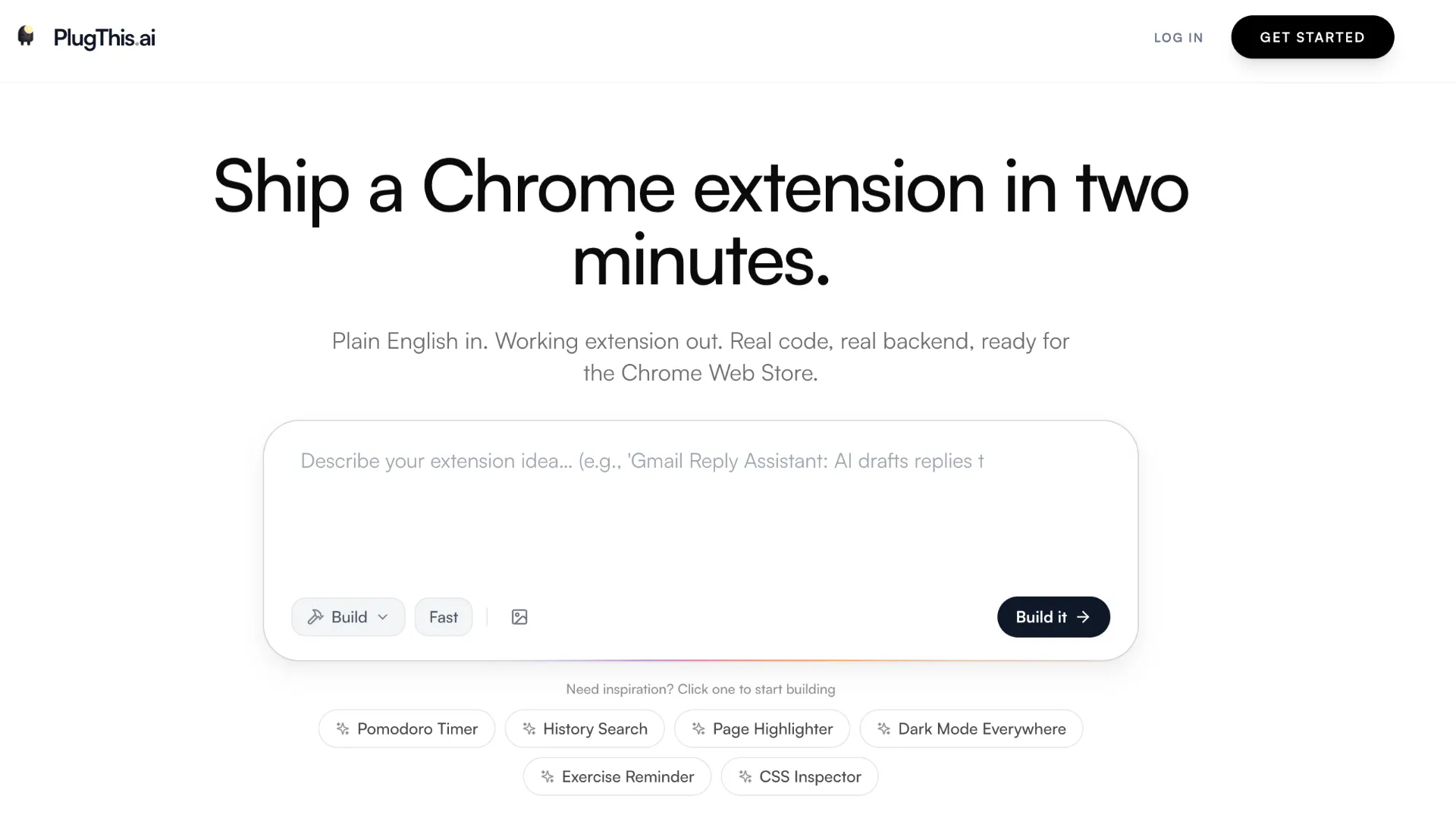
A specialized prompt-to-app builder for generating, editing, testing, and exporting Manifest V3 Chrome extensions.
Information checked: Jul 11, 2026 ·View sources
Tool details
- Type
- App builders
- Platforms
- Web, Google Chrome
- Free plan
- Yes
- Open source
- No
- Bring your own key
- Yes
- Local models
- No
Overview
Best for
- Founders adding a Chrome extension to an existing SaaS product
- Developers prototyping focused browser workflows
- Non-developers creating personal productivity extensions
- Teams building page augmentation, data extraction, or browser automation tools
- Creators replacing narrow subscription extensions with custom internal tools
- Builders who want editable source code rather than a hosted-only result
Strengths
- Purpose-built for Chrome extension architecture rather than generic web applications.
- Exports standalone projects with full source-code ownership.
- Combines conversational generation with direct multi-file editing.
- Supports full-stack extensions through Supabase integration.
- Low published starting price for a specialized application builder.
- Allows generated AI extensions to use user-supplied provider keys.
Limitations & trade-offs
- Security-sensitive extensions that cannot undergo professional code review
- Complex enterprise deployments requiring SSO, audit logs, and centralized administration
- Developers who require a locally hosted or selectable code-generation model
- Projects that must support several browsers from one verified build pipeline
- Extensions requiring extensive automated integration testing across many websites
- Users expecting Chrome Web Store approval to be automatic or guaranteed
- The model used to generate extension code is fixed to Gemini 3.1 Pro.
- The embedded preview cannot fully test content scripts against real websites.
- Network rules, context menus, and service-worker behavior require testing in Chrome.
- Published paid plans are limited to one or three extension projects.
- Generated code still requires security, permission, and policy review.
- No documented enterprise administration, SSO, audit, or team-governance controls.
Get started
Pricing & usage limits
Official pricingFree tier · From $9.99
Free$0
Free-to-try access with no card required; the current public build allowance is not specified.
Starter$9.99 / month
One extension project, unlimited refinement chats, ZIP export, and full source-code ownership.
Builder$29.99 / month
Three extension projects, Supabase and LLM integrations, unlimited refinement chats, and priority support.
Pricing checked: Jul 11, 2026 · Subscription, usage limits, and model costs may be billed separately.
Features & details
Prompt-to-Extension Generation
- Generates complete Manifest V3 projects from plain-English prompts
- Creates manifests, popups, content scripts, service workers, styles, and icons
- Supports iterative changes through conversational instructions
- Accepts reference images and interface mockups
Development Workspace
- Built-in multi-file code editor and file explorer
- Syntax highlighting for JavaScript, TypeScript, HTML, and CSS
- Interactive sandboxed preview for popup interfaces
- Project cloning, saved versions, and rollback support
Backend and AI Integrations
- Optional Supabase authentication, database, storage, and edge functions
- Runtime BYOK integrations for AI-powered extensions
- Supports both vanilla JavaScript and React interfaces
- Generated projects operate independently after export
Testing and Export
- Downloadable ZIP packages for local installation
- Chrome Web Store-compatible Manifest V3 structure
- Manifest and permission validation before export
- Full access to generated source code
Why Choose PlugThis?
PlugThis is differentiated less by raw code-generation intelligence than by the constraints it places around the model. A browser extension is a coordinated multi-file application in which the manifest, permission scopes, host patterns, content scripts, popup interface, message passing, and background service worker must agree with one another. Generic coding assistants can generate each component, but users are often responsible for assembling and validating the complete structure.
PlugThis turns that structure into the default output. The builder interprets a product description as an extension architecture rather than as a conventional website. This makes it most useful when the desired product needs to live inside an existing browsing workflow, modify a page, react to browser events, or expose a compact interface through the Chrome toolbar.
The platform should still be treated as an accelerator rather than an autonomous release process. Chrome extensions can access sensitive page content and browser capabilities, so a project that appears functional may still request unnecessary permissions, mishandle credentials, conflict with a website, or fail Chrome Web Store review.
Core Workflow
A productive PlugThis project begins with a narrowly defined browser interaction. The initial prompt should identify the websites on which the extension runs, the event that activates it, the information it reads, the interface it displays, and the data it needs to remember. This produces better results than beginning with a broad request such as building a complete productivity assistant.
The first generated version should contain only the primary interaction. For example, a research extension might initially extract the current page title and selected text into a popup. Cloud synchronization, AI analysis, account systems, exports, and additional websites can be introduced after that basic path works reliably.
PlugThis's embedded preview is useful for evaluating popup layouts and simple interface state. It is not a replacement for loading the project through chrome://extensions. Content scripts, host permissions, background service-worker lifecycle behavior, network rules, browser menus, and interactions with real third-party pages need to be checked in an installed unpacked build.
After each meaningful change, the generated files should be inspected for new permissions, remote requests, storage behavior, and error handling. The final package should then be tested with a clean browser profile before it is submitted or shared with other users.
Where PlugThis Fits Best
PlugThis is especially well matched to browser-adjacent SaaS products. A CRM, SEO platform, writing service, analytics product, or research database can use a Chrome extension to bring an existing backend directly into the user's current webpage. In this scenario, the extension becomes a lightweight client for an established product rather than an isolated application.
It also suits focused internal utilities. Examples include transferring visible page data into an internal system, adding organization-specific controls to a web application, collecting structured notes, validating page content, or simplifying a repetitive browser workflow. These projects often have clear inputs and outputs, making them easier to verify than a broad consumer extension.
Personal tools are another strong fit because the user can keep the project private, limit its host permissions, and modify the source when a target website changes. A private extension does not eliminate security risks, but it avoids some of the support, compatibility, and policy burden associated with distributing a public product.
Comparison to Alternatives
Kromio is the closest direct comparison because it is also centered on generating Chrome extensions from natural-language requirements. The buying decision is therefore likely to depend on project limits, editing depth, backend requirements, iteration quality, and how reliably each builder handles the exact Chrome APIs needed by a project.
Manus offers a Chrome extension builder inside a broader autonomous-agent product. That approach may appeal to users who already use Manus for research, websites, files, or other generated deliverables. PlugThis is more narrowly positioned around the extension lifecycle and exposes a workspace designed specifically for generated extension files.
General prompt-to-app tools and AI coding editors can also produce extension code, but they are not exact substitutes. They provide greater flexibility for surrounding websites, APIs, and repositories, while requiring the user to supply more of the Chrome-specific architecture, validation, installation, and publishing context.
For experienced extension developers, an AI code editor combined with an established framework may remain preferable. It offers more control over build tooling, tests, dependency versions, browser compatibility, continuous integration, and repository structure. PlugThis is more compelling when reducing initial setup and extension-specific boilerplate matters more than controlling every part of the toolchain from the beginning.
Best Configuration
The safest starting configuration is a single-purpose extension with tightly scoped host access. Prefer activeTab or explicit site patterns over access to every URL when the workflow permits it. Ask for each permission deliberately and verify that the generated code actually requires it.
Local browser storage is appropriate for small preferences and private state that does not need to follow a user across devices. Supabase becomes useful when the extension requires accounts, shared records, synchronization, server-side logic, or a connection to an existing product. Introducing a backend also introduces authentication, authorization, data-retention, and operational responsibilities that must be reviewed separately from the extension itself.
For AI-powered extensions, avoid embedding a private production API key directly in code distributed through the Chrome Web Store. A personal extension can accept a user-supplied key and store it locally, but a public commercial product usually needs a controlled server-side proxy, authentication, quotas, abuse prevention, and cost monitoring. The implementation should also make clear what page content is sent to the selected model provider.
Complex builds should be divided into short iterations. Stabilize the content script and browser messaging first, then add persistent storage, external APIs, AI calls, account features, and visual polish. Smaller iterations make it easier to identify which generated change introduced a regression or an unnecessary permission.
Migration and Ownership
PlugThis exports standalone source code, so a project is not required to call the PlugThis service at runtime. This makes gradual migration possible: a prototype can be generated in PlugThis, exported into Git, and later maintained in a conventional editor or moved into a dedicated extension framework.
Before moving development outside the platform, record the package structure, build commands, environment variables, Supabase schema, edge functions, external API dependencies, and Chrome Web Store listing configuration. Confirm that secrets are excluded from the repository and that the exported project can be rebuilt without access to the original PlugThis workspace.
A growing extension may eventually benefit from automated linting, unit tests, browser integration tests, dependency scanning, release automation, and separate development and production environments. These additions are easier to introduce early than after a generated prototype has accumulated several tightly coupled features.
Operational and Security Considerations
Chrome Web Store readiness describes package structure, not guaranteed approval. Reviewers may examine whether the extension has a clear single purpose, requests the minimum permissions, accurately explains data use, avoids remotely hosted executable code, and behaves consistently with its listing. Every permission and external request should therefore be understandable without relying on the original generation prompt.
Generated extensions should be reviewed for unsafe DOM insertion, overly broad selectors, unvalidated messages, exposed API keys, unrestricted cross-origin requests, and assumptions about third-party page structure. Websites change frequently, so content scripts also need graceful failure behavior rather than silently corrupting a page when expected elements are missing.
The exported package should be retained in a separate repository even when the project remains editable in PlugThis. Versioned local copies reduce the impact of account loss, service changes, accidental regeneration, or a future migration to another development environment.
Model support & data privacy
Supported models
- Gemini 3.1 Pro
- OpenAI
- Anthropic
- Groq
- Google AI Studio
Privacy & data handling
PlugThis states that prompts, generated code, saved projects, and account metadata are stored to provide the service but are not used to train AI models. It uses Google authentication, collects limited technical logs, and processes payments through Dodo Payments. The company says exported extensions do not communicate with PlugThis, although extensions may still transmit data to Supabase, model providers, or other services configured by the user. Permissions, API-key storage, data handling, and generated code should be reviewed before distribution.
Guides, reviews & fixes
No published guides yet. Start with the official documentation above.
Product updates
No verified product updates listed yet. Follow this tool to see new relevant content in Saved.
See the content timelineAlternatives
KromioA prompt-to-Chrome-extension builder for rapidly creating and iterating on browser tools. ManusManus sits between an autonomous AI agent, prompt-to-app builder, research assistant, and workflow automation platform for users who want finished outputs rather than editor-only code suggestions.
Sources & verification
Verification dates record when this directory checked the information. Product release dates appear separately above.
Directory revision history
Verified the current Manifest V3 workflow, Gemini 3.1 Pro code generation, Supabase support, BYOK runtime integrations, documentation, and monthly pricing.