On This Page8 sections
Quick Comparison
| Dimension | OpenCode | Pi Agent |
|---|---|---|
| Product shape | Open-source AI coding agent available as a terminal interface, desktop app, and IDE extension. (OpenCode) | Minimal terminal agent harness focused on customization through extensions, skills, prompt templates, themes, and packages. (Pi) |
| Model access | Uses AI SDK and Models.dev to support 75+ providers, including local models; also offers OpenCode Zen and OpenCode Go as optional model access layers. (OpenCode) | Supports 15+ providers and hundreds of models, with OAuth/API-key auth and custom providers or models via configuration. (Pi) |
| Default workflow | More opinionated: Build mode, Plan mode, subagents, permissions, sharing, LSP integration, and IDE/desktop options are part of the core experience. (OpenCode) | More composable: starts smaller, skips built-in subagents and plan mode by default, and expects users to add or build the workflow they want. (Pi) |
| Safety model | Has configurable allow/ask/deny permissions, granular command/file rules, auto mode, Plan mode restrictions, and enterprise central config options. (OpenCode) | Has project trust, but no built-in sandbox; for untrusted work, the docs recommend a container, VM, micro-VM, remote sandbox, or policy-controlled sandbox. (Pi) |
| Ecosystem metrics checked on 2026-07-08 | GitHub showed about 184k stars, 22.8k forks, 14,835 commits, 832 releases, and latest release v1.17.15 on 2026-07-07. (GitHub) | GitHub showed about 68.5k stars, 8.4k forks, 4,860 commits, 241 releases, and latest release v0.80.3 on 2026-06-30. (GitHub) |
| Best-fit summary | Better for teams that want a ready-to-use coding agent with stronger defaults, governance controls, multiple surfaces, and a larger visible project footprint. | Better for power users who want to modify the harness itself, build custom workflows, and use tree-style session branching as a core workflow. |
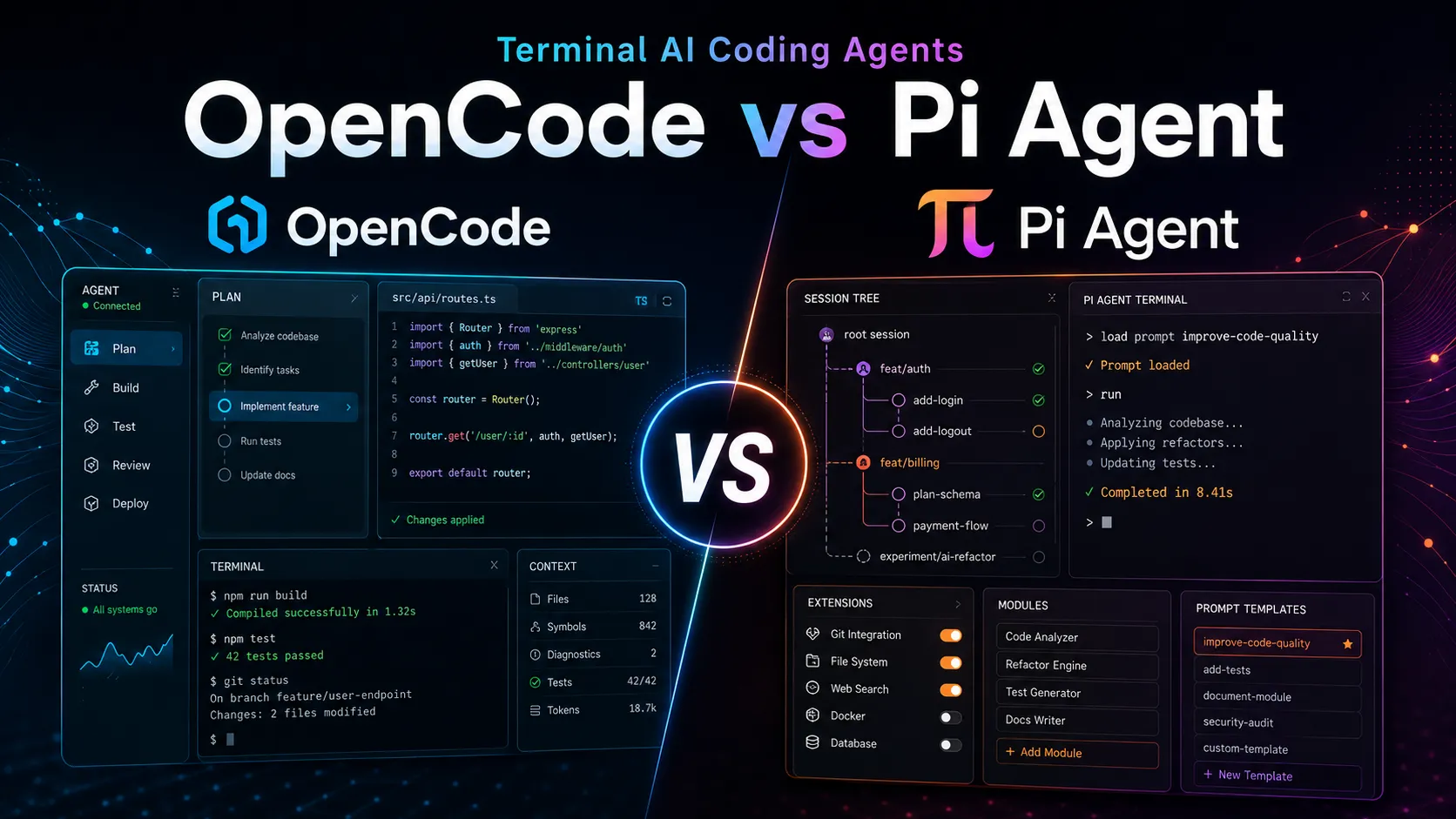
Short read: OpenCode is the more productized agent. Pi Agent is the more hackable harness. The best choice depends less on raw model quality and more on workflow control, safety defaults, and how much customization your team wants to own.
Performance and Real-World Throughput
There is no reliable public benchmark that compares OpenCode and Pi Agent head-to-head with the same repository, same prompt suite, same model, same provider endpoint, same cache state, and same hardware. Treat any single “faster” claim cautiously because coding-agent performance is usually dominated by model latency, tool-call count, context size, cache behavior, and how many times the agent has to re-run tests.
A practical benchmark should measure:
- Wall-clock time from prompt to final diff.
- Tokens in/out and cache read/write where the provider exposes it.
- Number of shell commands and failed commands.
- Number of files read/edited.
- Test pass rate after the final agent change.
- Human interventions needed to keep the agent on track.
- Cost per completed task, not just cost per token.
OpenCode has an advantage in visible provider-side analytics because it publishes a model data dashboard covering token volume, rankings, market share, token pricing, session cost, cache ratio, and geographic breakdowns for OpenCode usage. That does not prove OpenCode is faster than Pi, but it gives teams more operational data when choosing provider/model combinations. (OpenCode)
Pi Agent’s performance angle is different. It emphasizes context engineering, a minimal system prompt, customizable compaction, dynamic context injection through extensions, and tree-structured sessions that let users branch from earlier points instead of restarting a task from scratch. (Pi)
Real-world scenario: On a large TypeScript monorepo, OpenCode is likely to feel faster to a new user because Plan mode, Build mode, LSP behavior, permissions, and subagents are already present. Pi may become faster for a customized team workflow after users encode their preferred prompts, compaction behavior, shortcuts, model routing, and extensions.
Pricing and Model Access
Both tools are open-source at the core, so the main cost is usually the model layer.
OpenCode offers several paths. You can connect your own provider keys, use local models, use OpenCode Zen as a pay-as-you-go curated model layer, or subscribe to OpenCode Go, which is listed at $5 for the first month and $10/month afterward. OpenCode Enterprise uses custom per-seat pricing, and OpenCode says it does not charge for token usage when an organization brings its own LLM gateway. (OpenCode)
Pi Agent does not appear to position itself around a first-party paid model bundle in the same way. Its docs emphasize subscription-based providers via OAuth, API keys through environment variables or auth files, cloud providers, custom providers, and custom model entries. Built-in subscription paths include ChatGPT Plus/Pro for Codex, Claude Pro/Max, and GitHub Copilot. (GitHub)
Cost trade-off:
- Choose OpenCode if you want a low-friction bundled model option such as OpenCode Go or a curated pay-as-you-go path through Zen.
- Choose Pi Agent if you already have provider accounts and want a neutral harness that can use existing subscriptions, API keys, local models, or custom providers.
For cost control, benchmark at the task level. A cheap model that takes five repair loops can cost more than an expensive model that passes tests on the first attempt.
Ease of Use and Daily Workflow
OpenCode has more default structure. It provides a terminal workflow, desktop beta, IDE extension, install paths across package managers, and a Windows recommendation to use WSL for best compatibility. Its first-run flow includes provider setup, project initialization, and generation of an AGENTS.md file to help the agent understand project conventions. (OpenCode)
OpenCode also includes a more guided editing workflow. You can use Plan mode before editing, switch agents with the Tab key, use file references with @, undo changes with /undo, and share conversations only when explicitly requested. (OpenCode)
Pi Agent is easier for users who think in systems rather than screens. Its interface is still terminal-first, but the mental model is closer to “agent harness I can reshape.” It supports interactive use, print/JSON mode, RPC mode, and SDK embedding, which makes it suitable for scripts, custom UIs, or higher-level developer automation. (Pi)
Daily workflow trade-off:
- OpenCode reduces setup decisions by shipping stronger defaults.
- Pi reduces workflow lock-in by making the harness itself easier to modify.
For a team rollout, OpenCode is more straightforward. For a solo power user or internal-tools team, Pi may be more adaptable over time.
Safety, Permissions, and Sandboxing
OpenCode has the stronger built-in permission story. It supports global and per-tool permissions, granular wildcard rules for bash/edit/read-style operations, external-directory controls, auto-approval with explicit deny rules still enforced, and Plan mode as a restricted agent for analysis before modification. (OpenCode)
Pi is more explicit about its boundary: it does not include a built-in sandbox. Built-in tools can read, write, edit, and run shell commands with the permissions of the Pi process, while extensions run with the same permissions. Pi’s security docs recommend containers, VMs, micro-VMs, remote sandboxes, restricted mounts, minimal credentials, and network restrictions for untrusted repositories or unattended automation. (Pi)
This difference matters in production:
- If developers often run agents on unfamiliar repositories, OpenCode’s built-in permission controls reduce the amount of external scaffolding needed.
- If developers already run agents inside Docker, a VM, or a remote development environment, Pi’s lack of an in-process sandbox may be less important.
- If third-party extensions are part of the workflow, both tools require review, but Pi’s docs explicitly warn that extensions can execute arbitrary code with full system permissions. (Pi)
A conservative setup for either tool is the same: run in a disposable workspace, mount only required files, pass short-lived credentials, require human review of diffs, and run tests before merging.
Extensibility and Automation
OpenCode supports customization through config, permissions, agents, commands, formatters, LSP servers, MCP servers, custom tools, and plugins. Custom tools are defined in TypeScript or JavaScript, but the tool definition can call scripts in any language. Plugins are JavaScript/TypeScript modules with hooks for events such as command execution, file edits, permission prompts, session status, tool execution, and TUI interactions. (OpenCode)
Pi Agent is more centered on extensibility as the product identity. It supports extensions, skills, prompt templates, themes, packages, custom models, custom providers, SDK usage, RPC mode, and JSON event streams. Its package catalog showed 4,969 packages at the time checked, including extensions for web access, MCP adaptation, subagents, context management, and provider bridges. (Pi)
Automation trade-off:
- OpenCode is better when you want customization inside a more complete agent product.
- Pi is better when you want the agent product to become a programmable substrate.
A practical example: if you need a database query tool, OpenCode can add a custom tool. If you need a full custom workflow with new commands, UI widgets, model routing, and event behavior, Pi’s extension-first model may be more natural.
Ecosystem and Project Maturity
OpenCode currently has a larger visible GitHub footprint: about 184k stars, 22.8k forks, and 14,835 commits at check time. Its repository also showed a latest release from 2026-07-07, indicating active release cadence. (GitHub)
Pi Agent is smaller but still substantial: about 68.5k stars, 8.4k forks, and 4,860 commits, with a latest release from 2026-06-30. Its repository is TypeScript-heavy, with GitHub reporting 93.7% TypeScript in the codebase. (GitHub)
OpenCode’s maturity signal is stronger for teams that value adoption, documentation breadth, enterprise positioning, and familiar guardrails. Pi’s maturity signal is stronger for users who value rapid customization, package-driven workflows, and a community forming around extensions.
The main risk with OpenCode is product surface area: more built-in modes and enterprise features can mean more configuration decisions. The main risk with Pi is ownership burden: a highly customizable harness can drift if teams do not standardize packages, prompts, permissions, and sandboxing practices.
Privacy and Enterprise Fit
OpenCode says it does not store code or context data by default. It also documents that shared conversations are sent to the service used to host share pages, recommends disabling sharing for enterprise trials, and offers enterprise central config, SSO integration, internal AI gateway routing, and per-seat pricing. (OpenCode)
Pi’s privacy posture depends heavily on configuration. The agent runs locally, but prompts, code, command output, and context may still go to whichever provider is selected. Local models are possible through configurations such as Ollama, LM Studio, vLLM, or similar OpenAI-compatible endpoints. (Pi)
For regulated teams, the key comparison is not “local vs cloud.” It is:
- Can the organization force all requests through an approved gateway?
- Can sharing be disabled?
- Can credentials be scoped and rotated?
- Can agent execution be isolated from the developer machine?
- Can configuration be standardized across the team?
OpenCode currently answers more of those questions through documented enterprise features. Pi can satisfy many of them with external platform controls, but the team must design those controls.
Which Should You Choose?
Choose OpenCode when:
- You want a terminal coding agent that also offers desktop and IDE surfaces.
- You want built-in Plan/Build modes, subagents, and permission controls.
- You need a more enterprise-oriented path with SSO, central config, and internal gateway options.
- You want an optional low-cost bundled model plan or curated model access.
- You are rolling out to a team that needs consistent defaults.
Choose Pi Agent when:
- You want to customize the agent harness itself.
- You prefer tree-structured sessions, branching, reusable prompt templates, skills, and extensions.
- You are comfortable adding missing workflows through packages or your own TypeScript extensions.
- You need RPC/SDK-style embedding for scripts, custom UIs, or internal developer tools.
- You already manage model access through subscriptions, API keys, local models, or custom providers.
Choose neither as-is without extra isolation when:
- You are running on untrusted repositories.
- The agent can access production secrets.
- The task is unattended and can execute shell commands.
- The repository contains sensitive data that should not leave your network.
In those cases, run the agent in a sandboxed environment and route model traffic through an approved provider or gateway.
Bottom Line
OpenCode and Pi Agent are both serious terminal-first AI coding tools, but they optimize for different users.
OpenCode is the more complete product. It has more built-in workflow structure, stronger default controls, a larger visible repository footprint, optional first-party model access, and clearer enterprise positioning.
Pi Agent is the more flexible harness. It gives developers more room to reshape the agent through extensions, skills, prompts, packages, tree-structured sessions, RPC, SDK usage, and custom model/provider configuration.
For most teams, start with OpenCode if you need governance and fast onboarding. Start with Pi if your highest-value work is building a custom agent workflow that fits your existing development system instead of adapting your system to the tool.
Continue Reading
More articles connected to the same themes, protocols, and tools.


Referenced Tools
Browse entries that are adjacent to the topics covered in this article.