


JetBrains Junie
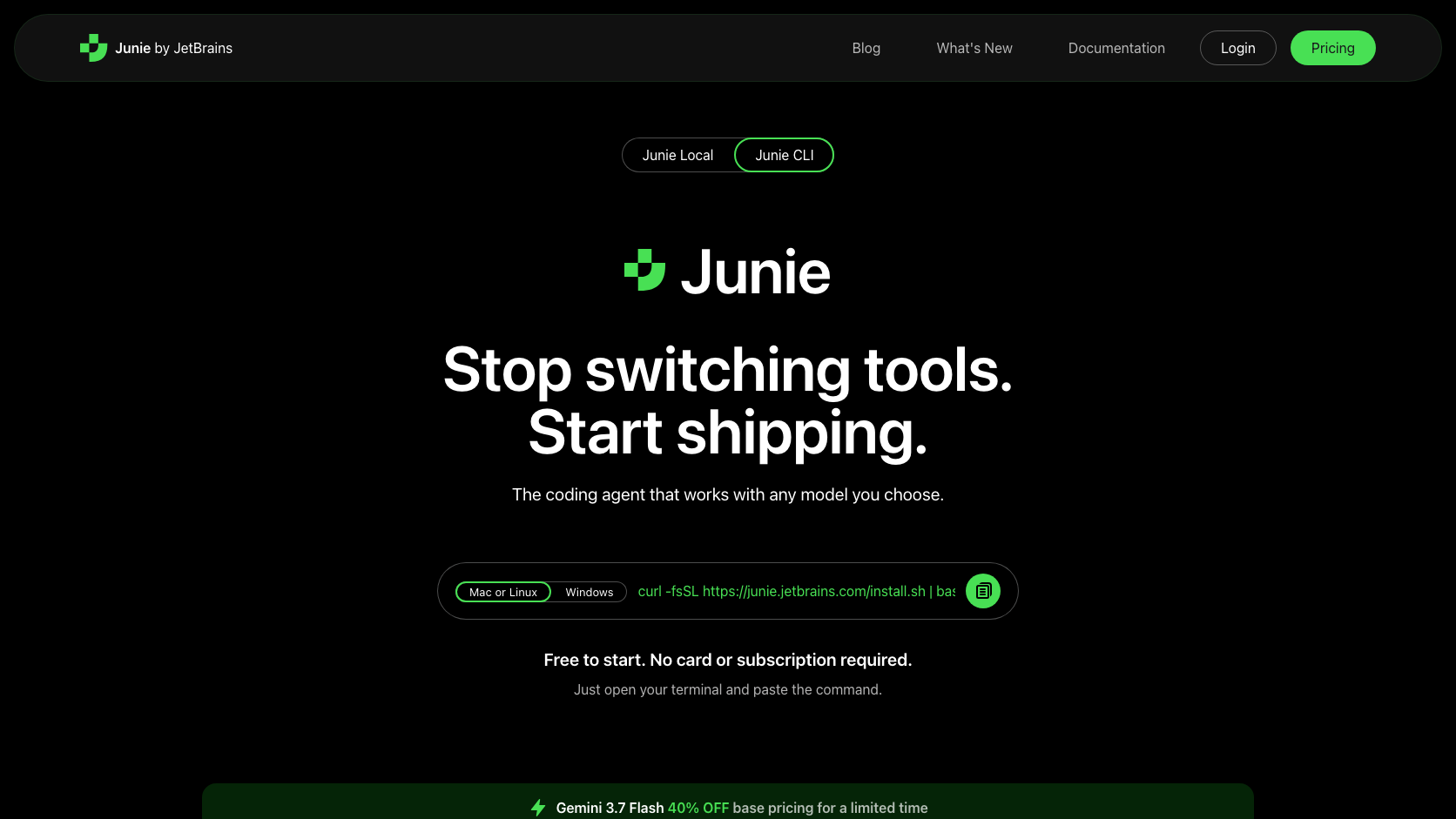
Junie is JetBrains' agentic coding layer across IDE and automation surfaces. It can work interactively in JetBrains products or run through terminal, GitHub, and headless CI workflows.
Information checked: Aug 29, 2026 ·View sources
Tool details
- Type
- Editor extensions
- Platforms
- JetBrains IDEs, Terminal, GitHub Actions, Headless CI
- Free plan
- Yes
- Open source
- No
- Bring your own key
- Yes
- Local models
- No
Overview
Best for
- Teams standardized on JetBrains IDEs.
- Developers who want the same agent in IDE and CI workflows.
- Organizations seeking BYOK within an established developer platform.
Strengths
- Deep fit with JetBrains IDE users and project models.
- Extends beyond the IDE into CLI, GitHub, and CI.
- BYOK expands model and billing choices.
- Supports autonomous work with developer review.
Limitations & trade-offs
- VS Code-only teams.
- Users seeking a fully open-source harness.
- Developers who only need lightweight completion.
- Best experience is tied to the JetBrains ecosystem.
- Plan and model limits can be harder to compare than a standalone agent.
- Headless automation requires careful permissions and secrets.
- Teams on VS Code may prefer a native alternative.
Get started
Pricing & usage limits
Free tier available
AccessPlan-dependent
Availability and limits depend on JetBrains AI plans, product access, and configured providers.
Pricing checked: Aug 29, 2026 · Subscription, usage limits, and model costs may be billed separately.
Features & details
IDE Workflow
- JetBrains project context
- Autonomous multi-file changes
- Run and validate code
- Interactive review inside the IDE
Automation Surfaces
- Terminal workflow
- Headless execution
- GitHub pull-request automation
- CI integration
Models and Governance
- JetBrains managed access
- BYOK providers
- Repository instructions
- Organization deployment options
JetBrains Junie Review 2026
JetBrains Junie is an autonomous coding agent for JetBrains IDEs, the terminal, GitHub pull-request automation, and headless CI workflows, with repository analysis and BYOK model support.
What Is JetBrains Junie?
Junie is JetBrains' agentic coding layer across IDE and automation surfaces. It can work interactively in JetBrains products or run through terminal, GitHub, and headless CI workflows.
Junie connects JetBrains' deep IDE context with autonomous repository work and headless automation rather than remaining an editor-only assistant.
Core Features
IDE Workflow
- JetBrains project context
- Autonomous multi-file changes
- Run and validate code
- Interactive review inside the IDE
Automation Surfaces
- Terminal workflow
- Headless execution
- GitHub pull-request automation
- CI integration
Models and Governance
- JetBrains managed access
- BYOK providers
- Repository instructions
- Organization deployment options
How It Fits an Agentic Development Workflow
JetBrains Junie is most useful when its permissions, repository scope, model access, and review checkpoints are configured before the first large task. Start with a bounded project, verify the generated changes or analysis, and only then expand access. This matters because agentic tools can move faster than a conventional assistant and can also amplify a bad assumption.
For teams, the practical evaluation should cover setup time, context quality, task completion rate, review burden, model or infrastructure cost, security controls, and how easily a human can interrupt or redirect work.
Best Use Cases
- Teams standardized on JetBrains IDEs.
- Developers who want the same agent in IDE and CI workflows.
- Organizations seeking BYOK within an established developer platform.
Pricing
- Access: Plan-dependent. Availability and limits depend on JetBrains AI plans, product access, and configured providers.
Pricing and limits can change quickly. The figures or plan descriptions above were checked against official information on 2026-08-29; verify the official site before purchasing.
Privacy, Security, and Deployment
Privacy depends on the JetBrains plan and model provider. Review BYOK routing, repository access, telemetry, CI secrets, and organizational data-handling settings.
Any coding agent or developer tool with repository, terminal, browser, or secret access should be introduced with least-privilege credentials, protected branches, mandatory review, isolated test environments, and clear log-retention rules.
Limitations
- Best experience is tied to the JetBrains ecosystem.
- Plan and model limits can be harder to compare than a standalone agent.
- Headless automation requires careful permissions and secrets.
- Teams on VS Code may prefer a native alternative.
Alternatives
- GitHub Copilot
- Cursor
- Claude Code
- Qodo
- Tabnine
The best alternative depends on whether the priority is an AI-native editor, a terminal harness, autonomous cloud execution, code review, mobile control, or a shared orchestration layer.
Verdict
A major omission for any AI coding directory because it turns JetBrains' AI stack into an agent that spans interactive development and automation.
Official Sources
Model support & data privacy
Supported models
- JetBrains managed models
- Supported BYOK providers
Privacy & data handling
Privacy depends on the JetBrains plan and model provider. Review BYOK routing, repository access, telemetry, CI secrets, and organizational data-handling settings.
Guides, reviews & fixes
Product updates
No verified product updates listed yet. Follow this tool to see new relevant content in Saved.
See the content timelineAlternatives
 GitHub CopilotGitHub Copilot is a mainstream AI code assistant and developer workflow layer for teams that want AI support inside existing editors, GitHub repositories, pull requests, and terminal workflows.
 CursorCursor is an AI coding and cloud development platform that combines a VS Code-based editor, local and cloud agents, CLI workflows, Origin code hosting, repository collaboration, and prompt-to-app creation.
 Claude CodeClaude Code is Anthropic's terminal coding agent for repository work, subagents, hooks, MCP, and automation, with growing operational tooling for API cost analysis and feedback.
 QodoQodo is an agentic code-quality platform that connects code generation, testing, and review. Its strongest positioning is enterprise-grade review with multiple specialized agents and organization context.
 TabnineTabnine is an enterprise-focused AI coding assistant and agentic platform for organizations that need private, governed, deploy-anywhere AI development workflows.
Sources & verification
Verification dates record when this directory checked the information. Product release dates appear separately above.
Directory revision history
Created a complete English draft profile from current official sources; kept unpublished for editorial review.