


Goose
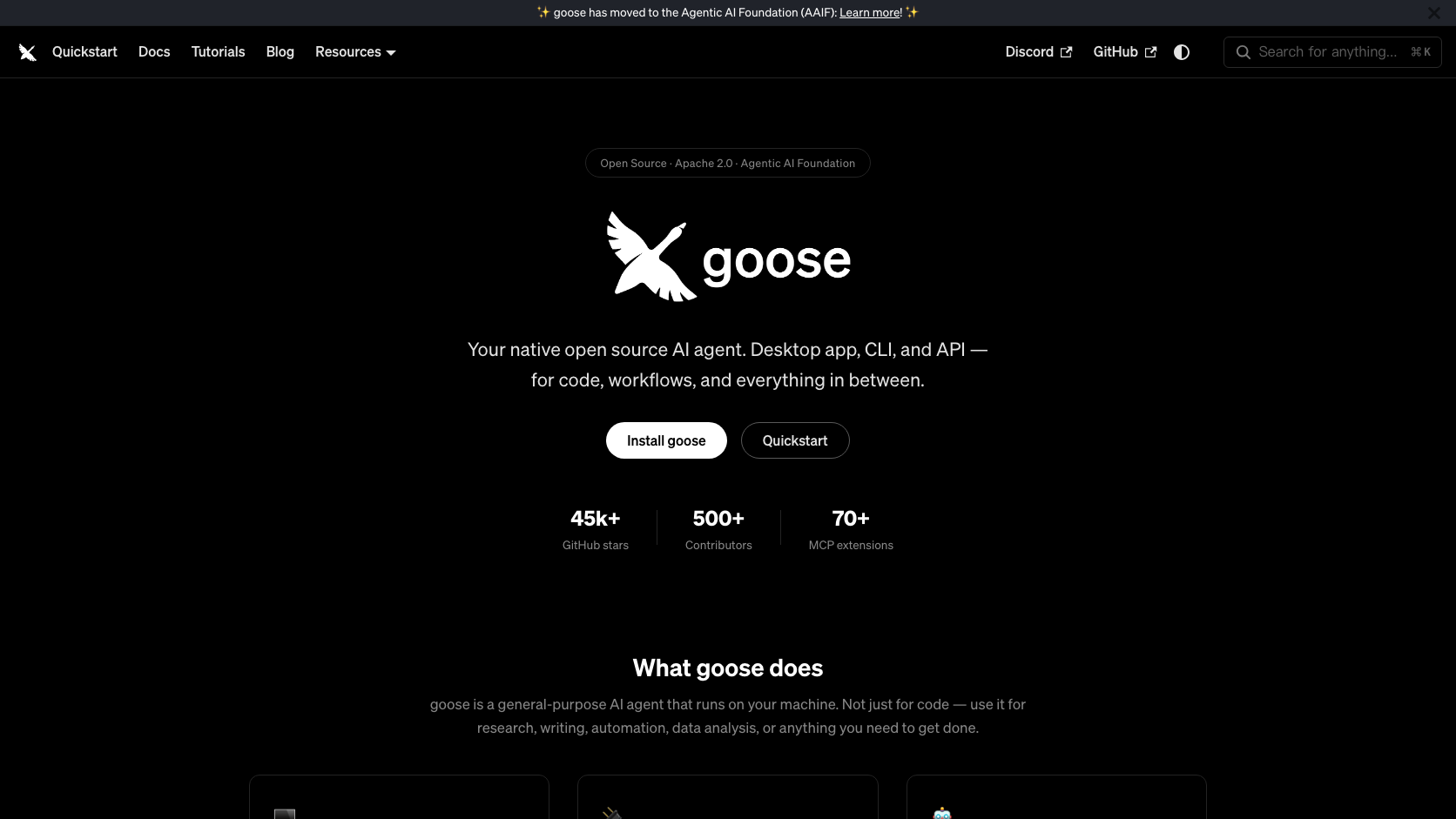
Goose is a general developer agent that emphasizes open infrastructure, provider choice, and extensibility. It can operate as a desktop application, a terminal agent, or an API component.
Information checked: Aug 29, 2026 ·View sources
Tool details
- Type
- CLI agents
- Platforms
- macOS, Linux, Windows, CLI, Desktop, API
- Free plan
- Yes
- Open source
- Yes
- Bring your own key
- Yes
- Local models
- Yes
Overview
Best for
- Developers who want an open and provider-neutral agent.
- Teams building MCP- or ACP-based workflows.
- Users who need desktop, CLI, and API access to the same agent.
Strengths
- Open-source with neutral foundation governance.
- Broad model-provider and BYOK support.
- Desktop, CLI, API, MCP, and ACP cover many integration styles.
- Local model options improve deployment flexibility.
Limitations & trade-offs
- Teams wanting a fully managed zero-configuration service.
- Users who only need fast inline autocomplete.
- Organizations without capacity to govern model keys and tool permissions.
- Configuration is more involved than a hosted all-in-one product.
- Quality and cost vary with the chosen model provider.
- Powerful system access requires careful permission design.
- A general agent can feel less opinionated than a coding-only workflow.
Get started
Pricing & usage limits
Free tier available
Open-source software$0
Goose is free to run; model-provider and infrastructure costs are separate.
Pricing checked: Aug 29, 2026 · Subscription, usage limits, and model costs may be billed separately.
Features & details
Interfaces
- Desktop application
- Terminal CLI
- Embeddable API
- ACP connections to compatible editors
Models and Tools
- Many model providers
- BYOK configuration
- Local model options
- MCP extension ecosystem
Open Agent Platform
- Apache-licensed source
- Agentic AI Foundation governance
- Custom extensions
- Developer-controlled environment access
Goose Review 2026
Goose is an open-source AI agent from the Agentic AI Foundation that runs as a desktop app, CLI, or API and connects to many model providers, MCP tools, and ACP-compatible editors.
What Is Goose?
Goose is a general developer agent that emphasizes open infrastructure, provider choice, and extensibility. It can operate as a desktop application, a terminal agent, or an API component.
Its combination of an Apache-licensed agent, broad provider support, MCP extensions, ACP editor connections, and multiple interfaces makes it more neutral than first-party coding agents.
Core Features
Interfaces
- Desktop application
- Terminal CLI
- Embeddable API
- ACP connections to compatible editors
Models and Tools
- Many model providers
- BYOK configuration
- Local model options
- MCP extension ecosystem
Open Agent Platform
- Apache-licensed source
- Agentic AI Foundation governance
- Custom extensions
- Developer-controlled environment access
How It Fits an Agentic Development Workflow
Goose is most useful when its permissions, repository scope, model access, and review checkpoints are configured before the first large task. Start with a bounded project, verify the generated changes or analysis, and only then expand access. This matters because agentic tools can move faster than a conventional assistant and can also amplify a bad assumption.
For teams, the practical evaluation should cover setup time, context quality, task completion rate, review burden, model or infrastructure cost, security controls, and how easily a human can interrupt or redirect work.
Best Use Cases
- Developers who want an open and provider-neutral agent.
- Teams building MCP- or ACP-based workflows.
- Users who need desktop, CLI, and API access to the same agent.
Pricing
- Open-source software: $0. Goose is free to run; model-provider and infrastructure costs are separate.
Pricing and limits can change quickly. The figures or plan descriptions above were checked against official information on 2026-08-29; verify the official site before purchasing.
Privacy, Security, and Deployment
Goose can be self-managed, but prompts and code may still go to the configured model provider. Audit provider retention, extension permissions, local logs, credentials, and command access.
Any coding agent or developer tool with repository, terminal, browser, or secret access should be introduced with least-privilege credentials, protected branches, mandatory review, isolated test environments, and clear log-retention rules.
Limitations
- Configuration is more involved than a hosted all-in-one product.
- Quality and cost vary with the chosen model provider.
- Powerful system access requires careful permission design.
- A general agent can feel less opinionated than a coding-only workflow.
Alternatives
- OpenCode
- Cline
- Claude Code
- Aider
- MiMo Code
The best alternative depends on whether the priority is an AI-native editor, a terminal harness, autonomous cloud execution, code review, mobile control, or a shared orchestration layer.
Verdict
One of the strongest open agent foundations for developers who value provider choice and MCP extensibility more than a tightly managed first-party experience.
Official Sources
Model support & data privacy
Supported models
- Anthropic
- OpenAI
- OpenAI-compatible providers
- Local model providers
Privacy & data handling
Goose can be self-managed, but prompts and code may still go to the configured model provider. Audit provider retention, extension permissions, local logs, credentials, and command access.
Guides, reviews & fixes
Product updates
No verified product updates listed yet. Follow this tool to see new relevant content in Saved.
See the content timelineAlternatives
 OpenCodeOpenCode is an open-source coding-agent harness for terminal, desktop, and IDE workflows with broad provider support, BYOK, and an optional OpenCode Go subscription for curated open models.
 ClineCline is an open-source, model-flexible AI coding agent for developers who want agentic file editing, command execution, browser use, MCP tools, and human-in-the-loop control inside existing development environments.
 Claude CodeClaude Code is Anthropic's terminal coding agent for repository work, subagents, hooks, MCP, and automation, with growing operational tooling for API cost analysis and feedback.
 AiderAider is a terminal-native, open-source AI coding agent for developers who want direct Git-based code editing with flexible model choice.
 MiMo CodeMiMo Code is Xiaomi's terminal-native coding harness. It extends an OpenCode foundation with MiMo-focused workflows, memory, subagents, and reusable compositions.
Sources & verification
Verification dates record when this directory checked the information. Product release dates appear separately above.
Directory revision history
Created a complete English draft profile from current official sources; kept unpublished for editorial review.