
 Base44Base44 is a no-code AI app builder for creating functional web apps, websites, internal tools, and portals from natural-language prompts with built-in backend services.
Stacker
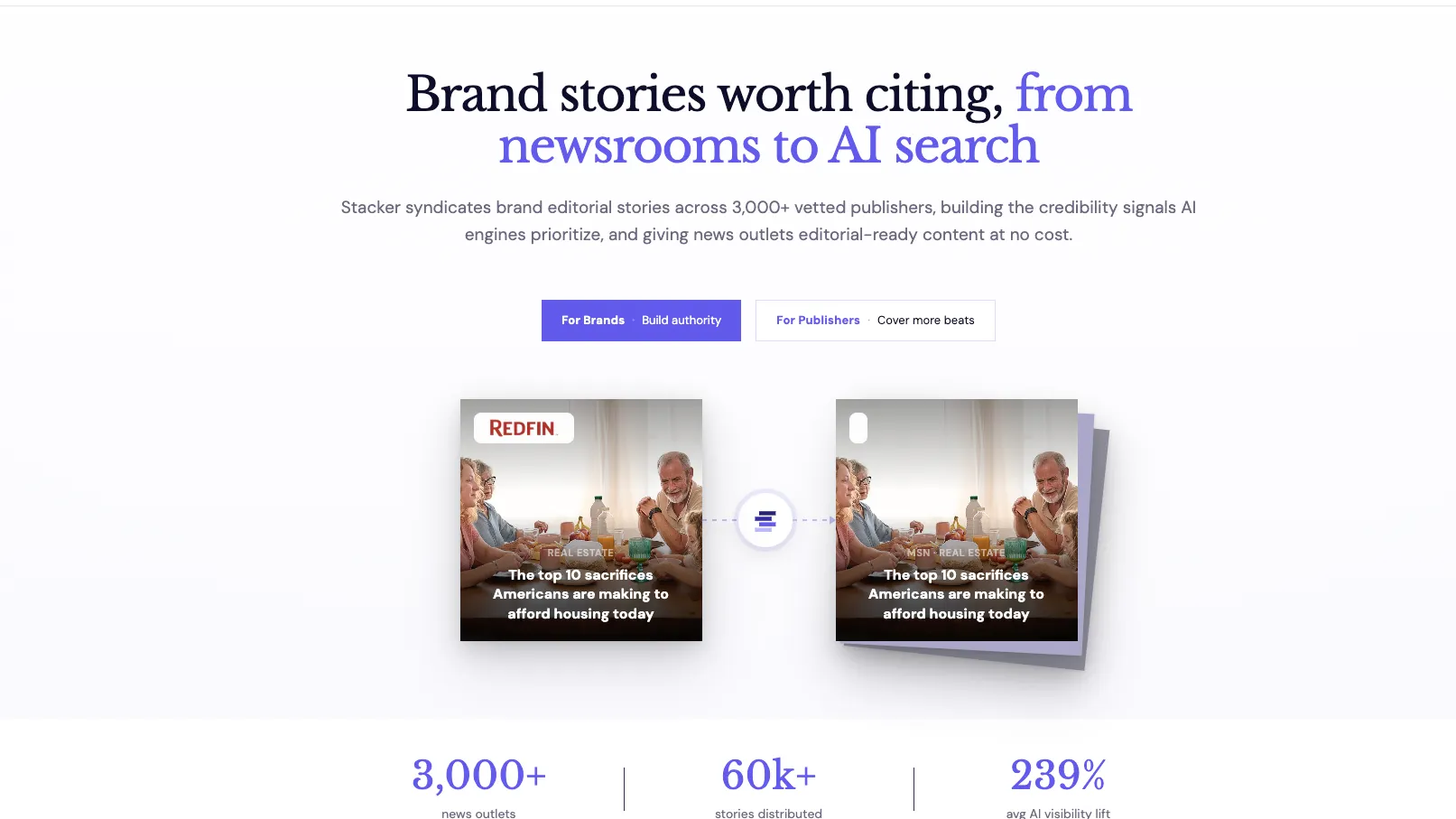
Stacker is a browser-based AI app builder and agent workspace for teams that want to build internal tools, CRMs, dashboards, customer portals, and business automations from plain language.
Information checked: Jul 8, 2026 ·View sources
Tool details
- Type
- App builders
- Platforms
- Web, Browser, Slack, Telegram, Gmail, Email, Webhooks, Voice, REST API, React/TypeScript portal apps, JavaScript automations, Python automations
- Free plan
- Yes
- Open source
- No
- Bring your own key
- Yes
- Local models
- No
Overview
Best for
- AI-generated internal tools
- Customer and client portals
- Business dashboards
- Small-team CRM workflows
- Agent-assisted operations
- Support triage and follow-up workflows
- Data-connected apps over Salesforce, HubSpot, Stripe, Airtable, Google Sheets, Postgres, or MySQL
- Teams that want AI agents to work inside app data and connected SaaS tools
Strengths
- Combines AI app generation, portals, agents, integrations, and automations in one workspace.
- Useful for business apps that need both human-facing portals and agent-driven back-office work.
- No per-seat fee on the Team agent plan makes usage easier to scale across a team.
- Granular per-agent tool grants help control what each agent can read, write, or execute.
- Data sync plus live integrations lets teams use Stacker on top of existing systems instead of rebuilding every backend.
Limitations & trade-offs
- Developers looking for an AI-native code editor like Cursor or Windsurf
- Teams that need terminal-first coding agents
- GitHub issue-to-PR automation workflows
- Large engineering teams that require full source-code ownership from day one
- Organizations that require self-hosted app generation without cloud agents
- Teams that need mature enterprise procurement documentation before testing
- Not an AI code editor, IDE extension, CLI coding agent, or GitHub issue-to-PR agent.
- Newer AI-agent workspace positioning may be less proven than mature internal-tool and app-builder platforms.
- Credit-based usage can be harder to estimate for agent-heavy workflows than fixed per-seat pricing.
- Advanced enterprise needs such as SSO, BYO LLM, DPA, and custom integrations require custom sales engagement.
- Cloud-based agents with data, email, web, and code tools require careful permission design before production use.
Get started
Pricing & usage limits
Official pricingFree tier · From $9
Free Trial Credits$0
$100 in starter credits with no credit card required; free trial credits do not expire.
Team$50 / month
Includes 250 credits per month, unlimited agents, all integrations, Slack/email/web channels, schedules, memory, custom skills, and no per-seat fees.
EnterpriseCustom / contract
Custom credit volumes, dedicated onboarding, SLA and priority support, security review, DPA, SSO, advanced access controls, BYO LLM, and custom integrations.
Portal Personal$9 / month, billed yearly
Customer-facing portal plan with 25 AI credits/month, 100 cloud credits/month, up to 20 customers, 1 admin user, and Stacker branding.
Portal Starter$49 / month, billed yearly
Adds 100 AI credits/month, 1,000 cloud credits/month, up to 100 customers, data integrations, custom branding, and email support.
Portal Pro$199 / month, billed yearly
Adds 1,000 AI credits/month, 10,000 cloud credits/month, up to 1,000 customers, full white label, backup/restore, and priority support.
Pricing checked: Jul 8, 2026 · Subscription, usage limits, and model costs may be billed separately.
Features & details
AI App and Portal Builder
- Generate apps and client portals from plain-language prompts
- Plan, design, and build modes for AI-assisted app creation
- Editable React/TypeScript app output for deeper customization
- Branding, themes, custom layouts, navigation, and portal pages
Worker Agents
- Multiple configurable agents per app
- Agent instructions, model choice, daily cost caps, and max iterations
- Threads, private memories, shared knowledge graph, and tool call history
- Per-agent tool grants for data, communications, browsing, files, code, and integrations
Channels and Automation
- In-app chat, Slack, Telegram, Gmail, hosted email, webhooks, and voice
- Heartbeat schedules parsed from plain language into cron
- Record-change, button, agent, callable, and manual automation triggers
- JavaScript and Python automations in isolated server-side sandboxes
Data and Integrations
- Built-in data connectors for Salesforce, HubSpot, Stripe, Airtable, Google Sheets, Postgres, MySQL, and more
- Live API actions through connected integrations
- REST API access with scoped API keys
- Permission controls for which records users and agents can see or change
Why Choose Stacker?
Stacker is most useful when the product you want is not a public marketing site or a blank code project, but a business application tied to real operational data. It is designed for apps such as internal tools, lightweight CRMs, dashboards, client portals, customer workspaces, and automated back-office workflows.
The important difference is that Stacker combines two layers that are often separate. One layer builds the app or portal interface. The other layer gives AI agents a place to work with records, tools, channels, schedules, integrations, files, and automations. That makes it more operational than a pure prompt-to-frontend builder and more app-oriented than a standalone AI agent chatbot.
For developer teams, Stacker is useful when the goal is to ship a business-facing workflow quickly without hand-building every screen, permission rule, integration, and automation from scratch. It is not a replacement for an IDE, but it can reduce the amount of custom glue code needed around common business apps.
Core Workflow
A typical Stacker project starts with a plain-language description of the app or portal. The user describes the business, the data involved, the users, and the outcome. Stacker can generate a functional draft app, then the builder conversation can refine pages, layout, copy, forms, navigation, branding, formulas, and data structure.
The next step is usually data design. Teams decide whether data should live in Stacker tables, sync from external systems, or be acted on live through integrations. This distinction matters: synced tables are useful when agents and portal users need structured records inside the app, while live integrations are useful when an agent needs to take an immediate action in another product.
After the app exists, teams can add agents. Each agent gets instructions, a model, limits, channels, memories, and specific tools. A support agent might read tickets and send email. An operations agent might update records and chase stale tasks. A research agent might browse the web and produce a sourced summary. The safer pattern is to start with read-only capabilities, then add write access and external actions only after the behavior is validated.
Use Cases That Fit Stacker
Stacker fits business workflows where the interface, data, and automation are closely connected. Strong examples include customer portals, agency client workspaces, self-service billing portals, sales dashboards, partner portals, lightweight CRMs, support triage systems, project trackers, order management tools, and internal operating dashboards.
It is especially useful when the organization already runs on tools such as Salesforce, HubSpot, Stripe, Airtable, Google Sheets, Postgres, MySQL, QuickBooks, Xero, Asana, ClickUp, or Monday.com, but needs a safer or more focused interface for customers, partners, or internal teams.
Stacker is less compelling when the goal is a consumer SaaS product with custom architecture, a public landing page, a complex marketplace, or a developer-controlled codebase from day one. In those cases, a code-first AI builder or full-stack framework may be a better fit.
Comparison to Alternatives
Compared with Base44, Stacker is more business-operations and portal oriented. Base44 is usually evaluated as a general AI app builder, while Stacker is more focused on apps that involve records, customers, dashboards, agents, channels, and integrations.
Compared with Lovable and Bolt.new, Stacker is less about generating a conventional app codebase and more about generating a managed business workspace. Lovable and Bolt.new are stronger when the buyer wants code-level app creation and developer-style iteration. Stacker is stronger when the buyer wants a business app with permissions, data connections, agents, and operational workflows.
Compared with Replit Agent, the difference is the audience. Replit Agent is more developer-centric and better for teams that want to build, inspect, and deploy code in a cloud development environment. Stacker is more suitable for operational teams that want the app, data model, interface, and agent behavior managed inside one product.
Compared with Create or Tempo, Stacker is more workflow-centric. Those products are closer to AI web app creation. Stacker is more attractive when the generated app needs to become a live business system connected to records, integrations, schedules, and support channels.
Best Configuration
The best Stacker setup starts with one narrow operational workflow. Avoid trying to build the entire business operating system in the first app. Choose a process with clear users, clear records, and clear actions: for example, a client portal for order status, a support triage workspace, or a sales follow-up assistant.
For data architecture, choose a system of record early. If Salesforce, HubSpot, Stripe, or Postgres owns the truth, use Stacker as the app and workflow layer rather than duplicating data manually. If the workflow is new, Stacker tables may be enough at first, with external sync added later.
For agents, design permissions like production software permissions, not like chatbot settings. Give each agent the minimum tools it needs. Separate read, write, email, web, integration, code, and schema modification capabilities. Use daily cost caps and max iterations to prevent runaway usage. Require confirmation for destructive or customer-facing actions until the workflow is proven.
For automations, use plain language generation to start, but review the resulting JavaScript or Python when the workflow affects money, customer communications, or business records. The best pattern is AI-assisted creation plus human review for high-impact logic.
Migration Notes
Migrating from spreadsheets or Airtable is usually straightforward because the data model is already visible. The main work is cleaning up fields, relationships, permissions, and user roles before exposing the app to customers or partners.
Migrating from a no-code portal builder requires more planning. Stacker's AI builder and agent workspace may replace multiple pieces of the old workflow, but users should map which pages, user groups, data sources, automations, and integrations must be preserved before rebuilding.
Migrating from a custom internal tool is a different decision. If the custom tool has complex business logic, deeply integrated authentication, or custom UI behavior, Stacker may be better as a new workflow layer rather than a one-to-one replacement. Start by recreating one operational module and compare build speed, maintainability, permission control, and user adoption.
Migrating from a code-first AI app builder should focus on ownership expectations. Stacker is a managed app workspace; the value is speed, agents, permissions, integrations, and operations. If the team needs full repo ownership and custom deployment control, Stacker may fit only part of the workflow.
Tradeoffs in Practice
Stacker's main advantage is consolidation. The app builder, data model, agents, channels, integrations, automations, and portals live close together. That reduces glue work, but it also means teams need to understand the platform's permission and credit model carefully.
The credit model is flexible, especially because the Team plan does not charge per seat, but agent-heavy workflows can vary in cost. A simple lookup may be cheap, while research, media generation, multi-step automation, or repeated follow-ups can consume more credits. Teams should test real workflows before estimating monthly usage.
The practical verdict is that Stacker is best for AI-assisted business applications, not for code-first software development. It belongs in an AI app builder category because it can create apps and portals from prompts, but its deeper value is the operational layer: agents that can work inside those apps, use connected tools, and automate real business processes.
Model support & data privacy
Supported models
- Claude Opus
Privacy & data handling
Stacker is a cloud-based platform where agents can access app data, integrations, files, email, web tools, and sandboxed code depending on the permissions granted. The privacy policy describes collection of account, usage, device, billing, and service-related information, and the Enterprise plan mentions security review and DPA support. Teams should review current security documentation, DPA terms, LLM routing, file retention, integration scopes, and agent tool grants before using confidential customer or business data.
Guides, reviews & fixes
No published guides yet. Start with the official documentation above.
Product updates
No verified product updates listed yet. Follow this tool to see new relevant content in Saved.
See the content timelineAlternatives
Base44Base44 is a no-code AI app builder for creating functional web apps, websites, internal tools, and portals from natural-language prompts with built-in backend services. LovableLovable is a full-stack AI web app builder positioned between no-code prototyping tools and developer-first AI coding environments.
 Bolt.newBolt.new is a browser-native AI web app builder for quickly turning product ideas into editable, runnable, and deployable JavaScript applications.
 Replit AIReplit AI is an all-in-one browser-based AI software creation platform that combines prompt-to-app generation, a cloud IDE, built-in infrastructure, publishing, and collaboration.
 CreateCreate is an AI-first prompt-to-app builder, now also branded as Anything, for turning natural-language ideas into working web apps, mobile apps, internal tools, dashboards, and AI-powered workflows.
 TempoTempo is a code-first AI app builder and visual React IDE positioned between prompt-to-app tools, Figma-to-code workflows, and developer-centric AI editors.
Sources & verification
Verification dates record when this directory checked the information. Product release dates appear separately above.
Official websiteStacker pricingPortal pricingStacker documentationAI Agents overviewCreating agentsAgent toolsAgent channelsData connections and integrationsSupported connectorsAutomationsAPI accessPrivacy policyTerms of service
Directory revision history
Created directory entry using Stacker official website, AI workspace pricing, portal pricing, documentation, AI agent docs, connector docs, automation docs, API docs, and legal pages.