On This Page1 sections
Try the browser tool
Images stay on your device. Model files download when you run the tool; WebGPU support depends on your browser and hardware.
Use the interactive tool above, then read the setup and usage notes below.
IMAGE–TEXT SIMILARITY · RUNS ON YOUR DEVICE
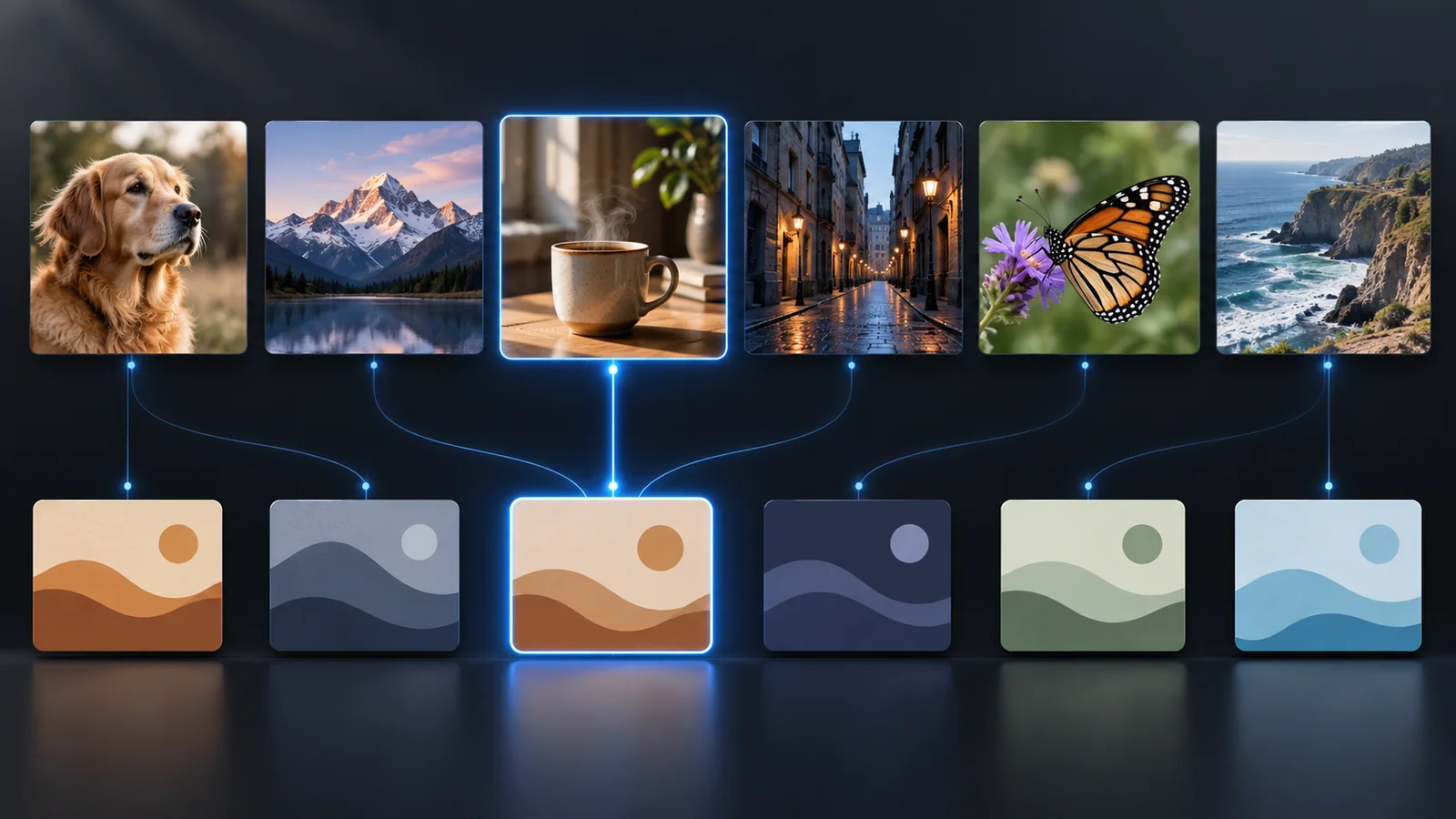
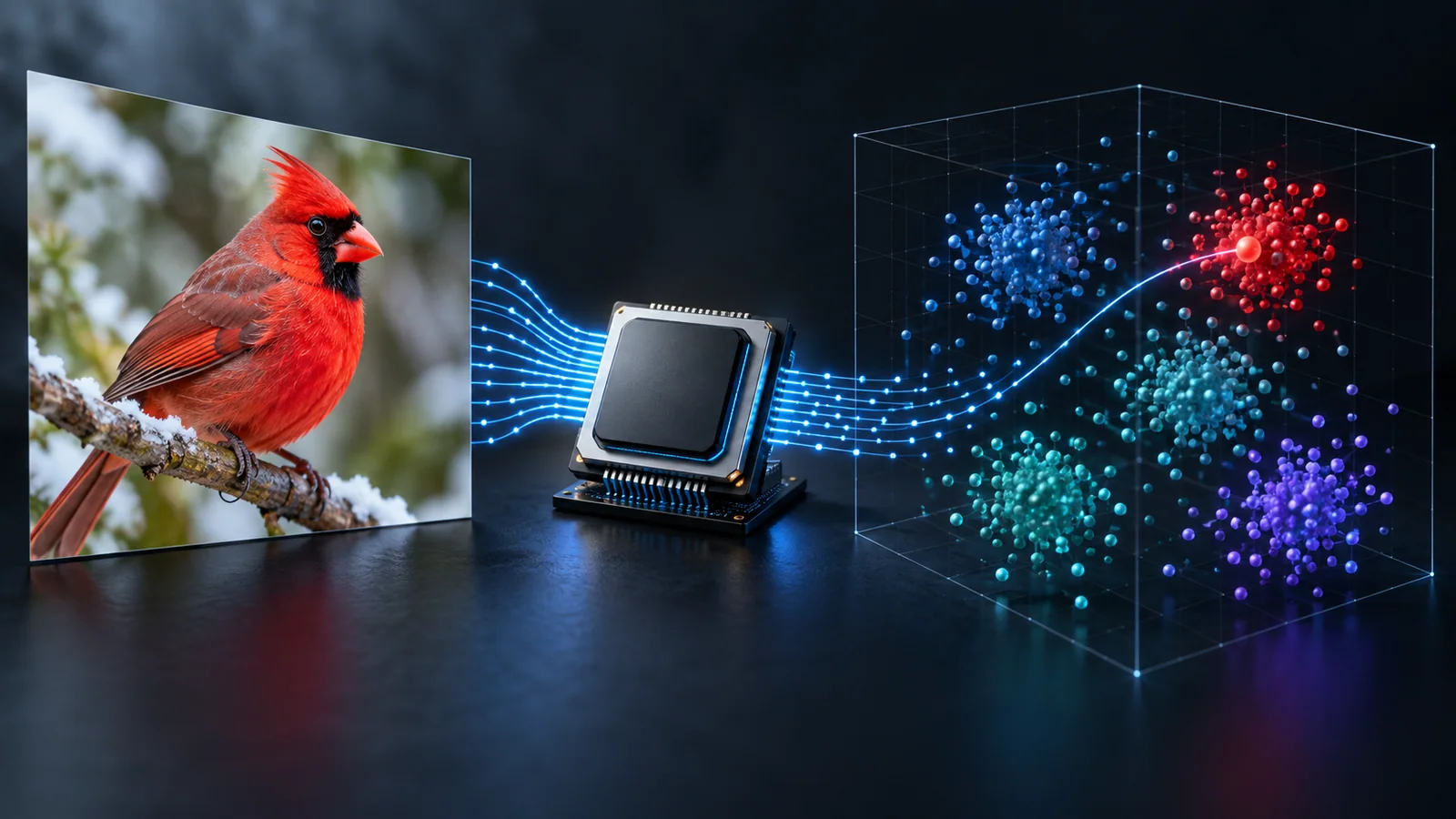
Type several captions and see how well each one matches an image. MobileCLIP-S0 maps text and image into one embedding space; the cosine similarity is the match score.
Powered by Apple MobileCLIP
Questions
More toolsWhat does zero-shot mean?
The model was never trained on your labels. It compares the image embedding with a text embedding of each label, so any phrase can be a class.
How do I write good labels?
Use short, concrete noun phrases and keep the template on. Add a catch-all like “something else” to see whether the model is unsure.
Is this MobileCLIP2?
No. The browser tool uses MobileCLIP-S0, the first-generation model ported to Transformers.js. MobileCLIP2 runs locally with Python; see the guide.
Is my image uploaded?
No. Embedding happens in a Web Worker in your browser. Only the model files are downloaded from Hugging Face on first use.
Continue Reading
More articles connected to the same themes, protocols, and tools.

Referenced Tools
Browse entries that are adjacent to the topics covered in this article.