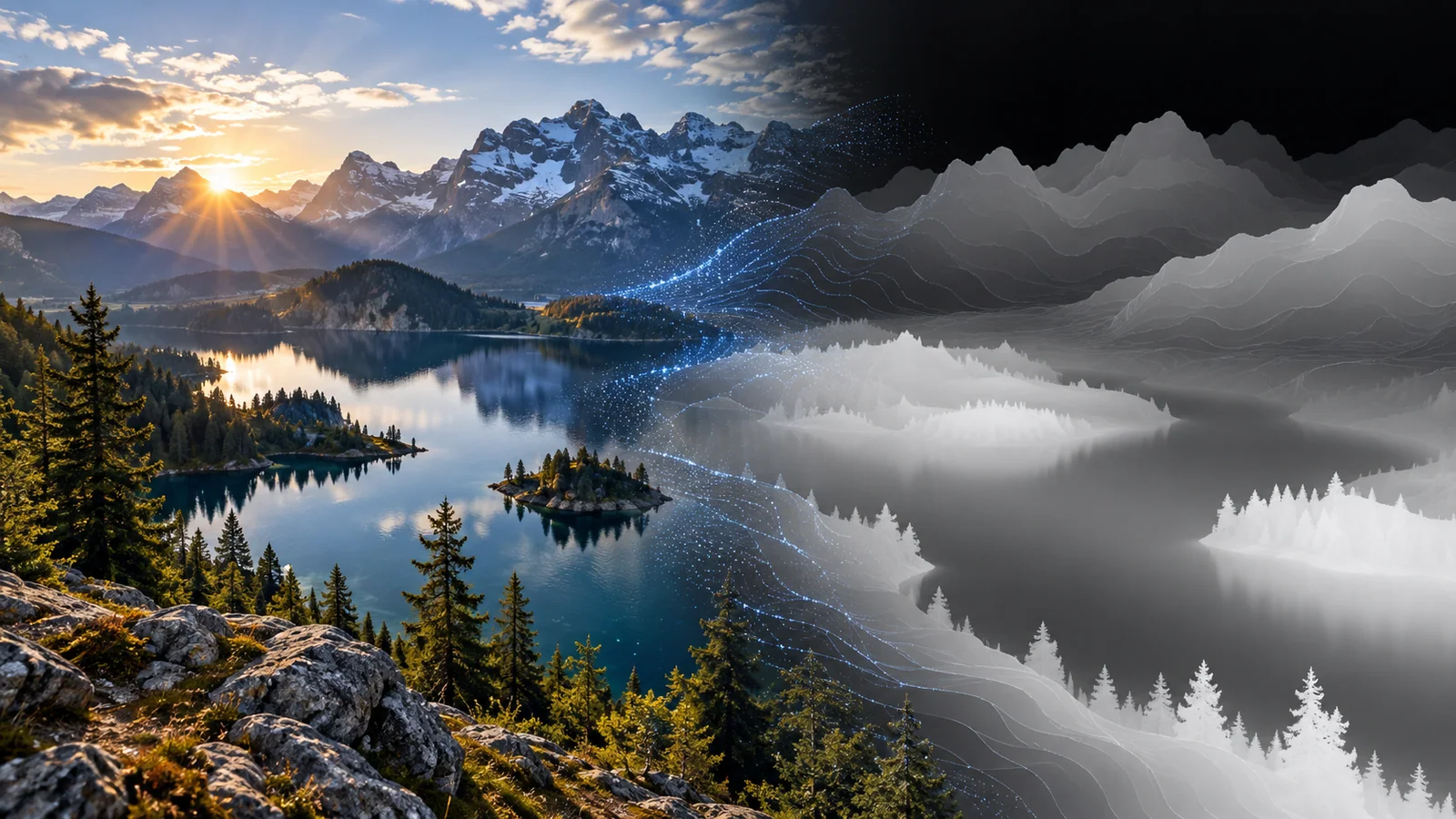
目次1 セクション
Try the browser tool
Images stay on your device. Model files download when you run the tool; WebGPU support depends on your browser and hardware.
Use the interactive tool above, then read the setup and usage notes below.
DEPTH MAP GENERATOR · RUNS ON YOUR DEVICE
Convert any image to a depth map with monocular depth estimation. Choose Apple Depth Pro for metric depth or Depth Anything V2 Small for a fast first result. Everything runs locally in your browser.
Powered by Apple Depth Pro and Depth Anything V2
Depth map questions
More toolsWhat is a depth map?
A depth map is an image where each pixel encodes distance from the camera instead of colour. Here bright means near and dark means far; download it to use in 3D photo effects, parallax, background blur, relighting or 3D reconstruction.
Metric or relative depth?
Depth Pro predicts metric depth—absolute distances in metres—plus a focal length estimate, without camera metadata. Depth Anything V2 predicts relative depth: the ordering is right, but the scale is arbitrary.
Is my image uploaded?
No. The model runs in a Web Worker in your browser. The only network requests are the model files from Hugging Face on first use.
Which browsers work?
Current Chrome, Edge and Safari with WebGPU run both models. Without WebGPU, the small model falls back to WebAssembly on the CPU, which is slower but works.
Can I do this in Python?
Yes. The Depth Pro page shows the official ml-depth-pro CLI and the Transformers integration, including MPS on Apple Silicon.
続きを読む
同じテーマやツールに関連する記事。
関連ツール
この記事のテーマに近いディレクトリ項目を確認できます。