On This Page8 sections
Key Takeaways
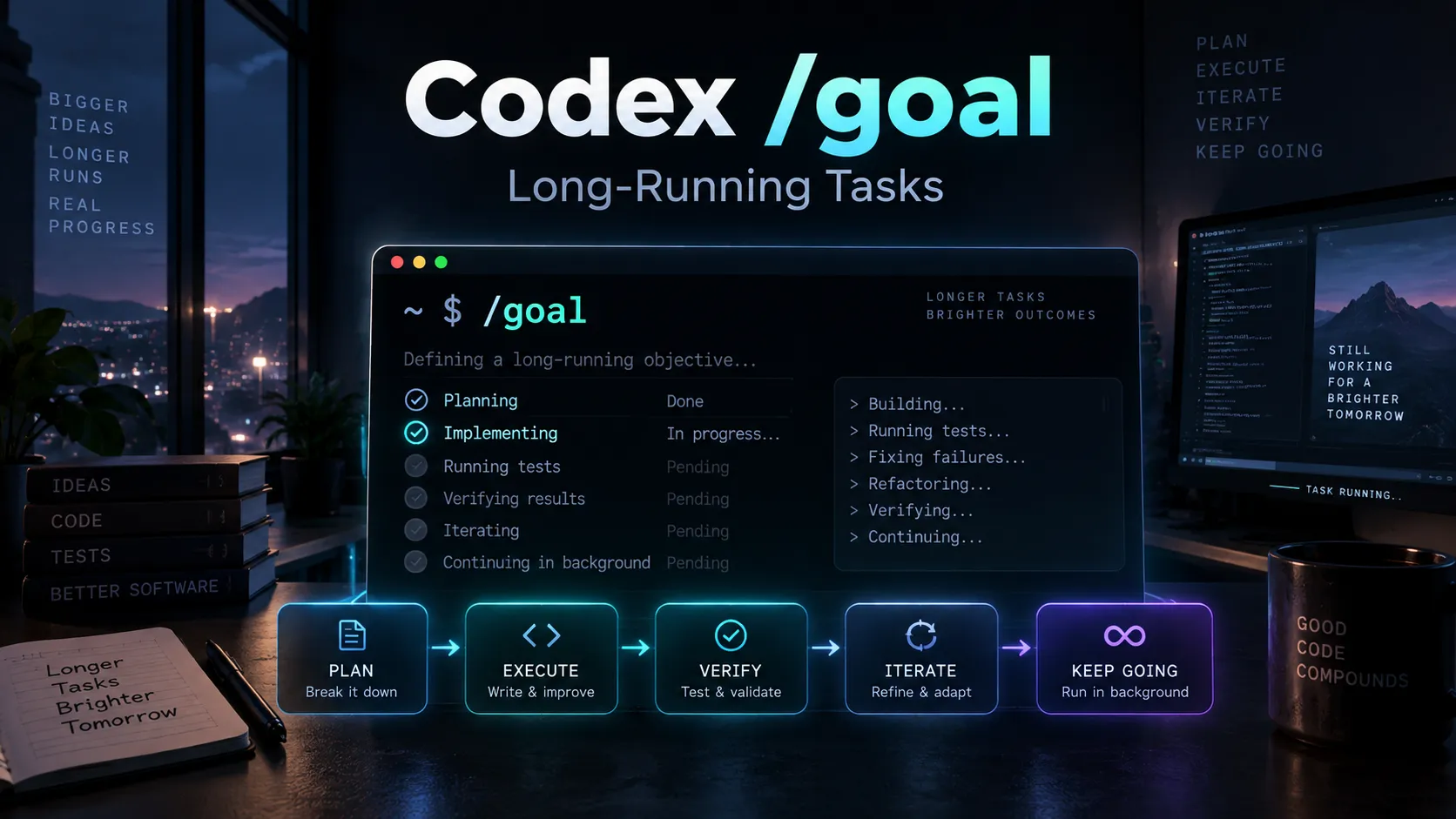
/goalgives Codex a persistent objective for long-running work. Instead of handling one instruction and stopping, Codex keeps the target attached to the thread and evaluates progress against a defined finish line.- The phrase
when goals are enabledrefers to the Goals feature being available and enabled in Codex. - Use
/goalfor migrations, refactors, debugging loops, performance work, prototype builds, and research that may require many iterations. - Do not use it for tiny edits or vague requests. A Goal works best when success can be verified with tests, builds, benchmarks, screenshots, artifacts, or another concrete check.
- The best Goal is not simply a long prompt. It defines the desired outcome, verification method, constraints, boundaries, iteration policy, and what Codex should do if it becomes blocked.
- Plan and Goal solve different problems. Plan determines how to approach the work; Goal defines what must be true before the work is considered complete.
What Does When Goals Are Enabled, Use /goal Mean?
If Codex displays this tip:
Tip: When goals are enabled, use /goal to set or inspect the objective for a long-running task.it is pointing to Codex's Goals workflow.
A normal Codex prompt usually describes the next task:
Fix the failing checkout tests.A Goal describes an outcome that should remain active across multiple rounds of work:
/goal Make the checkout test suite pass without changing the public API. Run the full test suite after each relevant fix and stop only when all checkout tests pass or a blocker requires user input.The difference is important.
A normal prompt roughly follows this pattern:
request -> work -> result -> waitA Goal is closer to:
work -> verify -> continue if needed -> verify again -> complete or report blockerThe objective stays available while Codex investigates, changes files, runs commands, reviews evidence, and decides whether the completion condition has actually been met.
That makes /goal particularly useful when the correct next step depends on what Codex discovers during execution.
How /goal Works in Codex
The basic command is simple:
/goal <objective>For example:
/goal Migrate this application to Next.js 16 while preserving all existing routes, passing the production build, and keeping the current visual behavior unchanged.After a Goal is active, Codex can keep the objective in view while it performs the work needed to reach that state.
Common Goal lifecycle commands include:
/goal
/goal pause
/goal resume
/goal clear
Their practical meaning is:
/goal <objective>— create or replace the active objective./goal— inspect the current Goal./goal pause— pause continuation while preserving the objective./goal resume— continue working toward a paused Goal./goal clear— remove the active Goal.
The important point is that /goal should not be interpreted as loop forever. It is better understood as a persistent completion contract.
Why the Tip Says When Goals Are Enabled
The wording can be confusing because it sounds as though Goals are always disabled.
Depending on the Codex version and configuration, Goals may already be available or may need to be enabled explicitly.
Check the installed Codex version with:
codex --versionIf Codex was installed through npm, it can be updated with:
npm install -g @openai/codex@latest
codex --version
If Goals need to be explicitly enabled, the configuration may look like:
[features]
goals = true
A CLI-based feature command may also be available:
codex features enable goalsIn practical terms, the message means: if Goals are active in the current Codex environment, /goal is the command for creating or checking a durable long-running objective.
/goal vs a Normal Prompt
The easiest way to decide whether to use /goal is to ask one question:
Does Codex need to perform several uncertain steps and repeatedly verify whether the final outcome has been reached?
If the answer is no, use a normal prompt.
If the answer is yes, a Goal is often a better fit.
| Task | Normal Prompt | /goal |
|---|---|---|
| Rename one variable | Best choice | Unnecessary |
| Explain an error | Best choice | Unnecessary |
| Fix one obvious CSS issue | Best choice | Usually unnecessary |
| Migrate a framework version | Possible | Better fit |
| Debug an intermittent test | Possible | Better fit |
| Improve a benchmark until a target is reached | Awkward | Strong fit |
| Build a complete prototype from a spec | Possible | Strong fit |
| Refactor a large codebase while keeping tests green | Awkward | Strong fit |
The key distinction is that a Goal gives Codex a finish line that survives intermediate results.
If a benchmark improves from 180 ms to 140 ms but the target is 120 ms, the Goal is not done. If the performance target is reached but tests fail, it is still not done.
What Makes a Strong Codex Goal?
A strong Goal should define the outcome, verification surface, constraints, boundaries, iteration policy, and blocked stop condition.
1. Outcome
Describe what must be true when the task is finished.
Weak:
/goal Improve the site.Better:
/goal Make the production build pass and eliminate all TypeScript errors.The second version gives Codex an observable end state.
2. Verification Surface
Tell Codex how success should be proven.
Examples include:
npm run buildpnpm test- Playwright tests
- Lighthouse checks
- benchmark output
- visual comparison against reference screenshots
- generated artifacts
- a deployment health check
A Goal without verification can degrade into subjective looks finished behavior.
3. Constraints
Define what must not regress.
For example:
Do not change existing public URLs.
Do not remove current features.
Keep the database schema backward compatible.
Do not introduce paid dependencies.
Constraints are especially important for migrations and refactors because the easiest technical solution is not always an acceptable product solution.
4. Boundaries
Specify what Codex may touch.
For example:
Only modify apps/web, packages/ui, and related tests.
Do not change the billing service.
This reduces unnecessary scope expansion.
5. Iteration Policy
Tell Codex how to choose the next step after a failed attempt.
For example:
After each failed build, inspect the first actionable error, make the smallest justified change, rerun the affected check, then rerun the full build when the local check passes.This is much stronger than simply saying keep trying.
6. Blocked Stop Condition
A long-running agent also needs to know when not to keep working.
For example:
If progress requires credentials, production-only data, an unavailable external service, or a product decision that cannot be inferred safely, stop and report the blocker, attempted paths, and exact input required.This helps prevent wasted iterations.
A Strong /goal Template for Real Projects
A reusable pattern is:
/goal Achieve [desired end state], verified by [tests, build, benchmark, screenshots, or other evidence], while preserving [constraints].

Scope:
- [files, directories, services, or systems that may be changed]
- [areas that must not be changed]

Iteration policy:
- Inspect evidence before each change.
- Prefer the smallest justified fix.
- Re-run the most relevant verification after each meaningful change.
- Keep a concise progress record.

Definition of done:
- [condition 1]
- [condition 2]
- [condition 3]

If blocked:
- Stop substantive changes.
- Summarize what was attempted.
- Show the evidence collected.
- Identify the exact missing input needed to continue.
This structure works because it gives Codex freedom to discover the path while keeping the success criteria fixed.
Example: Build a Production-Ready Website
For a complete website implementation, a stronger Goal might be:
/goal Build the production-ready website described in SPEC.md.

Requirements:
- Implement all core pages and user flows.
- Preserve the design direction in the supplied references.
- Make the site responsive on desktop and mobile.
- Add required SEO metadata, canonical URLs, sitemap, and robots.txt.
- Keep TypeScript strict and avoid unnecessary dependencies.

Verification:
- npm run build passes.
- TypeScript reports no errors.
- Core Playwright flows pass.
- Key pages render without console errors.
- Mobile and desktop layouts are visually checked.

Iteration policy:
- Work milestone by milestone.
- Test each milestone before moving on.
- Fix discovered regressions instead of merely listing them.

Stop only when the definition of done is satisfied or a genuine blocker requires user input.
This is far more reliable than:
Implement SPEC.md.The shorter prompt tells Codex what to start. The Goal tells Codex what finished means.
Example: Framework Migration
Large migrations are a natural use case because they frequently expose problems one layer at a time.
/goal Migrate this project from Next.js 14 to Next.js 16.

Definition of done:
- Production build passes.
- Existing routes continue to work.
- Public URL structure remains unchanged.
- Authentication still works.
- Existing tests pass.
- Deprecated APIs introduced by the old version are removed where required.
- Migration-specific changes are documented.

Constraints:
- Do not redesign the UI.
- Do not change database behavior unless required for compatibility.
- Do not remove existing user-facing functionality.

After each migration step, run the narrowest relevant validation first, then run the full build and test suite before declaring completion.
This allows Codex to discover dependency conflicts, API changes, type errors, runtime failures, and test regressions without losing the original objective.
Example: Debug a Difficult Bug
A Goal is also useful when the cause is unknown:
/goal Find and fix the intermittent checkout failure.

Success criteria:
- Produce a reliable reproduction or isolate the triggering condition.
- Fix the root cause rather than masking the symptom.
- Add or update a regression test.
- Existing checkout tests remain green.

Investigation policy:
- Start from logs and failing tests.
- Record each hypothesis and the evidence for or against it.
- Prefer reversible, minimal changes.
- Do not weaken assertions simply to make tests pass.

If the failure cannot be reproduced locally, stop with the strongest evidence collected and specify what production telemetry or fixture is required next.
The important part is the evidence loop. Codex is not merely being told to try harder; it is being given a structured way to decide whether the bug is truly fixed.
Example: Performance Optimization
Performance work is almost ideal for /goal because the target is measurable:
/goal Reduce p95 API latency below 120 ms on the checkout benchmark while keeping the correctness test suite green.

Rules:
- Measure before changing code.
- Change one meaningful factor at a time when possible.
- Re-run the benchmark after each performance change.
- Reject optimizations that break correctness.
- Keep a concise record of before-and-after benchmark results.

Stop when p95 is below 120 ms and correctness tests pass, or when no defensible optimization path remains within the allowed scope.
Plan Mode vs /goal: Use Both for Complex Work
Plan mode and Goals are complementary rather than competing features.
The simplest distinction is:
Plan is for the path. Goal is for the outcome.
A practical workflow is:
- Use Plan mode when the task is risky, ambiguous, or crosses multiple systems.
- Review the proposed architecture and boundaries.
- Turn the accepted desired outcome into a
/goal. - Let Codex implement, test, repair, and validate against that Goal.
- Inspect the Goal state when needed instead of restating the same requirement after every turn.
For a framework migration, Plan mode might decide the order of dependency upgrades. The Goal then ensures the migration is not considered complete until the build, tests, and compatibility requirements pass.
Common /goal Mistakes
Using a Goal for a Tiny Task
This is unnecessary:
/goal Change the button text from Start to Begin.A normal prompt is faster and clearer.
Using a Vague Finish Line
This is weak:
/goal Make the app better.There is no reliable point at which Codex can prove that better has been achieved.
Instead, define measurable results:
/goal Improve the landing page until Lighthouse performance is at least 90, accessibility is at least 95, the production build passes, and the existing visual hierarchy is preserved.Omitting Regression Constraints
A Goal that says make tests pass may encourage changes that technically satisfy the test suite while damaging behavior elsewhere.
State what must remain unchanged.
Treating /goal as Unlimited Autonomy
Goals still operate within tool access, permissions, context, budgets, and available evidence. A good blocked stop condition tells Codex when it should stop and request missing input rather than inventing a workaround.
Combining Unrelated Projects into One Goal
Avoid:
/goal Fix checkout, redesign the homepage, migrate the database, improve SEO, and research competitors.That is a backlog, not a coherent Goal.
Split unrelated objectives into separate tasks or threads.
When Should Developers Use /goal?
/goal is most valuable when four conditions are present:
- The task may require multiple rounds of work.
- The next action depends on evidence from the previous action.
- Success can be verified objectively.
- The scope can be constrained enough to prevent uncontrolled expansion.
Good candidates include:
- dependency and framework migrations
- broad refactors
- flaky-test investigations
- performance tuning
- deployment repair loops
- prototype implementation from a specification
- test-driven feature completion
- prompt optimization against an eval suite
- evidence-backed technical research
When Should You Avoid /goal?
Use a regular Codex prompt when:
- the change is small and deterministic;
- the task has one obvious step;
- only an explanation is required;
- Codex should stop after one answer;
- there is no objective definition of done;
- several unrelated tasks are being bundled together.
The Goal feature is powerful precisely because it introduces persistence. That persistence is unnecessary overhead when the task itself is simple.
The Most Useful Mental Model
The simplest way to understand /goal is:
A prompt tells Codex what to do next. A Goal tells Codex what must be true before the job is finished.
That distinction changes how long-running coding work should be written.
Instead of repeatedly sending:
Keep going.
Fix the next error.
Run the tests again.
Continue.
Check the build.
define the completion contract once:
/goal Make the production build and complete test suite pass without removing existing functionality. Continue through actionable failures, verify each fix, and stop only when both checks pass or a blocker requires external input.The result is a clearer agent loop, less repeated instruction, and a stronger basis for deciding whether the work is actually complete.
Conclusion
Codex /goal is designed for work that cannot be completed reliably in a single prompt. It keeps a persistent objective active while Codex works through intermediate discoveries and checks progress against concrete evidence.
For developers, the biggest improvement does not come from making Goals longer. It comes from making them verifiable. Define the end state, name the tests or artifacts that prove success, protect important constraints, limit the scope, describe how iteration should work, and specify when Codex should stop because it is blocked.
If Codex shows the message When goals are enabled, use /goal, the practical interpretation is straightforward: use /goal for tasks where the final verified outcome matters more than any single intermediate step.
Continue Reading
More articles connected to the same themes, protocols, and tools.



Referenced Tools
Browse entries that are adjacent to the topics covered in this article.