On This Page8 sections
Key Takeaways
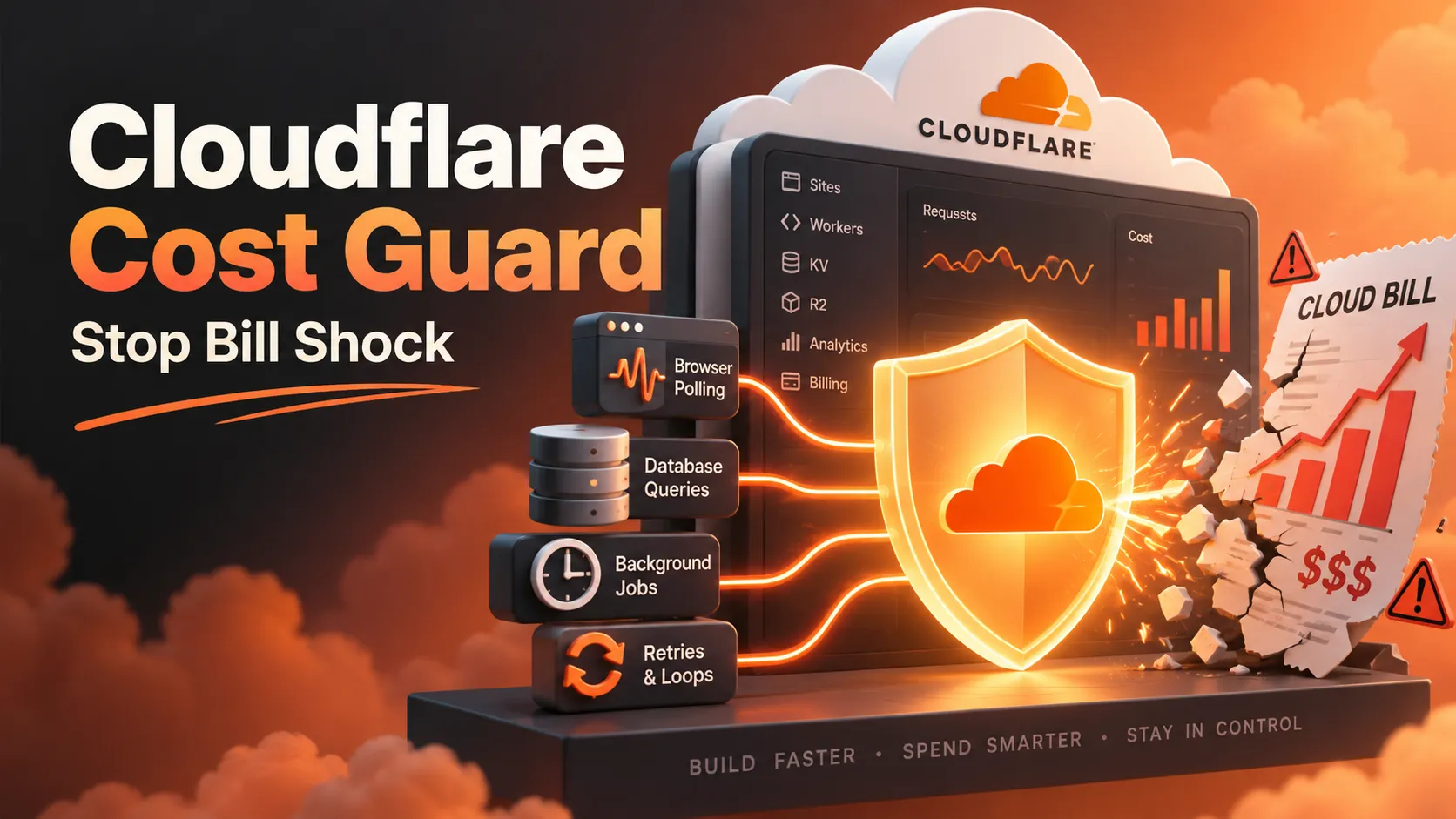
- Cloudflare bill shock is usually an amplification problem, not a large database problem. A full-table D1 query, a repeating Durable Objects alarm, an unbounded Queue retry, or aggressive browser polling can multiply inexpensive operations into enormous usage.
- A reusable Cloudflare Cost Guard Skill can make Codex and Claude Code trace the complete chain from trigger to billable operation, demand measured evidence, and flag unsafe deployments. It cannot enforce a billing cap by itself.
- D1 rows scanned and written matter more than returned rows or file size. Validate hot queries with
EXPLAIN QUERY PLANand themeta.rows_read/meta.rows_writtencounters. - Combine project-wide agent rules, a reusable
SKILL.md, a read-only scanner, CI checks, and runtime kill switches. A prompt alone is too easy to bypass. - Cloudflare budget alerts are informational, not a spending limit. Configure them, but never treat an alert threshold as an automatic stop.
Why Cloudflare Bill Shock Happens Even to Small Apps
A Cloudflare Workers application might serve only a few real visitors yet still run expensive operations continuously. Durable Objects alarms, Cron Triggers, Queue consumers, R2 event notifications, and broken retry paths do not require an active browser session. Conversely, a seemingly harmless frontend refresh can turn every open tab into a stream of billable requests.
The pattern is cost amplification: a small per-operation expense multiplied by invocation frequency, scan size, fan-out, repeated delivery, or long-lived execution. AI coding agents may implement the requested feature correctly while overlooking the economic behavior under load, retries, or failure.
The Billflare Cloudflare bill-shock case archive collects firsthand reports and their subsequent updates. As of October 14, 2026, representative cases include:
| Reported incident | Reported amount | Failure mechanism and outcome |
|---|---|---|
| Unused test project's Durable Object alarm | $10,811.41 | An alarm entered a repeated execution loop. The reporter said on October 9 that Cloudflare agreed to refund charges from the bug period; payment arrival was still pending at that update. |
| Standard Agents using two Durable Objects | $8,846 | Two unbounded loops; the reporter later described a bill adjustment. |
D1 DELETE without a supporting index | $4,114.97 | The author reported approximately 4.03 trillion rows read. |
| AI-assisted database migration without indexes | ≈$3,500 | Reportedly about 970 billion D1 row reads per day; the author later reported a full waiver. |
Voting page polling /api/result every three seconds | $816.52 | Repeated frontend requests drove unexpectedly high usage. |
| AI-written Durable Object reindexing alarm | ≈$210 | A report dated October 12 describes roughly 250 million row writes across two days. |
These are reported amounts, not independently audited invoices or guaranteed final losses. Some incidents received adjustments or refunds. The case studies demonstrate failure mechanisms rather than a typical Cloudflare bill.
The Billing Meters a Cost-Guard Skill Must Understand
A good Skill does not assign one generic price to every request. It maps operations to the relevant Cloudflare billing dimensions and checks current official rates before estimating exposure.
| Product | Main exposure | Dangerous assumption |
|---|---|---|
| D1 | Rows read, rows written, storage | Returning one result means reading one row. |
| Workers | Invocations and CPU time | The $5 Paid plan means unlimited usage. |
| Durable Objects | Requests, compute duration, storage operations | An inactive page means its alarms cannot run. |
| Queues | Message operations and repeated deliveries | A failed batch retries only the failed message. |
| R2 | Class A/B operations, storage, and some retrieval charges | Zero egress fees means zero object-access cost. |
| KV | Reads, writes, list operations, storage | Cache snapshots expire automatically. |
| Workers AI | Model-dependent inference units | A public AI endpoint cannot create meaningful usage costs. |
For Workers Paid, the D1 pricing page currently lists 25 billion rows read per month included, then $0.001 per million rows, and 50 million rows written included, then $1 per million rows. These allowances and rates are plan-dependent and may change.
Consider a 306,000-row table with an unindexed lookup executed 100,000 times daily. If each lookup scans all 306,000 rows, the illustrative 30-day usage is:
306,000 rows/query × 100,000 queries/day × 30 days
= 918,000,000,000 rows read

(918 billion - 25 billion included) / 1 million × $0.001
= approximately $893 in D1 row-read overage alone
That estimate assumes the entire 25-billion-row allowance remains available and ignores all other operations, plan fees, and billing details. It is an illustration, not a forecast. Query plans and observed metrics must validate the underlying row count. For comparison, two billion total rows written in the same month would yield approximately $1,950 in D1 write overage after the 50-million-row included allowance, assuming no other write usage. Writes have a very different rate from reads.
Cloudflare's Workers pricing documentation and R2 pricing documentation should be consulted alongside D1; R2 Standard Class A and Class B operations, for example, are priced separately from storage. A credible audit explicitly states which meter is being estimated.
Design the Skill as a Deployment Gate, Not a Generic Checklist
An effective cloudflare-cost-guard Skill has four distinct operating modes:
- BUILD: When implementing SQL, alarms, Cron, Queues, storage, retries, AI inference, or polling, choose bounded designs before code generation and review the resulting diff.
- AUDIT: Examine configuration and source code read-only. Do not execute production queries, start schedulers, deploy, or request credentials.
- PREDEPLOY: Verify measurable gates and return
PASS,REVIEW REQUIRED,BLOCKED, orUNKNOWN; never deploy merely because the Skill ran. - INCIDENT: Identify the live trigger chain, propose immediate containment, preserve usage evidence, and require explicit authorization before disabling production resources.
Every finding should include a file and line number, actual trigger, billable operation, multiplier, confidence level, impact, minimal fix, and verification step. Separate confirmed defects from conditional risks and unknowns. Merely importing DurableObject or declaring a D1 binding is not evidence of a billing defect.
A practical folder layout uses the Agent Skills specification and keeps the primary instructions concise:
cloudflare-cost-guard/
├── SKILL.md
├── references/
│   ├── risk-catalog.md
│   ├── pricing-and-sources.md
│   └── incident-runbook.md
├── scripts/
│   ├── audit.py
│   └── test_audit.py
└── examples/
    ├── ALWAYS_ON_RULES.md
    └── github-actions-cost-guard.yml
The main file should describe when the agent must activate the Skill, how to inspect the repository, what blocks deployment, and how to report uncertainty. Put lengthy product-specific patterns and current pricing links in references/ rather than flooding every development task with them.
A Practical SKILL.md Template for Codex and Claude Code
The following starting point is intentionally provider-neutral. It can be extended with a tested scanner and product-specific reference files.
---
name: cloudflare-cost-guard
description: Prevent and audit Cloudflare billing risks in Workers, D1, Durable Objects, R2, Queues, KV and Workers AI. Use when modifying SQL, migrations, alarms, Cron, polling, retries, background jobs, cache policies or Wrangler settings, and before deployment.
---

## Activation
- Apply during BUILD whenever code can change billable Cloudflare usage.
- In AUDIT mode, inspect files only; never run live workloads.
- In PREDEPLOY mode, return PASS, REVIEW REQUIRED, BLOCKED or UNKNOWN.
- Never deploy, mutate billing settings or disable production without permission.

## Review procedure
1. Inspect Wrangler bindings, routes, schema, migrations and changed files.
2. Trace trigger -> handler -> billable operation -> retries/fan-out -> next trigger.
3. Include traffic-free execution: alarms, Cron, Queues and R2 notifications.
4. Estimate operations with explicit assumptions; measure D1 rows read/written.
5. Verify bounds: retries, concurrency, work per run, rate limits and quotas.
6. Check idempotency, cache behavior, staging isolation and a real kill switch.
7. Recommend the smallest safe change, then test failure and burst scenarios.

## Severity and release gate
- P0: Confirmed unbounded, costly path or unsafe self-trigger. BLOCK deployment.
- P1: Plausible cost amplification with significant missing guard. Require review.
- P2: Optimization or observability gap with bounded exposure.
- Mark every issue confirmed, conditional or unknown; never invent measurements.

## Output
Return: decision, findings with file:line, trigger chain, billing meter,
assumptions, mitigation, proof or missing evidence, and verification steps.
A successful scan does not guarantee a spending limit or a safe bill.
The description is crucial: coding agents use Skill metadata to decide when to load its full instructions. OpenAI's Skill evaluation guidance also emphasizes testing whether a Skill activates in the intended scenarios, not just whether its prose sounds comprehensive.
Install the Skill and Make Cost Safety Persistent
For Codex, place a complete Skill directory under .agents/skills/. For Claude Code, use .claude/skills/. The global Claude Code location is ~/.claude/skills/; repository-local installation is preferable when the rules depend on a particular Cloudflare codebase.
# From the repository root, assuming the Skill folder is available locally
mkdir -p .agents/skills .claude/skills
cp -R /path/to/cloudflare-cost-guard .agents/skills/
cp -R /path/to/cloudflare-cost-guard .claude/skills/
Installation alone is insufficient. Add a short always-on repository policy to AGENTS.md for Codex or CLAUDE.md for Claude Code. This compensates for the fact that a model may not activate an optional Skill on every relevant edit.
When changing Cloudflare SQL, Workers routes, D1 migrations, Durable Objects,
Cron, Queues, R2, KV, inference, retries or frontend polling:
1. Invoke cloudflare-cost-guard before implementation and before deployment.
2. Never create an unbounded repeating task or self-triggering event cycle.
3. Measure D1 hot-query row reads/writes; inspect indexes and query plans.
4. State cost assumptions, stop conditions and how to verify the fix.
5. Do not run live migrations or deploy without explicit approval.
For users who prefer an existing third-party audit workflow, Billflare's published billing-audit Skill offers a separate read-only approach and documents its installation command. Review any third-party Skill and its executable scripts before installing it; a Skill is privileged operational guidance, not inherently trusted software.
Risk Rule 1: Prevent Unindexed D1 Queries and Runaway Writes
Start with frequently executed SELECT, COUNT, UPDATE, and DELETE statements. Inspect joins, correlated subqueries, leading-wildcard LIKE, and ORDER BY RANDOM() on large tables. A primary-key index does not help a query filtering a completely different column.
The Cloudflare D1 index guide recommends EXPLAIN QUERY PLAN and explains why rows scanned, rather than rows returned, drive row-read charges.
-- Check the query actually used by a hot endpoint.
EXPLAIN QUERY PLAN
SELECT id, score
FROM game_scores
WHERE game_id = ?
ORDER BY score DESC
LIMIT 50;

-- Apply as a versioned migration, never on every request.
CREATE INDEX IF NOT EXISTS idx_game_scores_game_score
ON game_scores(game_id, score DESC);
Then rerun the query plan and inspect production-like results. SEARCH ... USING INDEX is useful evidence, but not a complete cost measurement. D1 returns usage counters in its result metadata:
const result = await env.DB.prepare(
  "SELECT id, score FROM game_scores WHERE game_id = ? ORDER BY score DESC LIMIT 50"
).bind(gameId).all();

console.log({
  rowsRead: result.meta.rows_read,
  rowsWritten: result.meta.rows_written,
  returned: result.results.length
});
Sample on an adequately sized staging dataset and do not log sensitive row contents. Inspect write-heavy code for full-table rewrites, token-history replacement, repeated upserts and schema creation on request paths. Indexes also cost storage and write work; add them based on actual queries, not automatically for every column.
Risk Rule 2: Stop Durable Objects Alarm and Retry Loops
Durable Objects alarms offer at-least-once execution. If an alarm() handler throws, the platform can retry with exponential backoff starting at two seconds, for up to six retries. A handler that repeatedly calls setAlarm() can also schedule future executions independently of the retry mechanism.
A robust review requires the following invariants:
- A persisted termination condition: maximum job attempts, absolute deadline, or remaining work count, checked before expensive operations.
- Idempotent side effects: repeated delivery must not repeat billable writes or charge downstream services for the same logical task.
- A minimum rearm interval: no immediate rearm merely because the previous iteration finished; use an interval appropriate to the feature.
- An independent stop mechanism: disable the specific scheduled operation without relying on the frontend being online.
- A bounded batch: cap rows, objects, external requests and CPU work performed per alarm.
Calling getAlarm() can avoid overwriting an already scheduled alarm, but does not by itself prevent an endless sequence of correctly scheduled alarms. Likewise, catching exceptions and rescheduling forever simply replaces automatic retries with an application-level infinite loop. Test duplicate delivery and process crashes before declaring the handler safe.
Risk Rule 3: Block Polling, Queue and R2 Feedback Amplification
A page requesting an endpoint every three seconds makes 20 requests per minute per open tab. At 1,000 continuously active tabs, that is 28.8 million requests per day before any D1 or storage operations triggered by those requests. Browser visibility pauses, caching, revalidation, adaptive polling, backoff and abuse controls can dramatically change this profile.
Queue and object-storage loops are less visible but can be equally dangerous. A feedback path such as R2 object create → Queue → consumer Worker → write back to the same watched R2 prefix can continually regenerate the same kind of event. Trace every producer and consumer, not only the function currently being edited.
The Queues retry documentation notes that a failed batch can be redelivered and that retries have operation costs. Use bounded retries, explicit acknowledgements where appropriate, deduplication, concurrency controls and a dead-letter queue. For R2 notifications, isolate input/output prefixes or buckets and validate event filters to break feedback cycles.
R2 cost review must also distinguish Class A writes/list operations, Class B reads, cache misses and storage class. An aggressive cache TTL can increase origin operations; an excessively long TTL can serve stale results. Choose TTLs using traffic and freshness requirements rather than a universal default. For Workers AI, apply user authentication, token/input limits, per-tenant quotas and failure-time backoff before model invocation.
Add a Read-Only Scanner and CI Enforcement
A static scanner can quickly flag suspicious patterns: setAlarm() inside alarm(), recursive setTimeout, very short setInterval, unbounded while loops, SELECT/DELETE without an obvious indexed predicate, re-enqueueing into the same Queue, R2.put() in an event consumer, and missing max_retries or DLQ settings.
However, regex and syntax heuristics cannot prove that a query lacks an index, that a route is reachable, or that a loop lacks termination across helper functions. A high-quality implementation distinguishes a candidate from a confirmed incident and requires the agent to follow the call graph.
The optional cloudflare-cost-guard companion scanner can be run from a checked-out Skill package:
python3 .agents/skills/cloudflare-cost-guard/scripts/audit.py \\
  --root . --format text

# Optional CI gate for high-severity heuristic candidates:
python3 .agents/skills/cloudflare-cost-guard/scripts/audit.py \\
  --root . --fail-on high
The commands above assume the full Skill package, including scripts/audit.py, has been installed. A bare SKILL.md cannot run the scanner. A nonzero CI result should trigger investigation, not an assertion that Cloudflare will charge a particular amount. Conversely, a clean scan is not proof of safety.
Establish Measurable Release Gates
Before releasing a Cloudflare-backed feature, the agent should produce an auditable decision against concrete checks:
| Gate | Required evidence | Result if missing |
|---|---|---|
| D1 hot queries | Representative query plans and rows_read/rows_written observations | Review or block high-frequency query changes |
| Alarms, Cron and retries | Bounded work, persisted stop conditions and duplicate-delivery tests | Block confirmed unbounded paths |
| Queues and R2 events | Full producer-consumer graph, retry caps and no self-trigger | Block confirmed feedback loops |
| Public expensive APIs | Authorization, rate limits and per-user or per-tenant quotas before billable work | Review or block abuse-exposed paths |
| Staging resources | Non-production bindings and verified environment separation | Block accidental production backfills |
| Stop mechanism | Demonstrated kill switch for each costly background path | Require review before launch |
| Observability | Usage metrics, meaningful notifications and operational owner | Mark monitoring as unverified |
Test explicitly with no visitors, bot bursts, expired authentication tokens, failing downstream APIs, duplicate Queue delivery, and interrupted jobs. P0 means an evidenced unbounded costly path; P1 means materially risky behavior needing review; P2 means an optimization or observability issue with bounded exposure. Severity should reflect observed paths, not just keyword matches.
Budget Alerts Are Not Hard Spending Caps
The official Cloudflare budget alerts documentation states that account-wide budget alerts notify recipients when the billing-period spend crosses a specified threshold. They do not pause or cap usage. Product-specific usage notifications are also distinct from a guaranteed limit on total cost.
A safer operational arrangement combines account budget alerts, per-product metrics, application-level rate and work limits, and tested feature-specific kill switches. Alerts may arrive after the costly operation has already occurred. A kill switch must act before the expensive call, and its own dependency should not be the same overloaded billable service it is intended to protect.
Also distinguish a Worker CPU limit from a billing cap. Wrangler supports a limits.cpu_ms setting on applicable Workers usage models, but limiting CPU per invocation does not bound the number of invocations, D1 rows scanned, Queue messages, or R2 operations. A system can generate excessive charges while remaining within its per-request CPU threshold.
What to Do If a Cloudflare Bill Is Already Rising
- Identify the meter: check billing usage and the product dashboards for spikes in D1 reads/writes, Durable Objects requests/duration, Queue deliveries, R2 operations, or Workers invocations.
- Find and stop the source: halt the exact alarm, Cron, Queue consumer, R2 notification or exposed API path generating the operations. Stopping only the browser UI may have no effect on background execution. Production changes require appropriate authorization.
- Preserve evidence: save the deployment version, timestamps, usage charts, relevant logs, query metadata and the code diff that introduced the amplification.
- Repair and stage-test: add a bounded execution policy, idempotency, proper indexes or a broken feedback edge; reproduce the failure safely using mocks or isolated staging resources.
- Review the invoice and open a billing support case: explain the timeline and corrective action. A courtesy credit or waiver may be requested, but is not guaranteed.
Usage dashboards and billing statements can reflect different reporting windows. Do not interpret a delayed bill update as proof that a stopped operation is still running without corroborating product telemetry.
Common Mistakes When Writing a Billing-Safety Skill
- Only searching for
while (true)misses alarm rearming, retries, dynamic queue producers, token-refresh cascades and polling embedded inside React effects. - Estimating D1 usage from database size misses that a tiny file can be read or rewritten billions of times.
- Demanding an index for every SQL query increases write/storage work and ignores query frequency and real plans.
- Confusing passive alerts with enforcement creates a false sense of a $10 or $50 account cap.
- Scanning only the Git diff misses downstream consumers, deployed schedules, resource bindings, and existing production data size.
- Trusting a scanner without code-path verification turns harmless keyword hits into false positives and misses runtime-only behavior.
- Deploying as part of the audit risks triggering the very production event or backfill being investigated.
The strongest model is Skill instructions for reasoning + deterministic scanner for discovery + CI gates for consistency + runtime controls for actual containment. None replaces the others.
Conclusion
The most expensive Cloudflare incidents rarely begin with a deliberately expensive feature. They begin with an innocent query that scans too much, a Durable Objects alarm that never stops, or a retry and polling pattern that scales without a bound.
A well-designed Cloudflare Cost Guard Skill teaches Codex and Claude Code to recognize those paths before deployment, estimate their multiplication effects with evidence, and block confirmed unbounded behavior. Pair the Skill with persistent repository rules, measured D1 query costs, staging tests, clear release gates and operational kill switches.
Next step: Install the Skill in one Cloudflare repository, run a read-only audit, fix the highest-risk trigger chain, and add the same checks to the next pull request. Review the evolving Billflare case library and Cloudflare's current pricing documentation as new failure patterns emerge.
Continue Reading
More articles connected to the same themes, protocols, and tools.

Cloudflare Workers KV Instant Explained: 177× Faster Reads, Pricing, Limits, and Setup
Lagos Life Game (2026): How to Play the Viral Nigerian Life Simulator, Earn Game Naira & Get Started

Google SynthID Detector (2026): How to Check AI Images, Videos, and Audio for Invisible Watermarks
Referenced Tools
Browse entries that are adjacent to the topics covered in this article.